How to annotate a PDF without changing its original text

To annotate without rewriting a PDF's original text, open it in an overlay editor and add text, highlights, drawings, shapes or a signature on top of the page. The source text stays underneath. Use true redaction when information must be removed, and flatten a review copy only when you want annotations to become fixed page content.
See the tools in action

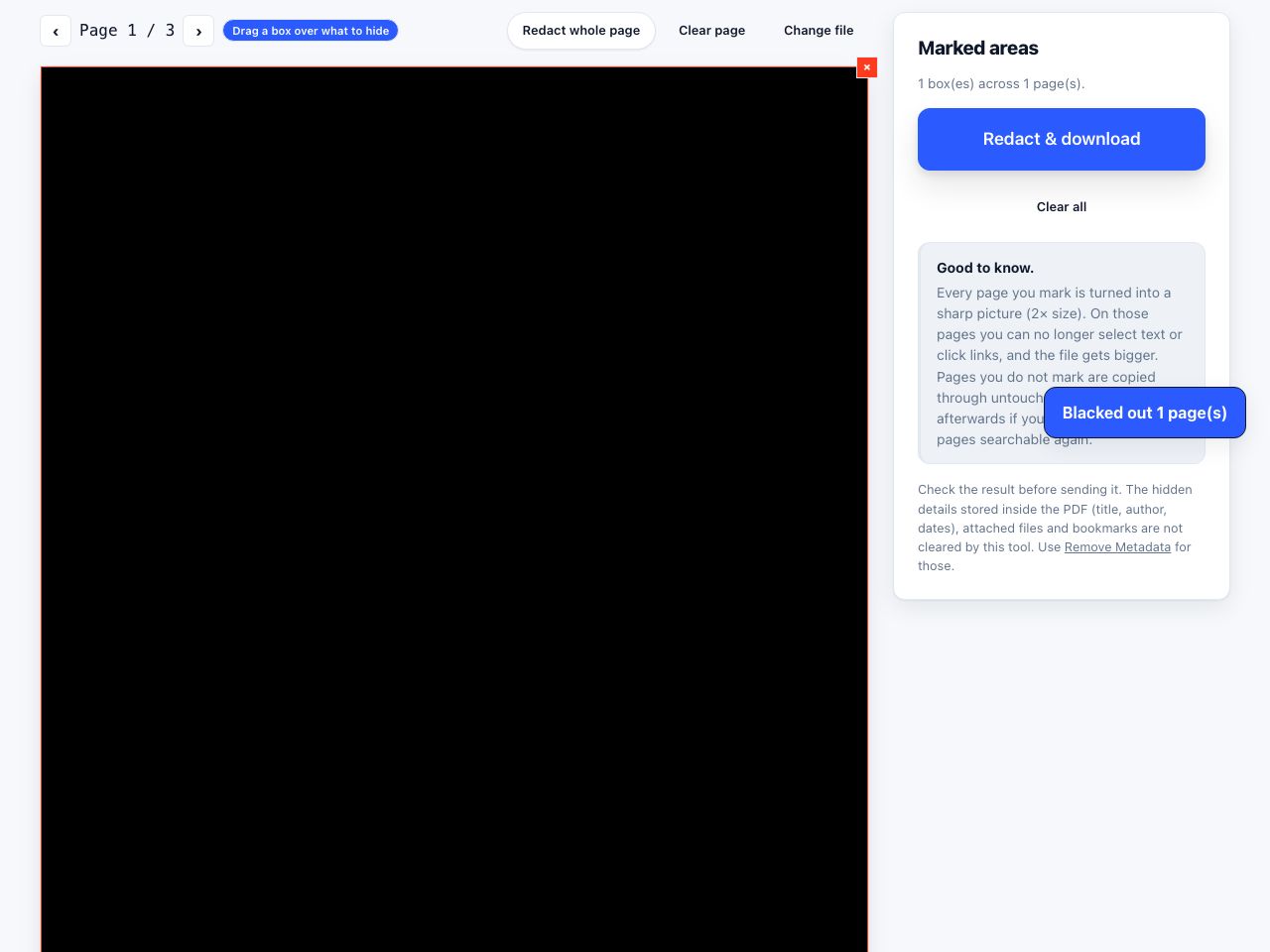

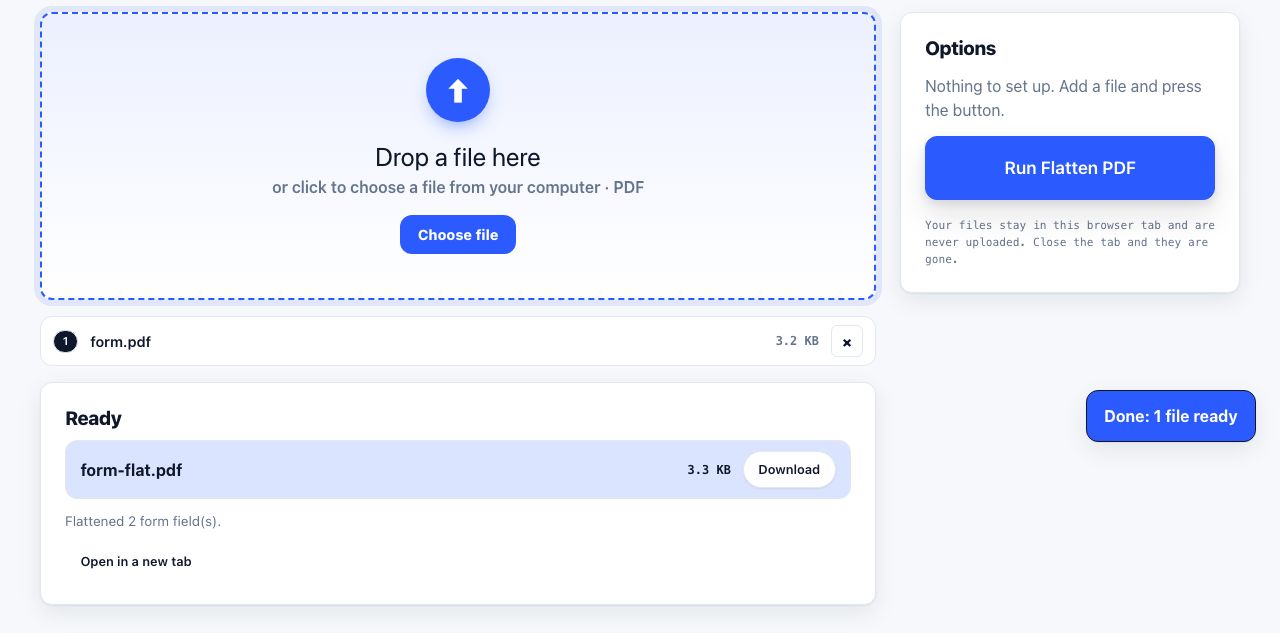
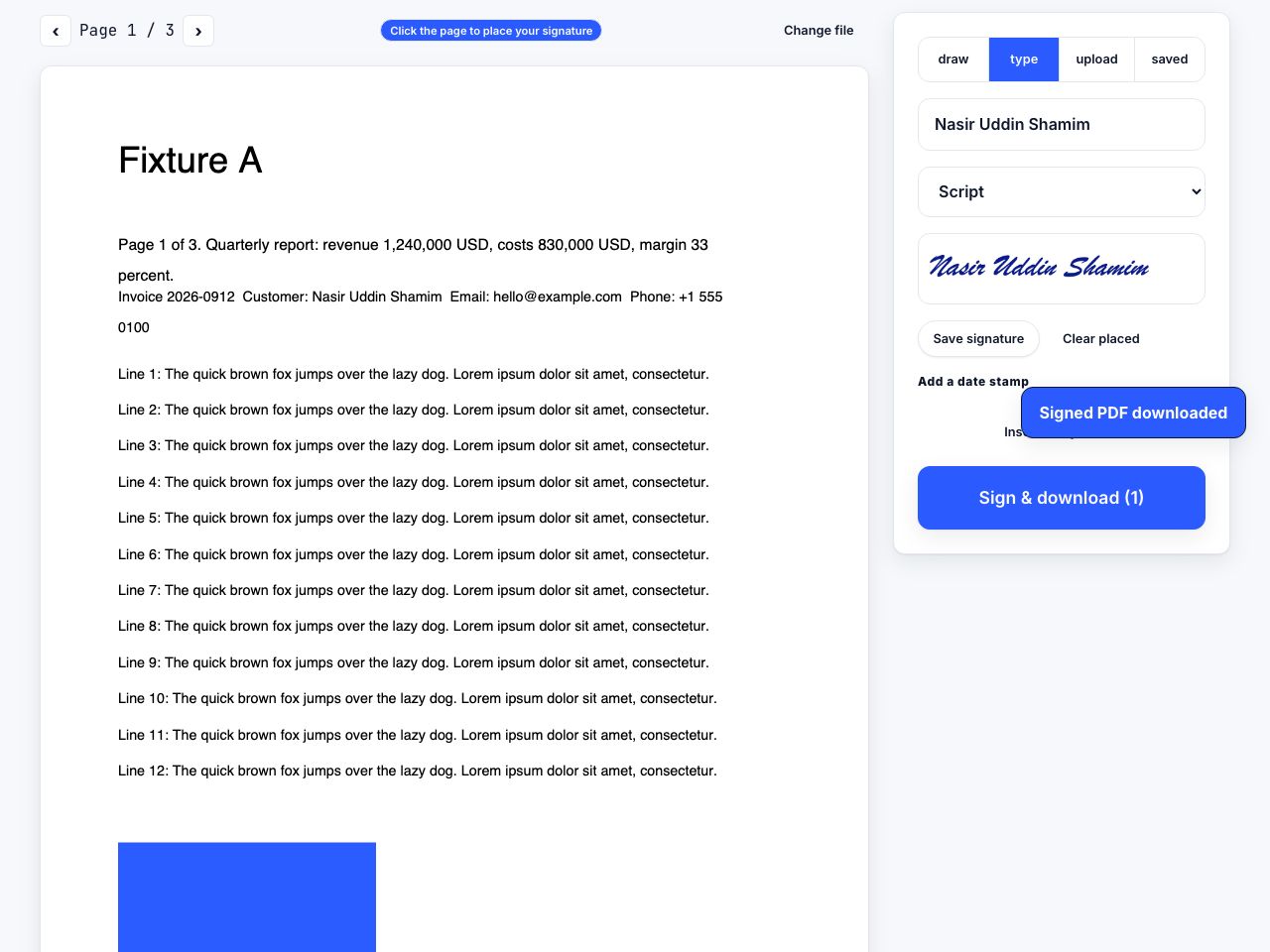
PDF editing can mean two different things. One kind changes the document's original text objects, fonts and layout. Another places a new review layer over the existing page. PrintxPDF's editor takes the second approach on purpose: it is useful for notes, signatures and visual markup without pretending to reconstruct the source text. Your edits are additions, not a silent rewrite.
Add a review layer to a copy
- Keep an untouched originalDuplicate the file first if it is a contract, signed record or document that may need to be compared later.
- Open the overlay editorGo to Edit PDF, choose the file and wait for its pages to render. The tool processes the PDF in your browser.
- Choose a markup toolAdd text, highlight an area, draw, place a shape, or remove an overlay. Click and drag on the page to position the item, then adjust it before saving.
- Add a signature only when appropriatePlace a typed or drawn signature as visible page content. This is not the same as a certificate-based digital signature that cryptographically verifies identity and later changes.
- Save and inspect the new copyReopen the result, inspect every affected page, and compare it to the source. Do not discard the source just because the overlay looks right.
Add visible review marks while leaving the source PDF text in place.
Edit PDF →What an overlay preserves, and what it does not
An overlay can add visible information while avoiding the difficult job of finding and rewriting arbitrary text inside a PDF. It is a good fit for comments, a date, a label, a highlight or a reviewer's signature mark. It does not correct a typo in the underlying paragraph, update a linked table of contents or reflow the page. Someone may still be able to select or copy the original content beneath the mark.
Use the right operation for the job
| Your goal | Better fit | Important limit |
|---|---|---|
| Add a visible note or highlight | Edit PDF | Original page text remains underneath. |
| Fill an interactive field | Fill PDF forms | Flat scans may not contain real fields. |
| Remove sensitive words | Redact PDF | Verify the removed text cannot be selected or extracted. |
| Make annotations non-editable | Flatten PDF | Flattening changes how the copy behaves; keep the editable source. |
| Compare two revisions | Compare PDFs | A visual comparison is not a legal authenticity check. |
Comments are not a privacy control
A comment or text box can be an annotation object, a graphic, or content from the original page. Merely drawing a black rectangle over a name leaves the name underneath. When the goal is privacy, use actual redaction and verify the result by selecting text, searching, and extracting text from the output. The guide how to redact a PDF properly walks through those checks.
A visible signature image is not automatically an electronic or digital signature with identity verification. For a legally significant workflow, use the signing method required by the parties and keep the original signed record.
For form workflows, use fill in a PDF form. To add trustable review history, compare against the source with PDF comparison and retain both files with clear version names.
Before sharing, also check what is outside the visible page. Author and application properties are separate from annotations; remove metadata clears standard document properties and document-level XMP, but does not erase comments, attachments or text under a visual overlay. Treat edit, redact and metadata cleanup as separate steps.
Frequently asked questions
Does overlay editing replace the existing PDF text?
No. PrintxPDF's editor adds a layer above the page. It does not rewrite or reflow arbitrary original PDF text.
Can I hide text with a black rectangle?
A shape only covers what you see. Use a redaction tool that removes the underlying content, then verify the result by selecting or extracting text.
Is a drawn signature a digital signature?
It creates a visible signature mark but does not provide certificate-based identity verification or tamper evidence. Use the signing method required for your document.