How to sign a PDF without printing and scanning it

To sign a PDF without printing, open a PDF signing tool, add a typed, drawn or image signature, place it in the correct location and save a copy. A visible signature is not necessarily a cryptographic digital signature, and legal acceptance depends on the document, jurisdiction and recipient. Check their requirements before signing important agreements.
See the tools in action
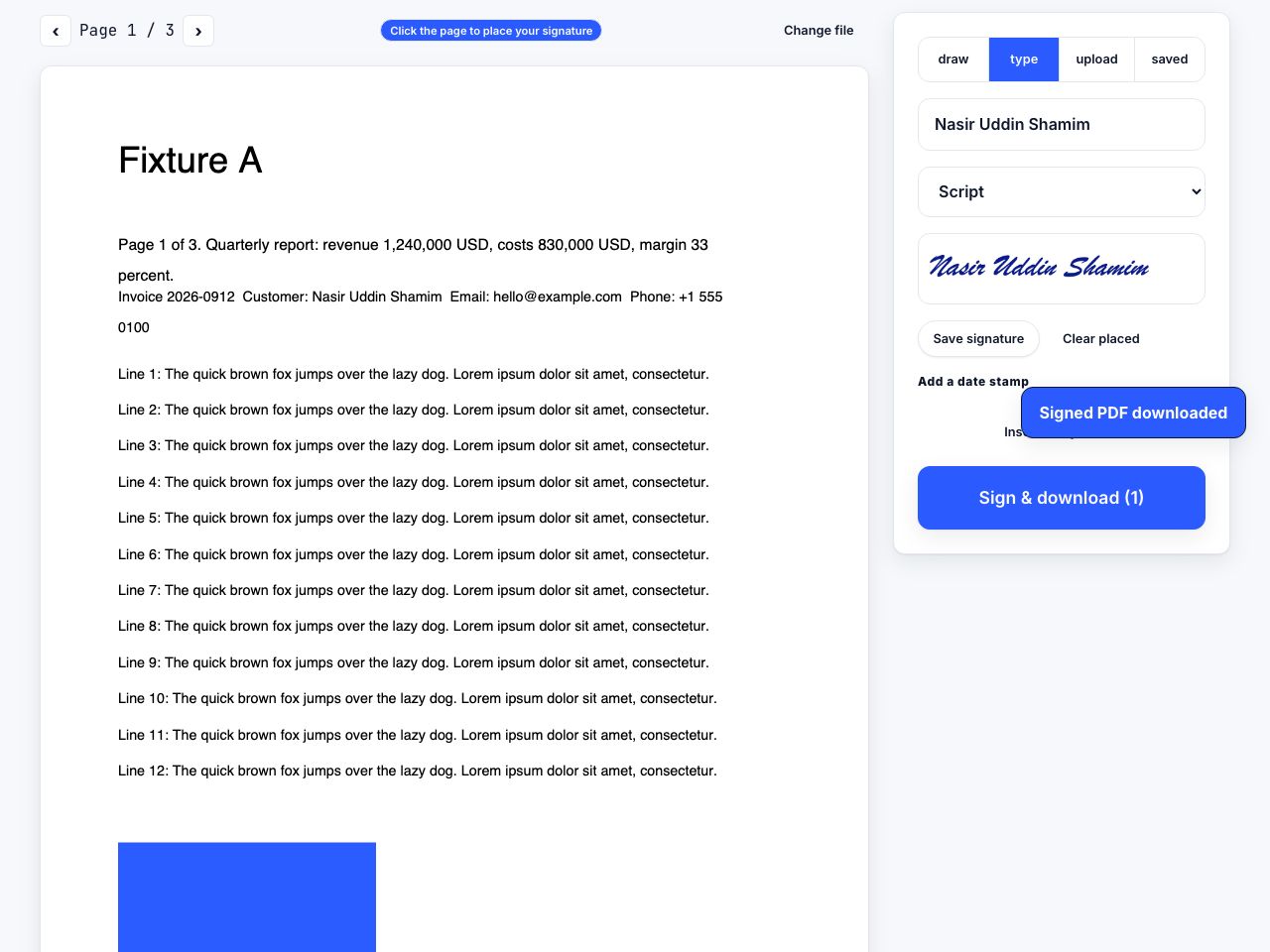

Printing, signing with a pen, scanning and emailing adds friction and can make a document harder to search. A PDF editor can place a visible signature directly on the page. That is convenient, but it is important not to confuse an image or typed mark with a certificate-based digital signature.
Add a visible signature in the browser
- Check what the recipient acceptsAsk whether they need a visible mark, an e-signature service with an audit trail, or a cryptographic certificate signature.
- Open the PDF signing toolUse Sign PDF and select the document. This editor runs in your browser.
- Create the signature markType your name, draw the mark or add an image if the tool supports that method and it meets the recipient’s instructions.
- Place and review itPosition the signature in the requested field. Review the full page, date and any required initials before saving.
- Save a copyDownload a new file and keep the unsigned original. Do not flatten or modify a document that already has a signature you need to preserve.
Place a visible signature on a PDF in your browser.
Sign PDF →Electronic signature versus digital signature
| Kind | What it generally means | What to verify |
|---|---|---|
| Typed or drawn mark | A visible indication of intent on the page | Whether the recipient accepts it and how identity is confirmed |
| E-signature service | A workflow that may include identity checks, timestamps and an audit record | The service’s process, retention and applicable requirements |
| Certificate digital signature | A cryptographic signature tied to a certificate and document bytes | Certificate validity, trust chain and post-signing changes |
When this simple method is not enough
For regulated, high-value or disputed agreements, use the signing process your organization or counterparty specifies. Requirements depend on local law, document type and evidence of identity and intent. A pasted signature image alone may not provide the audit evidence they expect.
Adding a mark to a PDF does not create a cryptographic digital signature. Editing a PDF after certificate signing may invalidate that signature, so sign only the final version and preserve the original signed file.
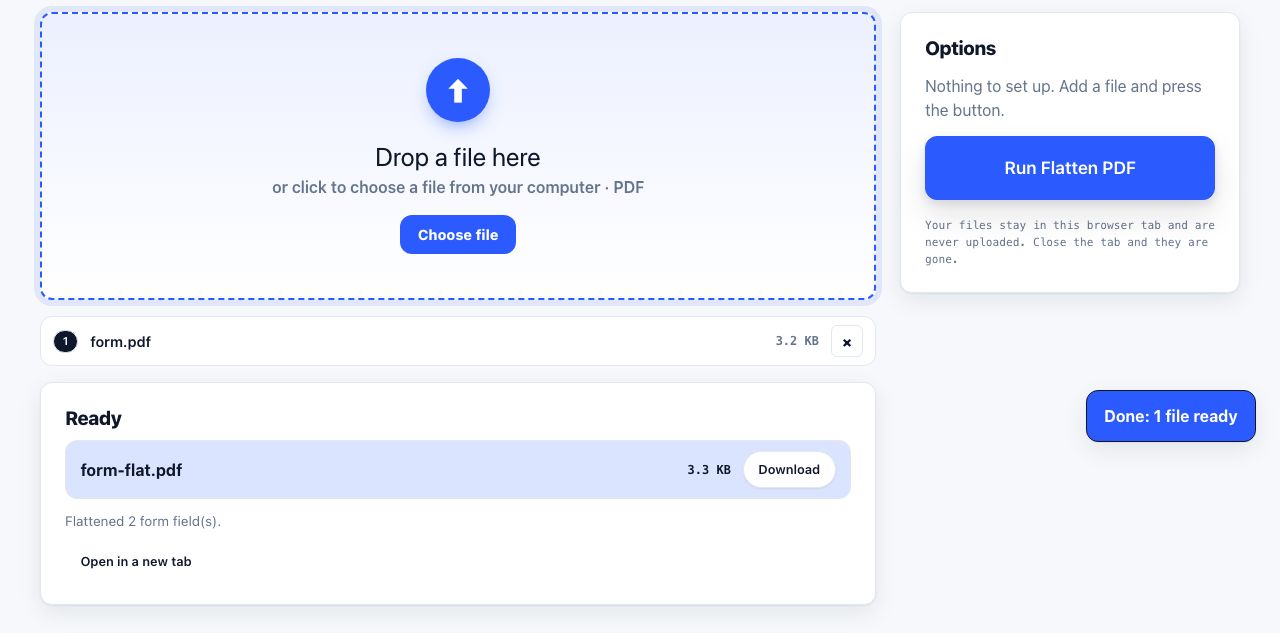
If you need to fill out fields before signing, complete the form first with PDF Forms, then review the document and sign the final copy.
Before signing, read the complete document and confirm you have the final version. A visible mark can be moved, copied or removed by someone editing the PDF, so it does not by itself prove identity or prevent later changes. A workflow that records the signer, consent, timestamp and document version can provide more evidence, but its suitability depends on the transaction and local rules. Never add your signature to a document with blank spaces that could be completed later unless the recipient has explained that process. Keep a copy of exactly what you signed and any receipt or audit record the signing service provides.
Frequently asked questions
Can I sign a PDF without printing it?
Yes. Add a typed, drawn or image signature to the PDF, place it where requested and save a copy. Confirm that the recipient accepts that kind of signature before using it for an important document.
Is a typed signature legally binding?
It can be accepted in some contexts, but there is no universal answer. Applicable law, document type, evidence of intent, identity verification and the recipient’s rules all matter. Seek legal advice for consequential agreements.
Is a signature image a digital signature?
No. A signature image is visible page content. A certificate-based digital signature uses cryptography to link a certificate to the signed document bytes and can reveal later changes.
Can I edit a PDF after signing it?
Editing can invalidate a certificate-based signature or make a visible signature misleading. Save a new version, complete edits before signing, and preserve the original signed copy.