How to sign a PDF: signatures, forms and what actually counts
 By Nasir Uddin Shamim5 guides
To sign a PDF without printing it, open the file in a signing tool, create a signature by drawing, typing or uploading a transparent PNG, drag it onto the signature line, add the date, then flatten and download. In most countries this carries the same legal weight as ink on paper.
Print, sign, scan, email is a four-step ritual that produces a crooked grey photograph and needs a printer you probably do not have. All of it can be done on screen instead: place a signature image on the page, type into the form fields, add the date, and flatten the file so nothing can be nudged afterwards. These guides cover how, how to make a signature that does not look like a scan, and what US and EU law says about the result.
Every guide in this topic
How to sign a PDF without printing it
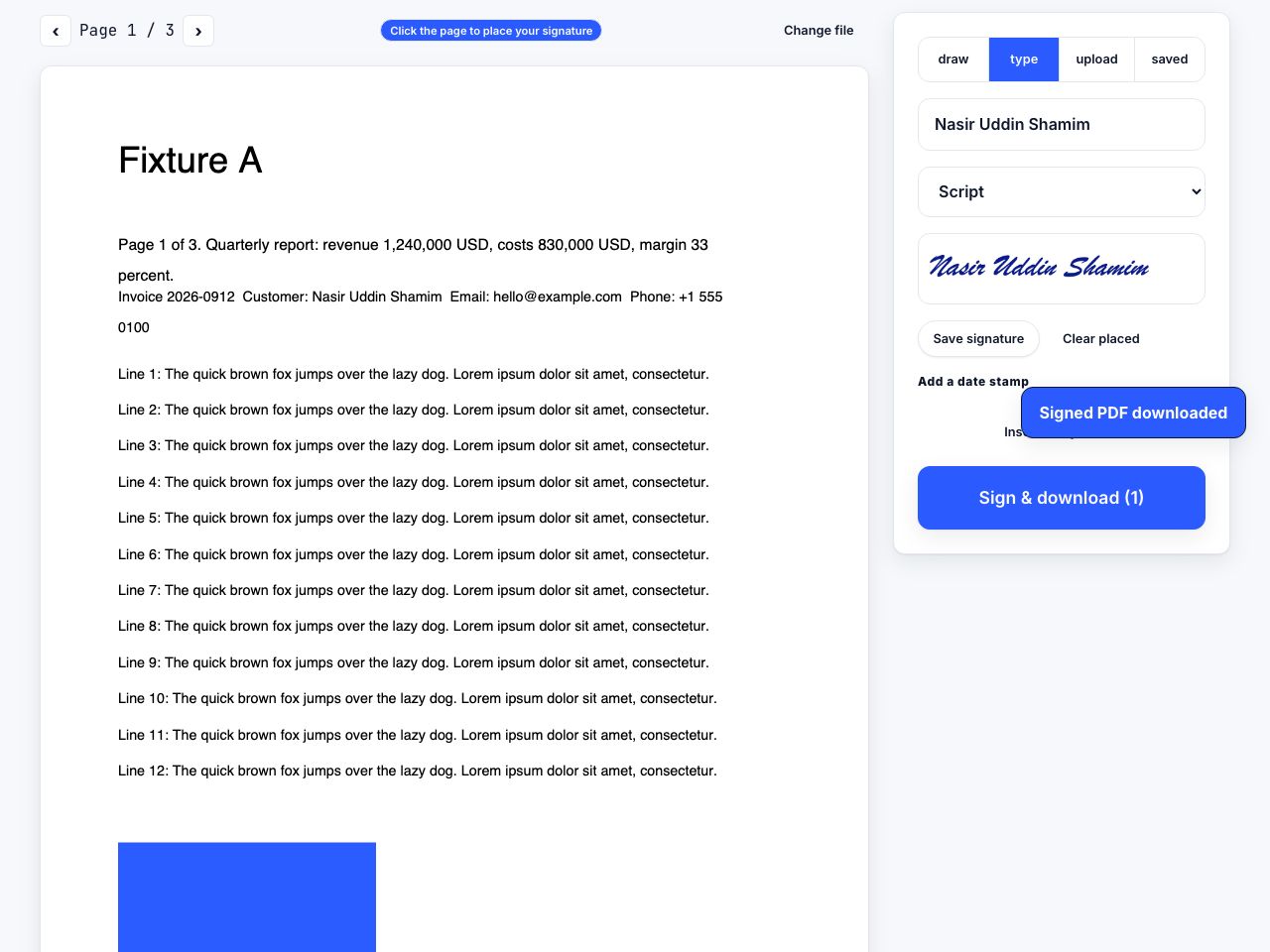
Open the PDF in a signing tool, create your signature by drawing it with a mouse or finger, typing it in a handwriting font, or uploading a transparent PNG. Drag it onto the signature line, resize it to about the height of the surrounding text, add the date, then flatten and download.
Are electronic signatures legally binding?
Yes, in most cases. In the US the ESIGN Act and state UETA adoptions give electronic signatures the same legal effect as ink for most agreements. In the EU, eIDAS says a signature cannot be denied validity merely for being electronic. Wills, certain property and family-law documents remain excluded.
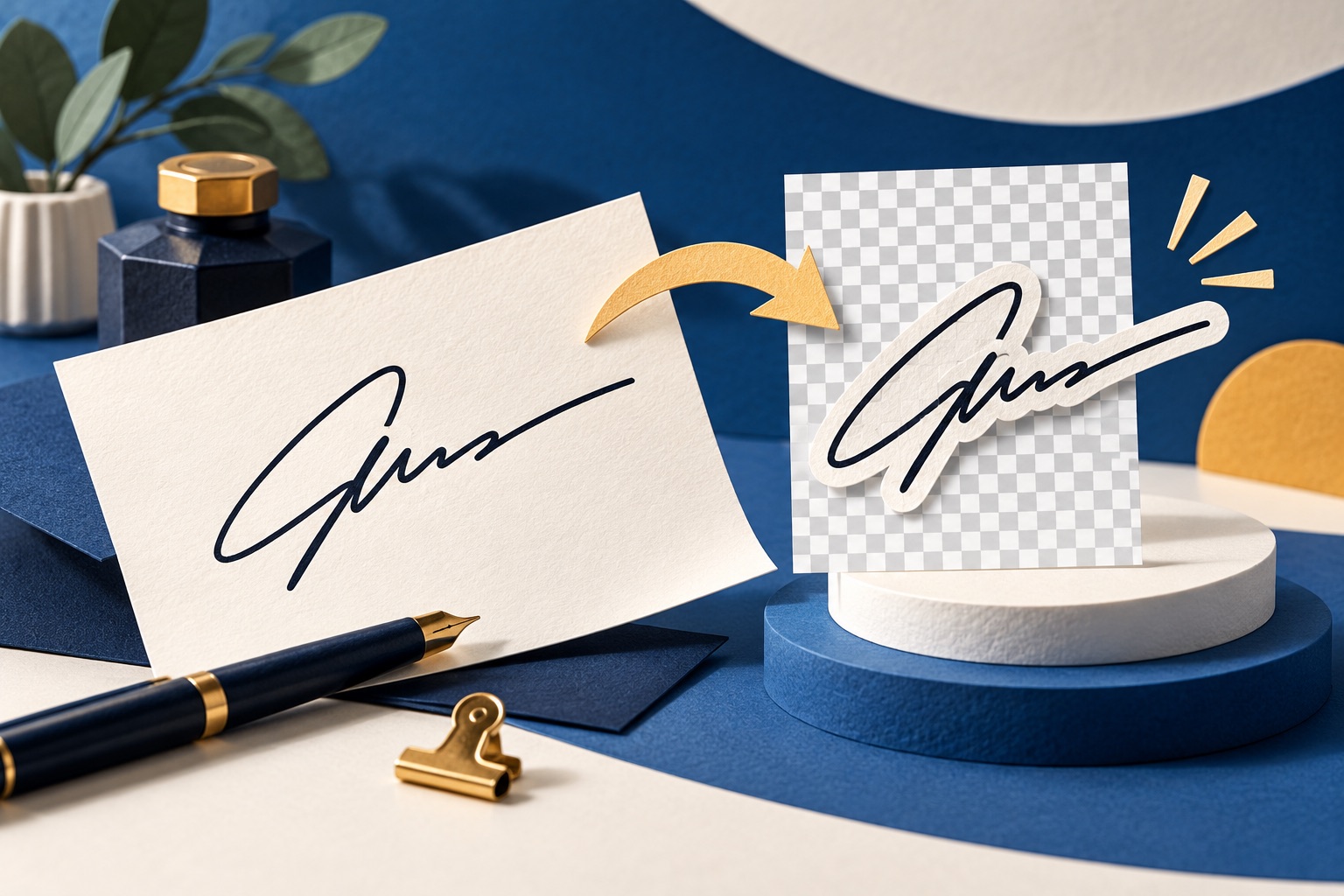
How to create a clean signature image with a transparent background
Sign a sheet of unlined white paper with a black pen, photograph it in flat daylight, crop tight, raise the contrast until the paper is pure white, then delete the white to alpha and export as PNG-24. Aim for around 1000 px wide so it stays sharp when printed.
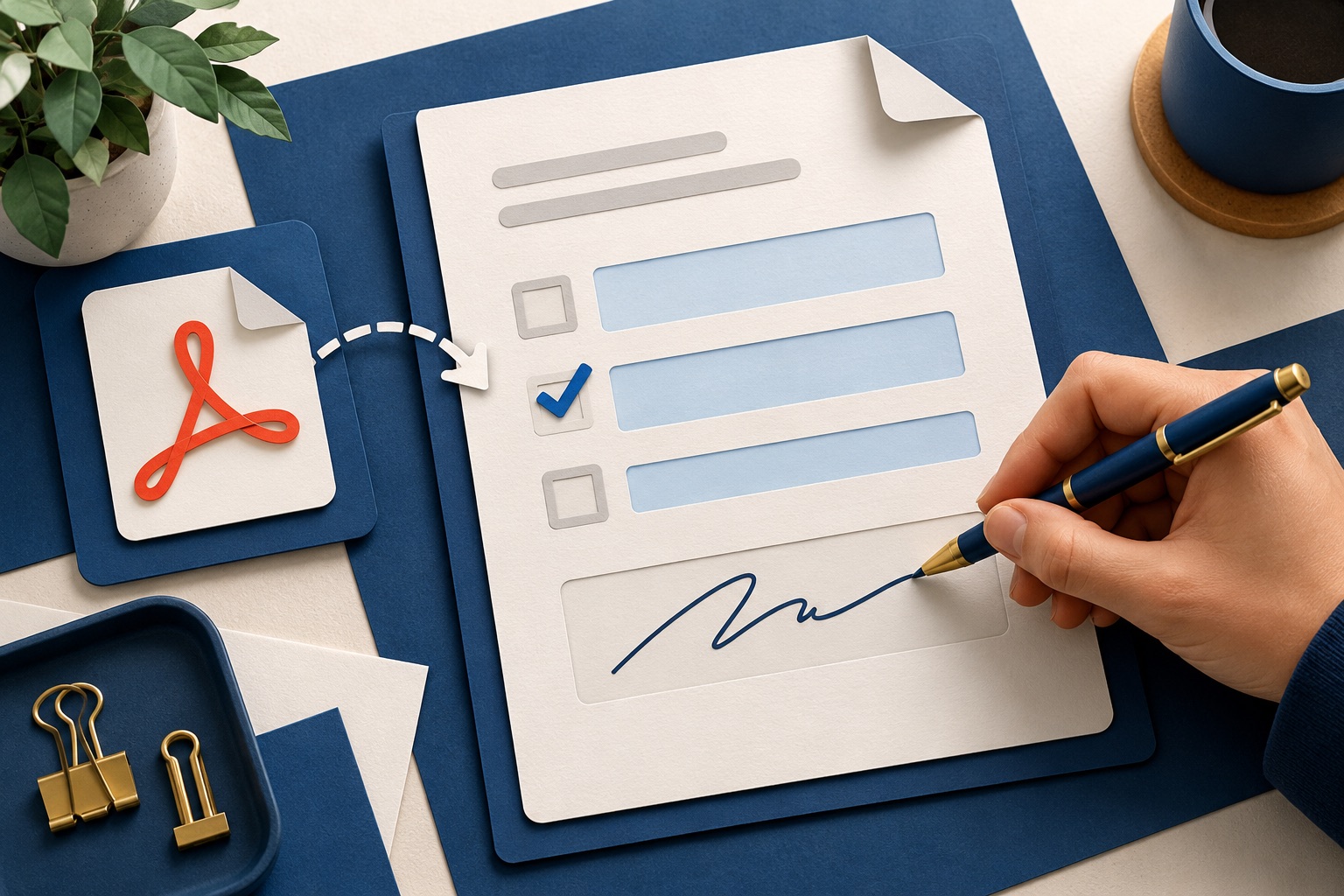
How to fill in and sign a PDF form
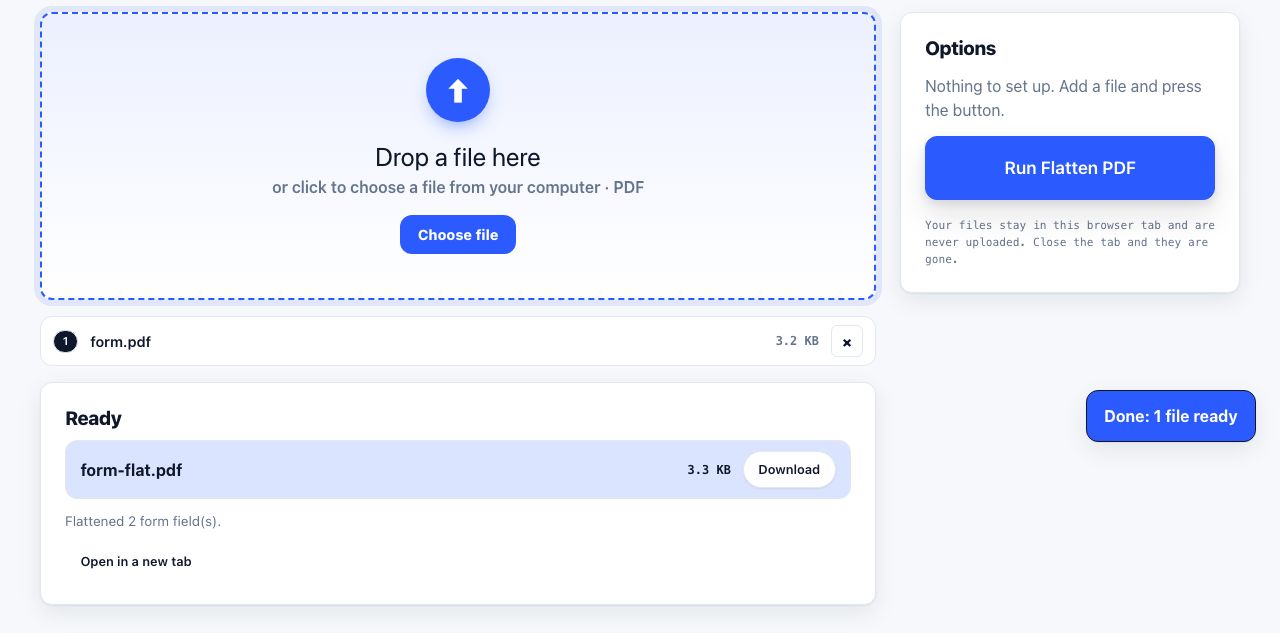
First find out which kind of form you have. If clicking a blank produces a text cursor, it is an interactive AcroForm: type into the fields and tab between them. If nothing happens, it is a flat scan, so add free text boxes on top instead. Flatten the file afterwards either way.
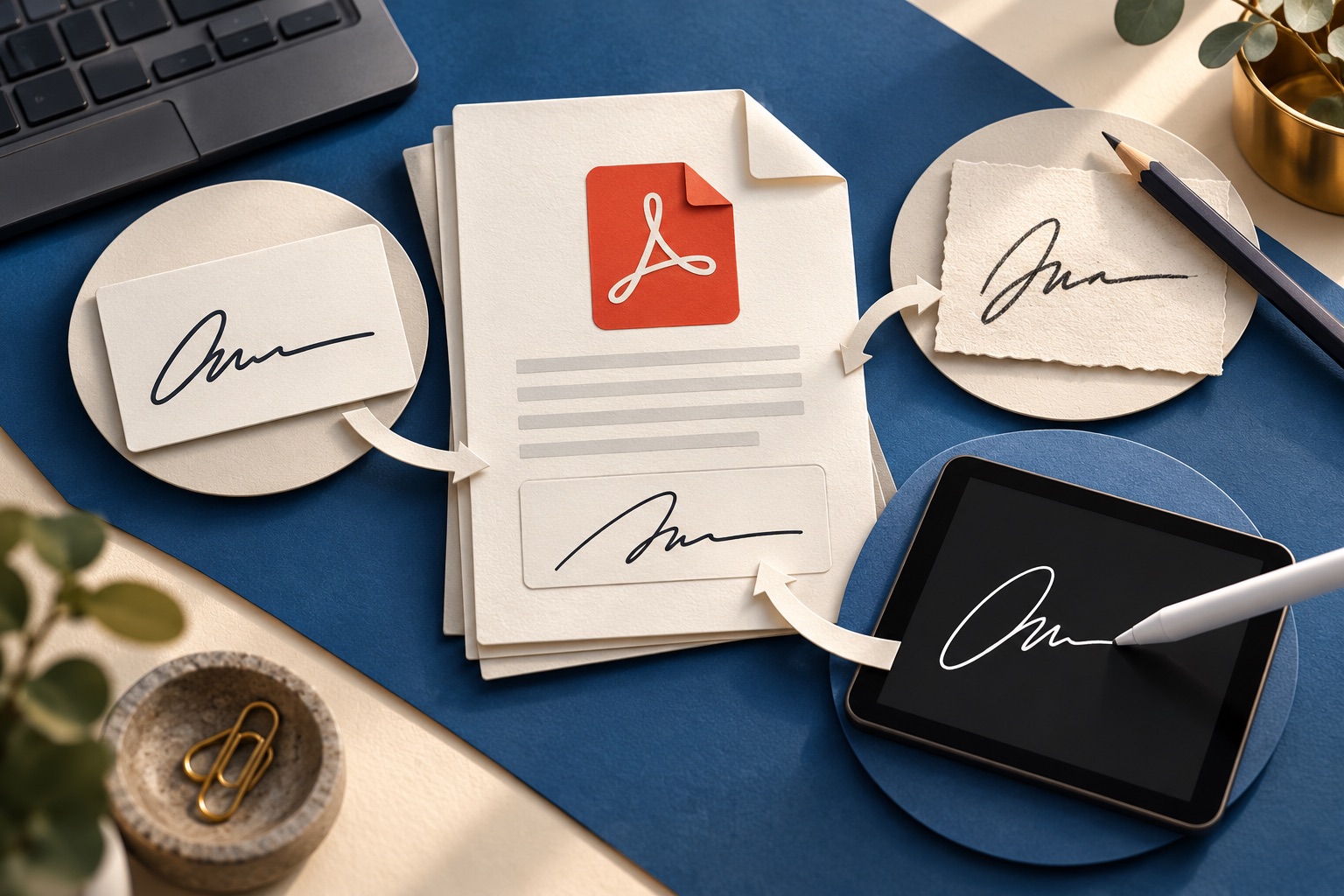
Typed, drawn or digital: which signature should you use on a PDF?
To sign a PDF without printing, open a PDF signing tool, add a typed, drawn or image signature, place it in the correct location and save a copy. A visible signature is not necessarily a cryptographic digital signature, and legal acceptance depends on the document, jurisdiction and recipient. Check their requirements before signing important agreements.
Tools for this job
Sign PDF
Draw or type a signature
Flatten PDF
Lock form answers in place
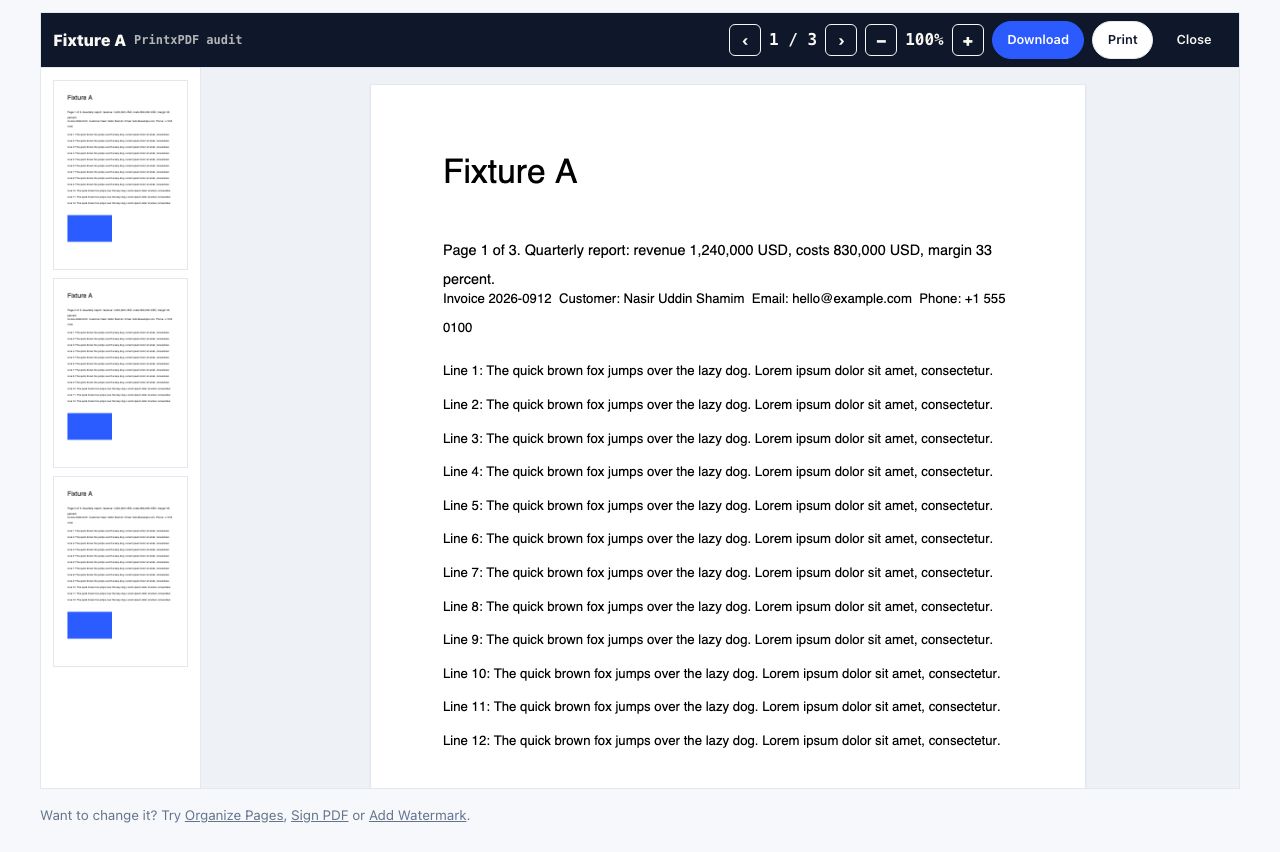
PDF Reader
Open and read a PDF online
JPG to PDF
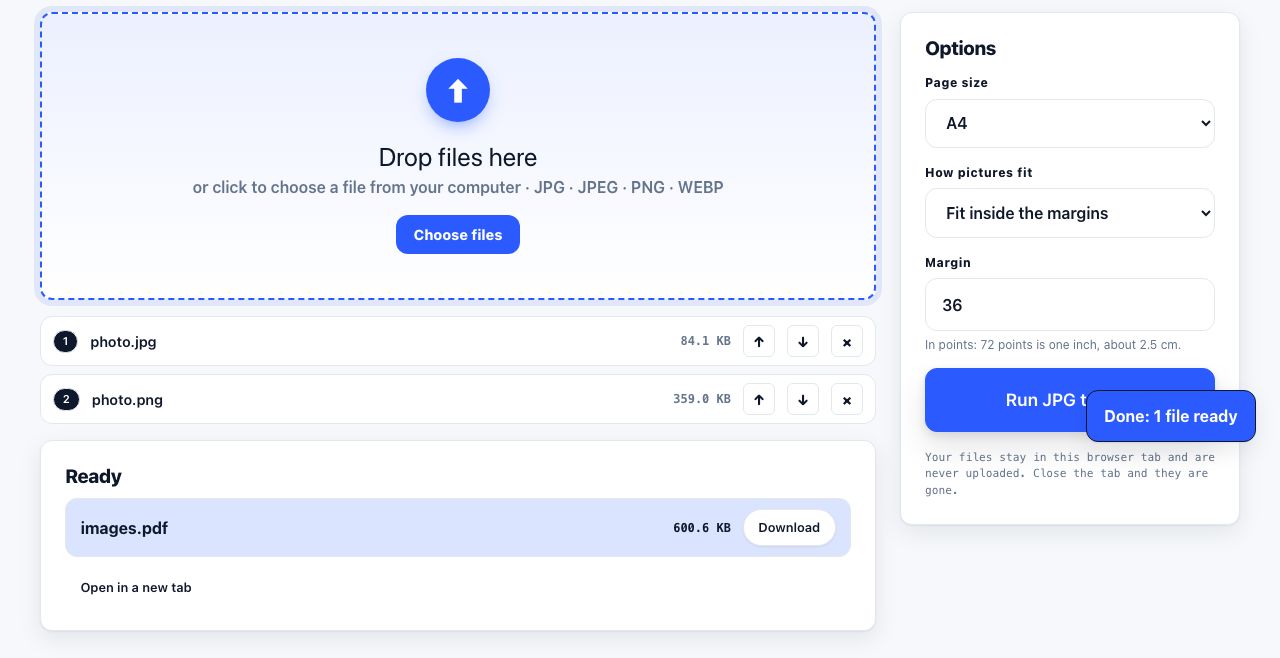
Turn pictures into one PDF
See the recommended tools in action
Other topics
Printing web pages
Print any web page without ads, sidebars or menus. Reader mode, print preview, browser settings and a free tool that cleans the page in your browser.
Saving web pages as PDF
Save any web page as a PDF in Chrome, Safari, Firefox, Edge, iPhone or Android. Print-to-PDF, full-page screenshots, and archiving that survives link rot.
Merging PDF files
Combine PDFs into one file for free. Drag to set the page order, mix in JPG and PNG images, keep bookmarks, and merge without Adobe Acrobat on Windows or Mac.
Splitting and extracting PDF pages
Split a PDF into single pages or custom ranges, extract only the pages you need, delete the rest, and cut a big file down to fit an email attachment limit.
Compressing PDF files
Compare three PDF compression presets, keep text searchable when needed, and learn when to split a large file or use a sharing link.
Converting PDF to other formats
How to get a PDF back into an editable format: Word, Excel, plain text and slides, what each conversion really preserves, and when the answer is to retype.