Redact PDF
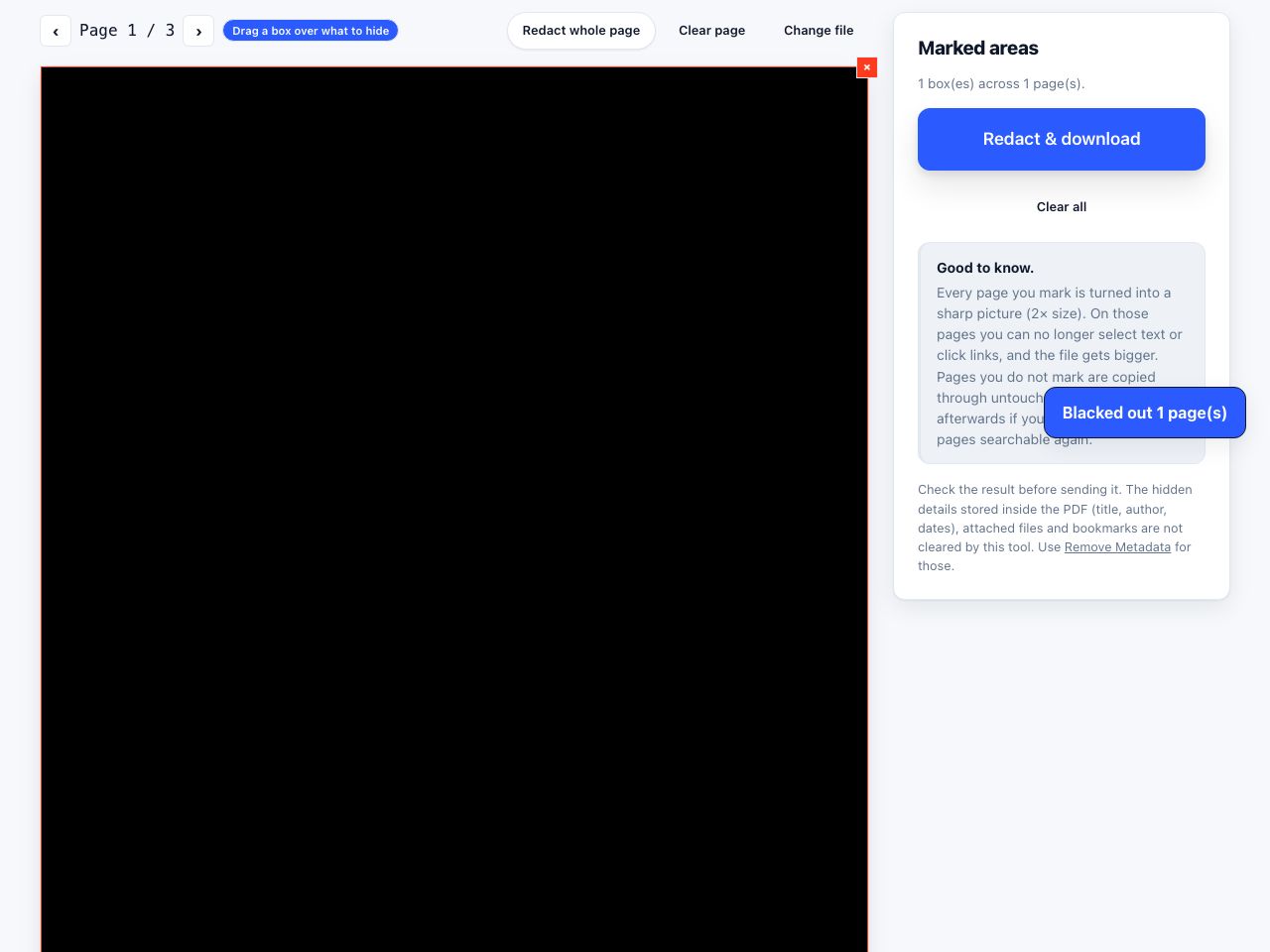
Draw a box over anything private. The covered part is turned into a picture, so the words underneath are really gone from the file, not just hidden behind a black box.
Redact PDF blacks out private text and removes it for good. Drag boxes over anything private, and on export those pages become pictures with the boxes painted in, so the words underneath no longer exist. Untouched pages are copied as they are. Free, in your browser, nothing uploaded.
What is PDF redaction?
What is PDF redaction?
Redaction means blacking out and permanently removing content from a document before you share it: names, account numbers, addresses, a paragraph of private advice. In a PDF, real redaction means the text and pictures underneath are deleted, not just covered. That is what public records requests and court disclosure require: a black box marks where content used to be, and nothing can be recovered behind it.
Why is a black box not redaction?
A PDF page is a list of drawing instructions. Drawing a black box on top only adds one more instruction. The text below is still in the file: it can still be selected, found by search, and seen by anyone who deletes the box or copies the text. Many public embarrassments came from exactly this. This tool avoids it by turning each marked page into a picture with the boxes already painted in, so the marked pages contain no text at all.
Why redact a PDF properly?
- The words are actually gone. Marked pages become a flat picture with black areas. There is no hidden text to select, search or recover on those pages.
- Meet disclosure and privacy rules. Court bundles, public records requests, personal data requests and contract sharing all require content to be removed rather than covered up.
- Untouched pages stay intact. Only pages with a box are turned into pictures. Every other page keeps its text, links and structure, so a 200-page file with one private page stays almost entirely searchable.
- Whole-page redaction in one click. Redact whole page covers an entire page when it should not be released at all.
- Never uploaded. The documents that need redacting are the ones you least want on a server. Everything happens in your browser.
How to redact a PDF, step by step
- Open Redact PDF and drop your file The first page appears. Use the arrows to reach the page with private content.
- Drag a box over each item Draw a box over the text or picture to hide. Add as many as you need; each shows a remove control. Redact whole page covers everything on the page; Clear page removes that page's boxes.
- Review the count The Redactions panel shows how many boxes across how many pages. Clear all starts over.
- Click Redact & download Marked pages are drawn at twice their normal size with the boxes painted black and saved as pictures; unmarked pages are copied through. The file downloads as
name-redacted.pdf. - Scrub the rest Redaction does not touch the hidden details saved inside the file (title, author, dates), bookmarks or attachments. Run Remove Metadata on the result before sending.
Frequently asked questions
Does drawing a black box redact a PDF?
On its own, no. A box drawn over text in most editors leaves the text in the file, still selectable and searchable. This tool uses the box only as a marker; the marked page is turned into a picture, so the text underneath is not in the output at all.
Is the redacted text really unrecoverable?
On the marked pages, yes. Those pages are rebuilt from a picture taken after the black areas were painted, so no text, fonts or hidden layers from the original remain there. The file's hidden details, bookmarks and attachments are separate and must be removed separately.
Can I still search the redacted pages?
Not directly, because they are pictures. If the rest of a page still needs to be searchable, run the result through OCR PDF, which reads the visible words and adds them back as invisible, searchable text, so the blacked-out areas contribute nothing.
Can it find and redact a word everywhere automatically?
No. Redaction here is manual: you draw the boxes. That is deliberate, because search-and-redact misses spelling variations and pictures, and a person has to confirm each instance anyway.
Why is the redacted file bigger?
Each marked page becomes a JPEG picture at twice the page's normal size, which takes more space than the original text. Unmarked pages are unchanged. Run Compress PDF afterwards if size matters.
Looking for the long version? The guides cover each of these jobs in depth.
How to redact a PDF so the text is really gone
A black rectangle does not redact anything: the text stays in the file and copies straight out. The method that really removes it, and how to verify it.
How to edit a PDF, and what editing a PDF cannot do
A PDF stores positioned text runs, not paragraphs. Correct a word, add a line or cover a block in your browser, and learn when to go back to the source file.
How to crop a PDF, and why cropping hides nothing
Trim wide margins and scanner edges from a PDF in your browser. Cropping sets a smaller CropBox, it does not delete what is outside, so it hides nothing.
How to annotate a PDF without changing its original text
Add notes, highlights, shapes and signatures over a PDF. Learn what overlay editing preserves, what it cannot rewrite, and when to redact or flatten.