How to edit a PDF, and what editing a PDF cannot do

Open the PDF in an editor, click the text you want to change, and type over it. A PDF stores text as positioned runs rather than as paragraphs, so you can correct a word, add a line or cover a block, but you cannot reflow a paragraph. For bigger changes, edit the source document and export a fresh PDF.
See the tools in action

A PDF is not a document in the way a word processor file is. Each page is a list of drawing instructions: put this glyph 72 points from the left edge and 698 points from the bottom, in this font, at 11 points, then the next glyph 6.2 points further along. There are no paragraphs in the file, no line breaks, and no rule that says one line belongs with the line under it. An editor reconstructs plausible lines and blocks by looking at where the glyphs sit. That is why some edits take five seconds and others are simply not possible.
What editing can and cannot do
| You want to | Works? | What happens |
|---|---|---|
| Fix a typo in a word | Yes | The run of glyphs is redrawn with your text, same font, same position |
| Change a date, a price or a name | Yes | Same as a typo, as long as the replacement is a similar length |
| Add a line of new text | Yes | A new text object is drawn on top of the existing page |
| Cover something with a white box | Visually only | A filled rectangle is drawn over it. The text underneath is untouched |
| Delete a sentence and close the gap | Partly | The rest of the paragraph does not move up. You are left with a hole |
| Add two sentences mid-paragraph | No | Nothing rewraps. The new text overruns the margin or collides with the line below |
| Change the font of a whole document | No | Every glyph would need repositioning. No editor attempts this |
| Move a page break | No | A page break is not a marker, it is just where one page object ends and the next begins |
Editing text, step by step
- Open the fileGo to edit PDF and drop the PDF in. It is read inside your browser tab, so nothing is uploaded, no account is needed and no quota applies.
- Check that there is text at allDrag your mouse across a line. If a highlight follows the words, the page has real text. If nothing highlights, the page is a picture of text and you need OCR before any of this applies.
- Click the text you want to changeMost editors give you an editable box around one line or a short run, not the whole paragraph. That box is the honest boundary of what can move.
- Keep the replacement a similar lengthChanging
12 Marchto14 Marchfits. Changing it tothe second Tuesday in Aprilpushes the line into the margin. Shorten the wording, or put the long version on a new line of its own. - Add rather than rewriteFor anything longer than a phrase, draw a fresh text box in white space or add a short note at the foot of the page. A deliberate-looking addition reads better than a mangled paragraph.
- Download under a new nameSave as
Contract_v2.pdf, not over the original. You will want the untouched file to compare against if something looks wrong later.
Change text, add a line or white out a block, entirely in your browser.
Edit PDF →The font problem nobody warns you about
PDFs embed fonts as subsets. Only the glyphs the document actually uses are stored, which is why a 40-page report can carry a full typeface family in under 200 KB. The consequence appears the moment you type a character the document never contained. An accented letter, a pound or euro sign, a curly apostrophe, or an em dash may simply have no glyph in the embedded subset.
What you get then depends on the tool: an empty box, a blank space, or a silent fallback to a different font that does not match the rest of the line. The fallback is the dangerous one, because at page width it looks almost right. Either retype the whole line so one consistent font is substituted across it, or reword to avoid the missing character.
Test the character before you commit to the edit. Type it once, zoom to 400 percent, and look at it next to its neighbours. A substituted glyph is obvious close up and nearly invisible at normal zoom.
Scanned pages are pictures, not text
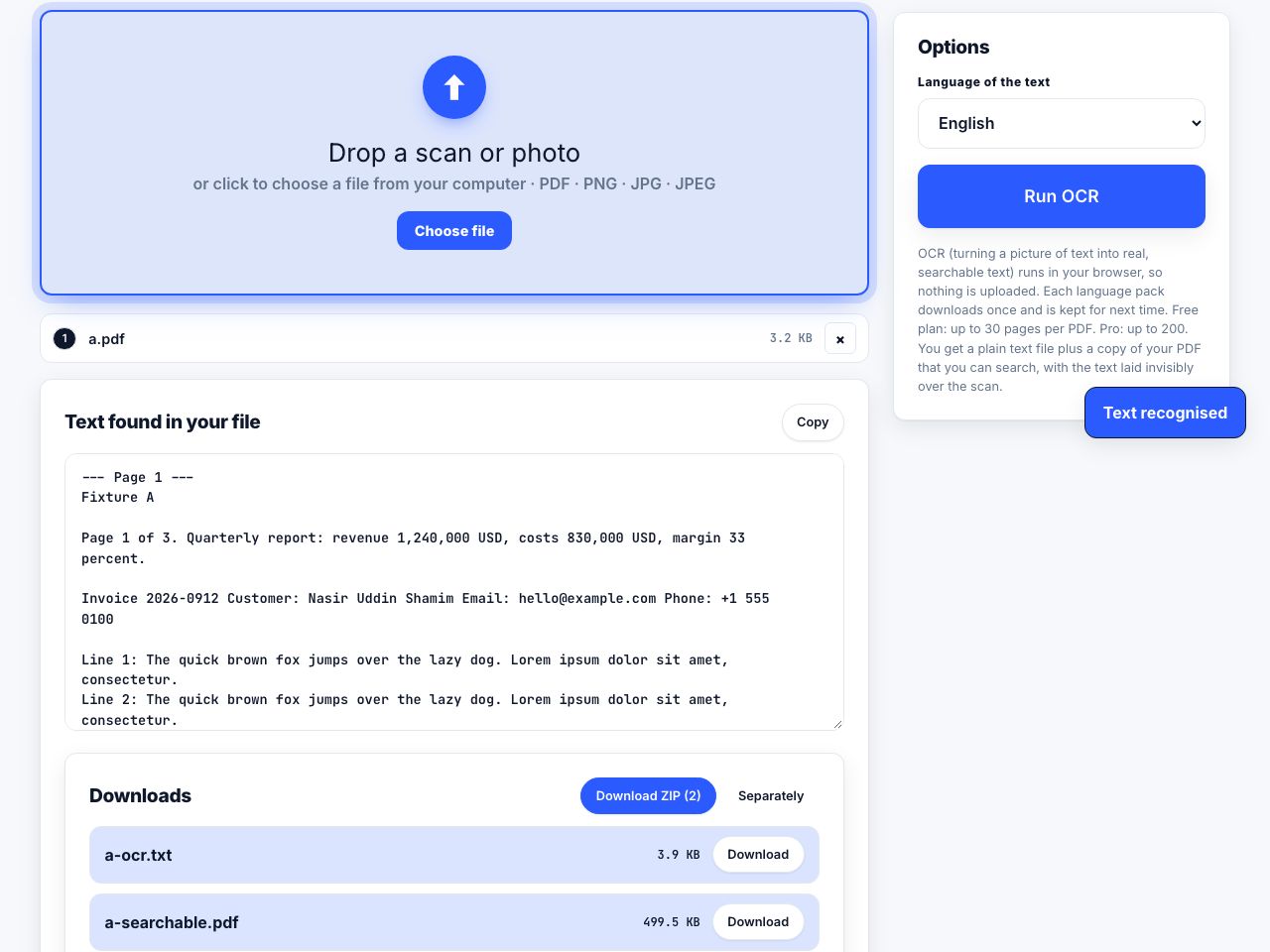
If the PDF came from a scanner, a photocopier or a phone camera, every page is one image. There is nothing to click into, because there are no glyphs, only pixels arranged to look like glyphs. Running OCR adds an invisible text layer underneath so the page becomes searchable and copyable, but it does not convert the picture into editable type. The visible words are still part of the image.
Editing a scan honestly means covering the old value with a patch the colour of the paper and typing a new value on top. It rarely matches: a scan has a slight rotation, a paper tone that is not pure white, and grain that your crisp new text does not have. For a form, this is fine. For anything a reader will scrutinise, it looks exactly like what it is.
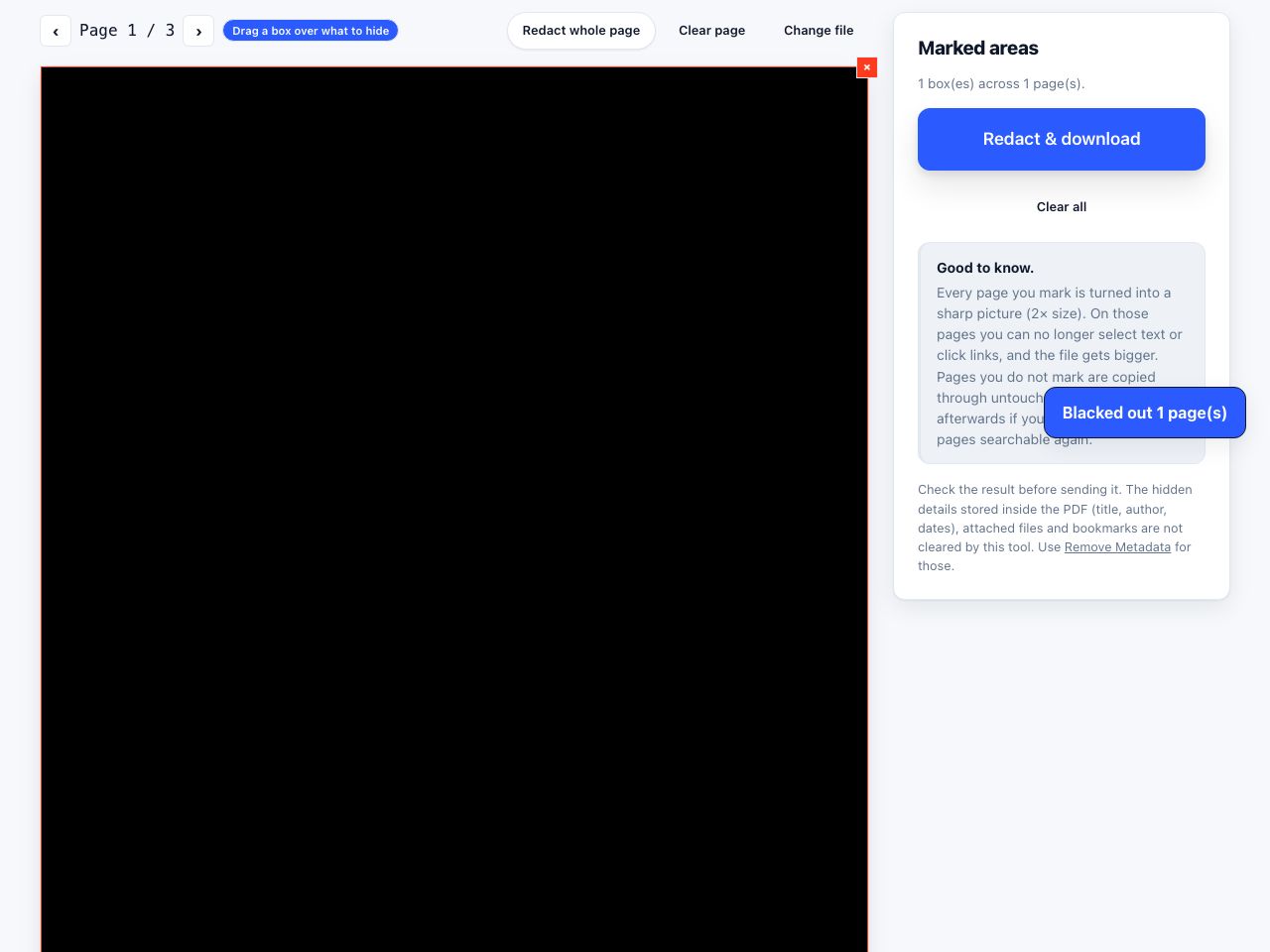
Covering text with a box hides it from your eyes, not from the file. The original characters stay in the page content stream and can still be selected, copied, searched or extracted by anyone who opens the file with the right tool. If the goal is to remove information, use redact PDF, which deletes the underlying content instead of drawing over it.
When to stop editing and go back to the source
- You still have the original. A Word, Pages, Google Docs or InDesign file that produced this PDF is always the better place to make a change. Edit it, export again, and you are finished before you would have finished fighting the PDF.
- The change is bigger than a line. Rewriting a section, moving a table, inserting a paragraph mid-page: all of these need text to reflow, and reflow is the one thing a PDF page cannot do.
- You have no original but the document is mostly prose. Convert it with PDF to Word, edit properly there, and export a new PDF. The conversion reconstructs paragraphs by guessing from glyph positions, so check tables, columns and headers before you trust it.
- The file is a form. Do not edit it, fill it. See filling in a PDF form.
- You only want to trim what shows. That is cropping, not editing, and it is much less destructive.
Other ways to edit a PDF
| Tool | Good at | Falls down on |
|---|---|---|
| Adobe Acrobat Pro | The most capable text editing, and it will rewrap within a paragraph it recognises | Paid subscription, and it still cannot reflow text across a page boundary |
| LibreOffice Draw | Free and offline, opens any PDF as movable objects | Treats each line as a separate object and re-embeds fonts on export, so the layout usually shifts a little |
| Microsoft Word | Opens a PDF by converting it into a document you can genuinely rewrite | The conversion is a reconstruction. Tables, multi-column layouts and headers frequently come out wrong |
| macOS Preview | Annotations: notes, shapes, freehand, signatures, highlighting | Cannot change existing text at all, in any version |
| A browser editor | Word-level fixes, added text and whiteout patches with nothing to install | The same reflow limit as everything else, because it is a limit of the format |
None of the browser tools in this cluster upload your file. The PDF is read in the tab, changed in memory and written back out by your own machine. Close the tab and nothing remains.
Decide which job you actually have
Correcting a wrong figure in an invoice you cannot regenerate is a two-minute browser edit and always worth doing. Rewriting a page of a report is a document job, and the PDF is the wrong file to be holding while you do it. Most of the frustration people have with PDF editors comes from attempting the second job with tools built for the first. If what you really need is to know what somebody else changed between two versions, do not hunt for it by eye: compare the two files.
Frequently asked questions
Why can I not edit the text in my PDF?
Either the page is an image with no text in it, which happens with every scan, or the file is password-restricted against changes. Try selecting a line with your mouse: if nothing highlights, run OCR first. If a highlight appears but the editor refuses, the document has editing restrictions applied.
Can I add a paragraph to the middle of a PDF page?
Not in a way that pushes the following text down. A PDF has no paragraph structure to reflow, so new text is drawn on top of the page and will overlap whatever is already there. Add it in white space, or edit the source document and export again.
Why does my edited text look like a different font?
PDFs embed only the glyphs the document uses. If you type a character that was never in the file, such as an accented letter or a currency symbol, there is no glyph for it and the tool substitutes another font. Retype the whole line so the substitution is at least consistent.
Is putting a white box over text the same as deleting it?
No. The rectangle is drawn over the text, and the text is still in the page content, still selectable and still copyable. Anyone can recover it. Use a redaction tool, which removes the underlying content, for anything confidential.
How do I edit a scanned PDF?
You cannot edit the visible words, because they are pixels. Run OCR to add a searchable text layer, then cover the old value with a patch and type over it. The result never quite matches the scan, so use this for filling gaps rather than for altering a document that will be examined.