vCard QR Code Generator
Create a contact-card QR code that opens a vCard on a phone. Add a name, organisation, phone, email, and website, then download a print-ready SVG, PNG, or PDF.
Create a contact-card QR code that opens a vCard on a phone. Add a name, organisation, phone, email, and website, then download a print-ready SVG, PNG, or PDF.
What is vCard QR Code Generator?
What is a QR code?
A QR code is a square pattern of small dark and light blocks that a phone camera can read. The pattern holds text: a web address, a WiFi login, a contact card. The three large squares in the corners help the camera find the code and work out which way up it is. Built-in spare data, called error correction, means the code still scans when part of it is dirty or covered. Codes made here survive about 15% damage.
What is a static QR code?
A static code holds the information itself. Scan it and the phone opens the address, joins the WiFi or saves the contact straight away, with no website in between. A dynamic code instead points to a redirect service that can be changed or tracked, and stops working when that service does. Every code made here is static: it cannot be edited after printing, and it can never expire or be switched off.
Why generate a QR code here?
- Never expires, no subscription. The information is inside the code. Print it on a sign, a menu or packaging and it will scan in ten years without anyone renewing a plan.
- Share WiFi without spelling the password. A WiFi code holds the network name, password and security type. Guests point a camera at it and join.
- Print at any size. The SVG download is drawn from lines rather than pixels, so it stays sharp on a business card or a shop window. The PDF puts a 100 mm code on an A4 sheet, ready for the printer.
- Contact cards that save themselves. A contact card code (vCard) lets someone add your name, organisation, phone, email and website to their contacts in one scan.
- No tracking, nothing uploaded. The code is made in your browser. The address or password you enter is never sent to a server.
How to use vCard QR Code Generator
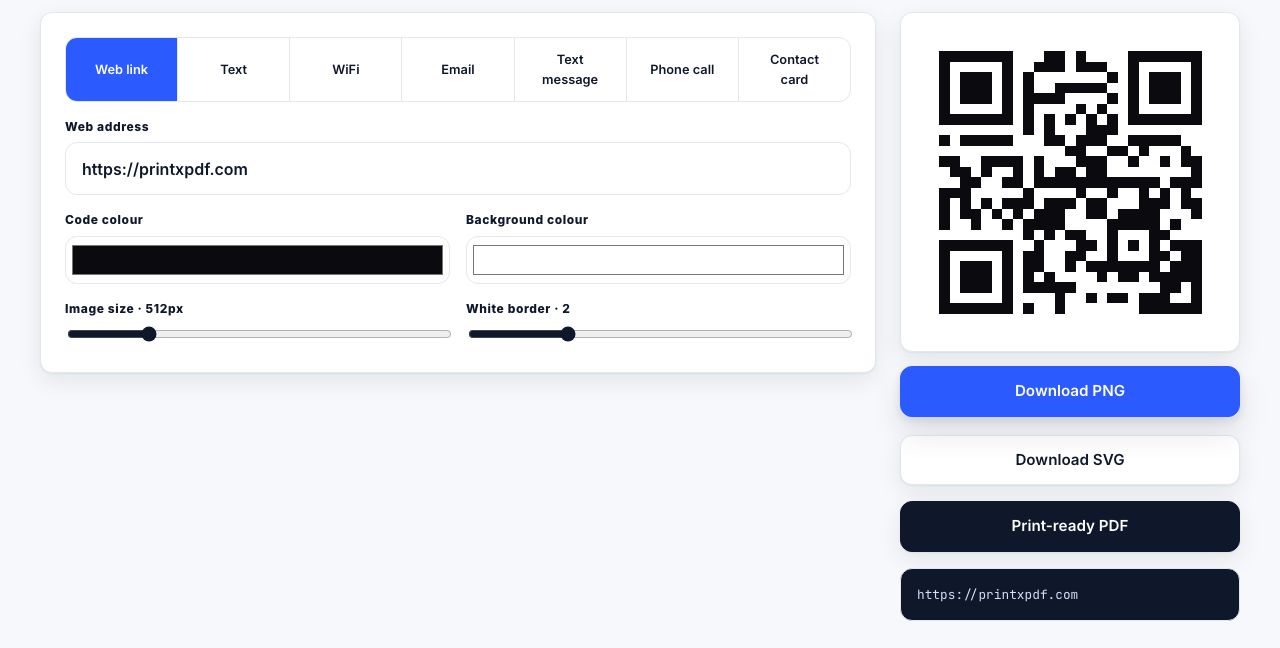
- Open QR Code Generator and pick a type Choose a tab: url, text, wifi, email, sms, phone or vcard.
- Fill in the details For a URL, paste the web address. For WiFi, enter the network name (SSID), password and security type (WPA / WPA2, WEP or Open). Email takes a recipient, subject and message; SMS and phone take a number; vCard takes name, organisation, phone, email and website.
- Style the code Set the Dark and Light colours, the PNG size from 128 to 2048 pixels, and the Quiet zone, the blank margin around the code, from 0 to 8 blocks. The preview updates as you type.
- Scan the preview Point your phone at the screen before printing. If it reads, the print will too.
- Download Download PNG for screens and documents, Download SVG for print and design work, or Print-ready PDF for an A4 sheet with the code and its label.
Frequently asked questions
Do these QR codes expire?
No. They are static: the address, text or WiFi details are built into the pattern itself, with no redirect through our website or anyone else's. A printed code works for as long as the page or network it points to exists.
Can I track how many people scan it?
Not with a static code, because no website sits between the scan and the destination. If you need counts, paste a link that carries tracking tags, or a short link you control, into the URL field and read the numbers from your own website statistics.
PNG, SVG or PDF: which should I use?
PNG for websites, slides and emails; set the size to at least 512 pixels. SVG for anything a designer or printer will enlarge, because it is drawn from lines and never blurs. PDF when you simply want to print a sheet with the code centred on A4 at 100 mm.
What is the quiet zone and why does it matter?
The quiet zone is the blank margin around the code. Scanners use it to find the edges; without it, codes placed near text or borders often fail. The default of 2 blocks is enough on a plain background; use 4 for busy print layouts.
Does the WiFi code work on iPhone and Android?
Yes. Both camera apps recognise the standard WiFi code format and offer to join. Choose WPA / WPA2 for almost every home and office network. Passwords containing semicolons or backslashes can confuse some phones, so test the preview first.
Looking for the long version? The guides cover each of these jobs in depth.
WiFi QR Code Generator
Create a WiFi QR code for guests to scan. Choose the network type, size, and colours, then download PNG, SVG, or print-ready PDF.
QR Code SVG Generator
Generate a scalable QR code SVG for signs, packaging, and print. Set colours and quiet-zone margin, then download without an upload.
Email QR Code Generator
Create an email QR code with a recipient, subject, and message. Download PNG, SVG, or print-ready PDF without sending the details anywhere.
How to add a print button to WordPress
Five ways to add a print or PDF button to WordPress: a plugin, a Custom HTML block, a shortcode, a theme filter and WooCommerce orders, with working code.
How to make your website printer-friendly
Ten things publishers get wrong when readers print, how to test in print preview, and a checklist covering nav, dark mode, links, tables, images and QR codes.
How to add a print or PDF button to any website
Copy-paste a print or PDF button into any site: a plain HTML anchor, a CSP-safe window.print() button, plus notes for Squarespace, Wix, Shopify and Webflow.
How to make a QR code that actually scans off paper
Vector export, minimum size, quiet zone, contrast and error correction levels L, M, Q and H explained, plus how to test a QR code before you print 500 copies.