Converting a PDF to Word, Excel, text and slides
 By Nasir Uddin Shamim5 guides
Converting out of PDF works best when the file has a real text layer and a simple layout. Word and Google Docs both open PDFs directly and rebuild the text well. Tables need column detection or Power Query. Scanned PDFs must be OCR-ed first, and slide conversion needs Acrobat or a desktop app.
A PDF stores where each glyph sits on the page, not that a run of glyphs is a heading, a table cell or a bullet. Every conversion out of PDF is therefore a reconstruction: a converter reads coordinates and guesses at structure. That guess is excellent for a single column of body text, decent for a ruled table, and poor for a magazine layout. These guides tell you which conversions are reliable, which need a desktop application, and where retyping is genuinely faster.
Every guide in this topic

How to convert a PDF to Word and keep the formatting
Microsoft Word converts PDFs itself: File → Open, choose the PDF, and accept the prompt. Google Docs does the same through Drive. Both rebuild single-column text well and struggle with multi-column layouts, text boxes and tables. If nothing is editable afterwards, the PDF is a scan and needs OCR first.
How to convert a PDF table into Excel
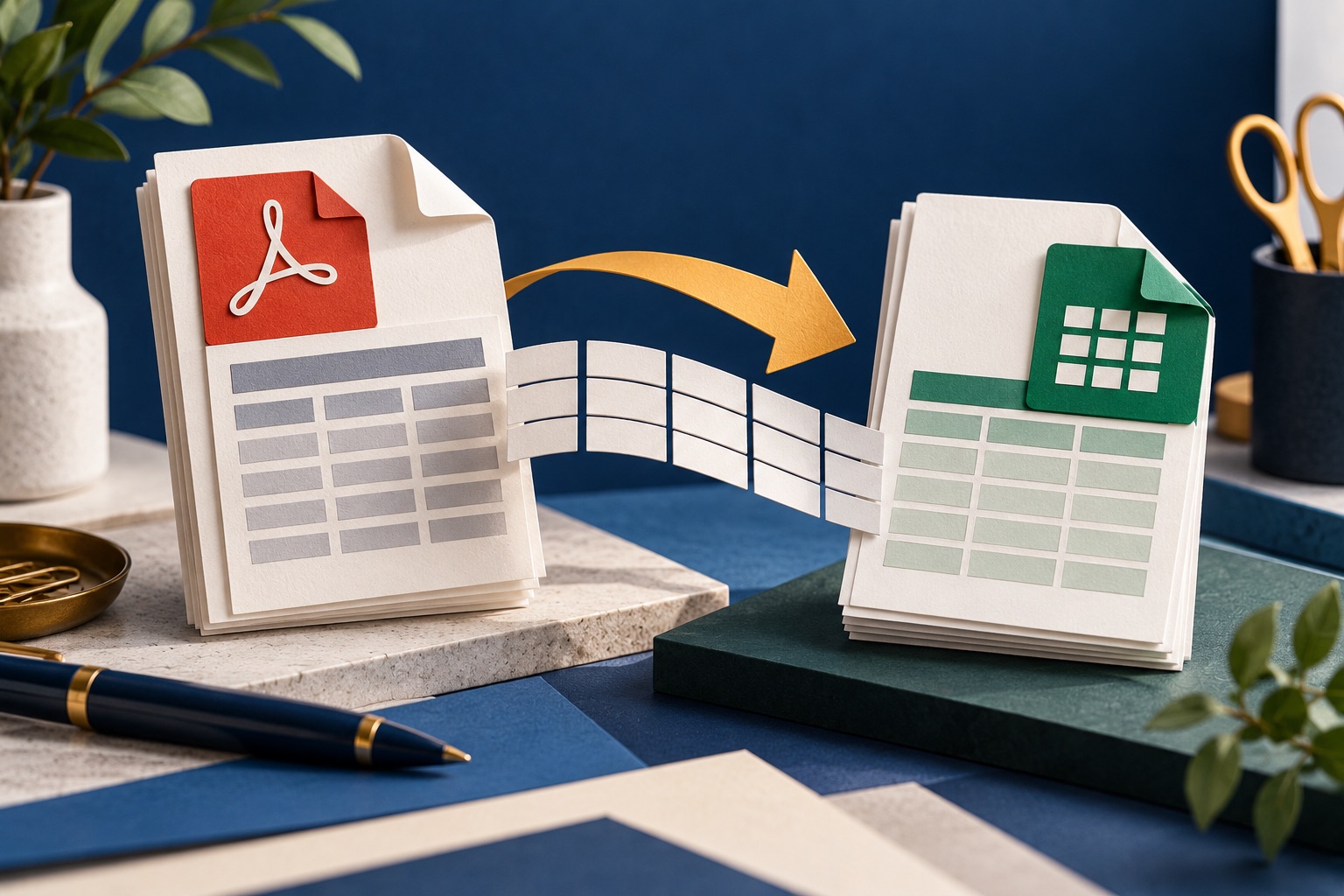
On Windows with Microsoft 365, use Data → Get Data → From File → From PDF, which reads tables natively. Otherwise copy the table, paste into Excel, and split it with Data → Text to Columns. Both need a real text layer, scanned tables must be OCR-ed first, and messy tables are often faster to retype.

How to extract all the text from a PDF
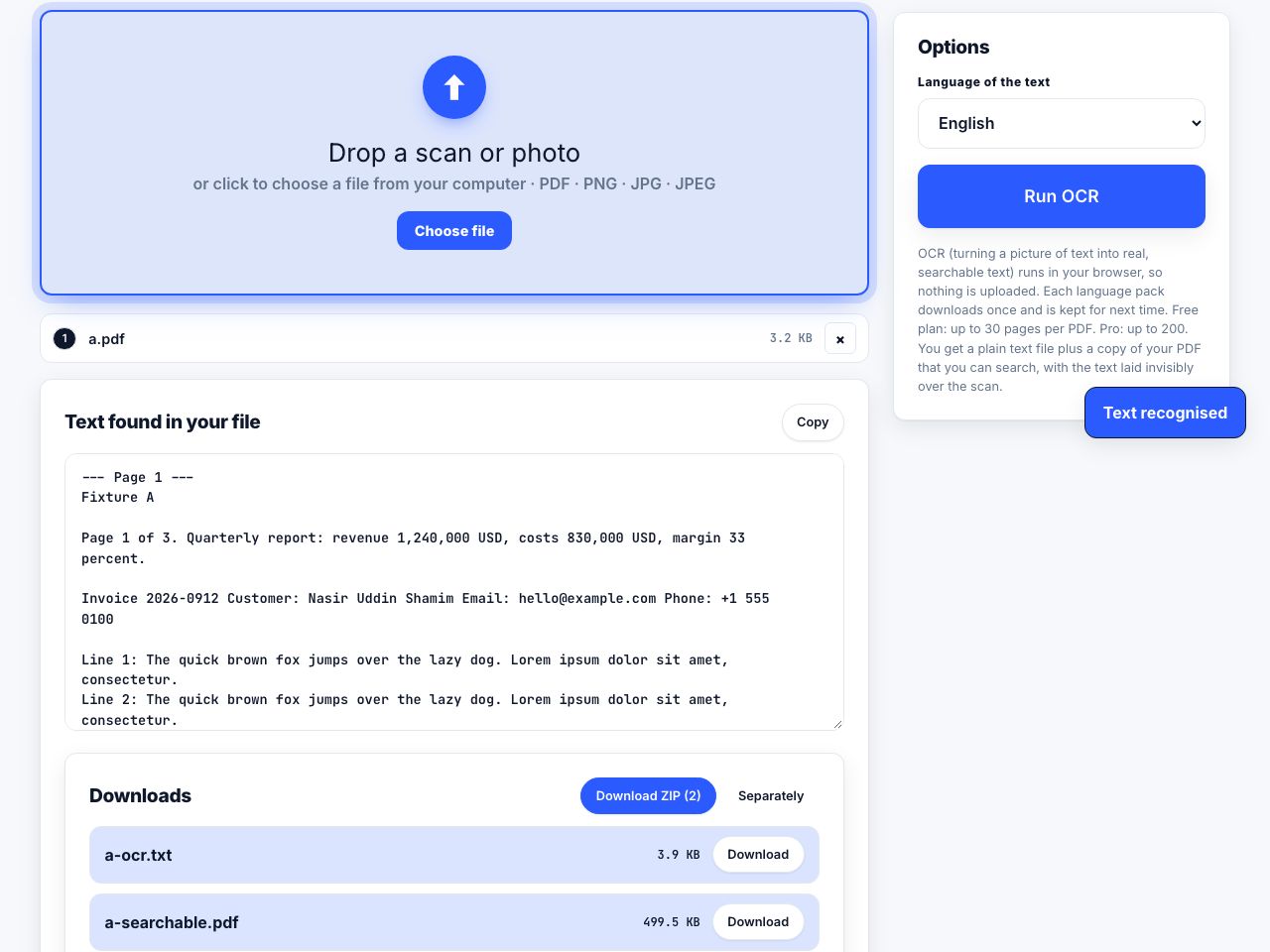
First test whether the PDF has a text layer: try to select a sentence. If text highlights, drop the file into a text extractor and export a .txt, you get every page at once with the reading order preserved. If nothing highlights, the pages are images and you must run OCR before any extraction will work.

How to turn a PDF into PowerPoint slides
Editable PDF to PowerPoint needs real layout analysis, so it cannot run in a browser tab. PDF to PowerPoint here runs on our server and returns a .pptx with the text in real text boxes, positioned where it sat. It is a best effort reconstruction, so complex layouts need tidying. The always-works fallback is one page image per slide.

How to convert selected PDF pages to JPG
To convert PDF pages to JPG, open the PDF-to-image tool, select the pages, choose a suitable image resolution, then export and inspect the JPG files. This renders each page as pixels, so text and vector graphics are no longer editable or searchable. Use PNG instead when crisp text or transparency matters more than file size.
Tools for this job
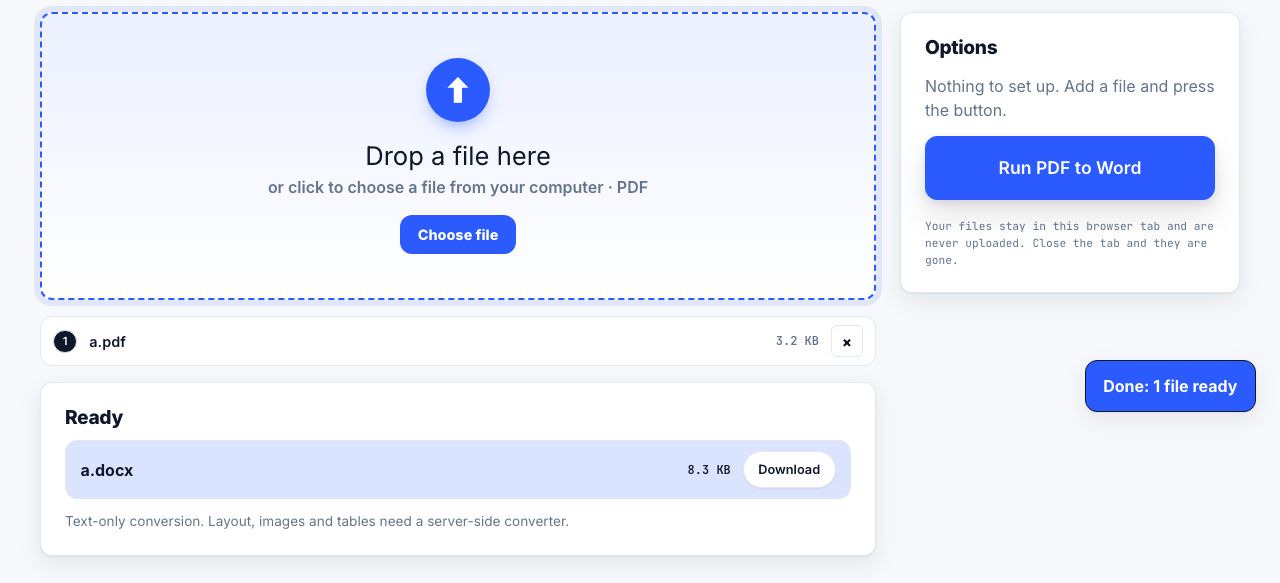
PDF to Word
PDF → Word
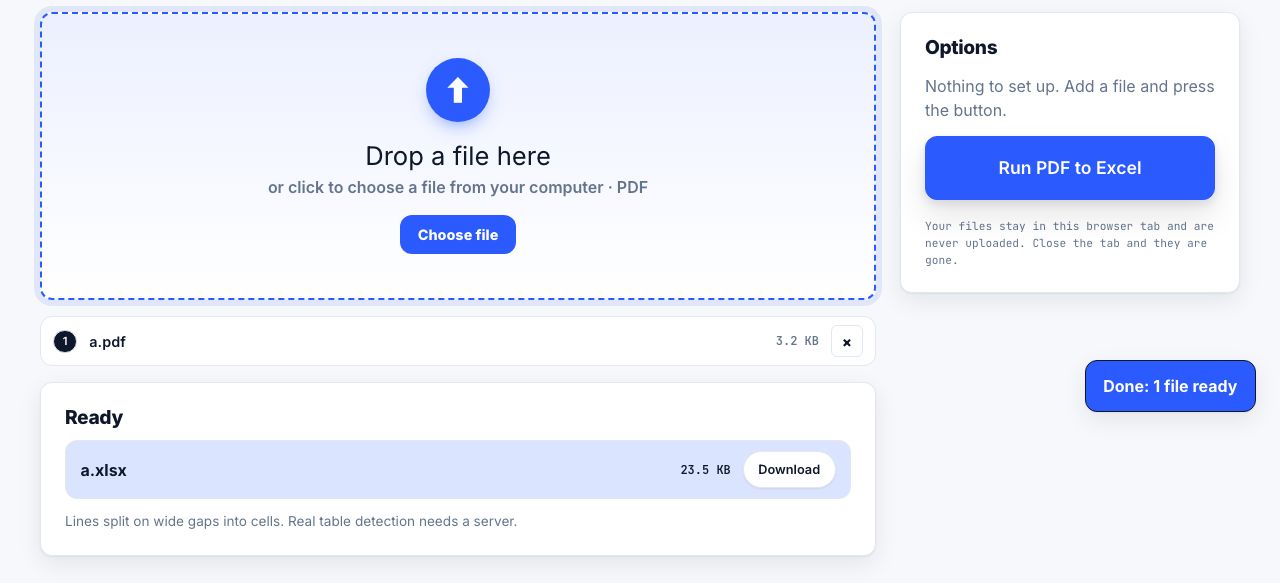
PDF to Excel
Tables → Excel
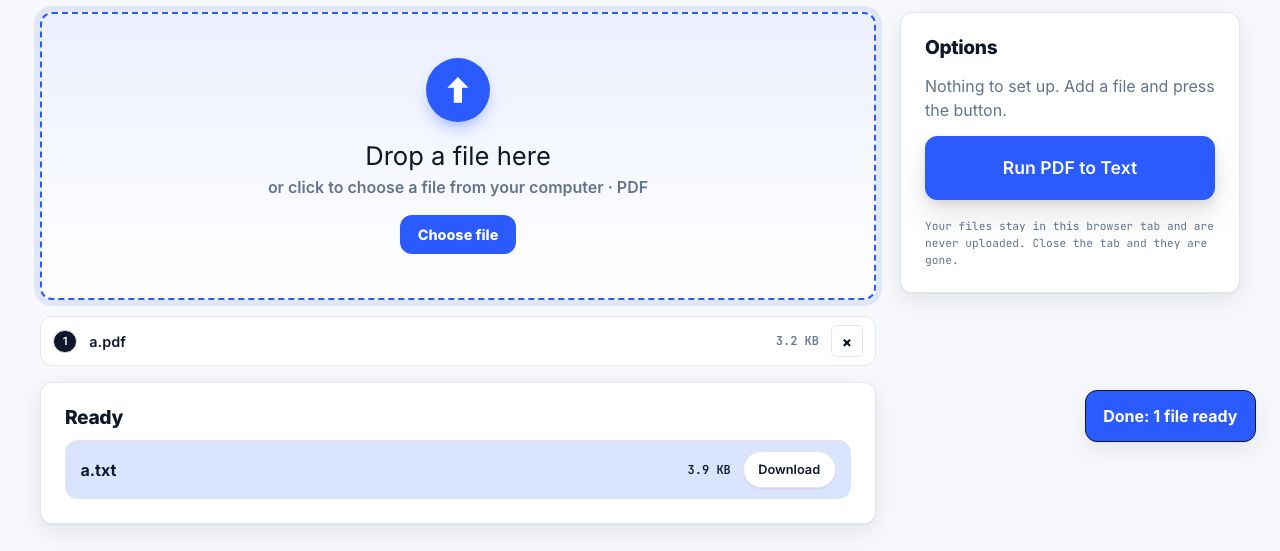
PDF to Text
Copy out all the text
PDF to PowerPoint
Pages → slides
PDF to Markdown
PDF → simple text notes
OCR PDF
Make scans searchable
See the recommended tools in action


Other topics
Printing web pages
Print any web page without ads, sidebars or menus. Reader mode, print preview, browser settings and a free tool that cleans the page in your browser.
Saving web pages as PDF
Save any web page as a PDF in Chrome, Safari, Firefox, Edge, iPhone or Android. Print-to-PDF, full-page screenshots, and archiving that survives link rot.
Merging PDF files
Combine PDFs into one file for free. Drag to set the page order, mix in JPG and PNG images, keep bookmarks, and merge without Adobe Acrobat on Windows or Mac.
Splitting and extracting PDF pages
Split a PDF into single pages or custom ranges, extract only the pages you need, delete the rest, and cut a big file down to fit an email attachment limit.
Compressing PDF files
Compare three PDF compression presets, keep text searchable when needed, and learn when to split a large file or use a sharing link.
Converting files to PDF
Turn documents, spreadsheets, web pages and photos into PDFs that look right. Font embedding, print areas, page-break CSS and the DPI that matters in print.