How to merge PDF files without installing anything
 By Nasir Uddin Shamim5 guides
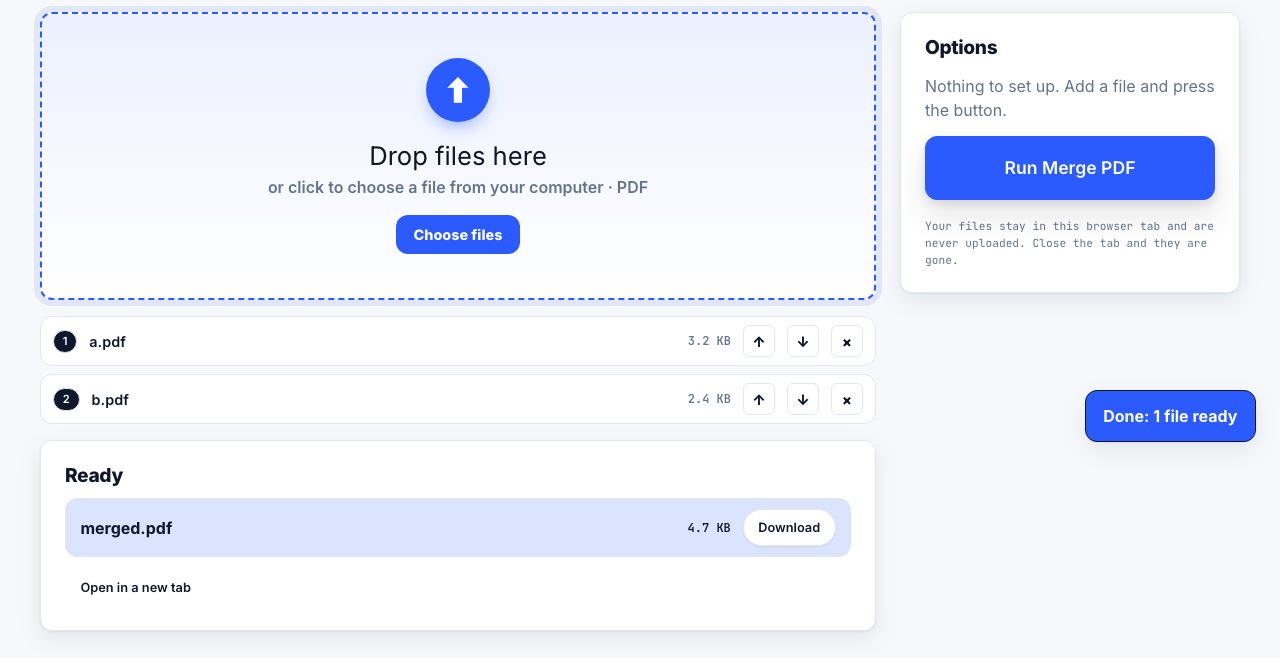
Add every PDF to a merge tool, drag the files into the order you want, then merge and download one combined file. Pages keep their internal order within each file, so the file list decides everything. A browser-based merge runs locally, so nothing is uploaded to a server.
Merging looks like the simplest thing you can do to a PDF, and it is the operation people get wrong most often: pages land in the wrong order, bookmarks vanish, a scanned receipt turns up sideways, and the output is somehow four times the size of the inputs. These guides cover ordering files properly, combining photos with documents, what a merge preserves and what it quietly destroys, and how to do all of it without a subscription.
Every guide in this topic
How to merge PDF files for free
Open a browser merge tool, add every PDF you want to combine, drag the files into the order you need, then click Merge and download the single output file. Order is decided by the file list, top to bottom, and pages inside each file keep their own order.
How to combine PDFs without Adobe Acrobat
macOS can merge PDFs for free in Preview: open one file, show Thumbnails, drag the second PDF into the sidebar, then use File, Export as PDF. Windows 11 has no built-in merge and Google Drive cannot combine files either, so on those platforms use a free browser-based merge tool.
How to add scanned images to an existing PDF
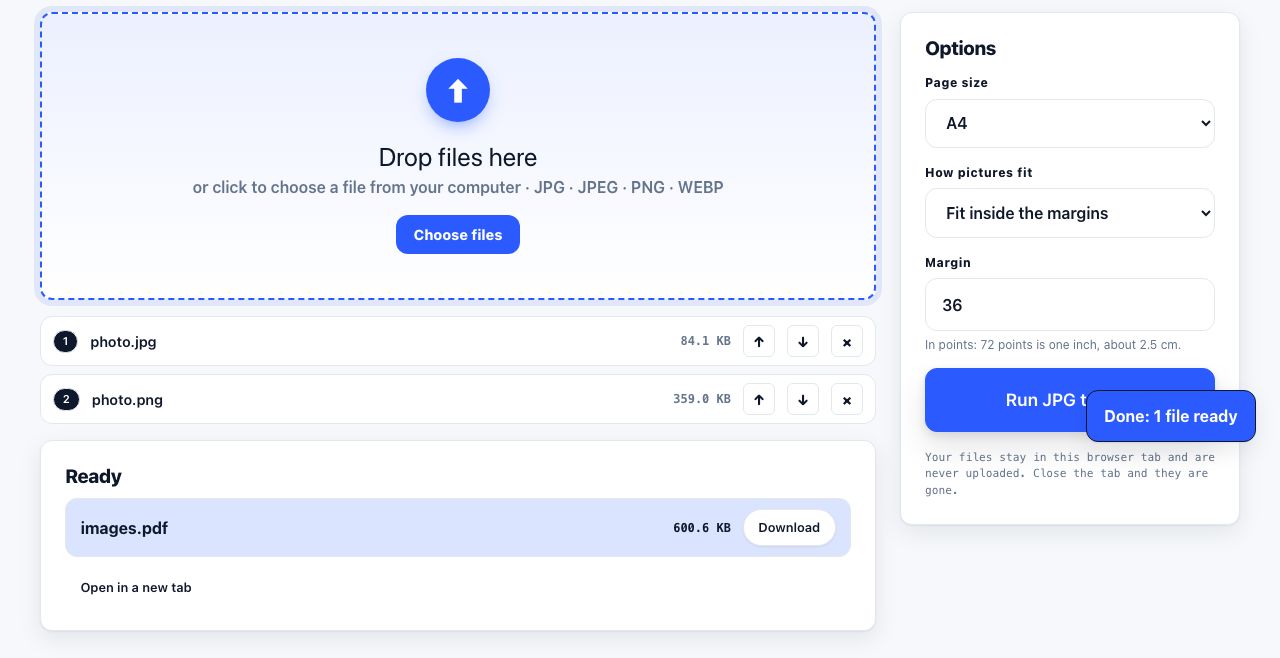
Convert JPG, PNG or WebP images to PDF pages first, then merge that PDF with your existing PDFs. The JPG to PDF tool does not accept HEIC directly, so convert HEIC to JPG first. Once each input is a PDF, arrange the files and download one combined document.

How to reorder, rotate and delete PDF pages
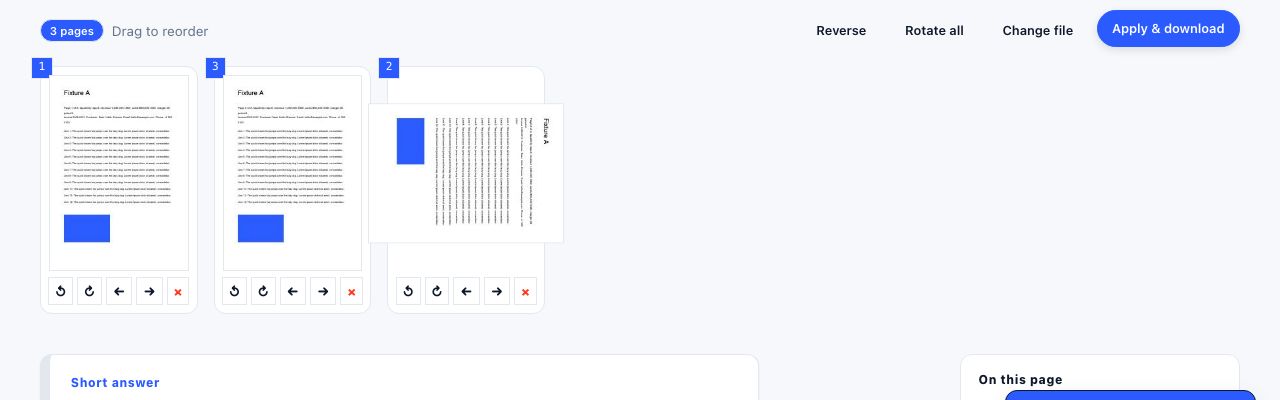
Open the PDF in a page organiser, drag the page thumbnails into the order you want, use the rotate buttons for any sideways page, select unwanted pages and delete them, then download. Rotation is stored as a page property, so a rotated page stays rotated in every viewer and on paper.

How to combine PDF files in a custom page order
To combine PDFs in a custom order, list the files in the sequence you want, merge them, then inspect the page thumbnails and move, rotate, extract or delete pages as needed. Save a new copy, check page count and orientation, and open the output before sending it. Keep the originals until the packet is verified.
Tools for this job
Merge PDF
Combine files into one
Organize Pages
Reorder, rotate, delete pages
JPG to PDF
Turn pictures into one PDF
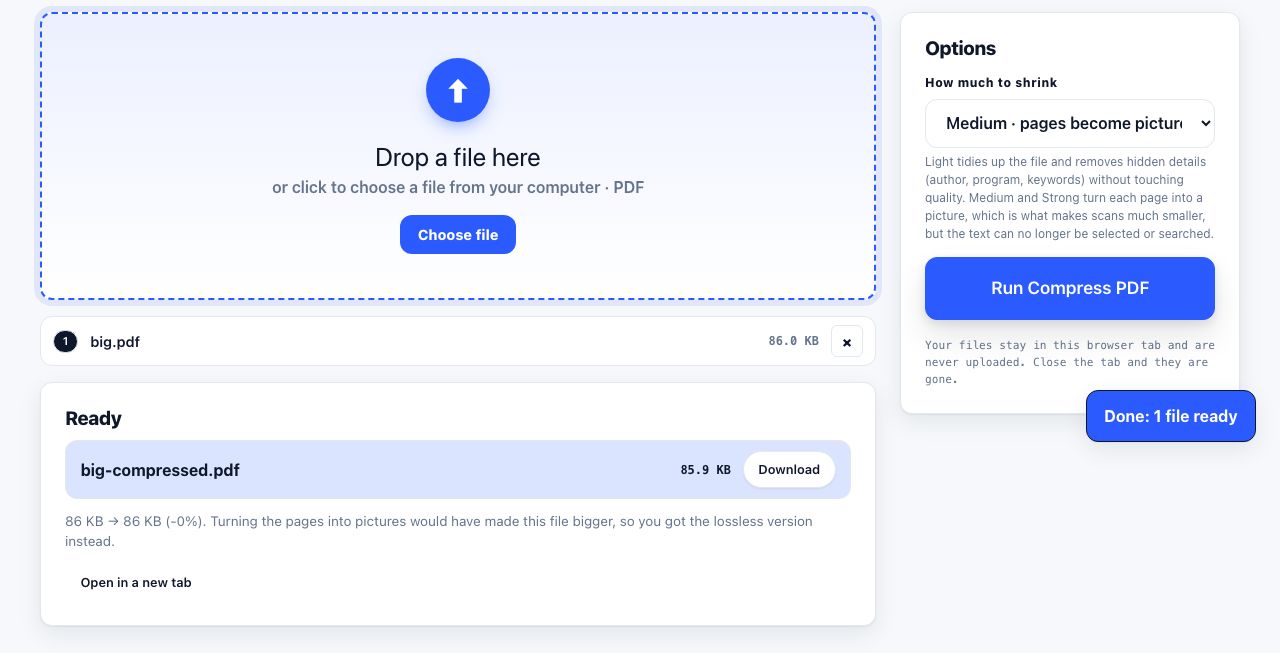
Compress PDF
Shrink the file size
See the recommended tools in action
Other topics
Printing web pages
Print any web page without ads, sidebars or menus. Reader mode, print preview, browser settings and a free tool that cleans the page in your browser.
Saving web pages as PDF
Save any web page as a PDF in Chrome, Safari, Firefox, Edge, iPhone or Android. Print-to-PDF, full-page screenshots, and archiving that survives link rot.
Splitting and extracting PDF pages
Split a PDF into single pages or custom ranges, extract only the pages you need, delete the rest, and cut a big file down to fit an email attachment limit.
Compressing PDF files
Compare three PDF compression presets, keep text searchable when needed, and learn when to split a large file or use a sharing link.
Converting PDF to other formats
How to get a PDF back into an editable format: Word, Excel, plain text and slides, what each conversion really preserves, and when the answer is to retype.
Converting files to PDF
Turn documents, spreadsheets, web pages and photos into PDFs that look right. Font embedding, print areas, page-break CSS and the DPI that matters in print.