Compress PDFs online: choose a quality preset or diagnose a large file
 By Nasir Uddin Shamim5 guides
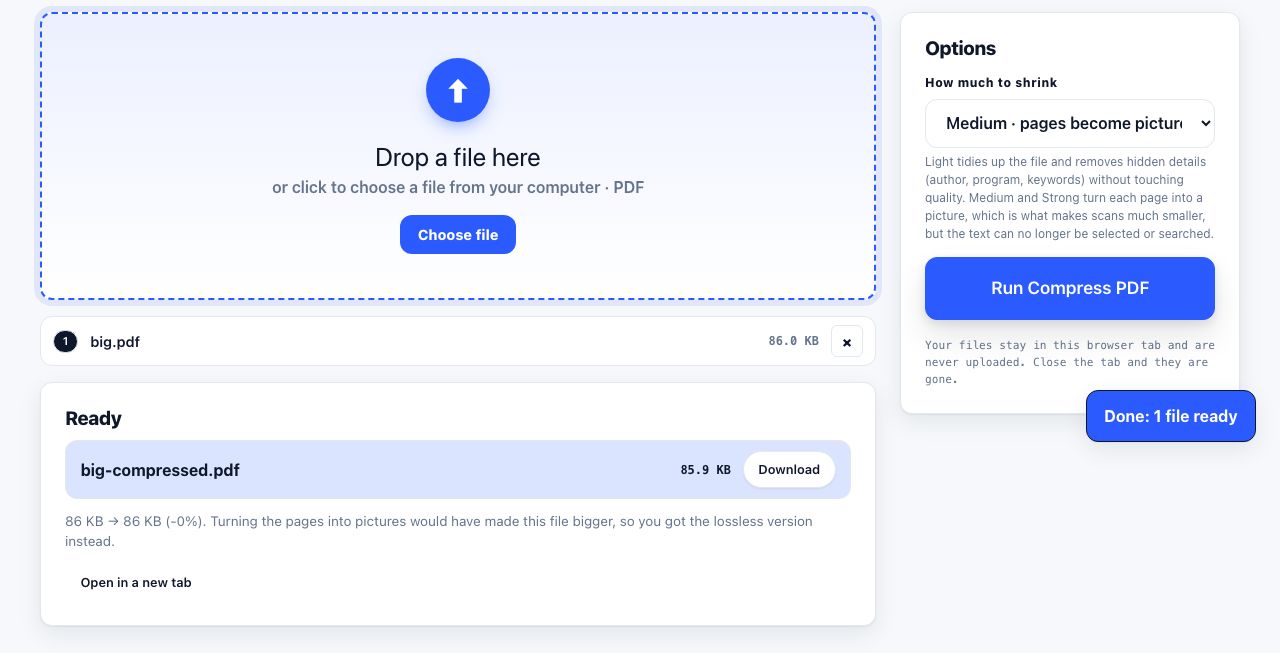
In PrintxPDF, choose Light to keep text selectable. Medium and Strong turn pages into images and can reduce detail. The tool has no custom DPI or grayscale controls, so test on a copy and keep the original. Split the file or share a link if compression is not suitable.
PDFs can be large because of images, fonts, metadata or saved document structure. PrintxPDF offers three compression presets: Light keeps the text layer, while Medium and Strong turn pages into images. There is no custom DPI or grayscale control. These guides explain the trade-offs, how to diagnose a large file and when a scanner setting, page split or sharing link is a better fit.
Every guide in this topic
How to compress a PDF file for free
Open the browser-based compressor and choose Light to keep text selectable, or test Medium or Strong on a copy if image-only pages are acceptable. Size reduction depends on the PDF. PrintxPDF does not offer custom DPI or grayscale settings.
How to reduce a PDF file size for email
Check your mail provider's current limit first. PrintxPDF offers Light compression, which keeps text selectable, and Medium or Strong, which turn pages into images. The tool has no custom DPI or grayscale controls; split the file or use an approved sharing link if compression is not enough.
How to compress a PDF without losing quality
To preserve selectable text with PrintxPDF, choose Light. Medium and Strong render pages as images and may reduce detail. The compressor has no custom DPI control; change scan resolution in scanner or image software, keep the original, and compare the result.
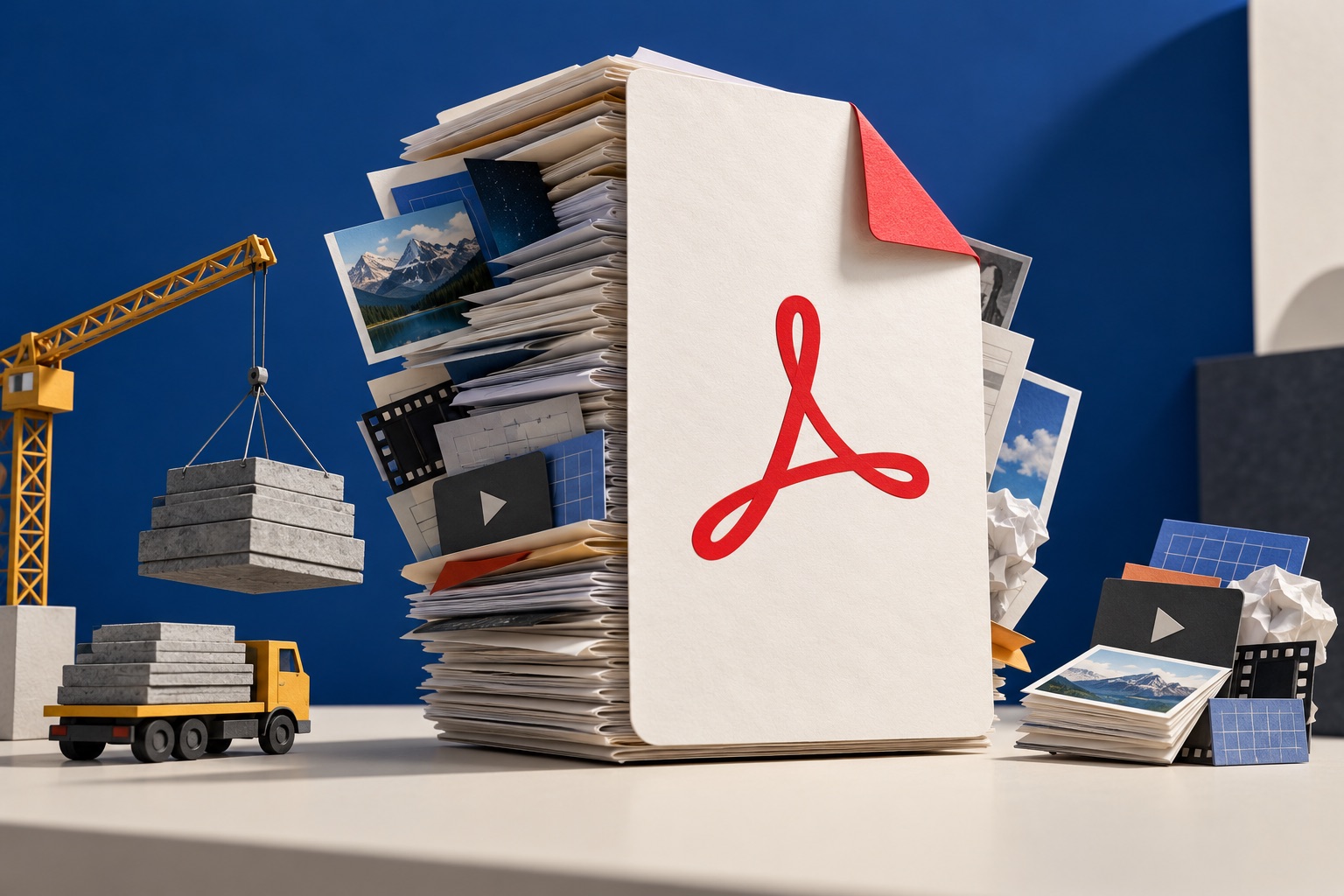
Why is my PDF file so large? 8 reasons
A PDF is usually large for one of eight reasons: it is a scan stored as images, images are embedded at full resolution, fonts are embedded whole instead of subset, resources are duplicated per page, saves were incremental, images are cropped only visually, forms and attachments are attached, or colour profiles and transparency are heavy.
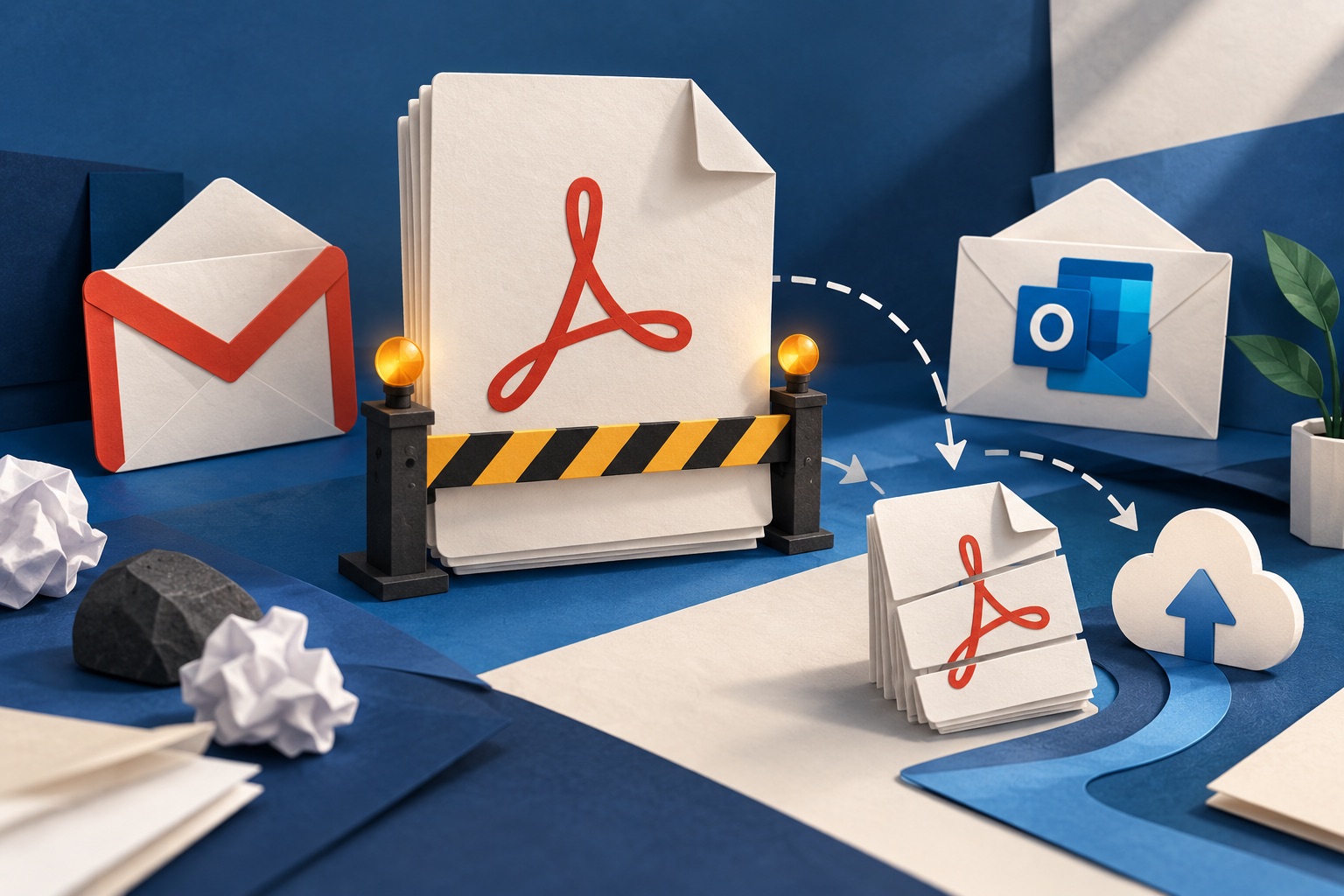
Gmail and Outlook PDF attachment limits: what to do
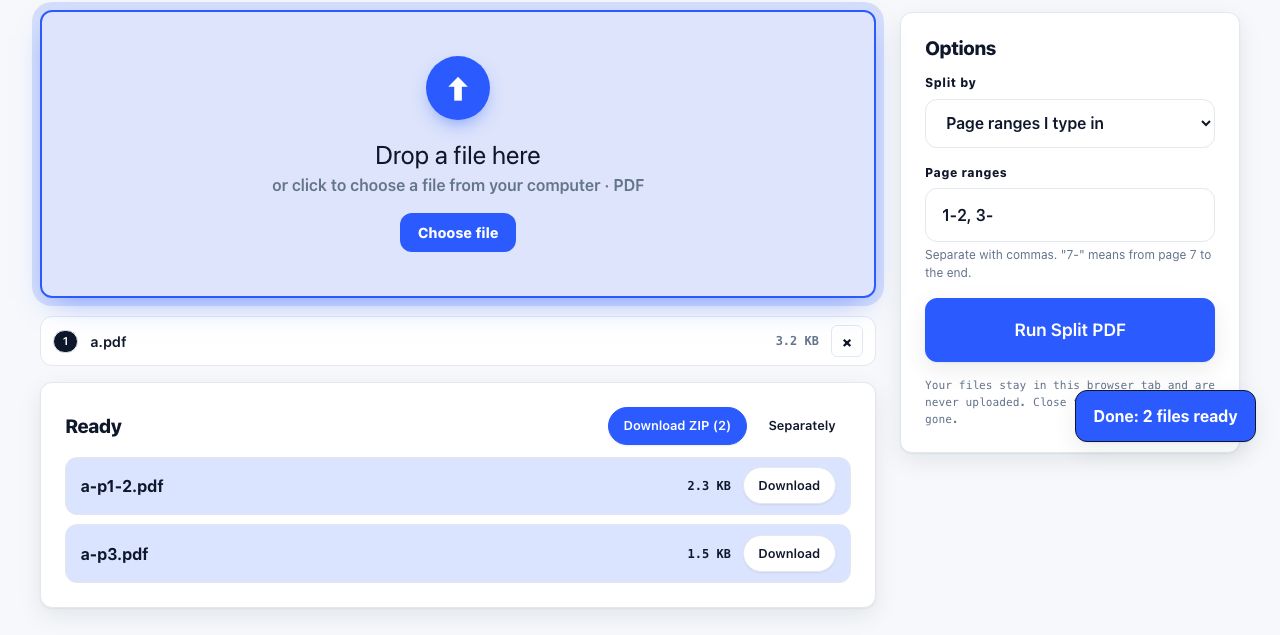
To email a PDF that is too large, first check your mail provider’s current attachment limit, then compress the PDF and inspect whether the text and images remain clear. If it is still too large, split it into smaller files or use the recipient-approved file-sharing service. Do not assume ZIP will shrink already-compressed images.
Tools for this job
Compress PDF
Shrink the file size
Split PDF
Break one PDF into several
PDF to JPG
Save pages as pictures
Repair PDF
Fix a file that will not open
See the recommended tools in action
Other topics
Printing web pages
Print any web page without ads, sidebars or menus. Reader mode, print preview, browser settings and a free tool that cleans the page in your browser.
Saving web pages as PDF
Save any web page as a PDF in Chrome, Safari, Firefox, Edge, iPhone or Android. Print-to-PDF, full-page screenshots, and archiving that survives link rot.
Merging PDF files
Combine PDFs into one file for free. Drag to set the page order, mix in JPG and PNG images, keep bookmarks, and merge without Adobe Acrobat on Windows or Mac.
Splitting and extracting PDF pages
Split a PDF into single pages or custom ranges, extract only the pages you need, delete the rest, and cut a big file down to fit an email attachment limit.
Converting PDF to other formats
How to get a PDF back into an editable format: Word, Excel, plain text and slides, what each conversion really preserves, and when the answer is to retype.
Converting files to PDF
Turn documents, spreadsheets, web pages and photos into PDFs that look right. Font embedding, print areas, page-break CSS and the DPI that matters in print.