How to shrink a PDF for Gmail, Outlook and email

To email a PDF that is too large, first check your mail provider’s current attachment limit, then compress the PDF and inspect whether the text and images remain clear. If it is still too large, split it into smaller files or use the recipient-approved file-sharing service. Do not assume ZIP will shrink already-compressed images.
See the tools in action
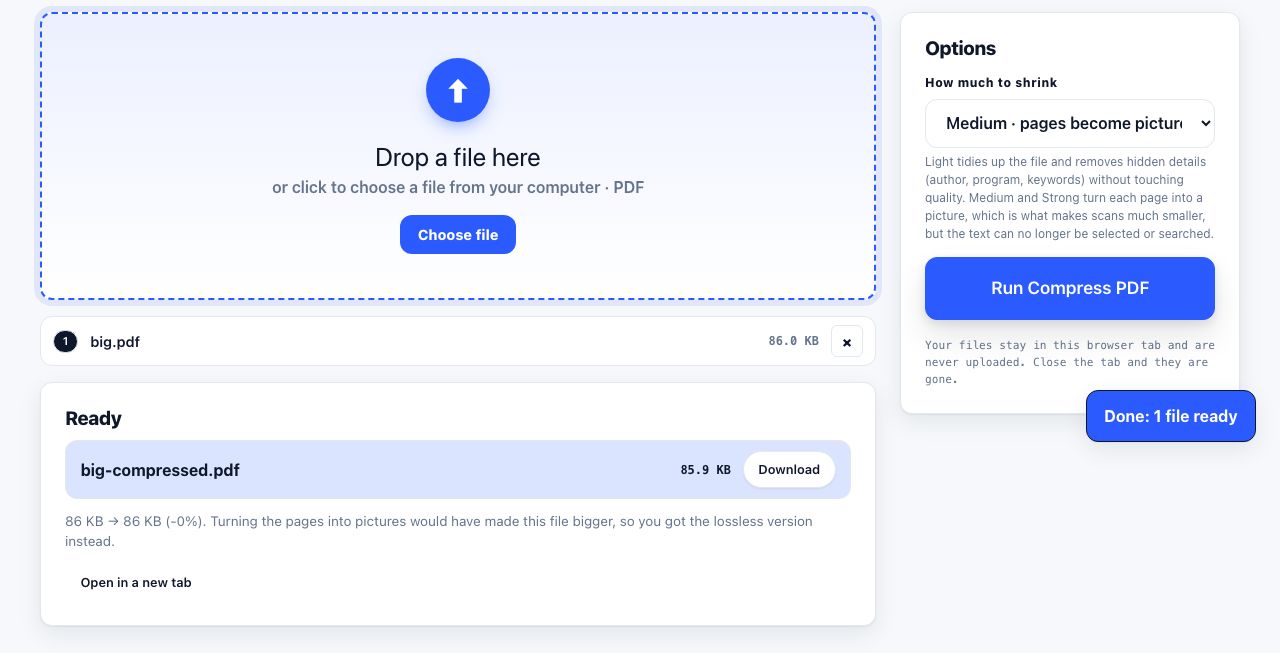
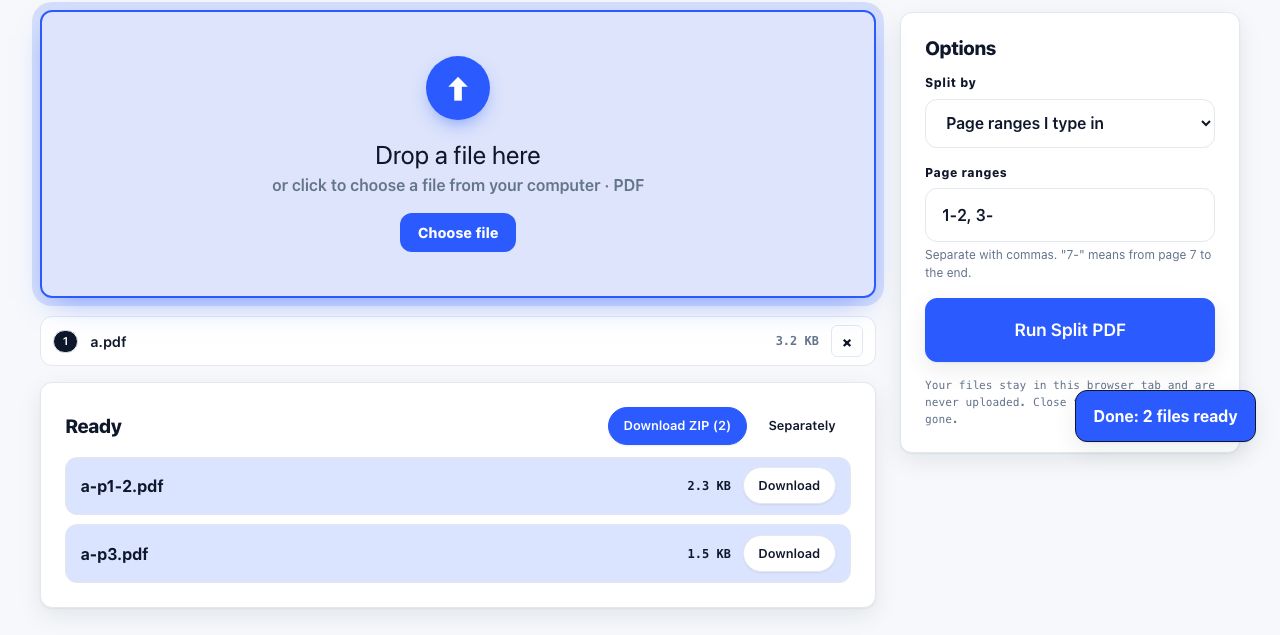
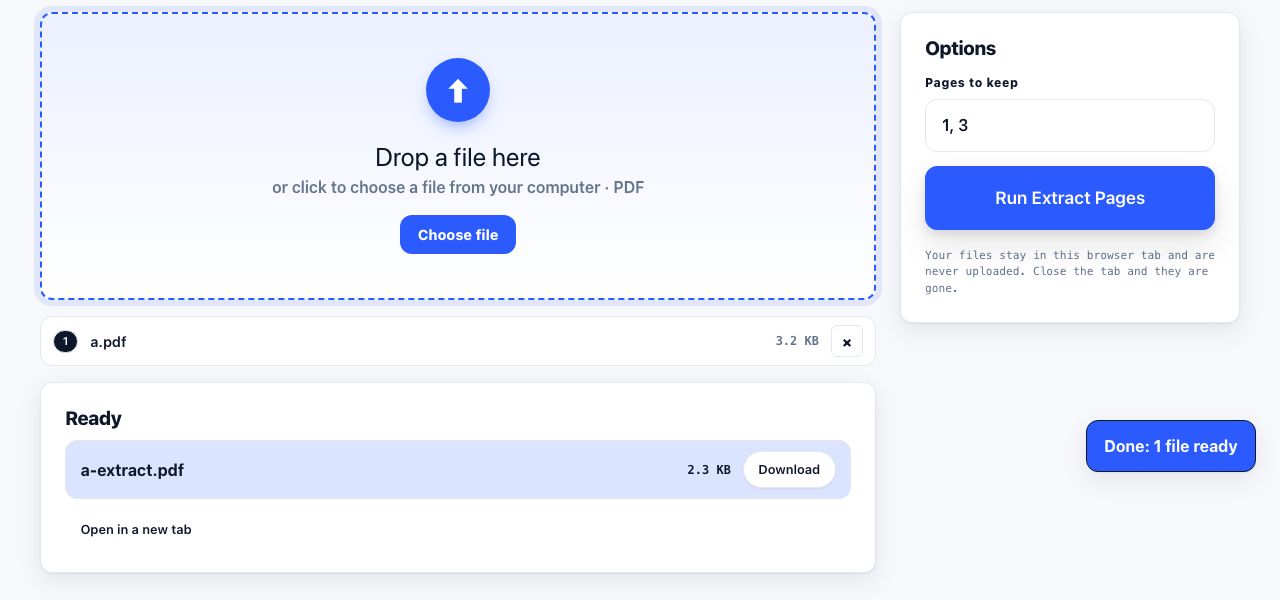
A PDF can be too large because its pages contain high-resolution photos or scans, because it carries unused objects, or because it has many pages. The right fix depends on which is responsible. Check the mail provider’s current limit before changing the document, since limits and organization policies can vary.
A safe sequence to reduce the attachment
- Check the current limitLook up the attachment limit for your mail account and the recipient’s organization. Leave room for email encoding overhead; a file close to the stated maximum can still fail.
- Compress the PDFUse Compress PDF, then inspect small print, photographs and scanned signatures at normal viewing size.
- Remove pages the recipient does not needExtract a useful page range with Extract Pages, but keep the complete original separately.
- Split if compression is not enoughSplit the PDF into clearly named parts and make sure each part stays under the recipient’s limit.
- Use an approved sharing routeFor very large or confidential documents, use the organization’s approved cloud sharing method and restrict access as needed.
Try reducing the PDF size in your browser and check the output before attaching it.
Compress PDF →Why a ZIP archive may not help
PDFs often already compress their text and images internally. Putting a PDF into a ZIP can therefore save little or nothing. A PDF containing uncompressed scans may shrink more, but a photo-heavy PDF may not. Compare the sizes before sending.
Choose quality based on what the PDF is for
| Document | What to protect | Possible approach |
|---|---|---|
| Text report | Readable fonts and charts | Try structural compression first |
| Scanned paperwork | Small text, stamps and signatures | Lower image resolution cautiously and inspect each page |
| Photography portfolio | Image detail and colour | Keep a high-quality master; share a separate smaller copy |
| Legal or signed record | Original bytes, signatures and evidence | Do not modify the authoritative signed original |
Compression or editing can invalidate a digital signature. Keep the signed original untouched and do not treat a compressed copy as the authoritative signed record.
If the recipient only needs a few pages, extract those pages instead of sending the whole file. If the PDF contains sensitive information, use the right access controls and avoid sending passwords in the same email as the attachment.
Email limits are not always the only constraint. A company gateway may impose a lower maximum than the sender mailbox, and a recipient may block certain file types or encrypted archives. If delivery fails after compression, compare the exact error with the attachment size and ask whether a secure share link is accepted. Avoid renaming a compressed copy over the source until you have checked its pages and text. For records with signatures, approvals or legal retention requirements, keep the original separately and treat the compressed version as a convenience copy only.
Frequently asked questions
How do I email a PDF that is too large?
Check the current limit, compress the file, remove pages the recipient does not need, then split it or use an approved file-sharing service if it remains too large. Inspect the compressed file before sending.
Will zipping a PDF make it smaller?
Sometimes, but often only slightly because PDFs already compress many streams and images. Test the ZIP size rather than assuming it will help.
Can I compress a digitally signed PDF?
Editing or optimizing a signed PDF may invalidate its signature. Preserve the original signed file and ask the signer or records owner before creating a modified copy.
How small should a PDF be for email?
Use the current limit for your mail provider and account, and leave margin for encoding overhead and recipient limits. There is no single size that is safe for every mail system.