How to split a large PDF to get under an email size limit

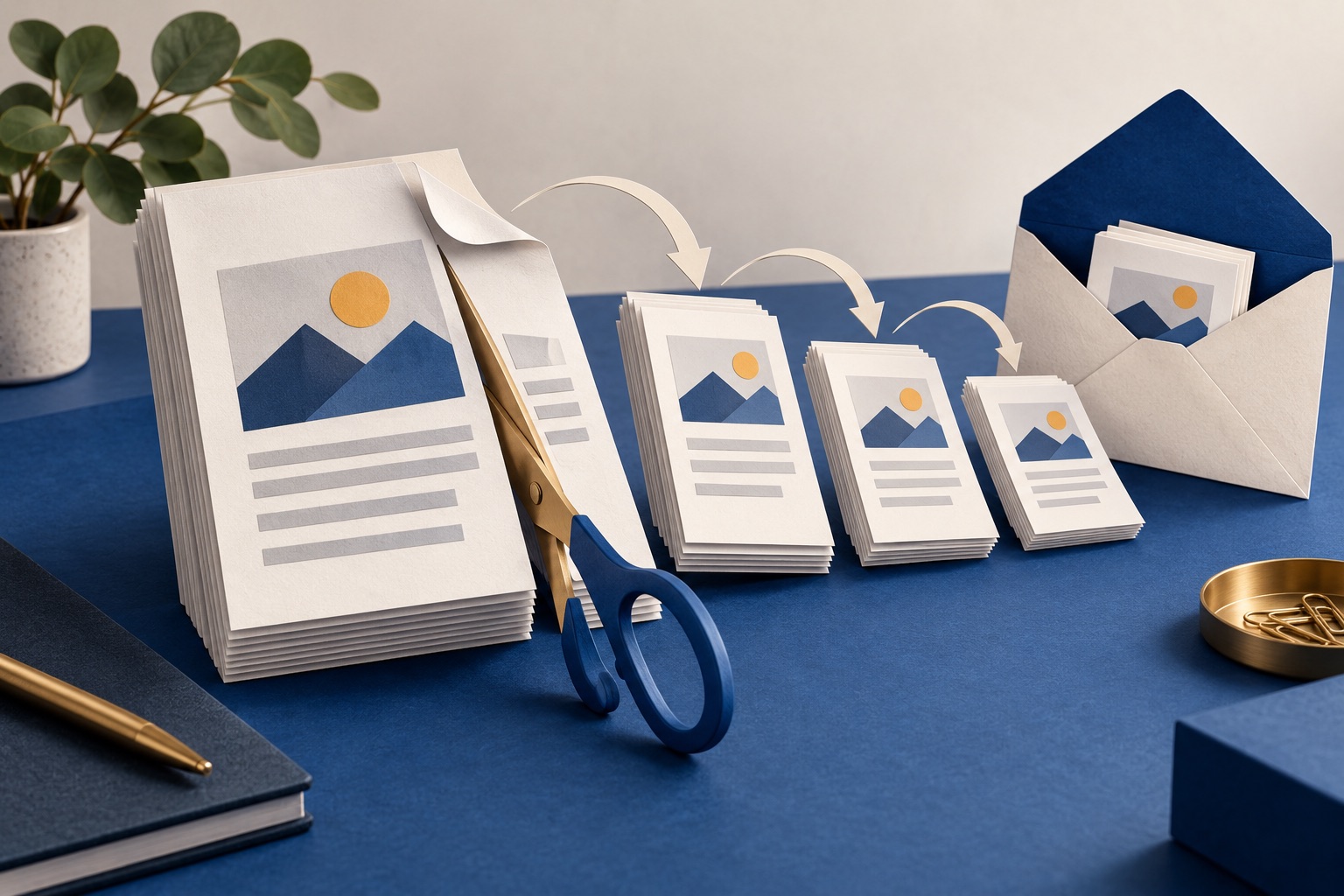
Check the current sending limit for your account and the recipient's limit. Try Light compression to keep text selectable; Medium and Strong turn pages into images. If the file remains too large, split it into numbered parts or use an approved sharing link.
See the tools in action
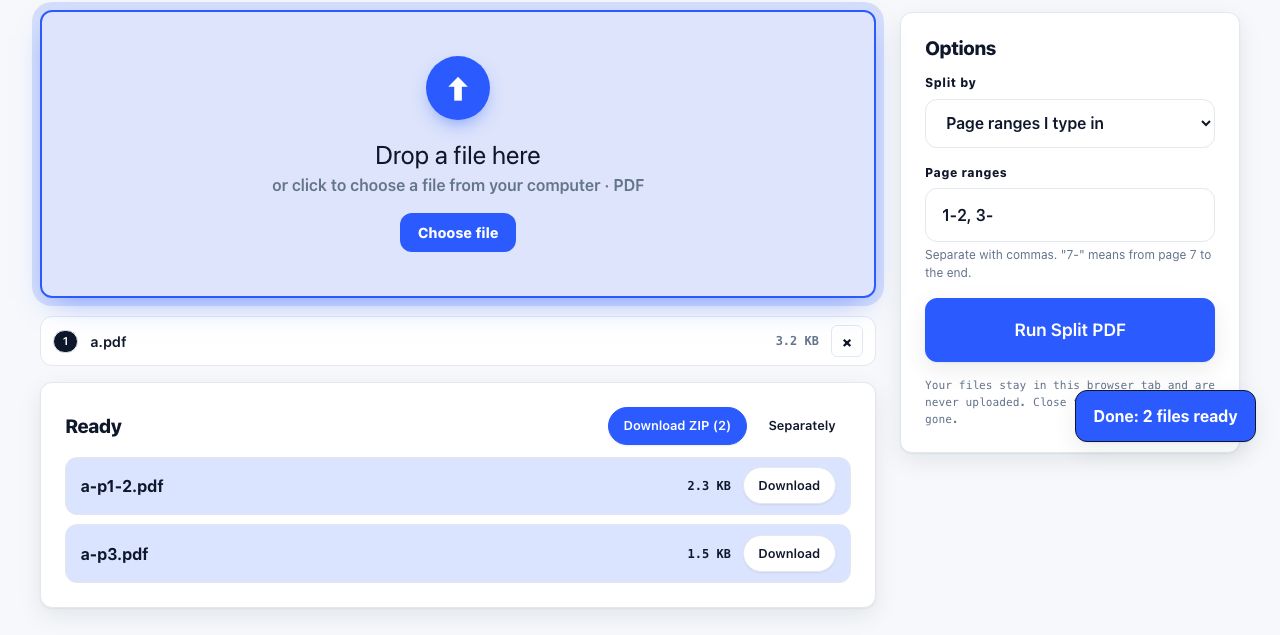
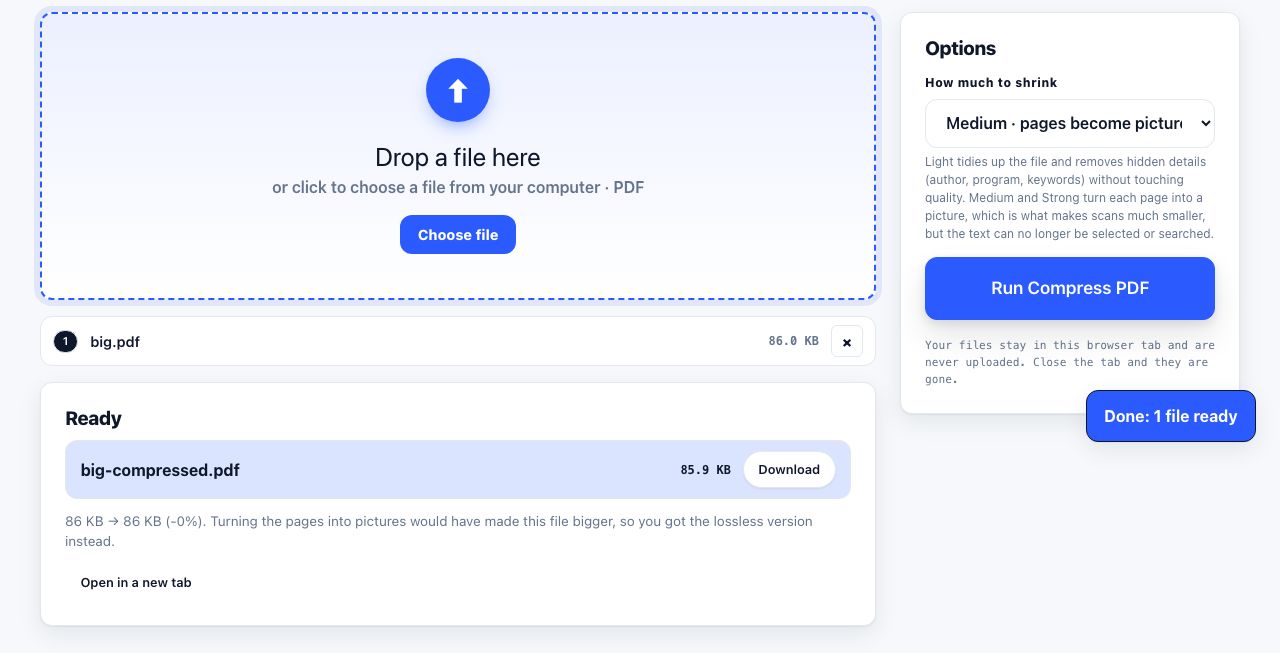
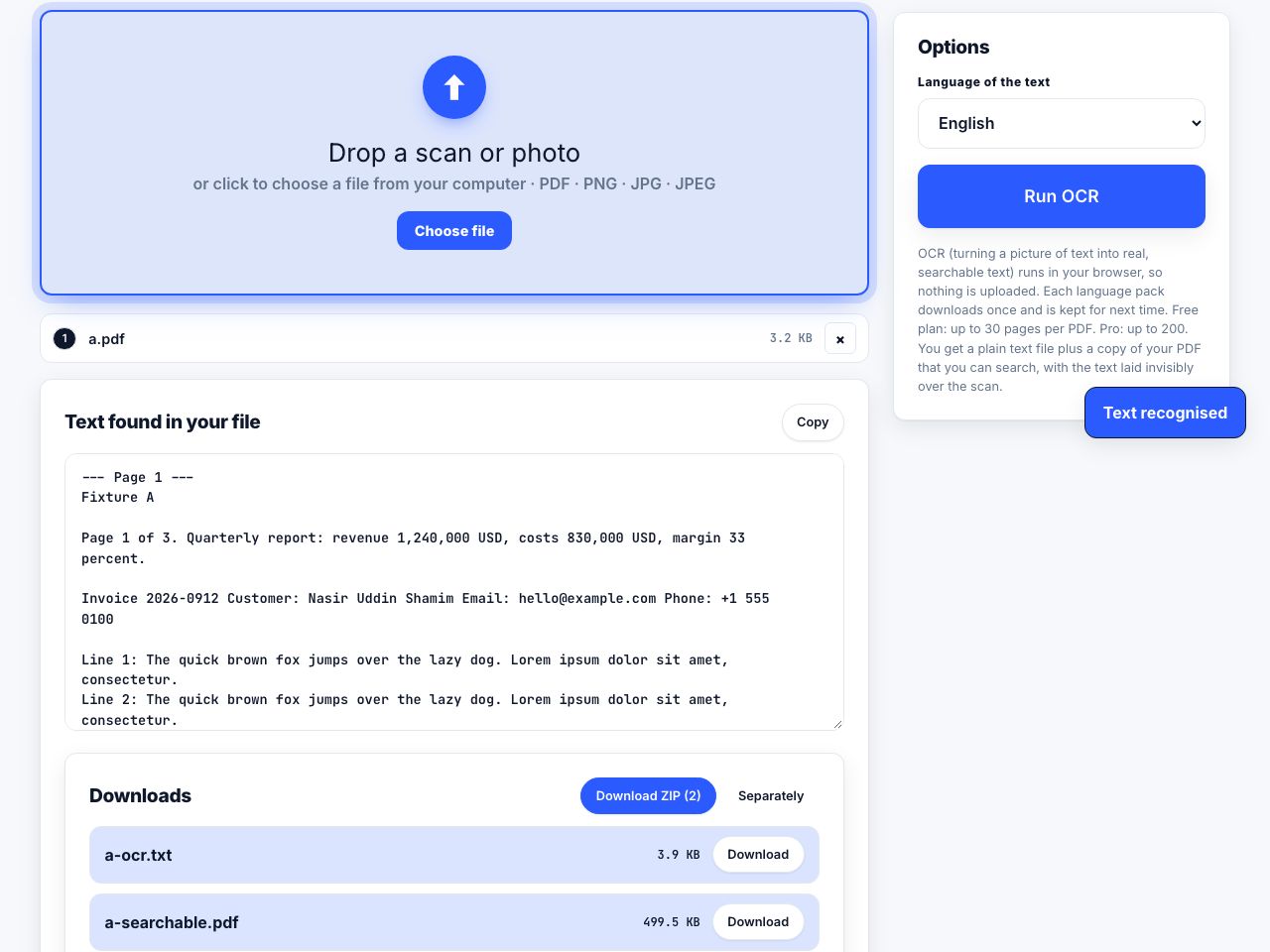
Your provider and the recipient's provider can enforce different limits. The lower one applies, and work or school accounts may have administrator-set rules. Check the current help page and leave room for the message itself.
The limits, and the hidden third
| Service | Sending limit | What happens above it |
|---|---|---|
| Personal Gmail | 25 MB total attachments | Gmail may replace oversize attachments with a Google Drive link |
| Outlook.com | 20 MB email size limit | Use OneDrive or another approved sharing service |
| Microsoft 365 / Exchange Online | Set by organization policy | Check with the administrator or use an approved file-sharing link |
| Yahoo Mail | 25 MB total attached files | Use a file-sharing link if the recipient can access it |
| iCloud Mail | 20 MB; up to 5 GB with Mail Drop | Mail Drop links are available for up to 30 days |
| Proton Mail | 25 MB outgoing attachments | Share using Proton Drive or another service |
| Work or school mail | Varies by administrator and recipient system | Check both organizations' rules before sending |
Email encoding can add roughly one-third to an attachment's transmitted size, but providers do not all describe or enforce limits the same way. Leave room for the message and check the sender's interface and the recipient's rules instead of treating one file-size target as universal.
There is no safe file-size target that applies to every provider. Use the limit for the sender's account, leave room for message overhead, and ask the recipient if their system has a lower cap.
Compress first. Almost always.
Splitting is a workaround; compression is a fix. The recipient gets one attachment instead of four, nobody has to reassemble anything, and the document stays whole. Try it first and only split if compression is not enough.
The PrintxPDF compressor has three presets, not a custom DPI or grayscale control. The result depends on the source PDF:
| Preset | What it does | Best fit |
|---|---|---|
| Light | Tidies the PDF without rasterizing pages; text stays selectable | Documents where search, copy and sharp text matter |
| Medium | Turns pages into images; may reduce a scan, but text is no longer selectable | A copy when reducing size matters more than searchable text |
| Strong | Turns pages into images at a stronger setting; detail may be reduced | A copy for visual sharing when a smaller output is needed |
Compare the three compression presets on a copy. Size reduction varies; Medium and Strong convert text and pages into images.
Compress PDF →Deciding what to do
| Situation | Do this |
|---|---|
| 40 MB of scans, mostly images | Try Light first; compare Medium or Strong on a copy if searchable text is not required. Check the output size. |
| Already-compressed PDF that exceeds the confirmed cap | Split it into parts sized for the sender and recipient limits, leaving room for the message. |
| 200 MB video-embedded or archival file | Do not email it. Share a cloud link. |
| Legal or signed document that must not change | Split, never compress. Compression re-encodes and breaks signatures. |
| Recipient uses a company or school email system | Ask for its limit or use an approved sharing link. |
| You do not know the recipient's limit | Ask the recipient or choose a suitably conservative size; no one target fits all systems. |
| Recipient asked for one file | Compress hard, or share a link, and say why. |
Splitting it properly
- Work out the chunk sizeChoose a per-message target below the confirmed limit, allowing room for message overhead. Divide the file size by that target and round up to estimate the number of parts.
- Convert that to pagesDivide the page count by the number of parts. A 68 MB, 240-page file split into 5 gives 48 pages per part. Use the every-N-pages mode with N = 48.
- Split at a sensible boundaryNudge the boundaries so parts break between chapters or sections rather than mid-sentence. Custom ranges are worth the extra typing here. See splitting into pages or ranges.
- Check every partSizes are rarely even, because pages are not equally heavy. One 90-page part of thin text can be smaller than a 20-page part of scans. Verify each file individually against your target.
- Name them for the recipientUse
Report_2026_part1of4.pdfrather thanReport (1).pdf. The person on the other end has to work out the order without you. - Send in order, one per messageSay in the first message how many parts there are, and mention how to reassemble them if the recipient needs the whole document.
Split by page count or by custom ranges, with the page count for each part shown before you commit.
Split PDF →Never split a PDF into parts and then compress each part separately if the document is being submitted somewhere official. Page numbering, signatures and any certification will not survive, and a reviewer receiving four unrelated-looking files is a good way to have a submission rejected.
The option most people should take instead
Splitting a document across four emails is a bad experience for whoever receives it. A link is better in almost every case where it is allowed:
- Google Drive, Gmail can replace attachments over its limit with a Drive link. Check the sharing permission before sending.
- OneDrive, Outlook offers the same thing, and Microsoft 365 accounts include 1 TB.
- iCloud Mail Drop, up to 5 GB, built into Apple Mail, links expire after 30 days.
- Other file-sharing services may work too; check their current size, expiry and access rules.
- For anything confidential, check whether your organisation permits these services before using one. Many do not.
Why the PDF is large in the first place
Worth knowing, because it changes what you should do. A 50 MB PDF is almost always one of three things: a scanned document stored at 300 or 600 DPI, a set of pages carrying full-resolution photographs, or an export from design software that embedded every asset at print resolution. All three compress dramatically. A 50 MB PDF that is genuinely mostly text is rare, and usually means the file has accumulated revision history through incremental saves, which a full rewrite clears out.
If the file came from a scanner, also run OCR while you are at it. It adds a small amount of size and makes the document searchable, which is what the recipient will want next anyway.
Frequently asked questions
What is the maximum attachment size for Gmail?
Personal Gmail allows up to 25 MB in total attachments. Gmail can replace oversize attachments with a Google Drive link. Work and school accounts may have administrator-set limits, and the recipient's system may be lower.
What is the Outlook attachment size limit?
Microsoft publishes a 20 MB email-size limit for Outlook.com. Microsoft 365 and Exchange limits can depend on organization settings, so check with the administrator or use an approved sharing link.
Should I compress or split a large PDF?
Try Light compression if you need text to stay searchable and selectable. Medium and Strong turn pages into images, with size reduction depending on the source. Split or use a sharing link if you cannot accept that trade-off. Preserve signed originals because rewriting can invalidate signatures.
How do I split a PDF into equal parts by file size?
Divide the total size by your per-message target to get the number of parts, then divide the page count by that number and split every N pages. Check each part afterwards, because pages vary in weight and the split will not be perfectly even.
Why does my 24 MB PDF bounce from a 25 MB limit?
Encoding can increase the transmitted size, and some limits include the message body or are set by the recipient's organization. Check both systems rather than relying on one universal file-size calculation.