How to reorder, rotate and delete PDF pages


Open the PDF in a page organiser, drag the page thumbnails into the order you want, use the rotate buttons for any sideways page, select unwanted pages and delete them, then download. Rotation is stored as a page property, so a rotated page stays rotated in every viewer and on paper.
See the tools in action
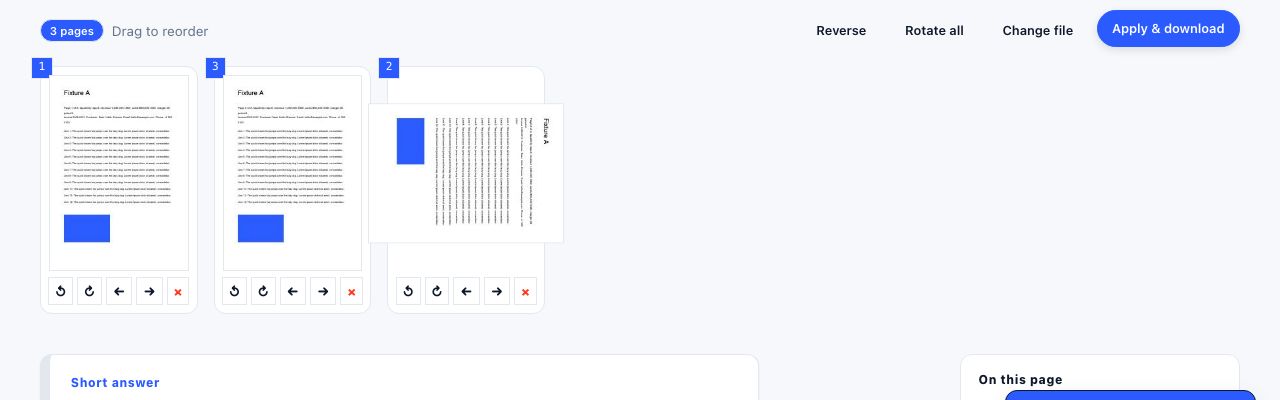
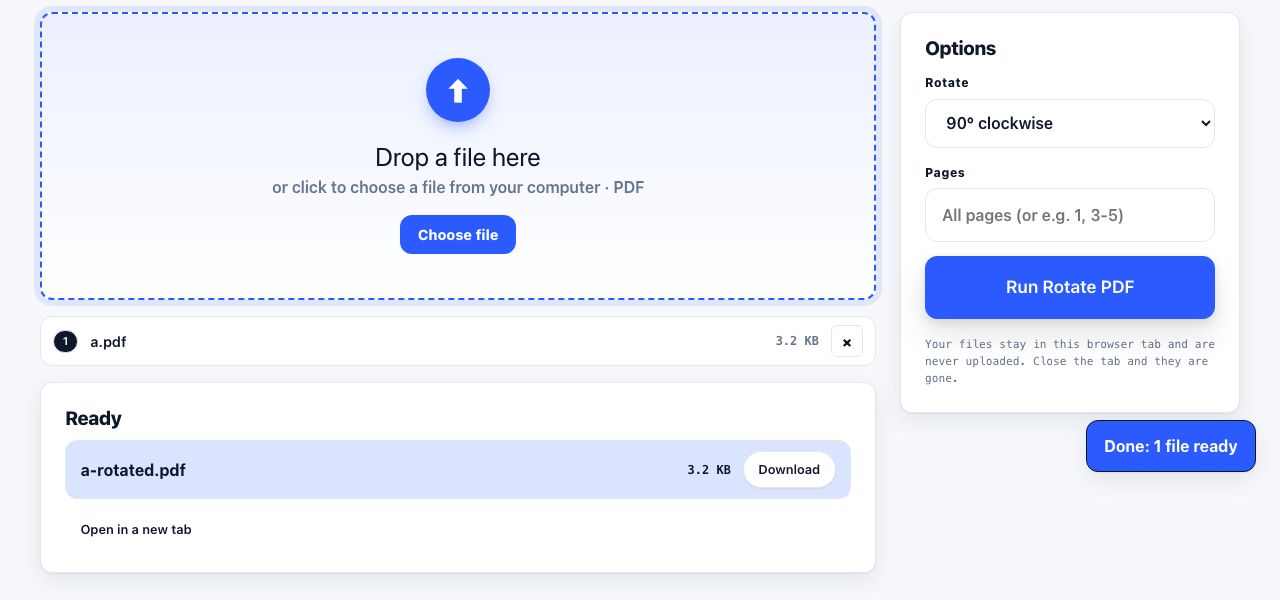
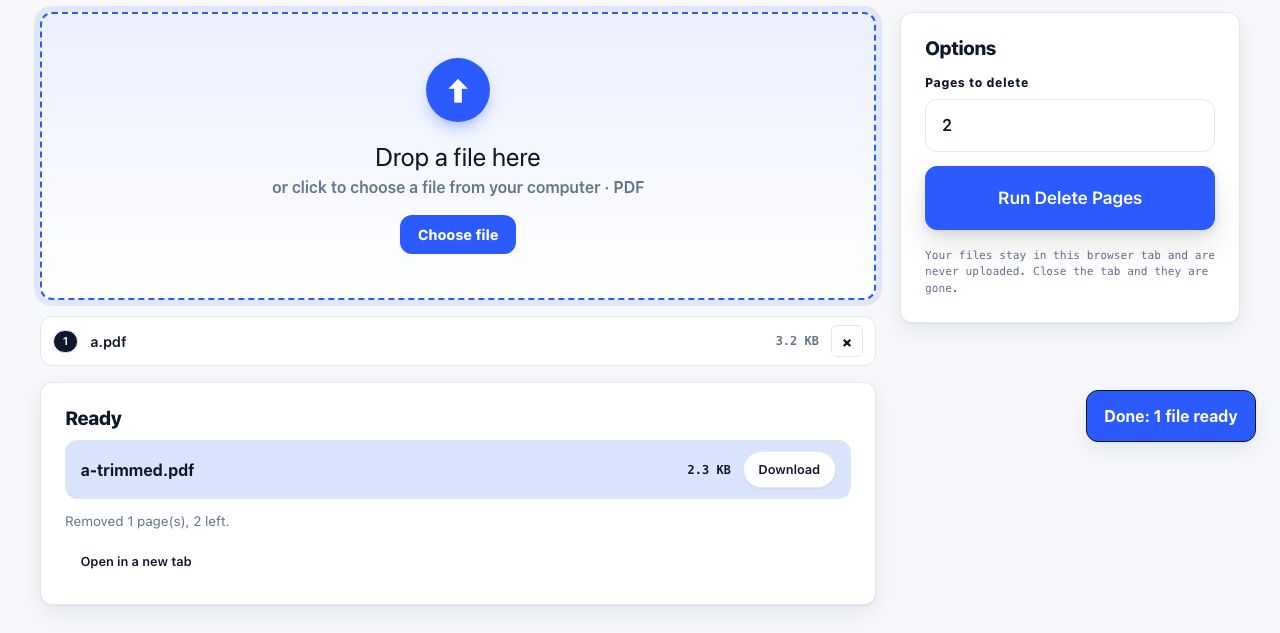
Three operations, one interface. Reordering, rotating and deleting all edit the same thing: the page tree that tells a PDF reader which pages exist and in what sequence. That is why every decent tool puts them on one screen full of thumbnails rather than in three separate menus.
The workflow
- Open the file in a page organiserGo to organize PDF and drop the file in. Every page appears as a thumbnail with its page number.
- Fix the order firstDrag a thumbnail to a new position. Select a run with Shift-click, or scattered pages with Ctrl-click (⌘-click on macOS), then move them as a block.
- Rotate anything sidewaysHover a page and use the rotate buttons. Rotation goes in 90 degree steps only, because that is all the PDF format stores. Select several pages to rotate them together.
- Delete what you do not needSelect the pages and press Delete, or type a range such as
2,5,11-13if the tool accepts one. - Download and verifyOpen the result and check the page count. If you deleted four pages from a 40-page file, the output must be 36 pages.
Reorder, rotate and delete pages on one screen, without uploading the file.
Organize Pages →Why your rotation did not stick
PDF stores rotation as a `/Rotate` entry on each page, and it accepts exactly four values: 0, 90, 180 and 270. Many PDF readers offer a View → Rotate command that turns the page on screen without touching that entry. Close the file and the rotation is gone, because nothing was written. To make it permanent you need a tool that edits the page object and saves a new file, which is what a page organiser or rotate PDF does.
This is also why a page can look upright in one app and sideways in another. If the rotation lives only in a viewer's display state, every other viewer starts from the stored value. Write it into the file and the ambiguity disappears.
The double-sided scan problem
A single-sided document feeder gives you a very specific mess. You scan all the fronts, flip the stack, scan all the backs, and end up with pages 1, 3, 5, 7 followed by 8, 6, 4, 2. Reversed, because flipping the stack reverses the order of the reverse sides.
- Reverse the second batch so the even pages run 2, 4, 6, 8.
- Interleave the two batches, taking one page from each in turn. Some merge tools call this alternate and mix.
- Delete the blank backs, which is usually most of them.
- Rotate any page the feeder pulled in sideways.
Blank scanned pages are rarely truly blank: dust and paper texture leave speckles, so a "delete blank pages" filter that looks for pure white will miss them. Sorting by page byte size is a better heuristic, since a genuinely empty scan is a fraction of the size of one with text on it.
| Task | Browser organiser | macOS Preview | Adobe Acrobat | qpdf |
|---|---|---|---|---|
| Reorder pages | Drag thumbnails | Drag in the sidebar (⌥⌘2) | Organize Pages | Rewrite the page list |
| Rotate and save | Rotate buttons | ⌘L / ⌘R, then Export as PDF | Organize Pages → Rotate | --rotate=+90:2-5 |
| Delete pages | Select and Delete | Select thumbnail, press Delete | Organize Pages → Delete | --pages . 1-4,7-z -- |
| Extract to a new file | Extract pages tool | Drag thumbnails to the desktop | Organize Pages → Extract | --pages in.pdf 3-9 -- |
| Cost | Free | Free with macOS | Subscription | Free, command line |
What breaks when you move pages around
- Bookmarks point at page objects, not page numbers. Reordering usually keeps them working; deleting a bookmarked page leaves a dead entry that jumps nowhere.
- Printed page numbers do not update. The number drawn on the page is part of the page content. After reordering, either accept the mismatch or strip and re-apply them with page numbers.
- Cross-references inside the text go stale. "See page 14" is just text.
- Digital signatures are invalidated. Any structural edit breaks a signature. Reorganise first, sign last.
- Form field tab order follows the original page sequence in some documents and needs to be reset.
Deleting is not redacting
Removing a page removes it from the page tree. Depending on how the file is written, the underlying objects can survive in the file as orphaned data, particularly if the editor saves an incremental update rather than rewriting the whole document. For confidential material, use a tool that fully rewrites the file, then flatten it and strip the metadata. More on that in deleting pages from a PDF.
Just need to turn a few pages the right way up and save it properly?
Rotate PDF →A sensible order of operations
When a document needs several fixes, do them in this order: merge everything first, then reorder, then rotate, then delete, then add page numbers, then OCR if it is scanned, and compress last. Compression goes last because every earlier step rewrites the file and would undo it. Signing, if needed, goes after compression, because signing must be the final change.
Frequently asked questions
How do I permanently rotate a page in a PDF?
Use a tool that edits the page and saves a new file rather than a viewer that only rotates the display. The rotation is stored as a /Rotate value of 0, 90, 180 or 270 on the page itself, which is what makes it persist across viewers and when printing.
How do I rearrange PDF pages on a Mac?
Open the PDF in Preview, press Option+Command+2 to show thumbnails, then drag pages into the order you want. Use File then Export as PDF to save a clean copy rather than saving in place.
Can I reorder PDF pages without Adobe Acrobat?
Yes. macOS Preview does it for free, and browser-based page organisers work on Windows, Linux and ChromeOS with no installation. Acrobat is not required for any page-level operation.
My scanned document has every second page upside down. How do I fix it?
The feeder scanned the reverse sides while the paper was inverted. Select just the even-numbered pages in a page organiser and rotate that selection 180 degrees in one action, rather than fixing them one at a time.
Does reordering pages change the file size?
Barely. Reordering rewrites the page tree, which is a small part of the file, while the page content stays as it was. Deleting pages does reduce the size, roughly in proportion to what those pages contained.