Ebook formats, and how to turn one into a PDF
 By Nasir Uddin Shamim5 guides
EPUB and MOBI are reflowable: the text rearranges to fit whatever screen it lands on, so the file contains no pages. A PDF contains fixed pages. Converting an ebook to PDF means picking the page size, margins and font size once, gaining a printable layout and losing the reader control over text size.
An ebook and a PDF answer the same question in opposite ways. EPUB, MOBI and AZW3 store the words plus a set of style rules and let the reading app decide where the lines break, so the book has no pages until something draws it. A PDF stores the finished page. Converting between them is therefore a decision, not a copy: you are choosing a page size, a margin and a text size on behalf of every future reader. These guides cover that decision, the differences between the formats, and the one situation where no converter can help you at all.
Every guide in this topic

How to convert AZW3 to EPUB without losing the book
A DRM-free AZW3 ebook can be converted to EPUB with an ebook converter. First confirm the file opens outside the store app and is not encrypted. Then choose EPUB, convert, and check chapter order, images, and fonts. Store-bought Kindle books are often protected and cannot be converted by this or any other legitimate converter.
How to convert an EPUB to PDF, and what you give up
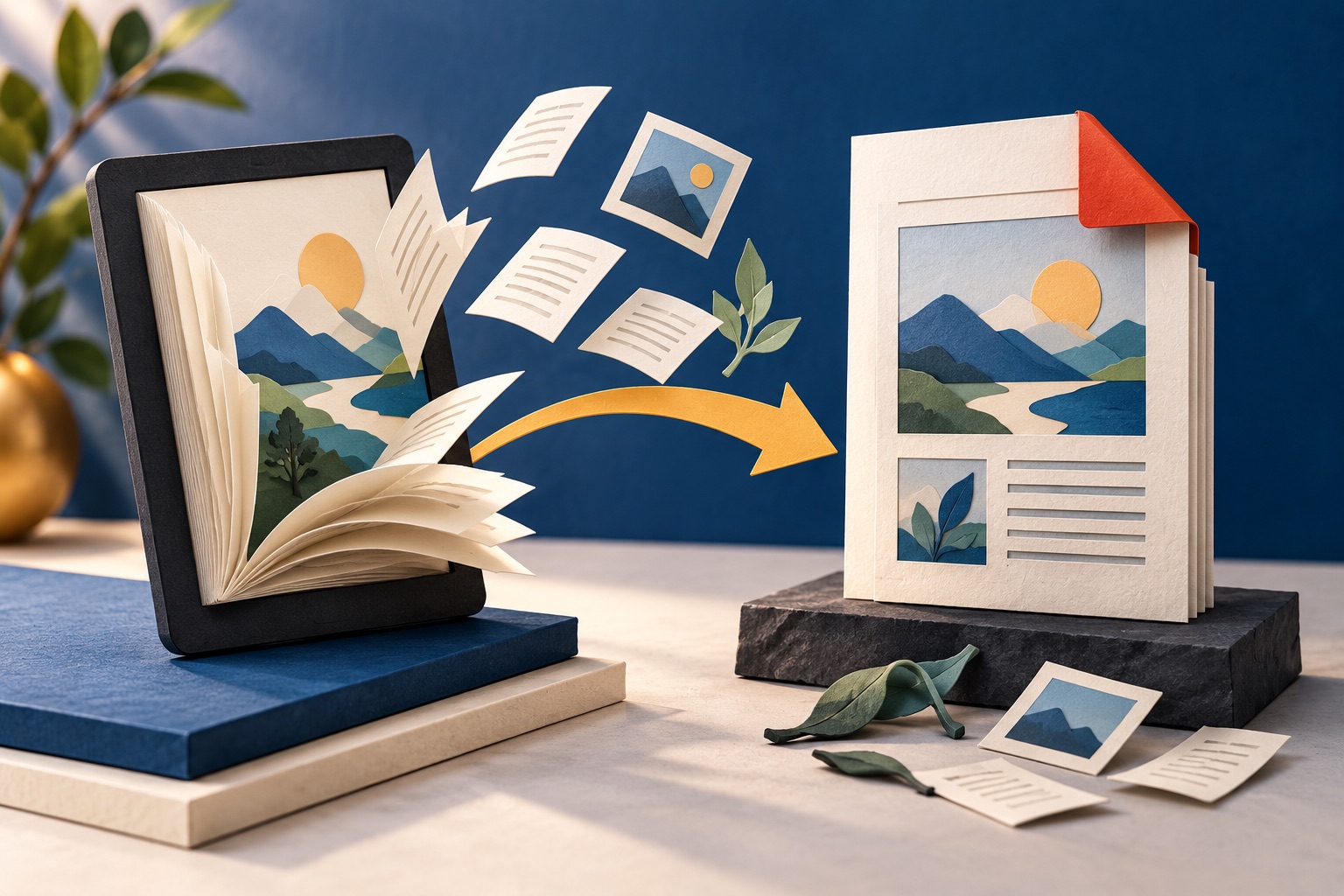
Upload the EPUB to a converter, choose a page size such as A4 or 6 by 9 inches, set the margins and the base font size, then download the PDF. An EPUB holds no pages of its own, so the converter builds them. You gain a printable fixed layout and lose reader control over text size.

How to convert a MOBI file to PDF
Upload the MOBI to a converter, pick a page size and margins, and download the PDF. MOBI is the retired Kindle format: compressed HTML inside a Palm database container, with no pages of its own, so the converter has to build them. Files bought with copy protection will not convert at all.

Ebook formats explained: EPUB, MOBI, AZW3, PDF and plain text
EPUB is the open standard and the best format to keep. MOBI is the retired Kindle format and AZW3 is its replacement, both tied to Amazon. PDF is a set of fixed pages rather than a reflowing book. Plain text is the most durable and the least capable. Keep EPUB and make the others from it.
Why some ebooks cannot be converted at all
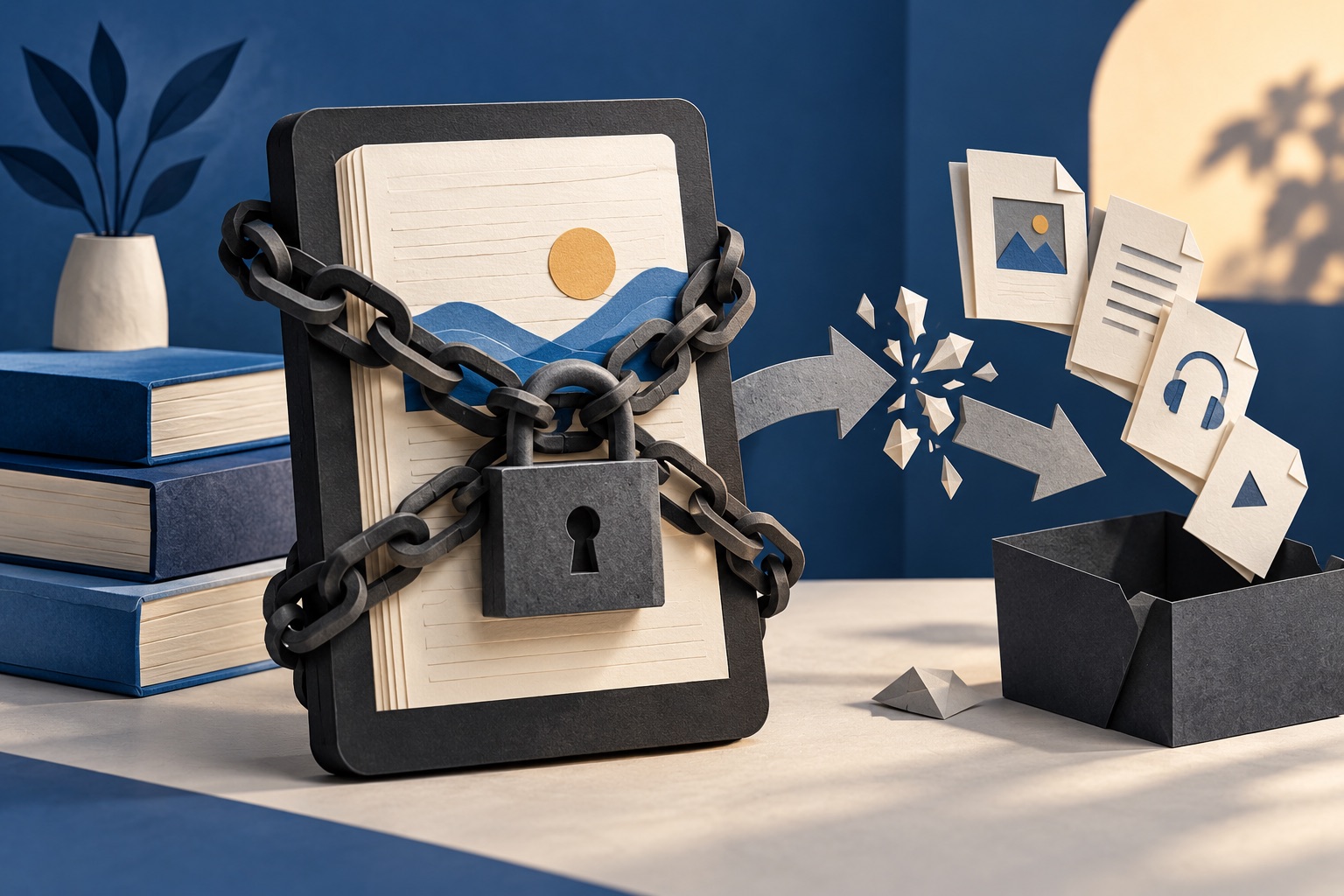
Some ebooks are encrypted by the shop that sold or lent them, so the text inside is unreadable to anything except an authorised reading app. That is DRM. Our converters cannot and will not remove it. DRM-free files convert normally, so the practical answer is to obtain a copy that was never locked.
Tools for this job
EPUB to PDF
Ebook → PDF
MOBI to PDF
Kindle book → PDF
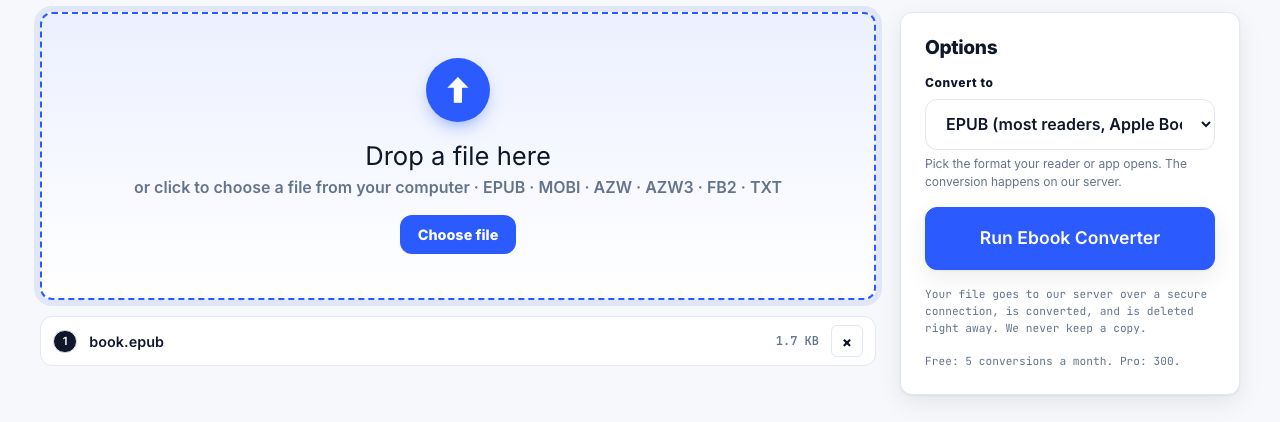
Ebook Converter
EPUB ↔ MOBI ↔ AZW3
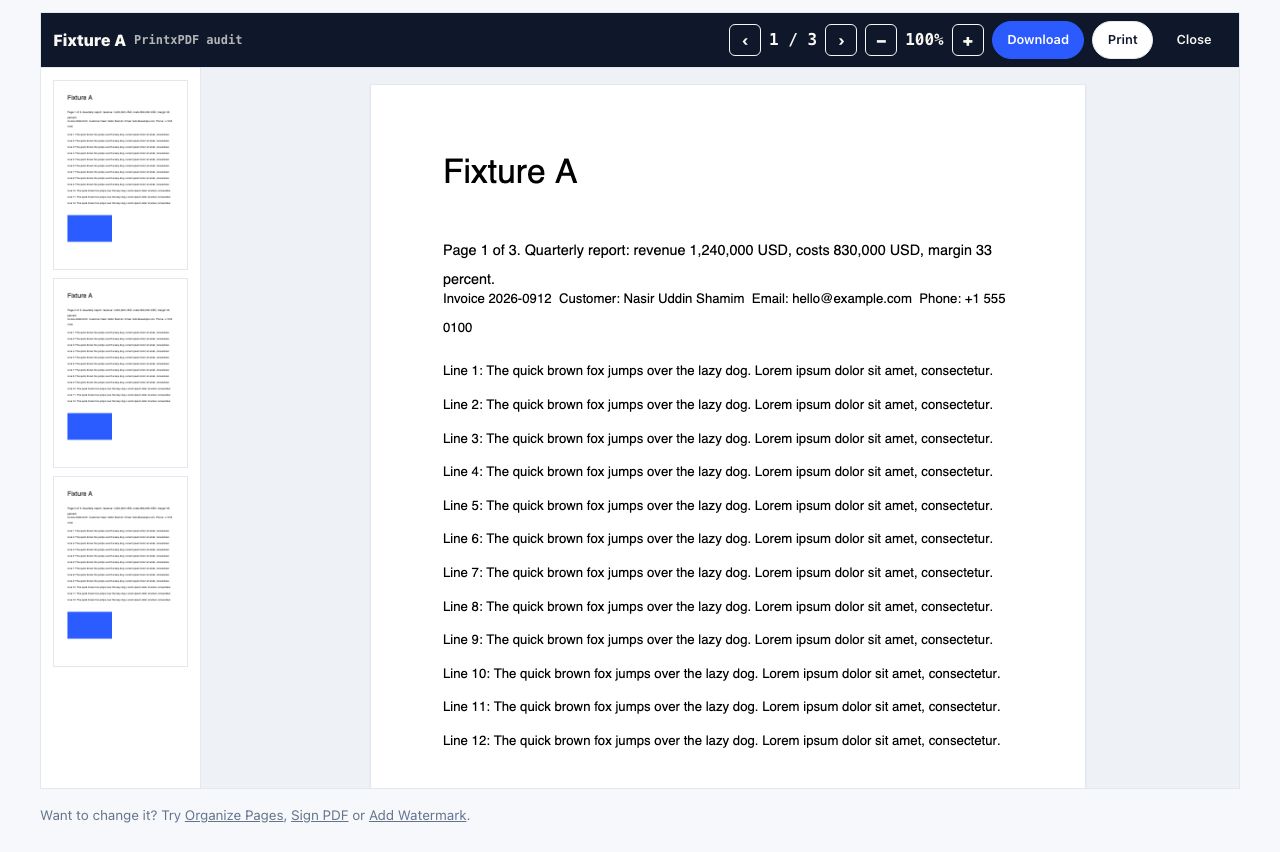
PDF Reader
Open and read a PDF online
See the recommended tools in action


Other topics
Printing web pages
Print any web page without ads, sidebars or menus. Reader mode, print preview, browser settings and a free tool that cleans the page in your browser.
Saving web pages as PDF
Save any web page as a PDF in Chrome, Safari, Firefox, Edge, iPhone or Android. Print-to-PDF, full-page screenshots, and archiving that survives link rot.
Merging PDF files
Combine PDFs into one file for free. Drag to set the page order, mix in JPG and PNG images, keep bookmarks, and merge without Adobe Acrobat on Windows or Mac.
Splitting and extracting PDF pages
Split a PDF into single pages or custom ranges, extract only the pages you need, delete the rest, and cut a big file down to fit an email attachment limit.
Compressing PDF files
Compare three PDF compression presets, keep text searchable when needed, and learn when to split a large file or use a sharing link.
Converting PDF to other formats
How to get a PDF back into an editable format: Word, Excel, plain text and slides, what each conversion really preserves, and when the answer is to retype.