Why some ebooks cannot be converted at all

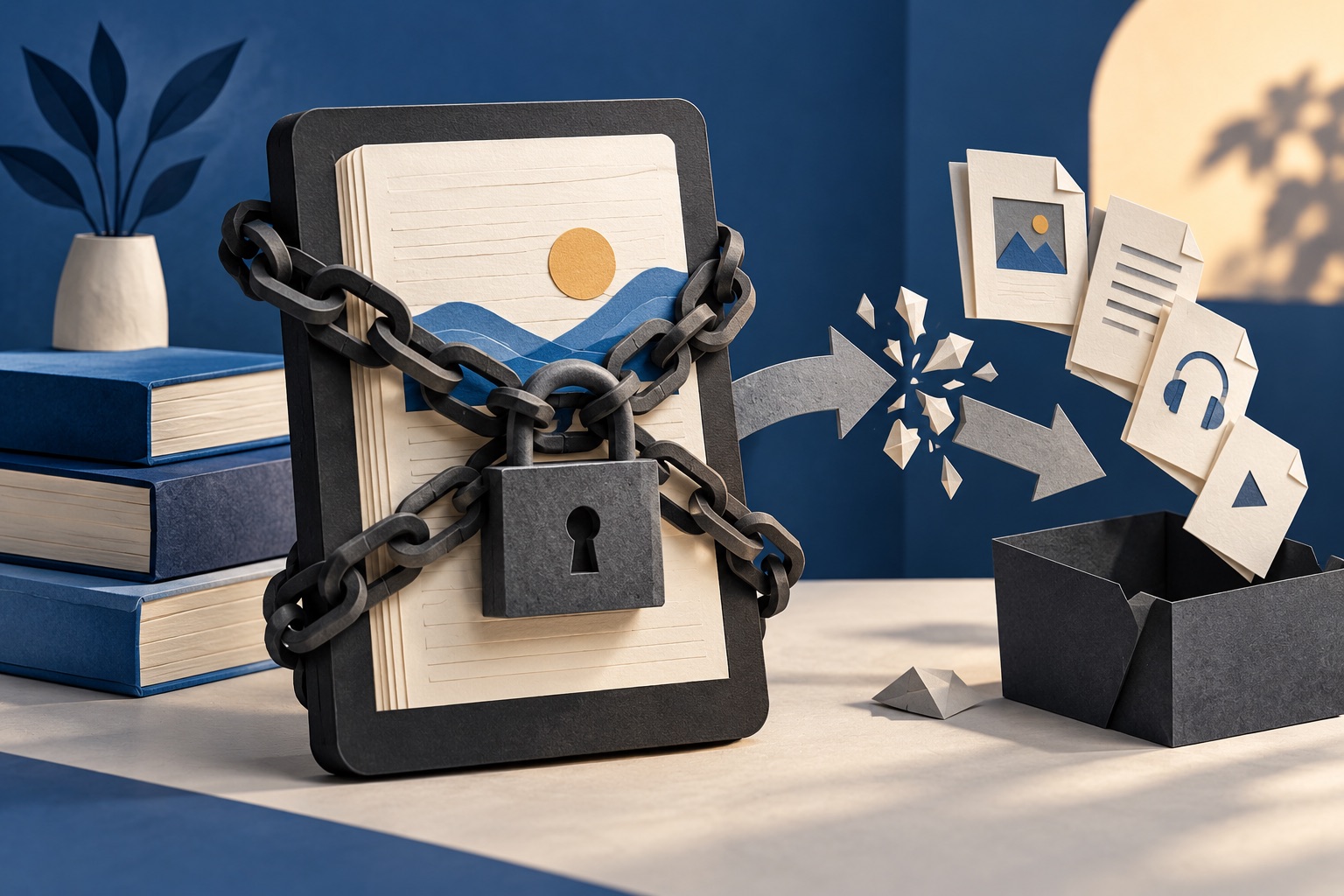
Some ebooks are encrypted by the shop that sold or lent them, so the text inside is unreadable to anything except an authorised reading app. That is DRM. Our converters cannot and will not remove it. DRM-free files convert normally, so the practical answer is to obtain a copy that was never locked.
See the tools in action

A converter has to read a book before it can write a PDF. DRM stops it reading. The container still looks completely normal, and your file manager will show you an EPUB of a plausible size with a cover thumbnail, but the chapters inside are encrypted and the key sits with the shop that sold you the book, tied to your account and the devices you registered.
What DRM actually is
DRM stands for digital rights management. In practice it is encryption plus a licence. When you buy or borrow a protected book, the shop encrypts the contents and issues your reading app a licence that unlocks them on the devices you have authorised. The app decrypts the text in memory as it draws each screen. At no point does a plain, readable book exist on your disk.
The important thing to understand is that DRM is a condition of the sale, not a property of the format. The same EPUB specification carries protected and unprotected books. Two files can be identical in structure and one converts in eight seconds while the other cannot be read at all, because a shop added a layer that the format itself never required.
How to tell whether your file is protected
| What you see | What it means |
|---|---|
| The converter reports that the file is encrypted, or that it is not a valid EPUB | Protected, or genuinely corrupt. The next rows will tell you which |
| The file is a few kilobytes and ends in .acsm | Not a book. It is a download ticket that a reading app redeems |
| The extension is .azw or .kfx | A Kindle file, and normally protected |
| Renaming a copy to .zip reveals a file called encryption.xml | Protected. That file lists exactly which parts are encrypted |
| The book only opens after you sign in to an account | Protected. The sign-in is the licence check |
| It opens in any reading app, on any device, with no account | DRM-free. It will convert normally |
The .acsm case catches more people than all the others combined. It is a small XML file, usually under 5 KB, that Adobe Digital Editions or a library app exchanges for the real download. If a converter tells you your 3 KB book contains no text, check the extension: you uploaded the ticket, not the book.
What our tools do, and what they will not do
Our EPUB to PDF, MOBI to PDF and ebook converter tools read a file, lay it out and write a PDF. Each runs on our server, so the file is uploaded over a secure connection, converted, and deleted the moment the job finishes. Free accounts get 5 server conversions a month, Pro and Lifetime 300, an API key 5,000.
None of them contains anything that removes copy protection, and we will not add it. Circumventing DRM is restricted by law in most countries, including under the United States Digital Millennium Copyright Act and the equivalent European rules, and those restrictions generally apply even to a book you paid for and even when the copy is only for you. Upload a protected file and the job fails and the file is deleted, exactly as any other failed job would be.
Anywhere online offering to unlock your ebooks is asking you to hand over a purchased file and, in many cases, an account identifier that identifies you personally. We do not link to those and cannot help you find them. The rest of this page is about the routes that work instead.
A password on a PDF is a different thing entirely
PDFs carry their own two locks, and neither is shop DRM. An open password is required before the file will display at all. A permissions password lets anyone view the file but flags it as no-printing or no-copying, and well-behaved software honours the flag. If you know the open password you can supply it and the file opens like any other. That is a completely separate mechanism from a library ebook wrapped in a licence. Password-protecting a PDF covers what each of the two locks does and does not achieve.
Routes that actually work
- Buy DRM-free in the first place. Technical and academic publishers routinely sell books this way, very often as one purchase that includes EPUB and PDF together. Standard Ebooks and Project Gutenberg publish public domain titles with no protection at all, carefully typeset and free.
- Ask the publisher for their own PDF. If you bought a locked copy from a shop but the publisher sells an unlocked one directly, that is usually one support email away, and some will swap it for you on proof of purchase.
- Borrow in a format your device already reads. Library apps often lend the same title in more than one format. Borrowing the EPUB rather than the Kindle edition frequently means it opens straight in your reader with nothing to convert.
- Check what you already have. Anyone who has bought book bundles usually has a DRM-free EPUB sitting in the same download folder as the locked copy, from a different shop, forgotten.
- Use the printing the licence already allows. Some authorised reading apps offer a print option for a page range. If it is greyed out, the licence does not permit it, and that is the honest answer rather than a problem to route around.
Watermarked is not the same as locked
A growing number of shops use what is often called social DRM instead of encryption. There is no lock. Your name, email address or order number is simply written into the file, sometimes visibly on the copyright page and sometimes only in the hidden metadata fields. These are ordinary EPUBs. They open anywhere and convert normally.
The part worth knowing: the mark travels into the PDF you make. If you convert a watermarked book and print copies for a reading group, your email address goes with them. Removing metadata strips the invisible half, and edit metadata lets you see what is there in the first place. A line printed on the copyright page is part of the page and stays there unless you delete that page.
It is definitely not protected and it still fails
- The extension does not match the file. Open it in a text editor and look at the first characters. A ZIP, which includes every EPUB, starts with PK. A PDF starts with %PDF. If a file named .epub starts with %PDF, it is a PDF.
- The download was truncated. Compare the size on disk against the size the download page advertised. A partial file often looks fine until the conversion reaches the missing part.
- It is over 100 MB. That is the per-file ceiling. Illustrated cookbooks and comics reach it easily.
- It is enormous rather than large. Jobs are capped at two minutes. A fixed-layout comic with 400 full-page images can exceed that even under the size limit.
- The EPUB itself is malformed. Files produced by long-dead publishing tools sometimes break rules that reading apps forgive and converters do not.
If the file is clean and unprotected, the conversion is undramatic: pick a page size and download a PDF. Start with converting an EPUB to PDF, or read ebook formats explained first if you are not sure what you are holding. And if you are wondering what happens to a file you do upload, are online PDF tools safe answers it directly.
Frequently asked questions
Can you remove the DRM from my ebook?
No. Our converters contain nothing capable of it and we will not add it. Circumventing copy protection is restricted by law in most countries, including for a book you paid for. A protected file simply fails and is deleted like any other failed job.
Why will my library ebook not convert?
Library ebooks are normally lent with copy protection, which encrypts the contents and ties the key to your account and the loan period. A converter cannot read the text at all. Borrowing a DRM-free edition, where the library offers one, avoids the problem.
What is an .acsm file?
It is not a book. It is a small XML download ticket, usually under 5 KB, that Adobe Digital Editions or a library app exchanges for the actual file. Uploading one to a converter converts the ticket and produces nothing useful.
Is it legal to convert an ebook I bought?
Changing the format of an unprotected file you own, for your own reading, is a different act from breaking protection, and the rules vary by country. What is consistent everywhere is that sharing the resulting file is copyright infringement whatever format it is in.
How do I know whether a shop sells DRM-free books?
The product page normally says so plainly, since shops that sell unlocked files treat it as a selling point. Technical publishers, many independent presses, Standard Ebooks and Project Gutenberg are reliable sources of unprotected files.