Are online PDF tools safe? What happens to your file


It depends entirely on whether the tool uploads your file or processes it in your browser. Upload-based sites send the document to a server that could store or read it. Browser-based tools never transmit the file at all. You can tell which is which in thirty seconds using the network tab.
See the tools in action
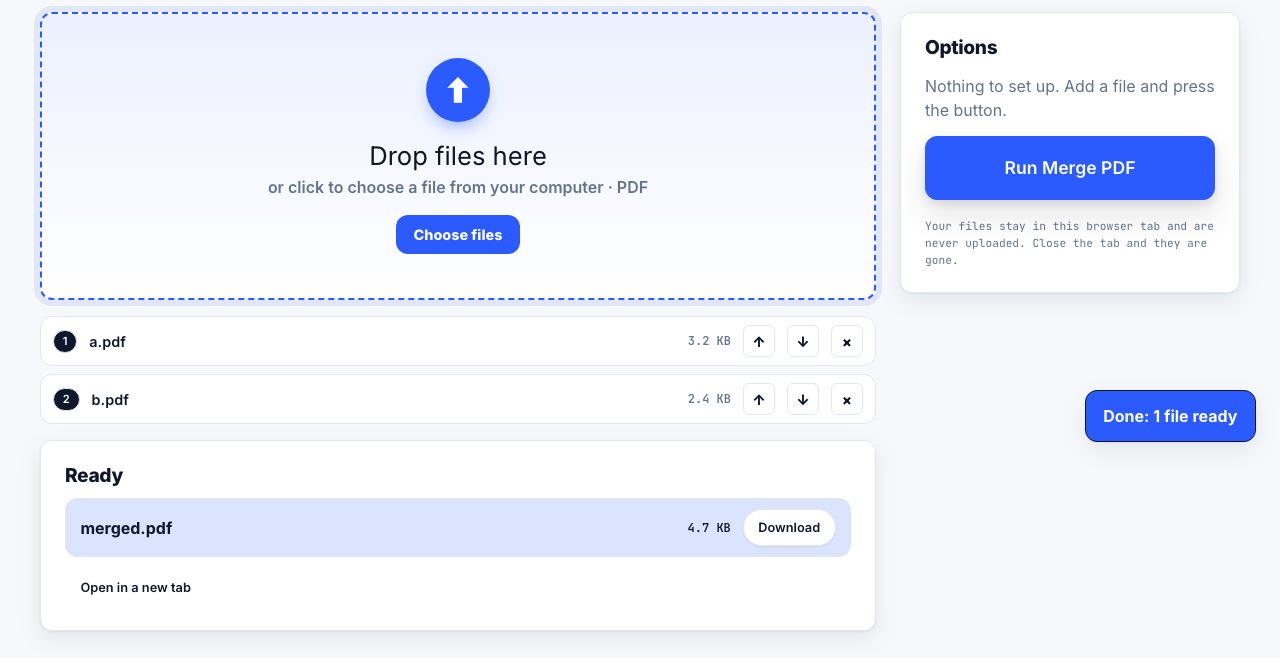
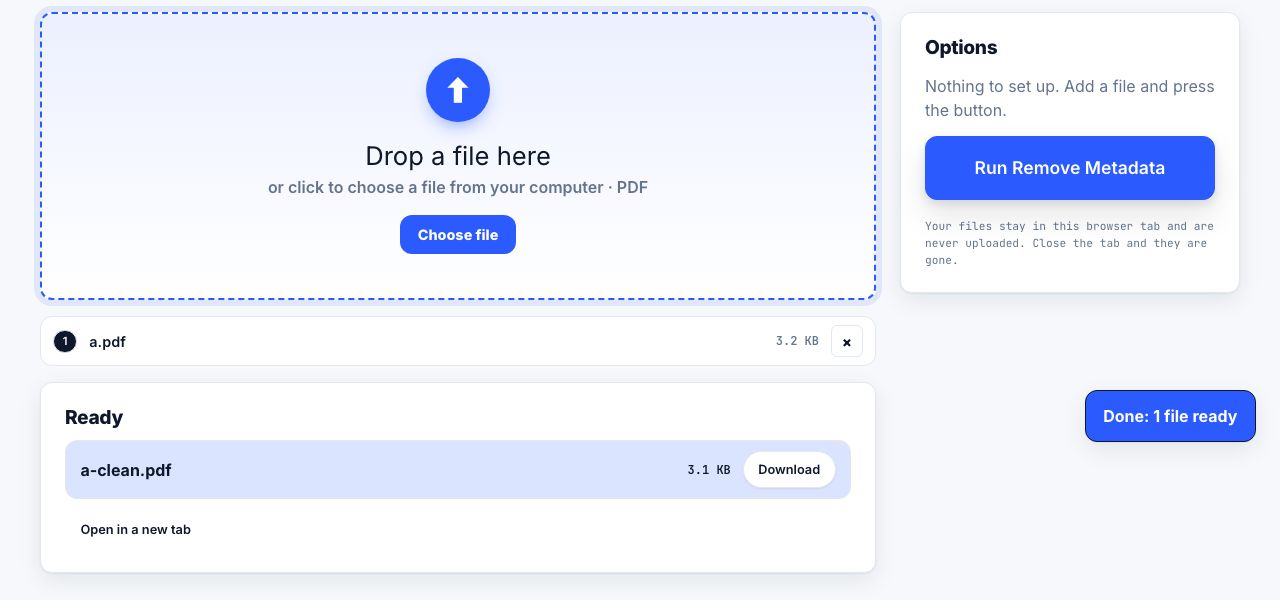
Two websites can offer the identical merge PDF button and do something completely different underneath. One sends your document across the internet to a machine you know nothing about. The other never moves it off your laptop. The page usually does not say which, so you have to check.
The two architectures
| Upload-based (server-side) | Browser-based (client-side) | |
|---|---|---|
| Where the file goes | To the provider servers | Nowhere, it stays in the browser tab |
| Who could read it | The provider, their hosting company, anyone who breaches either | Only you |
| Works offline | No | Yes, once the page has loaded |
| Typical retention | 1 hour to 24 hours, by policy | None, there is nothing to retain |
| Limits on file size | Server-side, often generous | Your device memory, usually a few hundred MB |
| Heavy jobs (OCR, big scans) | Faster on server hardware | Slower, but private |
| GDPR position | The provider is a data processor; you need an agreement | No processor, because no transfer |
| What to verify | The privacy policy, retention, and the contract | That it really does not upload, check it yourself |
Check it yourself in thirty seconds
You do not have to take anyone at their word, including this site. The browser will tell you whether your file left the machine.
- Open the developer toolsPress F12, or Ctrl+Shift+I (Cmd+Option+I on macOS), and switch to the Network tab.
- Clear the log and start recordingClick the clear icon so you are only looking at what happens next.
- Load your file into the toolUse a test PDF of a few megabytes, not your confidential one. Size matters here: a large file makes an upload obvious.
- Watch the request listSort by Size. A POST or PUT request whose size is close to your file size means the document was uploaded. A tool that stays local shows no such request at all.
- Run the operation and look againSome sites process locally but upload on export. Do the whole job, merge, compress, download, and watch throughout.
- The offline testThe simplest proof of all: load the page, disconnect from the network, then use the tool. If it still works, the processing is genuinely happening on your device.
Browser-based processing is normal engineering now, not a marketing claim. Mozilla pdf.js renders every PDF in Firefox, and WebAssembly builds of established PDF libraries run in a tab at usable speed. That is why a modern browser tool can merge, split, rotate or number pages without a server at all.
Reading a privacy policy for what matters
If a tool does upload, four questions decide whether you should use it for this particular document:
- How long is the file kept? Look for a specific number: "deleted after one hour" is a commitment; "we do not keep files longer than necessary" is not.
- Who can access it while it is there? Some providers state that files are encrypted at rest and inaccessible to staff. Many say nothing, which usually means staff can read them.
- Is the content used for anything else? Training data, analytics, quality sampling. This clause is often buried in a section about "improving our services".
- Where are the servers? For personal data under GDPR, a transfer outside the EEA needs a legal basis such as standard contractual clauses.
A deletion promise is a policy, not a technical guarantee. You cannot verify it, you cannot audit it, and backups may outlive it. For a document that would cause real harm if exposed, do not rely on retention terms, do not upload it in the first place.
GDPR, HIPAA and workplace rules
The rules do not care whether a tool is free. They care about where personal data goes.
- GDPR. Uploading a document containing personal data makes the tool provider your processor. Article 28 requires a written data processing agreement. Free consumer sites do not offer one, so uploading customer or employee documents to them is a compliance problem regardless of how careful the provider is.
- HIPAA. Any document with protected health information requires a business associate agreement with the service. Almost no free PDF site will sign one. A browser-based tool sidesteps the question entirely, because no disclosure to a third party occurs.
- Legal privilege. Sending a privileged document through a third-party service can complicate a privilege claim. Firms handle this with local tooling for a reason.
- Your own IT policy. Many organisations block file-upload converters at the network level. If a tool works on a locked-down corporate laptop, that is often because it never uploads anything.
A practical rule
| Document | Upload-based tool | Browser-based tool |
|---|---|---|
| A public report or a blog post PDF | Fine | Fine |
| Your own CV | Acceptable | Better |
| A contract with a client named in it | No | Yes |
| Payslips, bank statements, tax filings | No | Yes |
| Medical records or anything with PHI | No, without a signed agreement | Yes |
| A 900MB scanned archive needing OCR | Practical, with a vetted provider | May exceed browser memory |
Things that do not answer the question
- The padlock in the address bar. TLS protects the file in transit. It says nothing about what the server does with it afterwards.
- "Files are deleted after 1 hour". Reassuring, unverifiable, and irrelevant if the file was readable during that hour.
- A long privacy policy. Length is not commitment. Search it for the words "retain", "delete", "third party" and "train" and read only those paragraphs.
- "No registration required". Anonymity for you, not for the file.
The strongest signal is behavioural, not written: does the tool still work with the network disconnected? Nothing can fake that. Everything on this site is built to pass that test, which is also why encrypted PDFs and very large scans have to be handled elsewhere, there is no server here to hand the hard work to.
Merge PDFs entirely in your browser, try it with the network switched off.
Merge PDF →Whichever kind of tool you use, the file itself still carries its own history. Strip the document metadata before sharing, and confirm any redactions are real rather than drawn on.
Frequently asked questions
Are online PDF converters safe to use?
Only if they do not upload your file, or if you have a contract with the provider. Upload-based converters send the document to a server that could store or read it. Browser-based tools process the file locally and transmit nothing.
How can I tell if a PDF tool uploads my file?
Open developer tools with F12, go to the Network tab, clear it, then load your file. A POST or PUT request roughly the size of your document means it was uploaded. The definitive test is disconnecting from the network: a local tool keeps working.
Can I use a free online PDF tool for confidential work documents?
Not an upload-based one. Under GDPR the provider becomes your data processor and you need a written agreement, and for health data HIPAA requires a business associate agreement. Browser-based tools avoid the issue because nothing is disclosed.
Does HTTPS mean my uploaded PDF is private?
No. HTTPS encrypts the file while it travels to the server. Once it arrives, the provider can read it, store it and process it. The padlock tells you nothing about retention or access.
Why do browser-based tools struggle with very large files?
They are limited by your device memory rather than server hardware, so files of several hundred megabytes and heavy jobs such as OCR on large scans can be slow or fail. That is the trade-off you accept in exchange for the file never leaving your machine.