How to password protect a PDF, and what it actually protects


A PDF supports two passwords: a user password that is required to open the file and genuinely encrypts it, and an owner password that only sets permissions such as printing. Only the user password protects the content. Permissions are advisory and any determined tool can ignore them.
See the tools in action
PDF encryption is one of the most misunderstood features in everyday document handling, because a single dialog offers two things that sound similar and behave completely differently.
Two passwords, two different jobs
| User password (open password) | Owner password (permissions password) | |
|---|---|---|
| Prompted when | Opening the file | Editing, printing or extracting, in some readers |
| Encrypts content? | Yes, the page data is genuinely encrypted | The file is encrypted with an empty user password |
| Without the password you can | See nothing but the file name | Read everything |
| Enforcement | Cryptographic | Advisory, the reader chooses to obey |
| Removable without the password? | No, not practically, with a strong password | Yes, with common command-line tools |
| Use it for | Genuinely restricting who can read a document | Signalling intent, nothing more |
If you set only an owner password, the file is technically encrypted but with an empty user password, so anyone can open it. Standard tools such as qpdf will strip the restrictions in one command without knowing your password. Do not use a permissions password as a security control.
Which encryption strength
| Scheme | Introduced with | Verdict in 2026 |
|---|---|---|
| RC4 40-bit | Acrobat 3, PDF 1.1 | Broken. Recoverable by brute force in minutes. |
| RC4 128-bit | Acrobat 5, PDF 1.4 | Deprecated. Do not choose it for anything new. |
| AES-128 | Acrobat 7, PDF 1.6 | Acceptable, still widely compatible. |
| AES-256 | Acrobat X, PDF 2.0 / ISO 32000-2 | The correct choice. Strength now depends on your password, not the cipher. |
With AES-256 the algorithm is not the weak point, your password is. A six-character password on AES-256 is a six-character password. Use a passphrase of four or more unrelated words, or a generated string of at least 16 characters from a password manager.
Adding a password here, and where the work happens
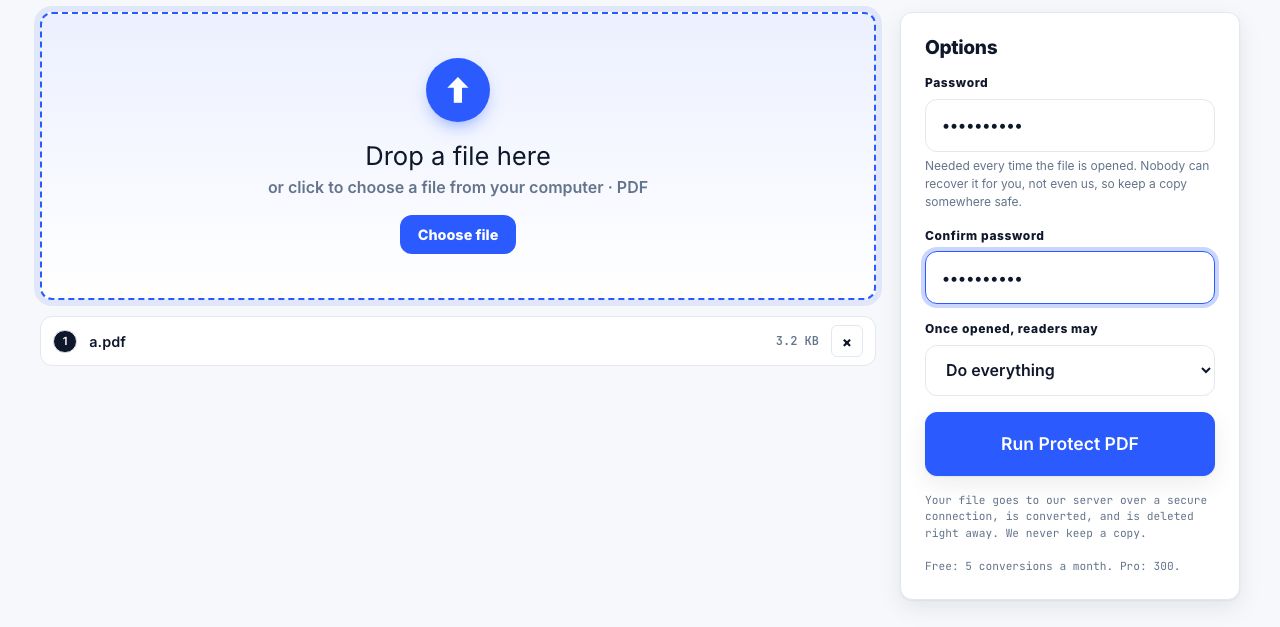
Most tools on this site run inside your browser tab and never send your file anywhere. Encryption is one of the few jobs that cannot work that way, so Protect PDF runs on our server instead: the file is uploaded over a secure connection, encrypted with AES-256, sent back, and deleted the moment it finishes. The page says so before you drop a file in, because the difference matters.
Server jobs are metered, unlike the browser tools. A free account gets 5 a month, Pro and Lifetime get 300, and the API plan gets 5,000. Files up to 100 MB, two minutes per job. If you would rather nothing left your machine at all, the desktop routes below are free, already installed on most computers, and produce the same AES-256.
Encrypt a PDF with AES-256 and a password only your recipient knows.
Protect PDF →- macOS PreviewOpen the PDF, choose File → Export as PDF, expand Permissions, tick "Require password to open document", and set the password. Preview writes AES-256 on current macOS versions.
- LibreOfficeOpen the document, choose File → Export as → Export as PDF, open the Security tab, click "Set Passwords", and enter an open password. Free, cross-platform, and it produces AES-256.
- Microsoft WordChoose File → Save As, pick PDF, click Options, and tick "Encrypt the document with a password". Works from the document you already have open.
- Adobe Acrobat ProAll tools → Protect a PDF → Encrypt with password. Choose "Require a password to open the document" and set compatibility to Acrobat X or later for AES-256.
- qpdf on the command lineFor scripted or bulk work:
qpdf --encrypt user owner 256 -- in.pdf out.pdf. Free, open source, and the most controllable option.
What a password does not protect against
- A recipient who reshares it. Once someone opens the file, they can save an unprotected copy, screenshot it, or forward the password. Encryption controls the first opening, not what happens afterwards.
- Sensitive content already visible in the document. Encryption hides the file from outsiders; it does nothing about the third-party names on page 9 that should have been redacted.
- Metadata leakage in the file name.
Q3-layoffs-final.pdfin an email subject line tells the story before anyone types a password. - Print and copy restrictions. These are permission flags a conforming reader agrees to honour. Non-conforming tools ignore them entirely.
- A weak password. Recovery tools try millions of candidates a second against a PDF. A dictionary word with a number on the end will not hold.
Never email a protected file and its password in the same message, or in a reply to the same thread. Anyone who reaches the mailbox has both. Send the password by a different channel, a phone call, a text message, or a message in a separate application.
When encryption is the right tool
Encryption fits a narrow but real set of cases: a document going to one identified recipient, a file on removable media, an archive on shared storage where the storage administrators should not be able to read it, or a regulatory requirement that names encryption at rest. In each of those, the threat is a party who should never see the content at all.
It fits badly where the concern is downstream behaviour by a legitimate recipient. For that, combine a CONFIDENTIAL watermark naming the recipient with an explicit written restriction. The watermark will not stop anyone either, but it survives forwarding, and it makes a leak traceable in a way that a password never does.
Removing a password you own
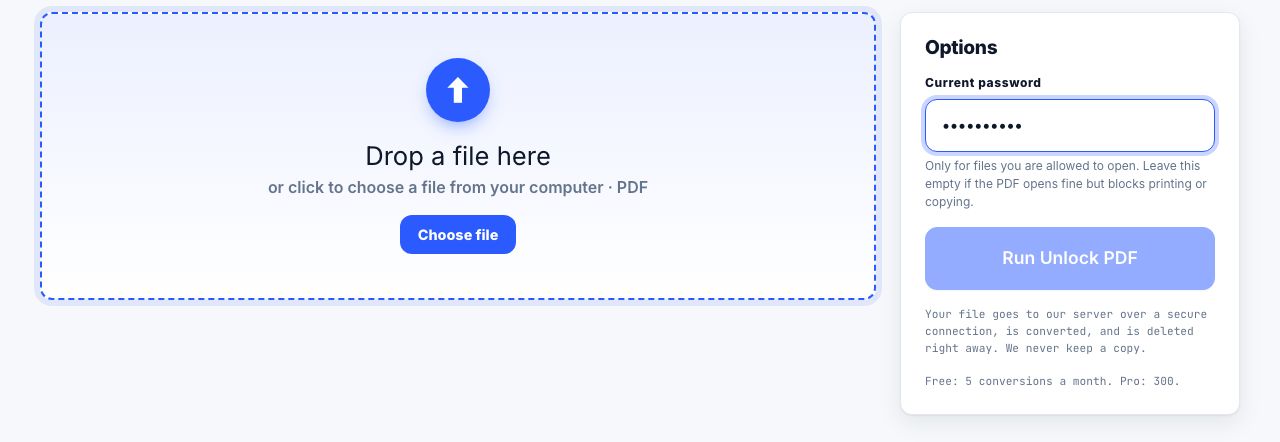
If you know the password and want an unprotected working copy, Unlock PDF takes the file and the password and returns a clean copy. It runs on our server for the same reason encryption does, and counts against the same monthly allowance. Locally: in macOS Preview, File → Export as PDF with permissions left empty produces a clean copy; in Acrobat, use Protect → Remove Security; on the command line, qpdf --decrypt --password=yourpassword in.pdf out.pdf does it in one step.
Unlocking needs the password. There is no tool here, or anywhere honest, that opens a PDF whose user password you do not know. If you have lost it, the file is the problem, not the tool.
Encrypted PDFs cannot be processed by browser-based tools, including most of the ones here, because the page content is unreadable until it is decrypted. Run the file through Unlock PDF with the password you hold, merge, split or compress the clean copy, then protect the result again.
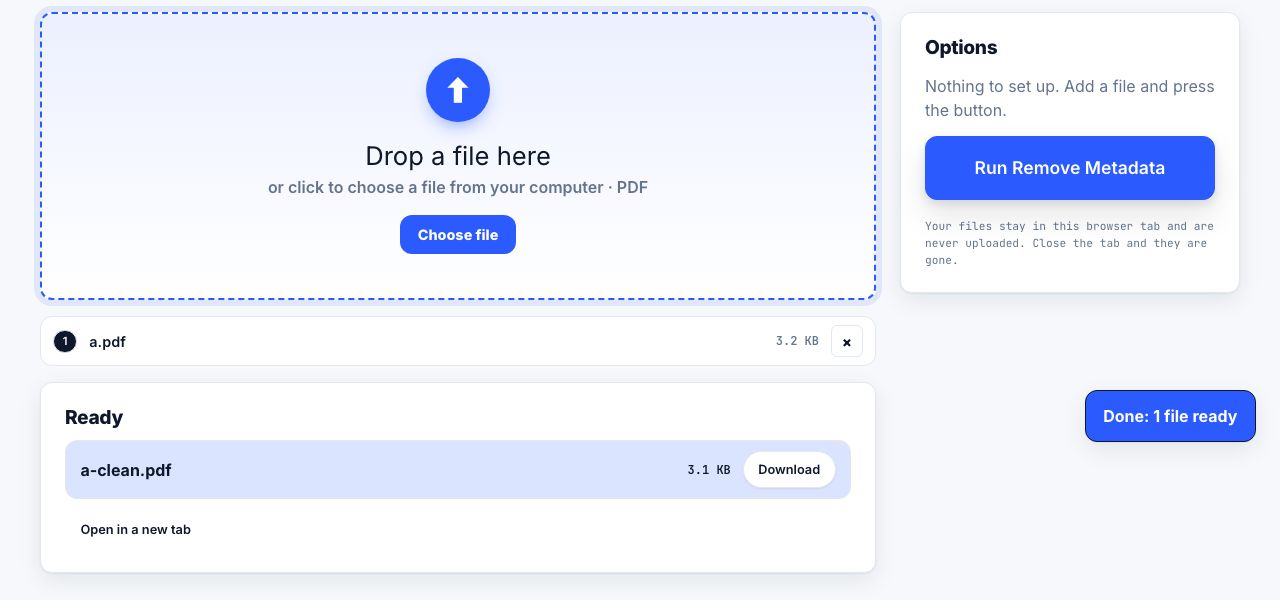
Whatever you do about passwords, strip the metadata before the file leaves your machine.
Remove Metadata →Frequently asked questions
What is the difference between a user password and an owner password?
A user password is required to open the document and genuinely encrypts the content. An owner password only sets permissions such as printing or copying, leaves the file openable by anyone, and can be stripped by common tools without knowing it.
Can PrintxPDF add a password to my PDF?
Yes. Protect PDF encrypts a file with AES-256. It is one of the few jobs that runs on our server rather than in your browser, so the file is uploaded over a secure connection and deleted as soon as it is done. macOS Preview, LibreOffice, Microsoft Word, Adobe Acrobat and qpdf all produce the same encryption locally if you prefer nothing to leave your machine.
Is AES-256 PDF encryption secure?
The cipher is sound, so the security of the file comes down to the password. A generated string of at least 16 characters, or a passphrase of four or more unrelated words, is what makes AES-256 meaningful in practice.
Can someone remove the print restriction from my PDF?
Yes, easily, if you only set an owner password. Permission flags are advisory and depend on the reader choosing to honour them. Only a user password, which encrypts the content, actually restricts access.
Why will online PDF tools not open my protected file?
The page content is encrypted, so a tool cannot read it without the password. Run it through Unlock PDF with the password you hold, do the work on the clean copy, then protect the result again.