How to make a document that still opens in twenty years
 By Nasir Uddin Shamim5 guides
Store anything where the layout matters as PDF/A, which embeds its fonts and forbids scripts, encryption and outside references. Store anything that is really just text as Markdown or plain UTF-8 text. Scan paper before it fades, run OCR on it, and keep at least two copies in different places.
A document survives two separate hazards. The bytes have to still be somewhere, and some program has to still know how to read them. Most people worry about the disk and lose the file to the format. These guides cover the four jobs that fix the second problem: converting a PDF into PDF/A so it carries its own fonts, getting paper into a clean digital page, pulling text out into plain Markdown that any editor can read, and choosing formats that will not need their own museum in fifteen years.
Every guide in this topic
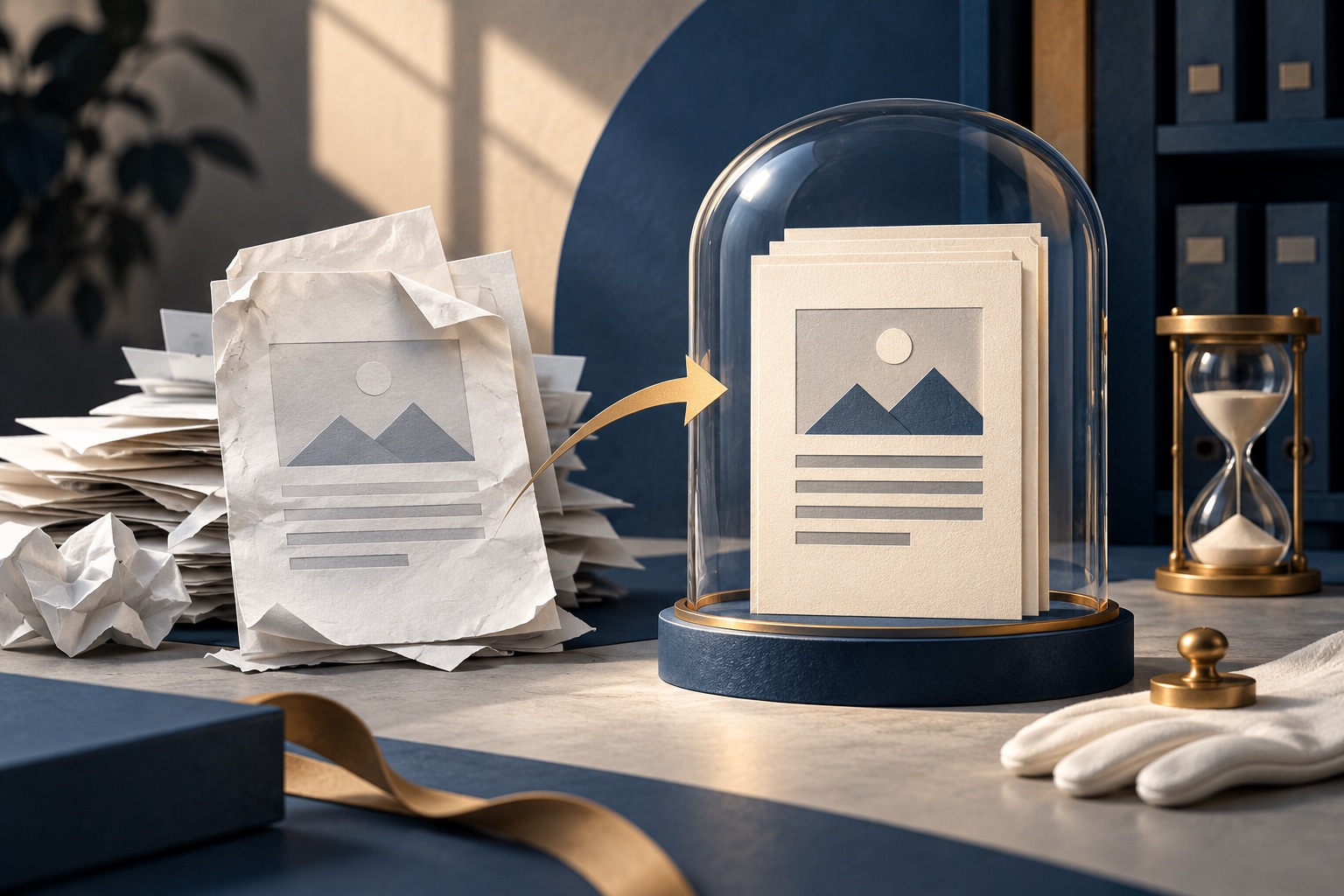
What is PDF/A, and when do you actually need it?
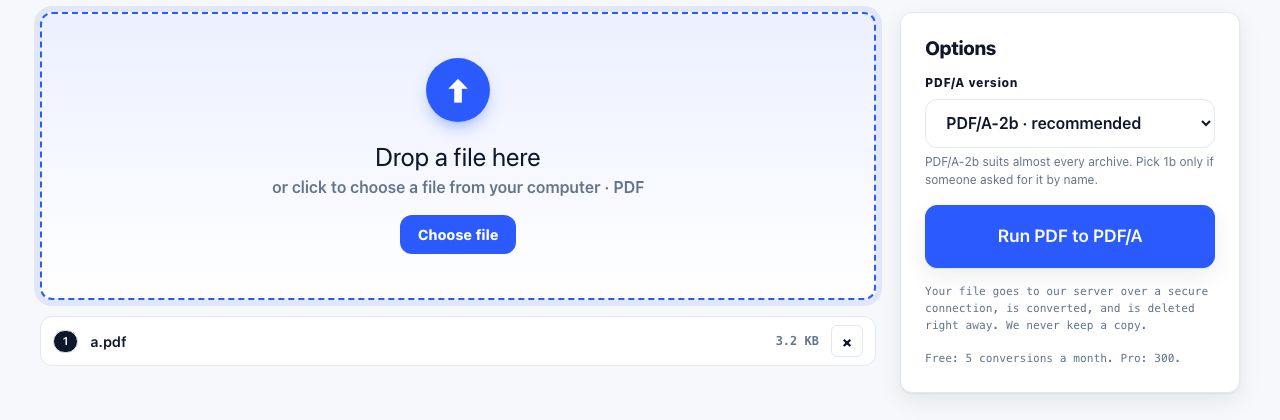
PDF/A is a restricted version of PDF made for long-term storage. It must carry every font it uses inside the file, and it cannot contain JavaScript, encryption or links to content stored elsewhere. That means it renders the same way decades later, on a machine that has none of your fonts installed.
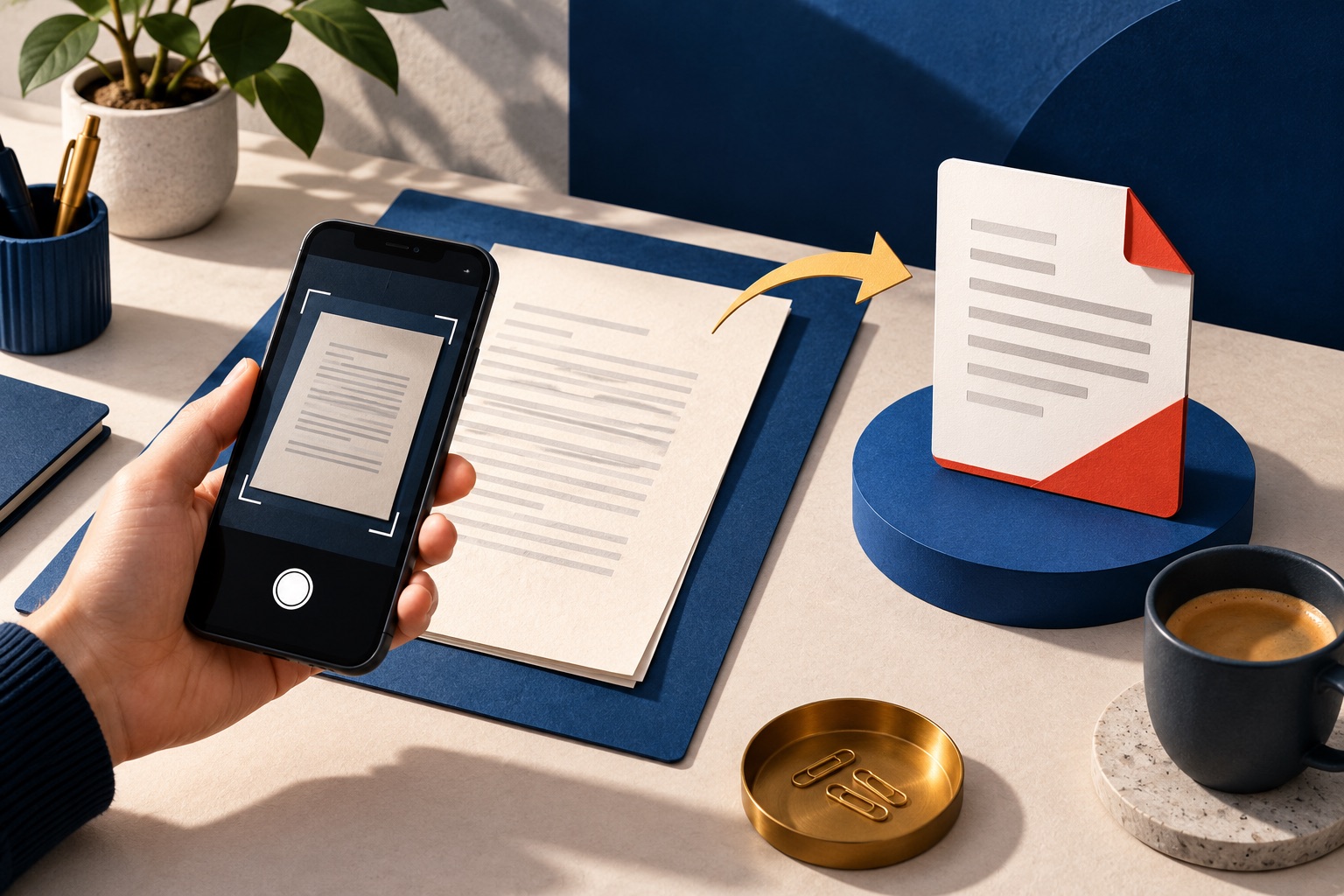
How to scan paper to PDF with a phone and get a clean result
Lay the page flat under even light, hold the phone directly above it and parallel to the paper, and let the page fill the frame. Then crop each photo to the page edges and save them as one PDF. Geometry and lighting decide the result; no amount of processing afterwards recovers a shadowed, tilted photo.
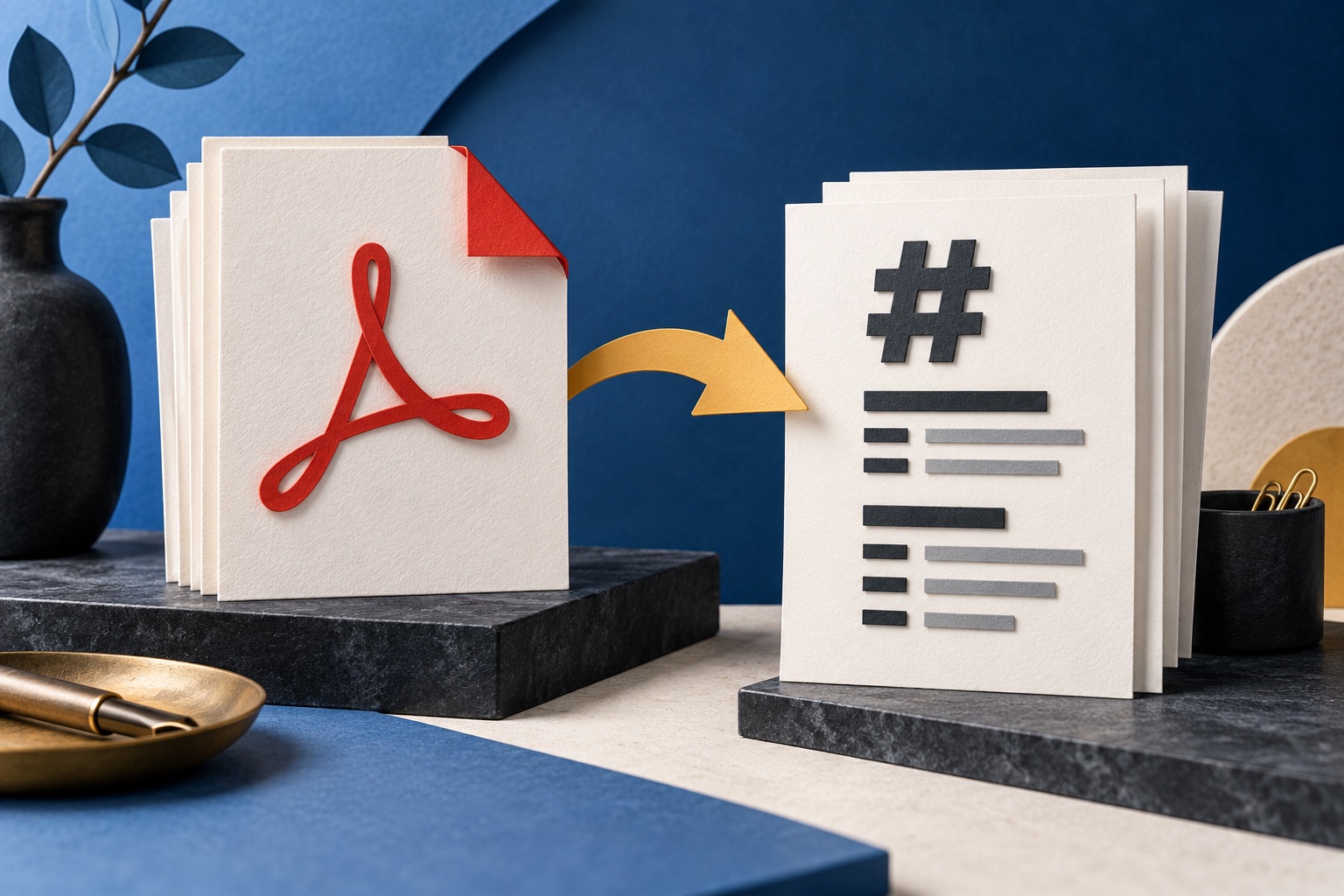
How to convert a PDF to Markdown
Open the PDF in a Markdown converter and download the .md file. Markdown is plain text with a few punctuation marks standing in for formatting, so headings, lists, paragraphs and links carry over. Exact layout, columns and complicated tables do not, because Markdown has no concept of a page.
Will this file still open in twenty years?
Formats that last are open, publicly documented, and ideally readable as text. Plain text and Markdown are the safest, PDF/A is the best choice when layout matters, plain PDF is good but can break on missing fonts, DOCX is workable, and app-only formats last exactly as long as the app.
How to prepare a PDF for long-term archiving
Before archiving a PDF, make sure it opens, check that scanned pages have usable text, remove personal metadata if policy requires it, and preserve the original. Convert to PDF/A only when your records policy calls for it, then verify the converted copy and store it with a checksum and retention details.
Tools for this job
PDF to PDF/A
Long-term archive PDF
Scan to PDF
Camera to PDF
PDF to Markdown
PDF → simple text notes
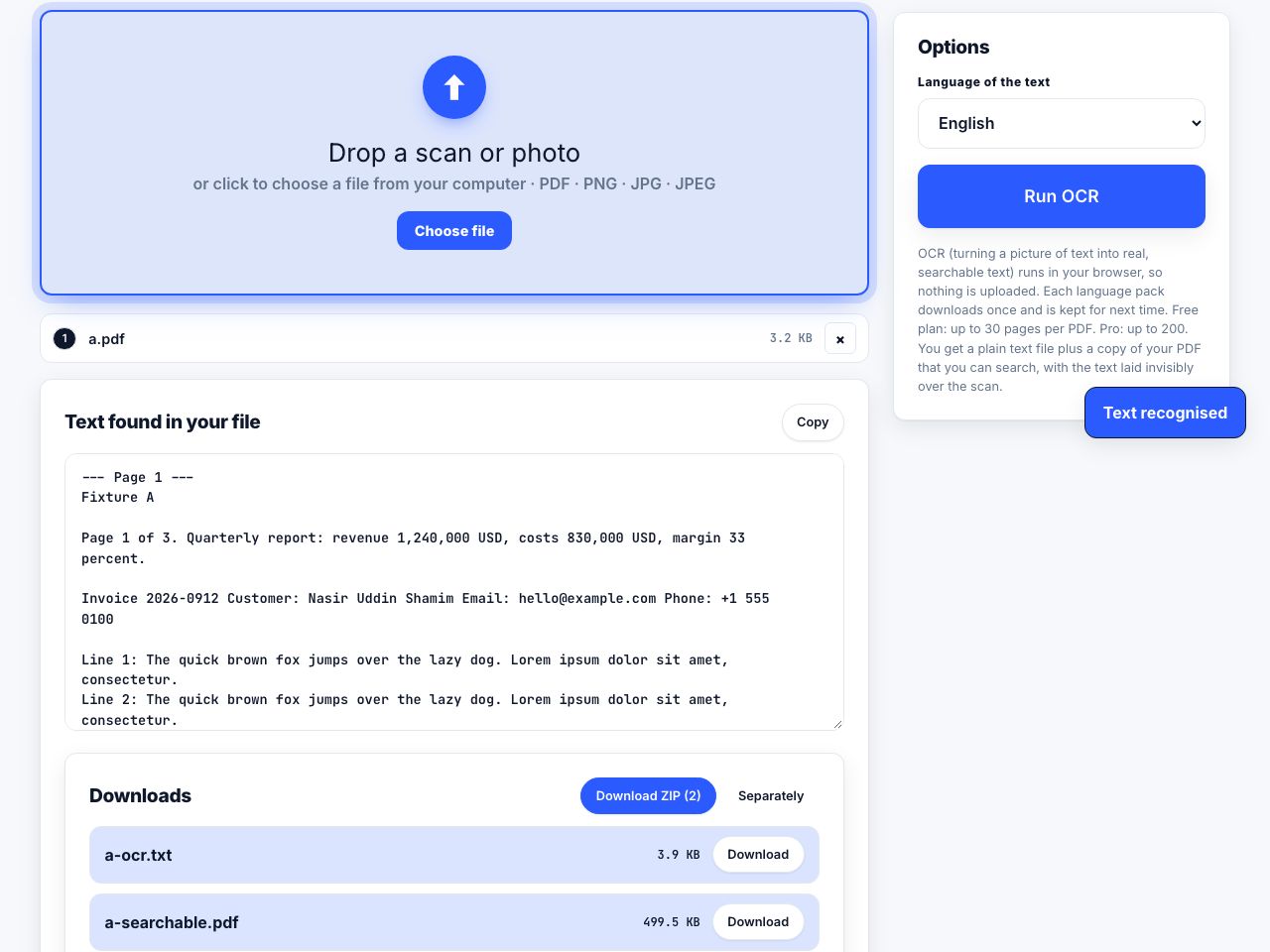
OCR PDF
Make scans searchable
See the recommended tools in action


Other topics
Printing web pages
Print any web page without ads, sidebars or menus. Reader mode, print preview, browser settings and a free tool that cleans the page in your browser.
Saving web pages as PDF
Save any web page as a PDF in Chrome, Safari, Firefox, Edge, iPhone or Android. Print-to-PDF, full-page screenshots, and archiving that survives link rot.
Merging PDF files
Combine PDFs into one file for free. Drag to set the page order, mix in JPG and PNG images, keep bookmarks, and merge without Adobe Acrobat on Windows or Mac.
Splitting and extracting PDF pages
Split a PDF into single pages or custom ranges, extract only the pages you need, delete the rest, and cut a big file down to fit an email attachment limit.
Compressing PDF files
Compare three PDF compression presets, keep text searchable when needed, and learn when to split a large file or use a sharing link.
Converting PDF to other formats
How to get a PDF back into an editable format: Word, Excel, plain text and slides, what each conversion really preserves, and when the answer is to retype.