Will this file still open in twenty years?

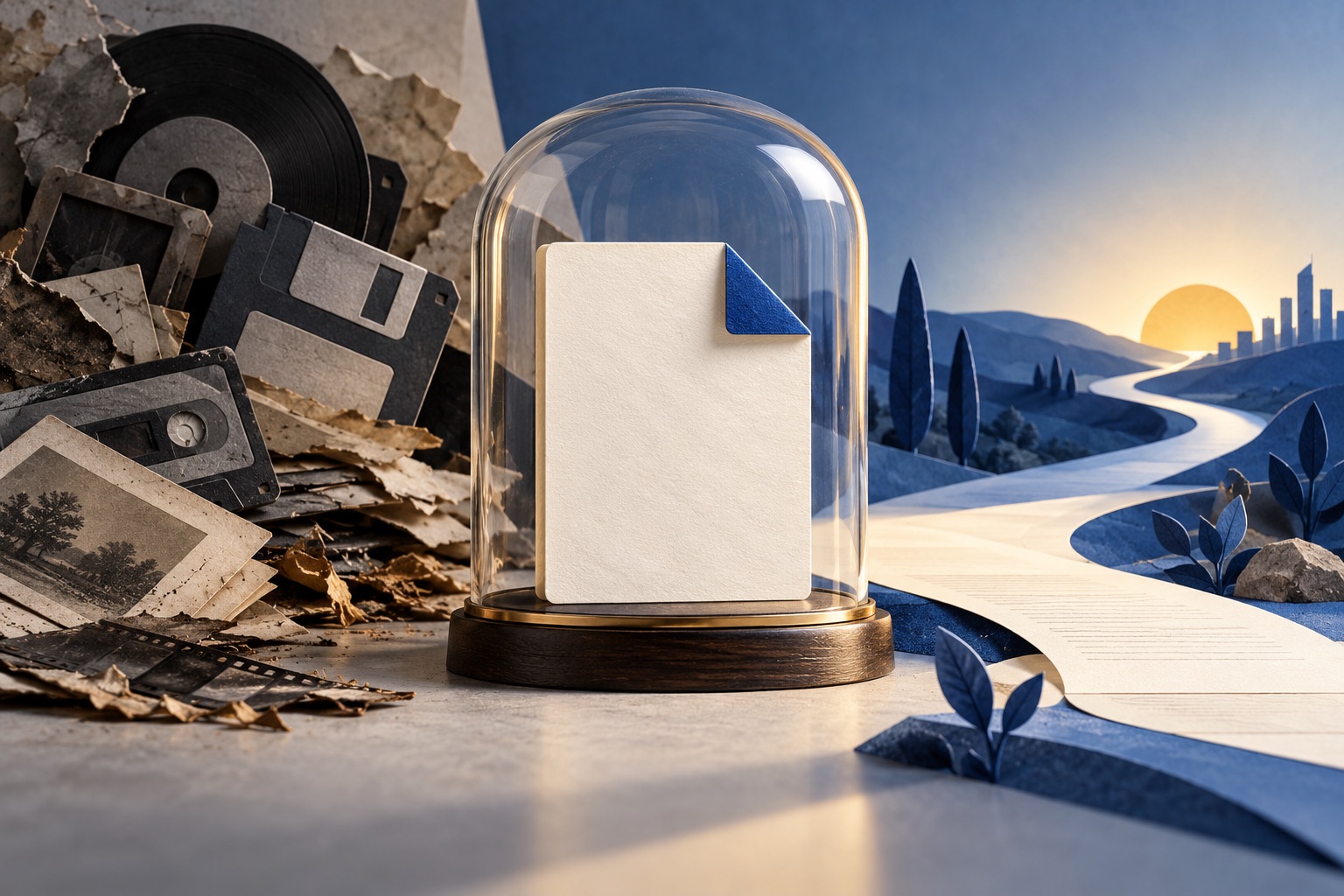
Formats that last are open, publicly documented, and ideally readable as text. Plain text and Markdown are the safest, PDF/A is the best choice when layout matters, plain PDF is good but can break on missing fonts, DOCX is workable, and app-only formats last exactly as long as the app.
See the tools in action


Two separate things have to hold for a file to open in twenty years. Some program has to still understand the format, and the bytes have to still exist on some working disk. Almost everyone worries about the second and loses documents to the first. Storage fails loudly, with a dead drive and a bad day. Formats fail quietly: the file is right there, the size is right, and nothing will open it.
The formats, ranked by how well they age
| Format | Open standard? | Readable as text? | Outlook |
|---|---|---|---|
| Plain text (.txt, UTF-8) | Yes | Yes, it is nothing but text | The safest of all. The only real risk is a mystery character encoding, which is why saving as UTF-8 matters. |
| Markdown (.md) | Yes, several documented flavours | Yes, and it reads fine unrendered | Excellent. Worst case, a future reader sees the # and - marks and understands the document anyway. |
| PDF/A | Yes, ISO 19005 | No, but the specification is public and complete | Excellent, and the right answer whenever the layout is part of the record. |
| Plain PDF | Yes, ISO 32000 | No | Good, with real failure modes: missing fonts, encryption with a lost password, JavaScript, and links to content that has gone. |
| DOCX | Yes, ISO/IEC 29500. It is a ZIP of XML files | Partly, once you unzip it | Fair. Readable in principle, but the specification is enormous and two programs already render the same file differently today. |
| Legacy .doc, .wpd, .xls binaries | No, largely reverse engineered | No | Poor and getting worse. Support for these is being removed from software, not added. |
| App-only formats | No | No | Worst. The format lives exactly as long as the company keeps shipping the app, and not one day longer. |
| Page images (JPEG, PNG, TIFF) | Yes | No | The picture survives easily. The words do not, unless OCR has been run and the text stored with it. |
The pattern underneath the table
The formats that survive share three properties, in order of importance. They are open, meaning anyone can implement a reader without permission. They are documented, meaning the specification is published and complete enough that someone could write that reader from scratch. And the best of them are readable as text, meaning that even with no working software at all, a human can open the file and recover most of the content by eye.
A format you can open in a text editor and half understand will outlive one that needs its own program.
This is why plain text beats everything, and why a compressed binary format tied to one company is the worst possible place to leave something you care about. It is also why PDF is good rather than perfect: the specification is public, so readers will keep being written, but the file is binary and can carry dependencies on things that are not inside it. PDF/A exists precisely to remove those dependencies.
What to do with what you already have
| What you have | Do this | Why |
|---|---|---|
| A contract, invoice, certificate or filing | Convert to PDF/A | The layout and the signature block are part of the record, not decoration |
| Notes, drafts, documentation, a personal wiki | Keep as Markdown | Text you will edit again, and want to diff and search |
| A DOCX you will not edit again | Export a PDF/A copy, keep the DOCX too | The PDF/A fixes how it looks; the DOCX stays editable while software still opens it |
| A pile of paper | Scan it, then OCR it | Paper fails slowly but it does fail, and thermal receipts fail in about five years |
| Web pages you rely on | Archive them as PDF | A link is a promise made by someone else, and roughly a tenth of them break every year |
| Anything in an app-only format | Export it now, to PDF and to text | Export while the app still runs. After it stops, you are negotiating with a file nobody can read |
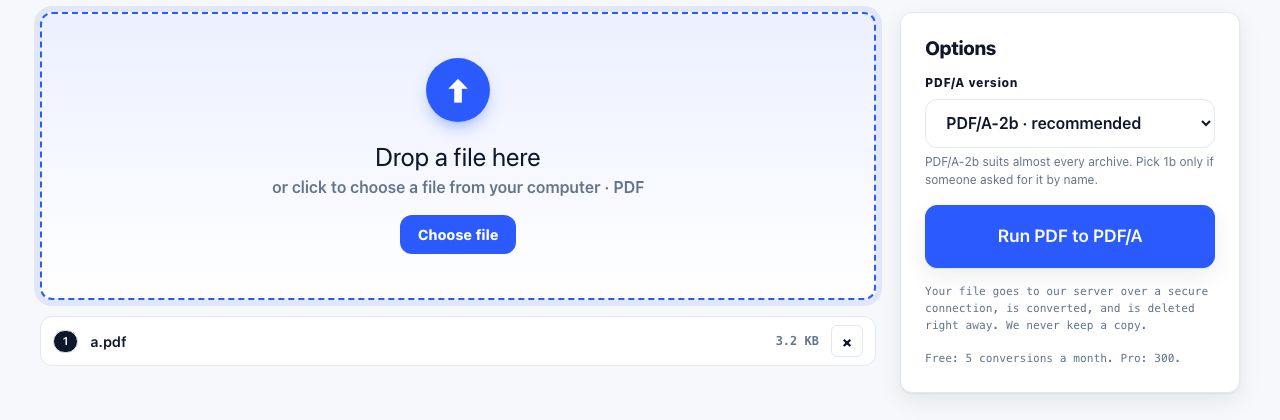
Converting to PDF/A is the one job here that runs on our server rather than in your browser, because it needs a font and colour engine no tab can hold. The file is uploaded over a secure connection, converted, and deleted the moment it finishes. Free accounts get 5 server conversions a month, Pro and Lifetime 300, API keys 5,000, with a 100 MB limit and two minutes per job. Scanning, OCR and Markdown conversion all run in your browser and upload nothing.
The other half: keeping the bytes
Format choice is worth nothing if the file is not there. The rules here are old, boring and effective:
- Three copies, two kinds of storage, one somewhere else. The laptop, an external disk, and a cloud account is a perfectly good version of this.
- Open the files every couple of years. Not to check the disk, to check the formats. The year you cannot open something is the year to convert it, while an old machine still can.
- Use folder names and dates, not a database. A folder called
2026-05 Insurancewill still make sense when the app that organised your library has gone. - Do not rely on a single account. Files vanish when a subscription lapses, an email address dies, or a service closes. All three are more common than disk failure.
- Keep a plain text index. One file listing what is in each folder and why it matters. It costs ten minutes and it is the thing your family or your successor will actually use.
The commonest way a document is lost is not a dead hard disk. It is a folder called "old stuff" on a laptop that got traded in, an account nobody renewed, or a phone that was replaced without checking what was only on it. Storage fails quietly and the loss is discovered years later, when someone needs the thing.
What none of this protects against
- Dead links inside a surviving file. A perfectly readable document that says "see the appendix at this address" is only as good as that address. Archive what it points at, in the same folder.
- Expired signature certificates. A digitally signed PDF keeps opening, but the signature can stop validating once the certificate behind it expires or its issuer disappears. The document survives; the proof of who signed it weakens.
- Lost passwords. An encrypted file is not archived, it is hidden. Remove the password and protect the storage instead.
- Garbage in. PDF/A faithfully preserves an unreadable scan forever. Fix the document before you archive it, not after.
- Compression damage already done. A photo saved as JPEG five times has lost detail permanently. No future format recovers it.
If you do only one thing after reading this, do a pass over the last three years of documents and sort them into two piles. Anything where the layout is the record goes to PDF/A. Anything that is really just words goes to Markdown or plain text. That single sorting exercise, done once, is worth more than any storage strategy, because it fixes the failure nobody sees coming.
Frequently asked questions
What is the best file format for long-term storage?
Plain UTF-8 text and Markdown for anything that is essentially words, and PDF/A for anything where the layout, the signature or the page design is part of the record. All three are open, publicly documented, and implementable by anyone.
Will PDF files still open in 20 years?
Almost certainly, because PDF is a published ISO standard and readers will keep being written. The risk is not the format but the contents: a PDF with unembedded fonts, a lost password, or links to content that has disappeared can open and still be wrong.
Is DOCX a safe format for archiving?
It is acceptable but not ideal. DOCX is an open standard and is really a ZIP of XML files, so the content is recoverable. But the specification is huge, and different programs already render the same document differently, so the look of the file is not guaranteed.
Should I archive documents as images or as PDFs?
As PDFs, with a text layer from OCR. An image preserves the picture of the page but none of its words, so you cannot search it, quote it or index it. A searchable PDF gives you both the picture and the text.
How often should I check my archived files?
Open a sample every couple of years. You are not checking the disk, you are checking that current software still reads the formats. The moment something is hard to open is the moment to convert it, while a machine that can still read it exists.