What is PDF/A, and when do you actually need it?

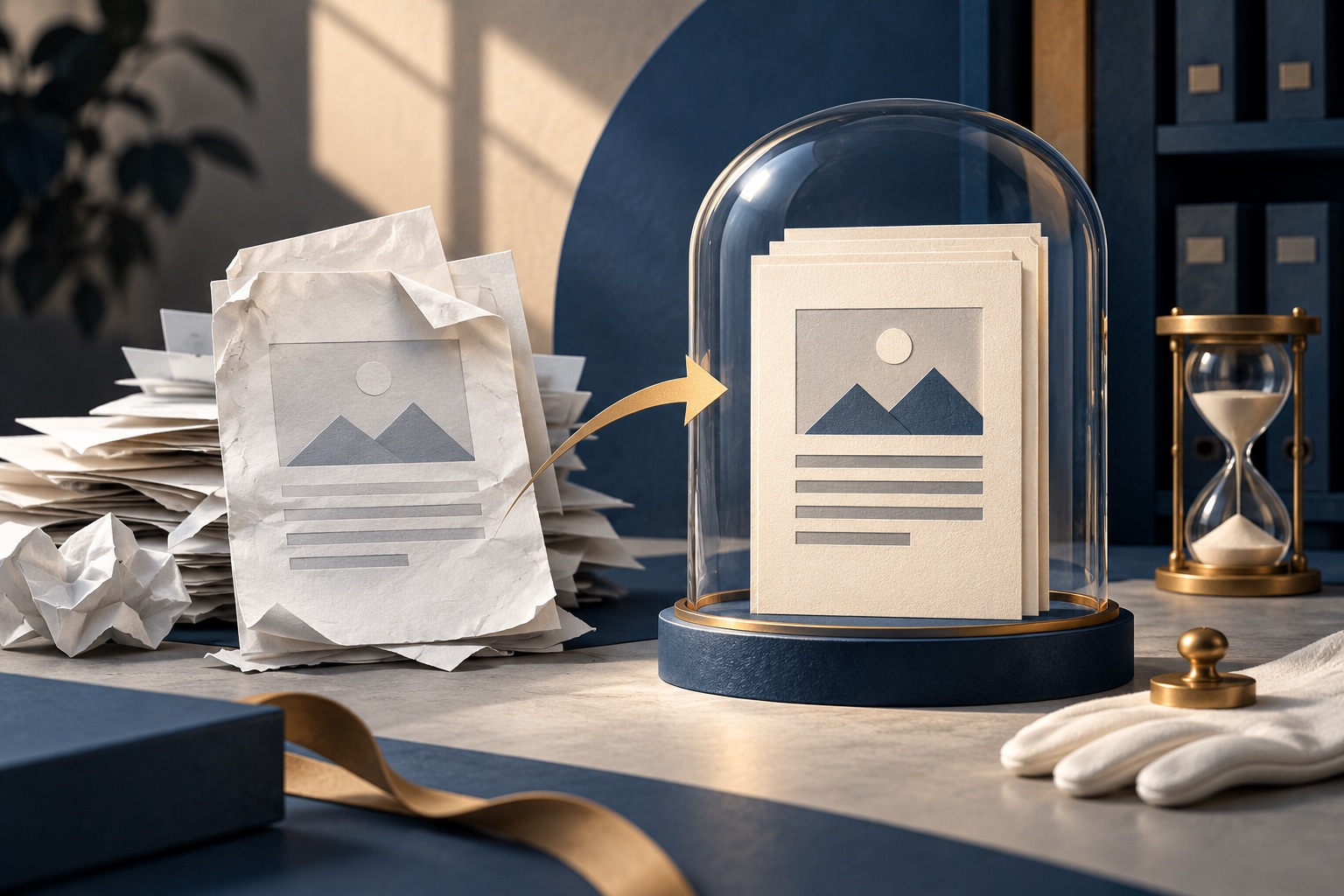
PDF/A is a restricted version of PDF made for long-term storage. It must carry every font it uses inside the file, and it cannot contain JavaScript, encryption or links to content stored elsewhere. That means it renders the same way decades later, on a machine that has none of your fonts installed.
See the tools in action
A PDF names the fonts a page uses, but it does not have to carry them. If the file only says "this line is set in Helvetica Neue" and the computer opening it in 2046 has never heard of that font, the reader quietly picks something close. The letters change width, the lines rewrap, and the table that fitted neatly on page 4 now runs off the edge. Nothing warns you. PDF/A is the version of PDF that removes that gamble, along with every other way a file can depend on something outside itself.
What PDF/A actually changes
PDF/A is not a different file type. The file still ends in .pdf, still opens in any reader, still prints the same. What changes is what the file is allowed to contain. The standard is ISO 19005, and it reads mostly as a list of bans, each one closing off a way the document could stop rendering correctly.
| Rule | What it means | What it prevents |
|---|---|---|
| Fonts must be embedded | Every glyph the document draws is stored inside the file | Substituted fonts that change spacing, line breaks and page count |
| No JavaScript | An ordinary PDF can run scripts; a PDF/A cannot | Pages that need code a future reader refuses to run |
| No encryption | The file cannot be password protected in any form | A document nobody can open because the password died with someone |
| No external references | No streamed video, no linked images, no pointers to other files | Empty boxes where content used to be fetched from |
| Colour must be defined | An embedded ICC profile or device-independent colour is required | Colours drifting between one screen, one printer and the next |
| Metadata as XMP | Title, author and dates stored in a documented text format inside the file | Catalogue information only one particular program can read |
| No LZW compression | An older compression method is disallowed | Data that needs a specific legacy decoder to unpack |
Who actually asks for it
PDF/A is rarely something you choose for yourself. It is something an organisation asks for, usually in one line of a submission checklist with no explanation attached. The common requesters:
- Courts and electronic filing systems. Many e-filing portals accept only PDF/A and reject anything else at upload, because a court record has to render identically to a judge in ten years as it did to the clerk today.
- Government submissions. Planning applications, regulatory filings, tender documents and public records offices frequently specify PDF/A-1b by name.
- Academic journals and universities. Thesis deposit is the usual one. Most university libraries require the final PDF in PDF/A because they are committing to hold it indefinitely.
- Corporate records retention. Contracts, audit files and anything with a legal retention period of seven years or more. The auditor cares that the document looks the same each time it is produced.
- Engineering and construction record sets. As-built drawings outlive the software that drew them by decades.
- Electronic invoicing. PDF/A-3 is allowed to embed other files, which is how formats like Factur-X put a machine-readable XML invoice inside a human-readable PDF.
The parts and levels, in plain terms
PDF/A comes in numbered parts, and each part has conformance levels marked with a letter. The number says which version of PDF it is built on. The letter says how strict the text and structure requirements are.
| Name | Built on | What it gives you |
|---|---|---|
| PDF/A-1b | PDF 1.4, published 2005 | The strictest and most widely accepted. No transparency, no layers. "b" means basic: the page will look right. |
| PDF/A-1a | PDF 1.4 | Everything in 1b plus tagging and Unicode mapping, so a screen reader can follow the reading order. |
| PDF/A-2b | PDF 1.7, published 2011 | Allows transparency, layers and JPEG 2000 images. A sensible default for files made by modern software. |
| PDF/A-2u | PDF 1.7 | 2b plus a guarantee that every glyph maps to a real Unicode character, so the text copies out correctly. |
| PDF/A-3b | PDF 1.7, published 2012 | 2b plus permission to embed arbitrary files, used almost entirely for e-invoicing. |
| PDF/A-4 | PDF 2.0, published 2020 | The newest part. Fine in current software, but older readers and validators know less about it. |
If someone has asked for PDF/A without saying which, ask them. If you cannot ask, PDF/A-2b is the safe middle: modern enough to survive a document containing a drop shadow or a transparent logo, strict enough that almost any checker will pass it. If the request came from a court or a national archive, they usually mean PDF/A-1b, and a file with transparency in it will have to be flattened before it converts cleanly.
Converting a PDF to PDF/A
- Remove any password first. PDF/A forbids encryption outright, so a protected file cannot be converted until the protection comes off with unlock PDF.
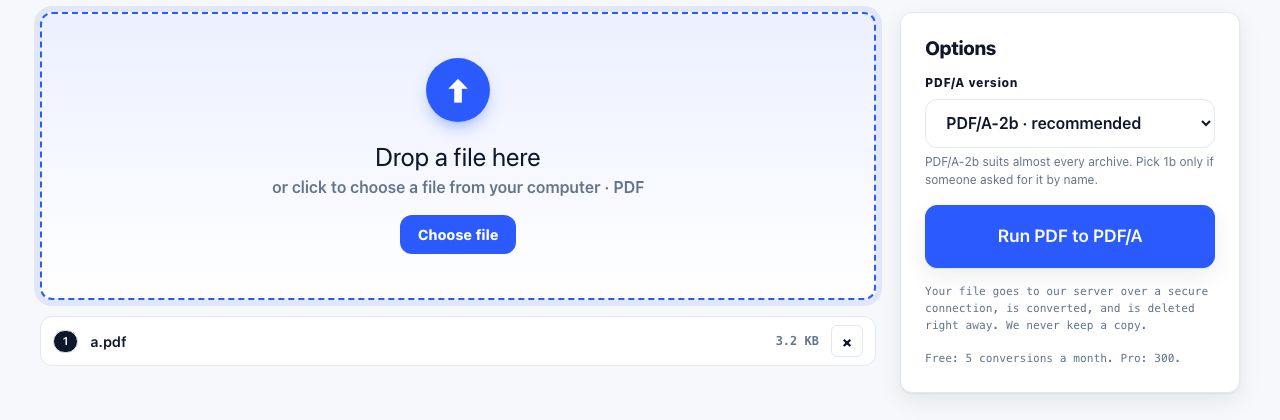
- Run the file through PDF to PDF/A and pick the level you were asked for.
- Open the result and read the first page, the last page, and any page with a table or a form on it. Font trouble during conversion is the one failure you can see with your own eyes.
- Check the document properties in your reader. A converted file states its conformance there, for example "PDF/A-2b".
- Keep the original as well as the converted copy, at least until whoever asked for it has accepted it.
Convert a PDF to PDF/A for a court, a journal or a records system.
PDF to PDF/A →PDF to PDF/A is one of our server tools, because the conversion needs a font and colour engine far too heavy to run inside a browser tab. The file is uploaded over a secure connection, converted on our server, and deleted the moment it finishes. Free accounts get 5 server conversions a month, Pro and Lifetime 300 each, and API keys 5,000. Files up to 100 MB, two minutes per job. The other tools in this cluster run entirely in your browser and upload nothing at all.
How an ordinary PDF rots
There are two failure modes, and only one of them is obvious. The first is font substitution. A PDF that references a font without embedding it renders with whatever the reader can find instead. Metrics differ, so the substitute is wider or narrower, and text that was set to fit a box no longer fits it. Symbol fonts are worse than text fonts: a tick box set in a custom dingbat font can come back as a random letter, which turns a completed checklist into nonsense that still looks deliberate.
The second is subtler, and it is why the "u" and "a" levels exist. A font can be embedded as a subset with its own private numbering, where the shape of the letter "a" is stored as glyph 17 with nothing recording that glyph 17 means "a". The page draws perfectly forever. But select the text, copy it, and you get gibberish. No search index, no archive catalogue and no future reader will ever find the document by its own words. It has become a picture of itself.
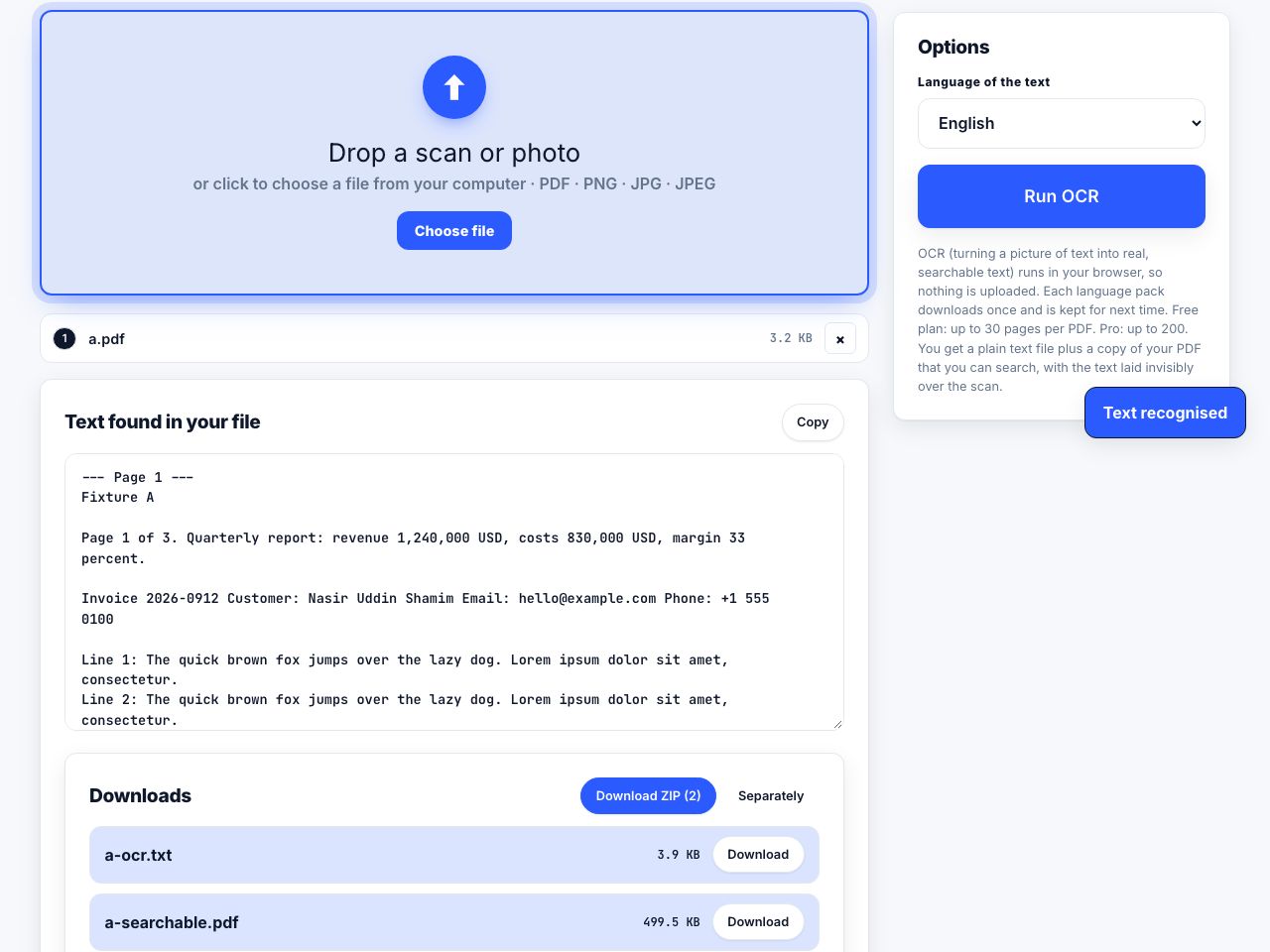
PDF/A is a promise about rendering, not about content. Converting a scanned page to PDF/A archives the photograph of the text, not the text. If nobody has run OCR on it first, the archived file is exactly as unsearchable as it was before. Do the OCR, then convert. Making a PDF searchable covers the order and what it costs in file size.
What PDF/A does not do
- It does not stop editing. PDF/A is not a lock and not a signature. Anyone can open the file and change it, and the result is still a valid PDF/A.
- It does not make anything searchable. That is OCR, and it is a separate job done first.
- It does not shrink files. Embedding fonts usually grows them, typically by 50 KB to a few hundred KB per font family. A file that referenced six fonts can gain a megabyte.
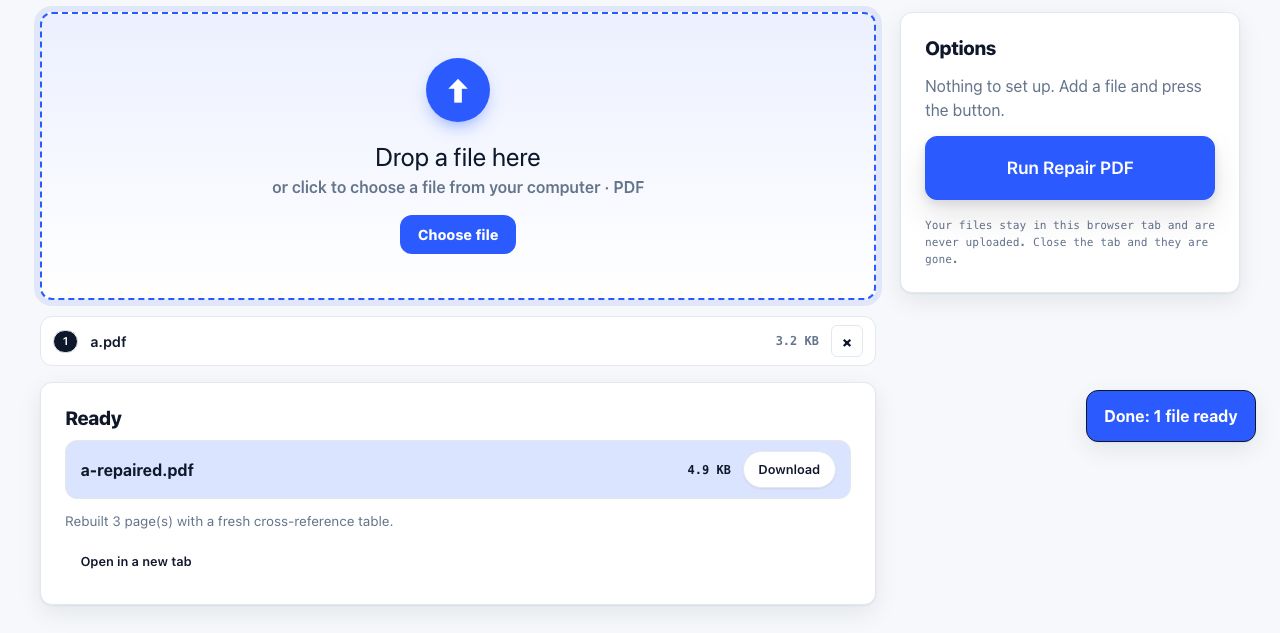
- It does not repair damage. A file with a broken cross-reference table will fail conversion rather than be fixed by it. Run repair first, convert the repaired copy.
- It does not guarantee acceptance. Some organisations run their own validator, veraPDF being the common open one, and add house rules on top of the standard, such as a required title in the metadata.
The honest summary: PDF/A costs you a conversion step and some file size, and buys you a document that renders the same on a machine that shares nothing with yours. For a receipt, do not bother. For anything you will be asked to produce again in ten years, do it once, now, while you still have the original.
Frequently asked questions
What is the difference between PDF and PDF/A?
A PDF/A is a PDF that follows extra rules. It must embed every font it uses, and it cannot contain JavaScript, encryption, audio, video or references to files stored elsewhere. An ordinary PDF may do all of those things, and each one is a way for the file to stop rendering correctly later.
Which PDF/A level should I use?
Use whichever level you were asked for. If nobody said, PDF/A-2b is the safe default: it allows transparency and layers, so modern files convert without being flattened. Courts and national archives usually want PDF/A-1b, which is stricter.
Does converting to PDF/A make the file bigger?
Usually yes. Fonts that were only referenced now have to be stored inside the file, which adds roughly 50 KB to a few hundred KB per font family. Colour profiles add a little more. A text-heavy report might grow by a megabyte.
Can a PDF/A file be password protected?
No. Encryption is banned by the standard, because a password is exactly the kind of outside dependency archiving is meant to remove. Remove the password before converting, and protect the file through where you store it instead.
Is a scanned document in PDF/A searchable?
Only if OCR was run before the conversion. PDF/A preserves whatever the file contained, and a raw scan contains an image of a page, not text. Run OCR first, check the text layer, then convert.