How to convert a PDF to Markdown

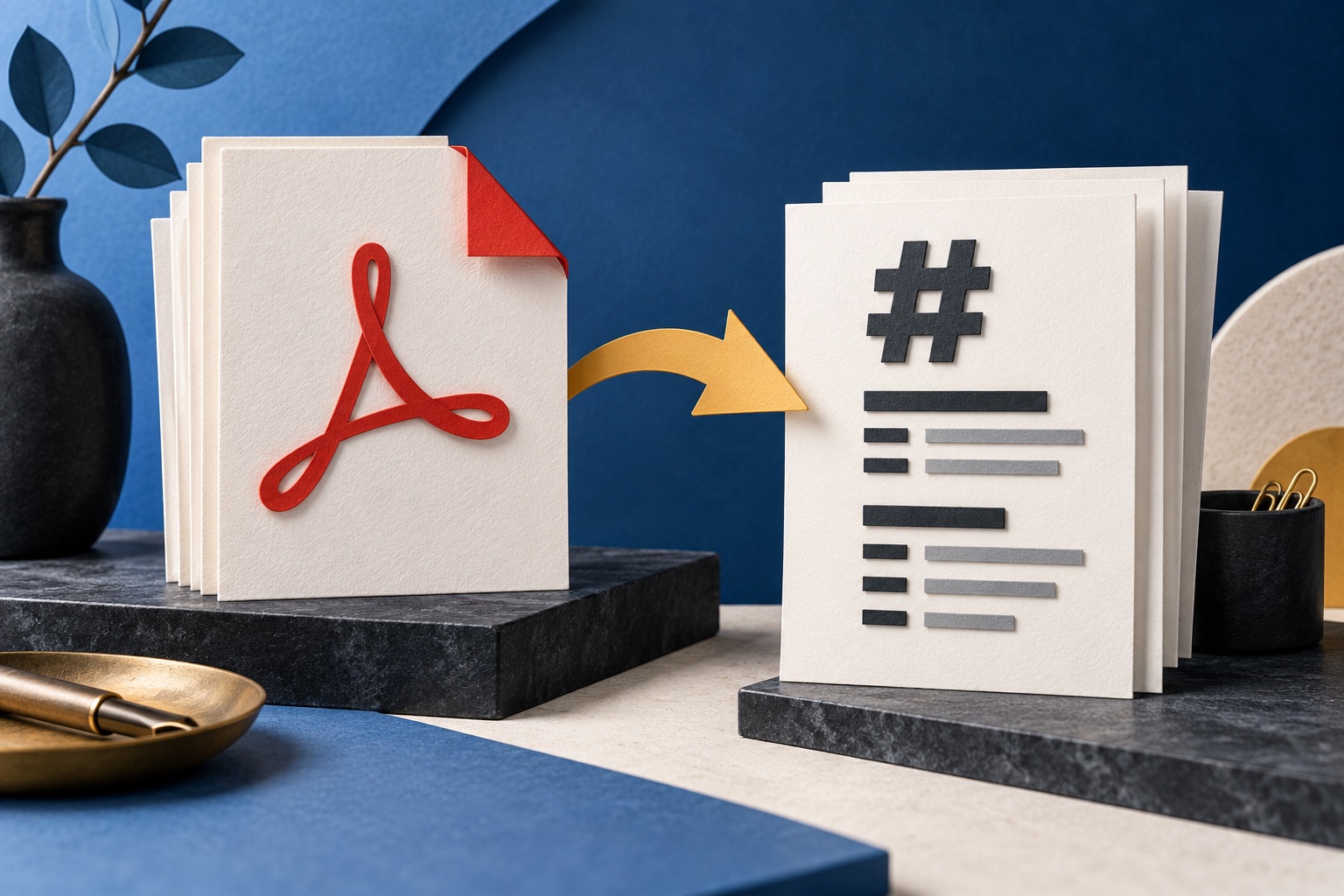
Open the PDF in a Markdown converter and download the .md file. Markdown is plain text with a few punctuation marks standing in for formatting, so headings, lists, paragraphs and links carry over. Exact layout, columns and complicated tables do not, because Markdown has no concept of a page.
See the tools in action

Markdown is plain text with a handful of punctuation marks standing in for formatting: a # at the start of a line makes a heading, a - makes a bullet, and two asterisks around a word make it bold. That is the entire idea. A Markdown file opens in Notepad, in TextEdit, in a notes app, on a wiki, in a code editor and in a chat box, and if every program that understands it vanished tomorrow you could still read the file and know what it said.
Converting a PDF to Markdown is therefore a deliberate trade. You are giving up the layout on purpose, to get back something you can edit, search, paste and version-control.
What survives, and what does not
| Feature | Survives? | Why |
|---|---|---|
| Headings | Usually | Detected from font size and weight, then written as # and ##. A document that fakes headings with bold body text confuses this. |
| Paragraphs | Yes | The hard line breaks a PDF uses inside a paragraph are joined back into flowing text. |
| Bullet and numbered lists | Usually | Recognised from the bullet character and the indent. |
| Bold and italic | Usually | Read from the font name, so real bold survives. Bold that the renderer faked by drawing the outline twice does not. |
| Links | Yes | Real link annotations become [text](url). A URL that was only printed as visible text stays as visible text. |
| Simple tables | Often | A grid of short single-line cells converts into a Markdown table. |
| Complex tables | No | Merged cells, nested tables and cells that wrap onto three lines have no Markdown equivalent at all. |
| Two-column layouts | Often not | Text comes out in the order it was stored, which in many PDFs alternates between the columns line by line. |
| Exact page layout | No, and that is the point | Markdown has no pages, no margins, no fixed positions and no font sizes. |
| Images | As a placeholder | You get a reference, not a picture. Pull the pictures out separately with PDF to JPG. |
| Headers and footers | No | Repeated page furniture is dropped, which is nearly always what you want. |
| Footnotes | Rarely intact | They land as loose text wherever the page ended, detached from their marker. |
Doing the conversion
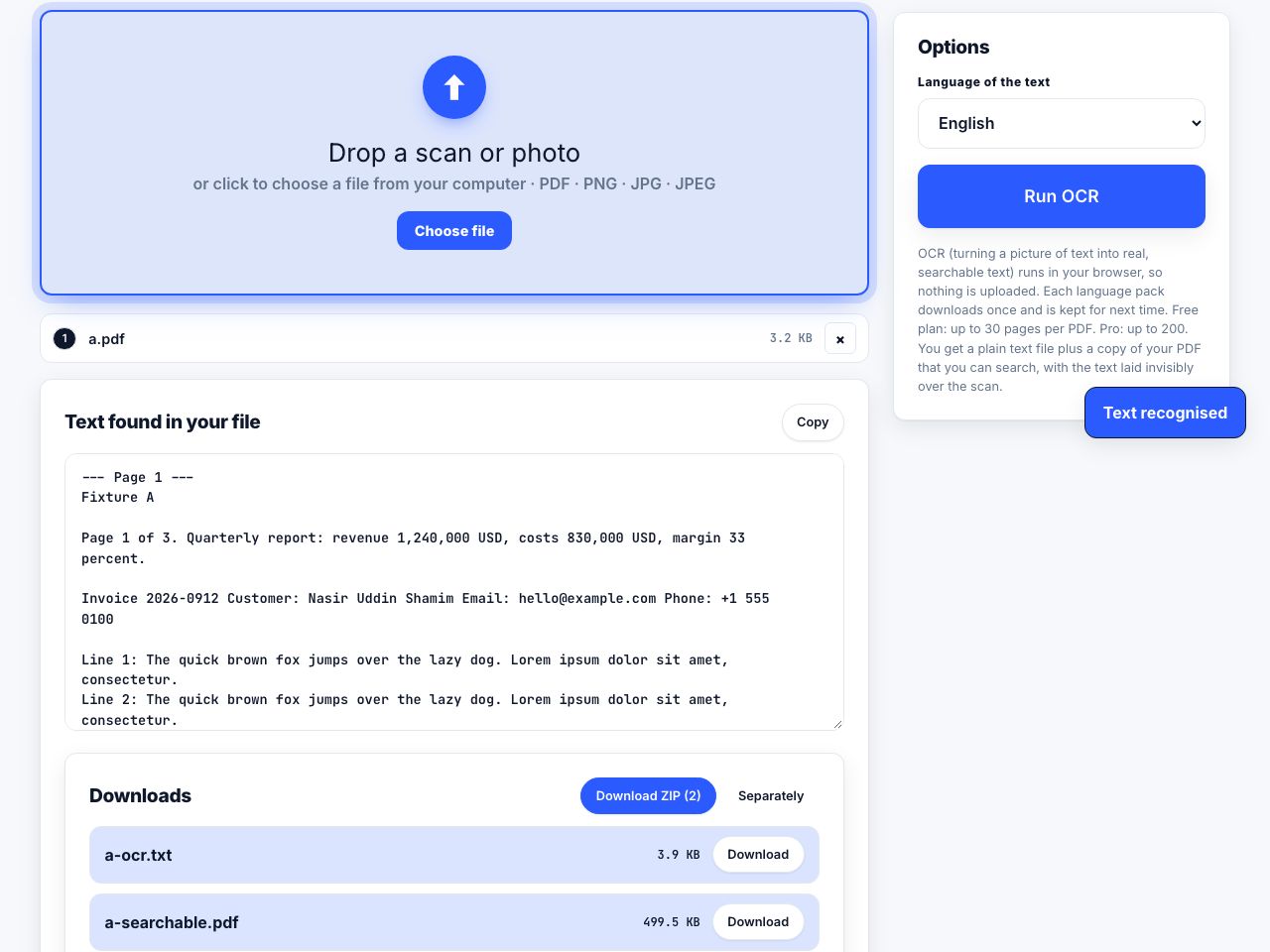
- Check the PDF actually has textOpen it in any reader and try to select a sentence with the mouse. If nothing highlights, the file is a scan and there is no text to convert. Run OCR first, then come back.
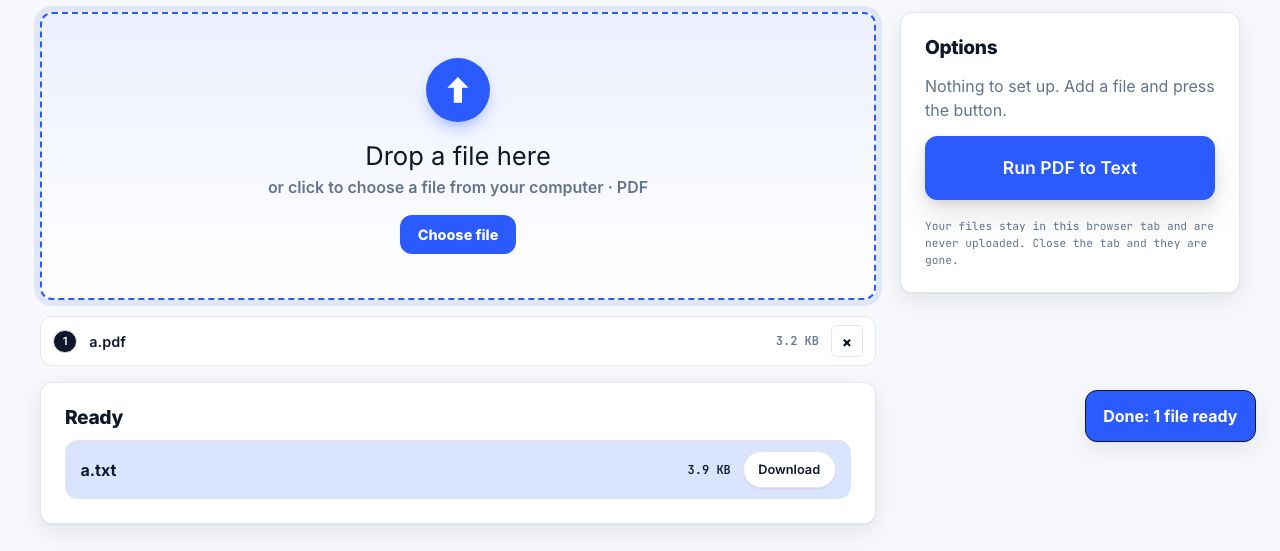
- Open the converterGo to PDF to Markdown and drop the file in. It is read in your browser, so nothing is uploaded and nothing is stored.
- Choose one file or one per pageOne combined .md file for an article or a report. One file per page when you are feeding a notes app that wants small notes.
- Read the first screenful before you download anythingNinety percent of conversion problems are visible in the first twenty lines: heading levels wrong, page numbers left in, columns interleaved.
- Fix the usual three by handHeading levels one step off, a stray line of running header, and any table with merged cells. Everything else is normally fine as it stands.
Turn a PDF into plain Markdown text you can paste anywhere.
PDF to Markdown →What the output looks like
# Quarterly report

## Summary

Revenue rose 12 percent against the same quarter last year,
against a target of 9 percent.

- North: up 8 percent
- South: down 2 percent
- Online: up 31 percent

See the [methodology note](/about) for how these are counted.

> All figures are unaudited.
That is a complete, valid Markdown document. Nothing in it needs a program to be understood. Compare it to the same content as a PDF, which is a compressed binary file with an index of byte offsets, and you can see why one of these two formats is a better bet for text you plan to keep.
The two-column problem
A two-column journal article is the worst case for any PDF text extraction. Text is read in the order it was written into the file, and plenty of typesetting software writes across both columns line by line rather than finishing one column first. The Markdown then reads as alternating half-sentences. If it happens, crop the page down to one column, convert, then crop to the other column and convert again. It is two passes instead of one, and it works every time.
Why bother with Markdown at all
- Version control. A .md file diffs line by line in Git, so you can see exactly which sentence changed between two drafts. A PDF diff shows you that some bytes moved.
- Notes and wikis. Obsidian, Notion, MediaWiki, most static site generators and most issue trackers all take Markdown directly, with no import step.
- Searching a whole folder. Plain text files can be searched with any tool on any system, including grep, in a fraction of a second across thousands of documents.
- Pasting into a chat. Feeding a PDF to an assistant drags along layout noise, page numbers and running headers. Markdown gives it the argument and nothing else.
- Reading on a phone. Markdown reflows to any screen width. A fixed A4 PDF does not, which is why reading one on a phone means pinching and dragging.
- Outliving the software. Markdown is text. It has no version, no licence and no vendor, and a file written today will read the same way in fifty years.
Markdown or plain text?
If you want the words and nothing else, PDF to text is simpler and produces a smaller file. Choose Markdown when the structure matters: when you want the headings to still be headings, the lists to still be lists, and the links to still be clickable when you paste the result somewhere. Choose plain text when you are going to feed the output to something that only cares about the words, such as a search index.
One thing to be aware of either way: the converted file inherits none of the original PDF metadata, so the author, title and creation date are gone. If any of that matters for a record, note it at the top of the Markdown file yourself, in a couple of lines. Text files have no hidden fields, which is a strength, but it does mean anything worth keeping has to be written down where you can see it.
Frequently asked questions
What is Markdown?
Markdown is plain text with a few punctuation marks used as formatting: # for a heading, - for a bullet, word for bold, and [text](link) for a link. It opens in any text editor and is readable even when nothing is there to render it.
Do tables survive a PDF to Markdown conversion?
Simple ones usually do. A grid of short single-line cells becomes a Markdown table. Merged cells, nested tables and cells whose text wraps onto several lines have no Markdown equivalent, so they come out as loose text you will need to rebuild.
Why is my converted Markdown a jumble of half-sentences?
The PDF is almost certainly a two-column layout, and the text was stored in the order it was drawn rather than in reading order. Crop the page down to one column, convert that, then repeat for the second column.
Can I convert a scanned PDF to Markdown?
Not directly, because a scan holds pictures of pages rather than text. Run OCR on it first to create a text layer, check that you can select text in the result, then convert that file to Markdown.
Is my file uploaded when I convert a PDF to Markdown?
Not with a browser-based converter. The PDF is read and converted inside your own tab, so the file never leaves your computer and closing the tab removes every trace of it.