How to prepare a PDF for long-term archiving

Before archiving a PDF, make sure it opens, check that scanned pages have usable text, remove personal metadata if policy requires it, and preserve the original. Convert to PDF/A only when your records policy calls for it, then verify the converted copy and store it with a checksum and retention details.
See the tools in action
An archive copy should still open years from now, be findable by its contents, and carry only the information your retention policy allows. No single conversion guarantees that. Keep an untouched source, make a working copy, and record what you changed. The right process differs between an informal family folder and regulated business records, so follow the policy that applies to the document.
Start with an inventory, not a conversion
Record the original filename, source, received date, owner, and retention category in the archive system. Where your process supports it, calculate a checksum for the source and store it beside the record. A checksum helps detect later byte changes, but it does not prove the PDF is authentic by itself. Preserve signed originals separately because re-saving or converting a signed file can change its signature status.
Check that the file opens and can be searched
- Open a working copyUse the PDF Reader to check every page, page order, orientation, missing fonts, and whether the document opens without a password you do not have.
- Test text selectionTry selecting a sentence and searching for a distinctive phrase. If the page is only a picture, run OCR on a working copy and inspect names, dates, numbers, and other high-risk text against the scan.
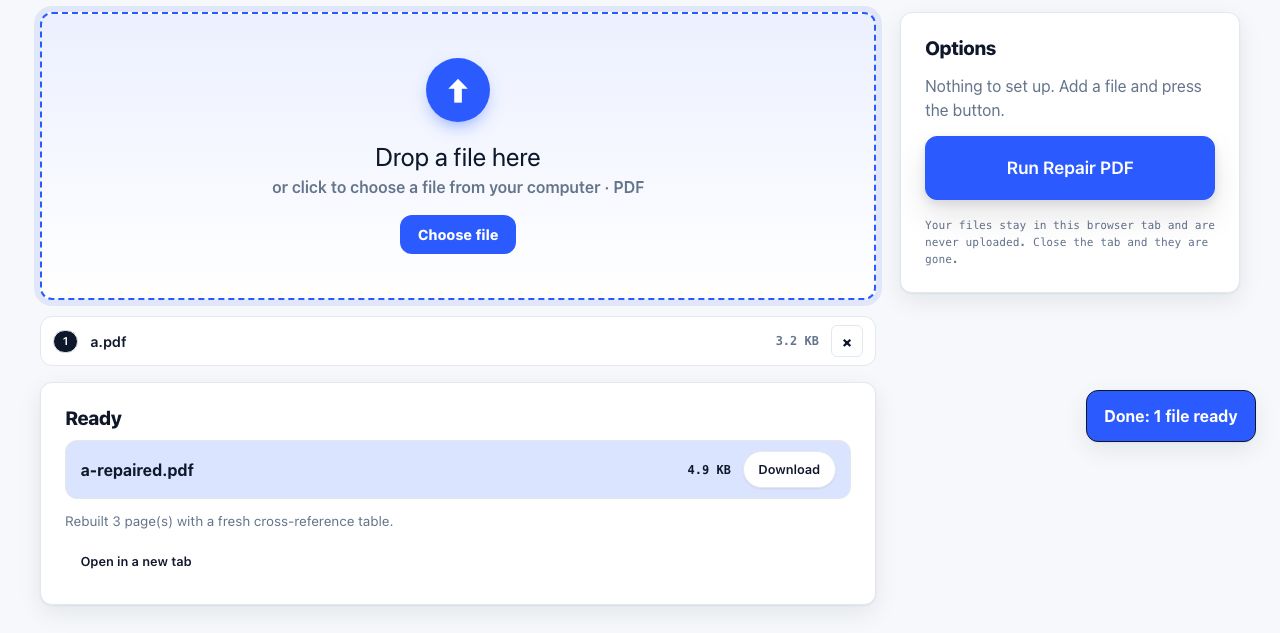
- Repair only a broken copyIf a file fails to open, try Repair PDF, then compare page count and appearance against the source or another trusted copy. Repair is best effort, not proof that every object was recovered.
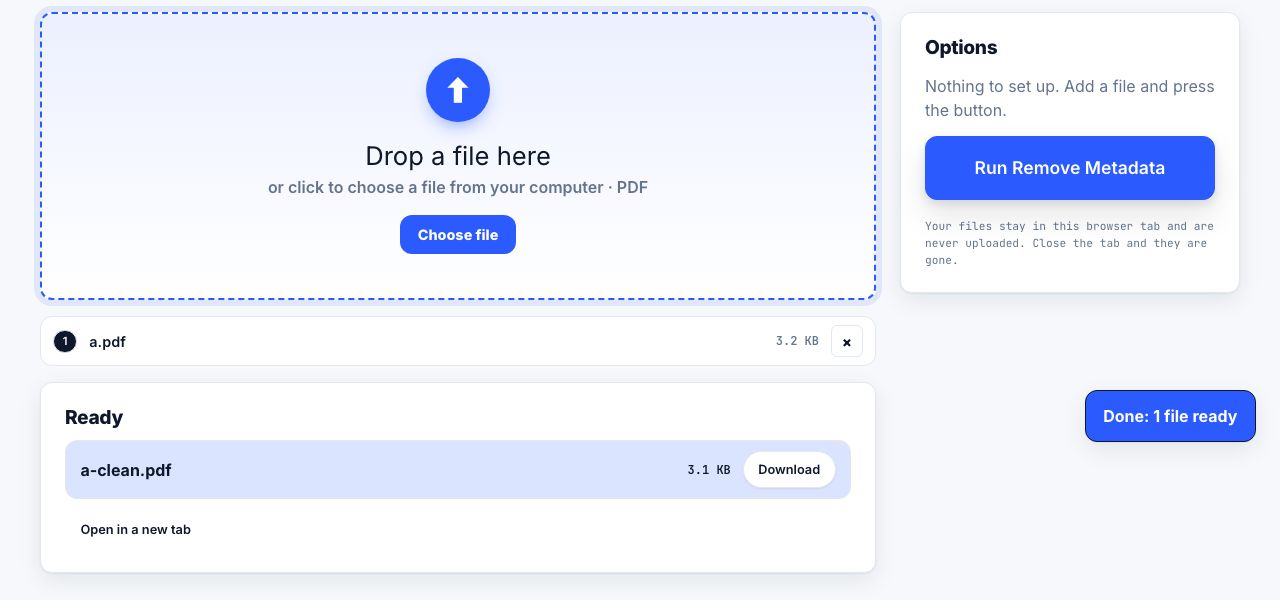
- Remove metadata only when requiredIf your privacy or records policy calls for it, use Remove Metadata on the distribution copy. It clears standard document properties and document-level XMP, not information embedded in photos, comments, or attachments.
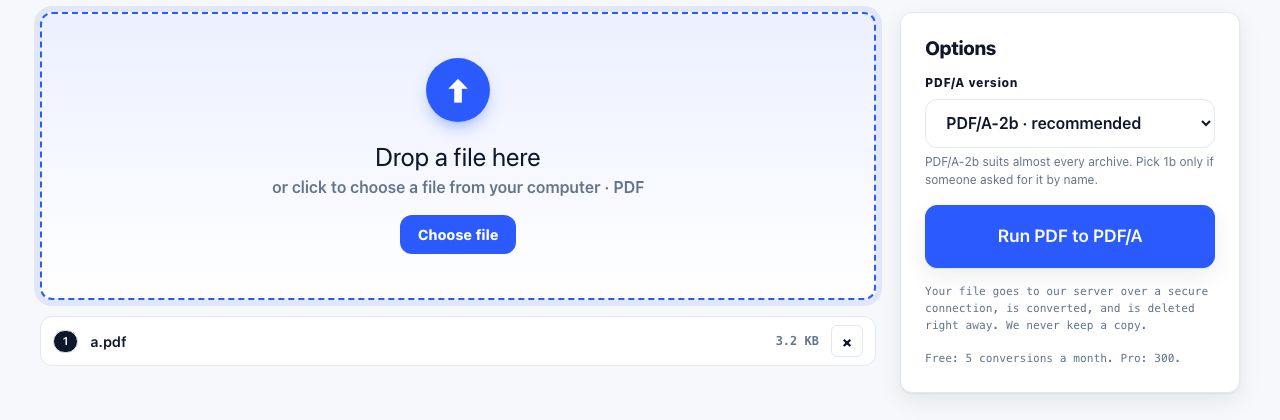
- Create PDF/A when your policy requires itUse PDF to PDF/A for a compatible working copy. This conversion uploads the file to the PrintxPDF server, so do not use it for confidential records unless that processing is approved.
Inspect a PDF locally before you file it. Keep the original record unchanged.
PDF Reader →PDF/A is a requirement, not a magic preservation button
PDF/A is a family of PDF profiles intended for long-term preservation, with restrictions around items such as fonts and external dependencies. It does not guarantee that the words are correct, that the scan is readable, or that the file will remain accessible forever. Confirm which profile your receiving organization requires; do not convert just because the suffix sounds safer.
PDF/A conversion may alter features, appearance, encryption, forms, or signatures. Keep the source and compare the result. The PrintxPDF PDF/A converter is server-processed and has usage limits, unlike the browser-only reader and OCR tools.
Package the record so it can be understood later
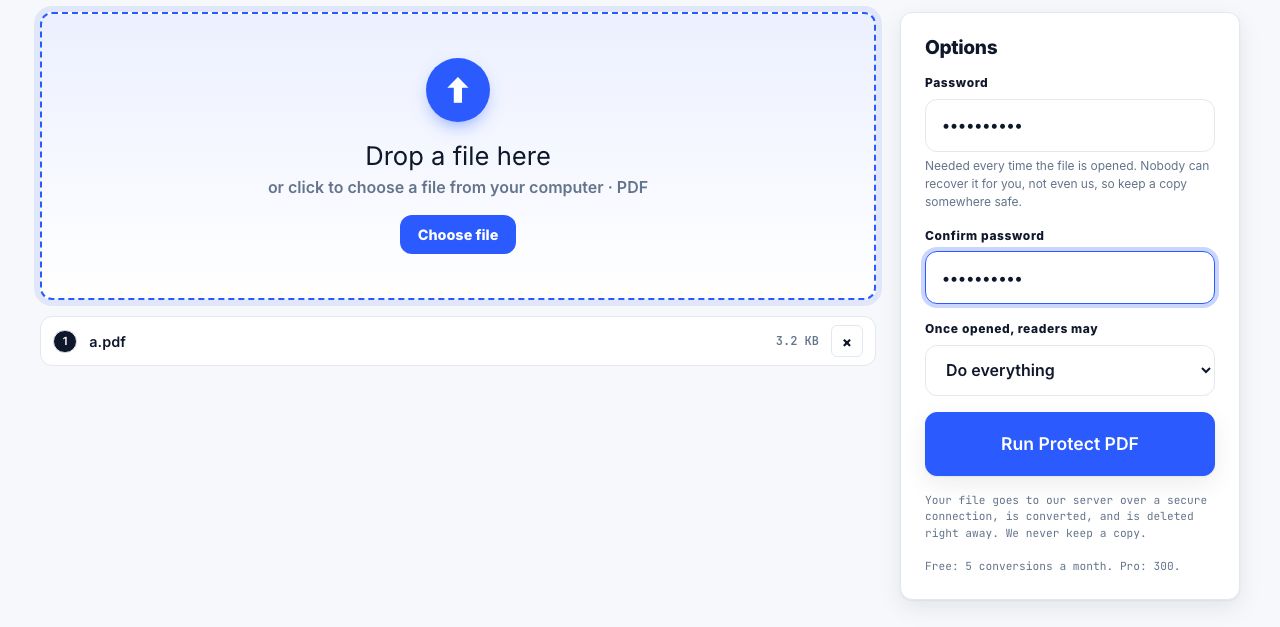
Store the PDF with a stable identifier, descriptive filename, date, source, retention rule, and any conversion notes. If a password is needed, keep it in the approved access-control system rather than in the same folder or filename. Protect PDF is server processed; if you use it, ensure the added encryption fits your preservation and access requirements. Encryption can complicate future access if the key is lost.
For a scanned paper record, compare the OCR copy with the original image and keep the scan where policy requires evidentiary fidelity. Our guides to PDF/A basics, making a scan searchable, and removing PDF metadata explain those separate tasks in more depth.
Finally, schedule a future readability check. Long-term preservation depends on storage redundancy, access controls, documented formats, and migration planning as well as the file itself. A good checklist makes each operation reversible: original preserved, working copy verified, changes noted, and the archived item retrievable by someone who did not create it.
Frequently asked questions
Should every PDF be converted to PDF/A?
No. Convert only when the receiving organization or records policy requires a particular PDF/A profile. Keep the source and verify the converted file because conversion can change features or signatures.
Does OCR change the original scan?
OCR creates searchable text associated with a new output. Keep the original scan when fidelity or evidence matters and check recognized text against the image.
Does removing metadata make a PDF anonymous?
No. It clears standard document properties and document-level XMP, but photos, comments, attachments, visible text, and other embedded content may still identify a person.