Printing, annotating and citing for coursework and research
 By Nasir Uddin Shamim4 guides
Students save the most paper by printing academic PDFs two pages per sheet and double-sided, which turns a 24-page paper into six sheets. Annotate the PDF rather than the paper copy so highlights stay searchable, and record the author, title, date, URL and access date for every web source you cite.
A reading list is a printing problem before it is a reading problem. Twelve papers at twenty-four pages each is nearly three hundred sheets if you let the printer have its way, and a sixty-slide deck at one slide per page is sixty more. These four guides cover the settings that turn a paper into six sheets instead of twenty-four, the annotation habits that survive until revision week, and the citation formats markers actually check.
Every guide in this topic
How to print journal articles and papers properly
Open the PDF in a real reader rather than the journal website, then print two pages per sheet, double-sided, in greyscale. That turns a 24-page paper into six sheets. Add a binding margin if you will punch or staple it, and test on the first four pages before running the rest.
How to annotate PDFs for studying
Read once without marking anything, then highlight on a second pass using a fixed colour code and write a margin note in your own words beside every highlight. Use Zotero or Adobe Acrobat Reader on a laptop, GoodNotes or Notability on an iPad, and export the highlights into your notes before revision starts.

How to cite a web page in APA, MLA and Chicago
Every web page citation needs five things: author, publication date, page title, site name and URL. APA 7th puts the date in brackets after the author, MLA 9th italicises the site name and drops the https prefix, and Chicago 17th offers a footnote and a bibliography form. Add an access date when there is no publication date.
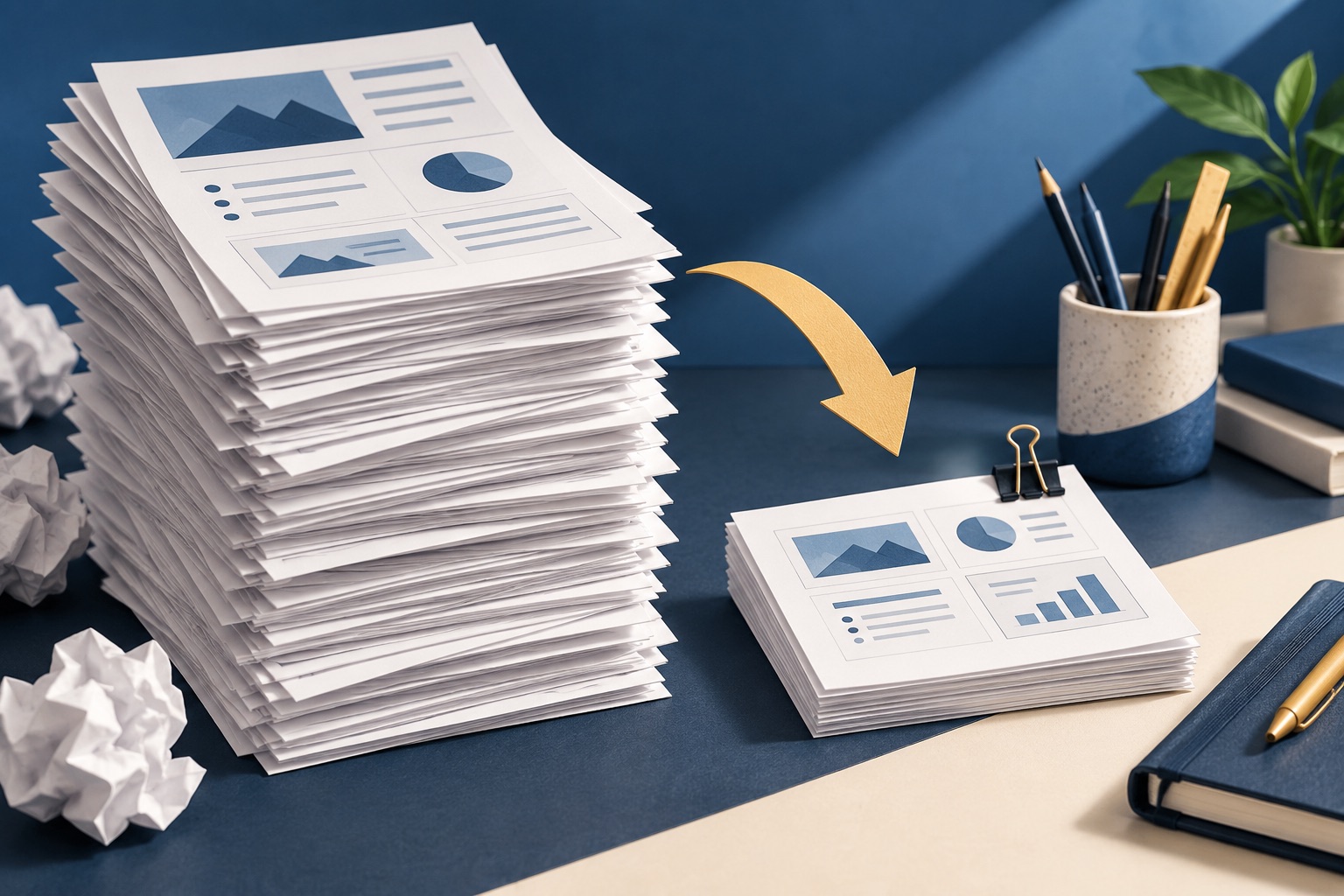
How to print lecture slides without wasting 60 pages
Use handout mode rather than full-page slides: three per sheet if you want ruled note lines, six per sheet for revision. Delete the duplicate pages that animation build steps create in a PDF export, and print in greyscale so dark slide backgrounds do not drain a cartridge. Sixty slides then fit on five duplexed sheets.
Tools for this job
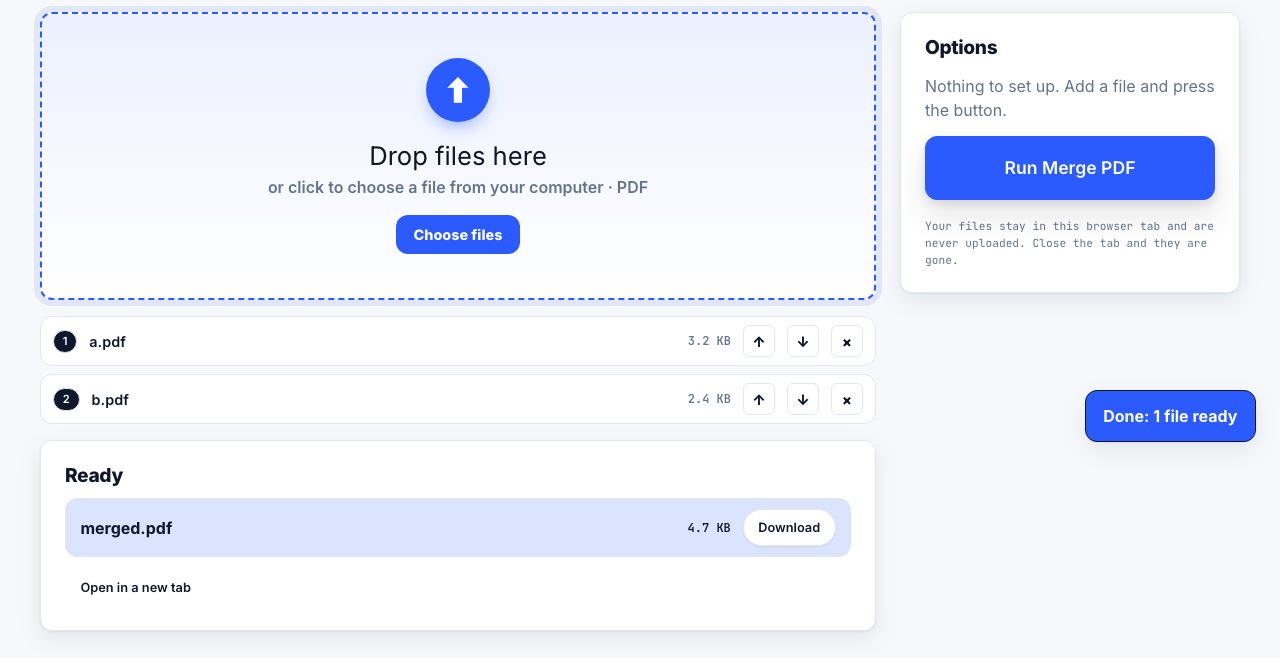
Merge PDF
Combine files into one
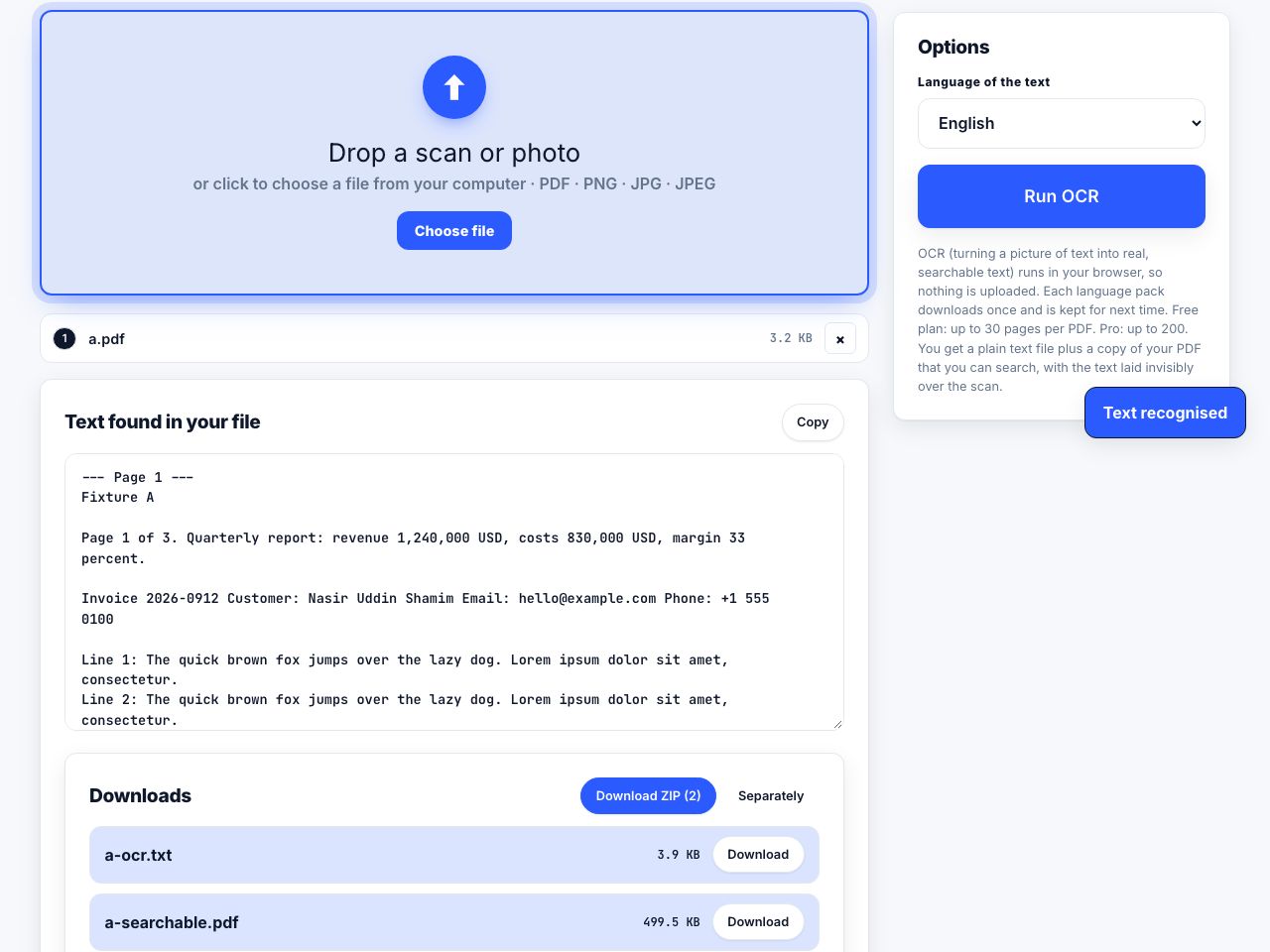
OCR PDF
Make scans searchable
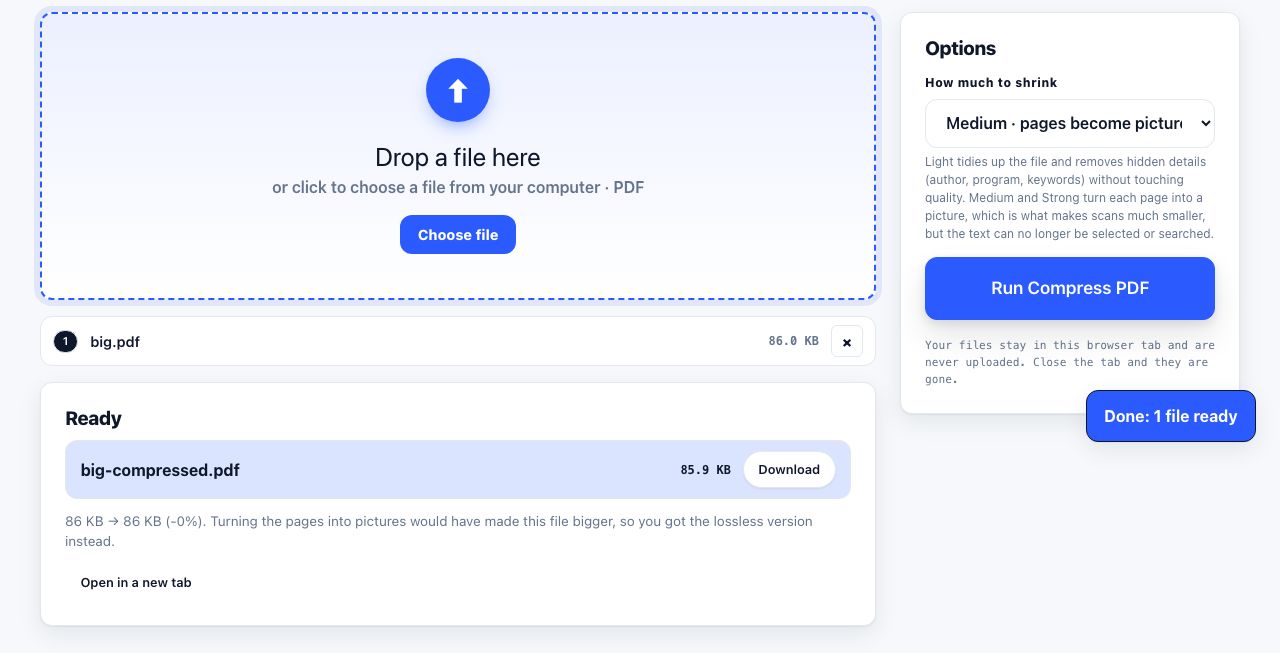
Compress PDF
Shrink the file size
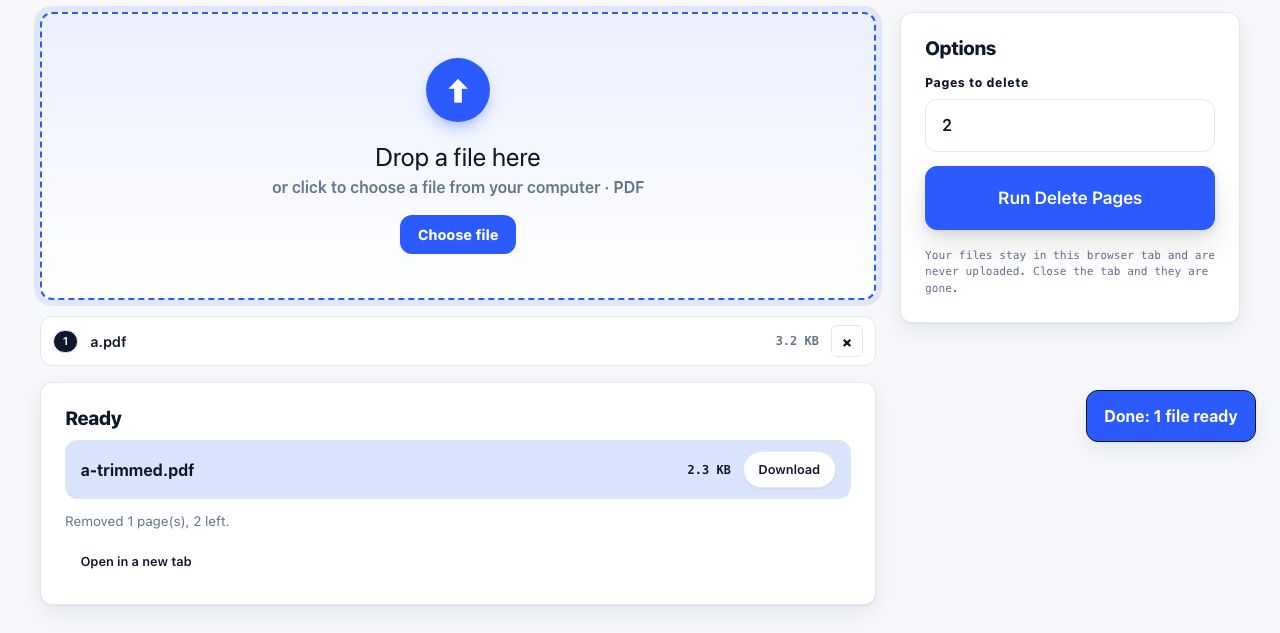
Delete Pages
Remove pages by number
See the recommended tools in action
Other topics
Printing web pages
Print any web page without ads, sidebars or menus. Reader mode, print preview, browser settings and a free tool that cleans the page in your browser.
Saving web pages as PDF
Save any web page as a PDF in Chrome, Safari, Firefox, Edge, iPhone or Android. Print-to-PDF, full-page screenshots, and archiving that survives link rot.
Merging PDF files
Combine PDFs into one file for free. Drag to set the page order, mix in JPG and PNG images, keep bookmarks, and merge without Adobe Acrobat on Windows or Mac.
Splitting and extracting PDF pages
Split a PDF into single pages or custom ranges, extract only the pages you need, delete the rest, and cut a big file down to fit an email attachment limit.
Compressing PDF files
Compare three PDF compression presets, keep text searchable when needed, and learn when to split a large file or use a sharing link.
Converting PDF to other formats
How to get a PDF back into an editable format: Word, Excel, plain text and slides, what each conversion really preserves, and when the answer is to retype.