How to print journal articles and papers properly

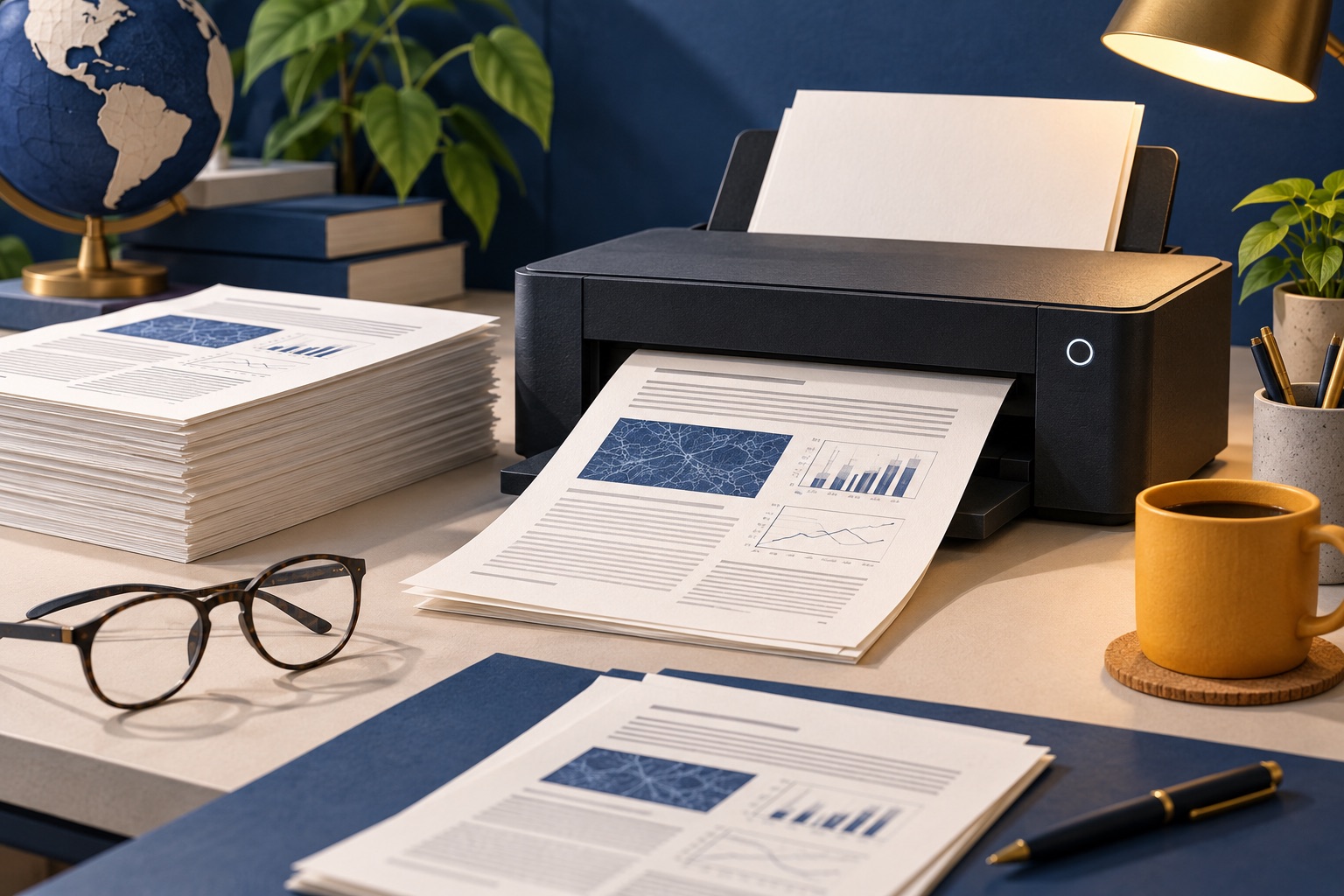
Open the PDF in a real reader rather than the journal website, then print two pages per sheet, double-sided, in greyscale. That turns a 24-page paper into six sheets. Add a binding margin if you will punch or staple it, and test on the first four pages before running the rest.
See the tools in action
A twenty-four page paper with two columns, four pages of references and a figure every third sheet will eat a quarter of a ream if you let it. Academic PDFs are actually the easiest documents to print economically, because the publisher already laid them out for paper. You just have to stop your printer treating one PDF page as one sheet.
Print from the PDF, never from the journal website
Publisher article pages on ScienceDirect, Wiley Online Library and SpringerLink are full-screen applications: floating toolbars, a citation widget, a "recommended articles" rail and a figure viewer that loads images only when you scroll. They print badly and routinely split a figure across two sheets.
Almost every one has a Download PDF button. Use it. The PDF is typeset at a fixed size, carries the real journal page numbers you need for citations, and prints exactly as the editors intended. If the HTML version is all you have, run it through the web page printer first.
Hitting a paywall? Search the exact title on Google Scholar and look for the [PDF] link beside the result, which usually points at an author copy in an institutional repository. PubMed Central, arXiv, bioRxiv and SSRN are all free.
Two pages per sheet is the single biggest saving
Academic PDFs are typeset for a page, so the margins are generous and the type is large enough to survive shrinking. Two portrait pages side by side on one landscape sheet scales each to roughly 65 percent, taking 11pt body text to about 7pt, comfortable at desk distance.
| Pages per sheet | Effective scale | 11pt text becomes | Verdict |
|---|---|---|---|
| 1 | 100% | 11pt | A 24-page paper is 24 sheets |
| 2 (landscape) | About 65% | About 7pt | The sweet spot for single-column papers and preprints |
| 4 | 50% | About 5.5pt | Skimming only |
| 6 | About 40% | About 4.4pt | Slide handouts only |
| 9 | About 33% | About 3.6pt | An index, not a document |
Two-up fails on dense two-column journals. Elsevier and Springer set body text at roughly 9pt, which at 65 percent becomes 5.8pt in a 45mm column. Print those one page per sheet and save elsewhere, on duplex and greyscale.
Then print on both sides
Two-up plus duplex is a four-fold reduction: twenty-four pages become six sheets.
- Open the file in a proper PDF readerBrowser PDF viewers hide the settings you need. Use Adobe Acrobat Reader, Preview on macOS or Evince on Linux, and check the page count first.
- Open Print and find the sizing panelPress Ctrl+P or Cmd+P. In Acrobat Reader the section is called Page Sizing & Handling. On macOS it is the Layout pane of the system print sheet.
- Choose Multiple, two pages per sheetClick Multiple, set Pages per sheet to 2 and Page order to Horizontal. The orientation flips to landscape by itself. Leave "Print page border" off.
- Turn on double-sided with the right flipTick Print on both sides of paper. Because two-up rotates the sheet to landscape, the right choice is Flip on short edge, the opposite of the portrait default. Get it backwards and every second sheet reads upside down: the full rule is here.
- Drop the colourTick Print in grayscale (black and white), just under the copies field in Acrobat Reader. On an inkjet this stops the printer mixing cyan, magenta and yellow into a composite black, which is what silently drains colour cartridges.
- Test on four pagesSet the range to
1-4and print. Check page 2 is on the back of page 1 the right way up, and nothing is clipped at the spine.
Leave room for the staple or the hole punch
Journal PDFs use symmetric margins, so a three-hole punch lands in the text on one side of every sheet, and a corner staple eats the first line of every page. Three ways round it:
- Shrink and shift. Set Custom Scale to 92 percent in Acrobat Reader. The page is redrawn smaller and centred, adding roughly 8mm of white space on every edge, enough for a three-hole punch.
- Staple top-left, print one-sided. If you will write on the pages anyway, single-sided gives you a clean back for notes.
- Use a wallet instead of a punch. It keeps the margins intact and survives a rucksack better than staples.
If a paper matters enough to keep, do not punch the only copy. Paper is for reading; the file is the archive. Annotate the PDF instead.
Notes for the main sources
| Source | What you get | Best settings |
|---|---|---|
| JSTOR | A US Letter PDF with a licence cover page. Older material is a scan with no text layer | Print from page 2. OCR it first to search or highlight |
| PubMed Central | Clean single-column HTML plus the publisher PDF | Take the PDF. Two-up works well |
| arXiv | A LaTeX-built US Letter PDF, wide margins, often 11 or 12pt single column | The best two-up candidate here. Four-up works for skimming |
| ScienceDirect (Elsevier) | Two-column A4 PDF at roughly 9pt | One page per sheet, duplex, greyscale. Two-up is too small |
| SpringerLink | Two-column PDFs; books split by chapter | One page per sheet. Download the chapter, not the book |
Make one reading pack instead of ten print jobs
Ten separate jobs means ten walks to the printer and ten chances to leave one behind. Build a pack instead:
- Rename the PDFs
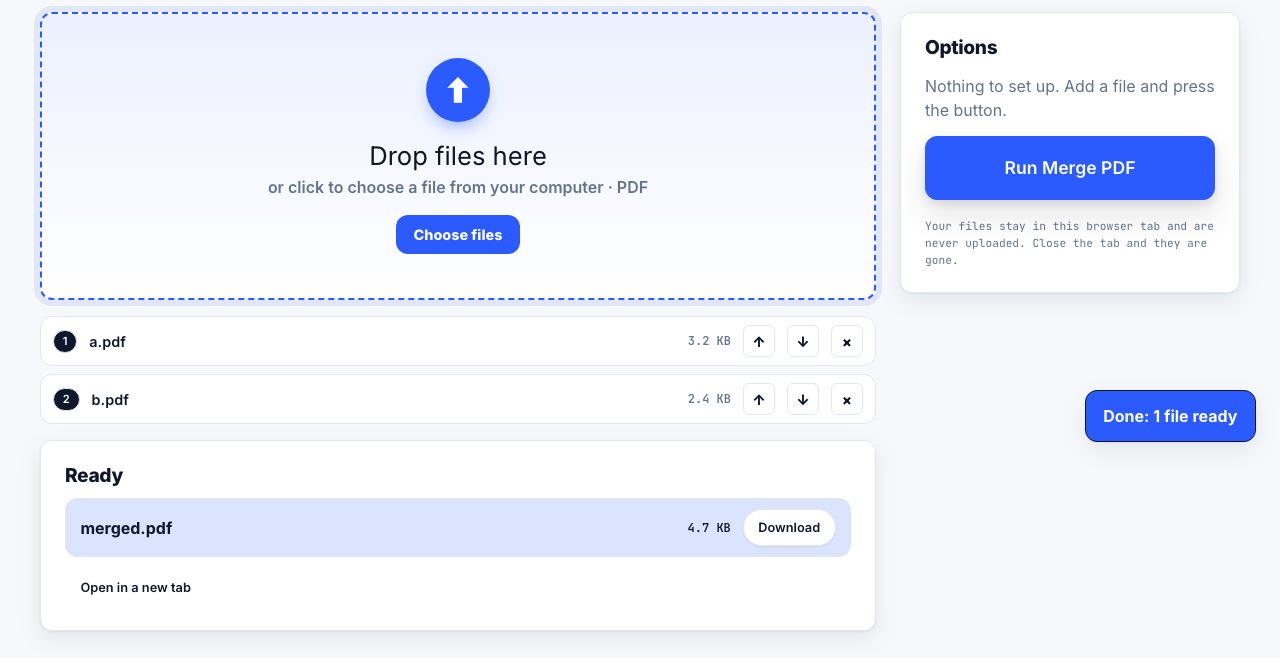
01-author-year.pdf,02-author-year.pdfand so on, so they sort in reading order. - Merge them into a single file with the PDF merger.
- Add page numbers so you can say "pack page 41" in a seminar.
- Print the whole pack once, two-up and duplex.
Turn this week’s reading list into one file, in the order you plan to read it.
Merge PDF →What it actually costs
A mono laser page costs 2 to 4 cents in toner plus a cent in paper; an inkjet page with colour figures costs 8 to 15 cents. One 24-page paper:
- One page per sheet, single-sided, colour inkjet: 24 sheets, close to $2.90.
- One page per sheet, duplex, mono laser: 12 sheets, about $0.72.
- Two-up and duplex, mono laser: 6 sheets, about $0.18.
Across a thirty-paper reading list that is roughly $87 against roughly $5 a term, and 720 sheets against 180. The settings take thirty seconds once; your reader remembers them.
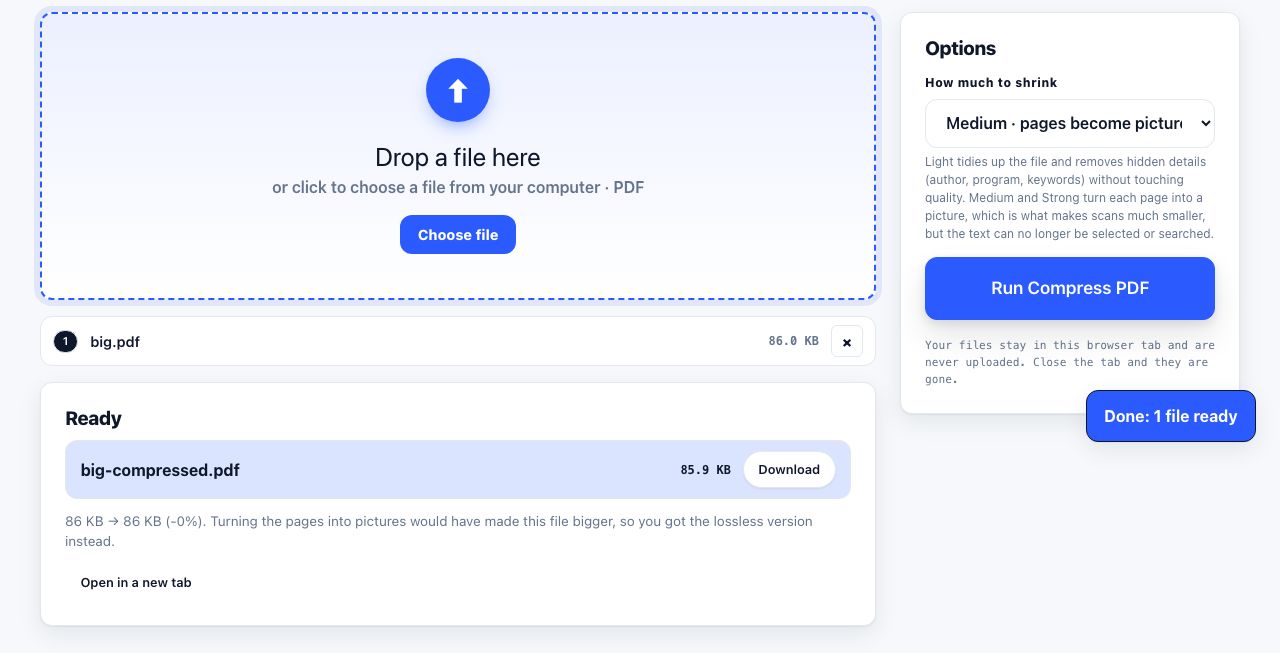
Reading pack too large to email round the study group? Compress it first.
Compress PDF →If the file is a scan with no text layer, run OCR before printing so your copy stays searchable. Then see annotating PDFs for studying.
Frequently asked questions
How do I print two pages of a PDF on one sheet?
In Adobe Acrobat Reader, open Print, find Page Sizing & Handling, click Multiple, and set Pages per sheet to 2 with Page order Horizontal. On macOS the same control is in the Layout pane of the print sheet. Browser PDF viewers do not offer it.
Why is my two-up printout too small to read?
Two-up scales each page to about 65 percent, so 11pt text lands near 7pt. That is fine for single-column preprints but not for two-column journals typeset at 9pt, which end up near 5.8pt. Print those one page per sheet instead.
How do I print a JSTOR article without the cover page?
Set the print range to start at page 2. The licence cover is always the first page. If you plan to keep the file, delete that page from the PDF once so every future print job skips it.
What margin do I need for a three-hole punch?
About 12mm of clear space on the punched edge. Since journal PDFs use symmetric margins, set Custom Scale to 92 percent in the print dialog, which adds roughly 8mm on every edge and is enough for standard punches.
Should I print papers at all, or just read them on screen?
Print the ones you will read closely and annotate by hand; read the rest on screen. Printing every paper on a reading list is the most common source of wasted paper in a department, and most of those printouts are skimmed once.