How to add page numbers to a PDF


To add page numbers to a PDF, open it in a page numbering tool, pick a position such as bottom centre, choose a format such as "1 of 12", set the starting number, and say how many opening pages to leave unnumbered. The numbers are drawn onto each page and cannot shift later.
See the tools in action
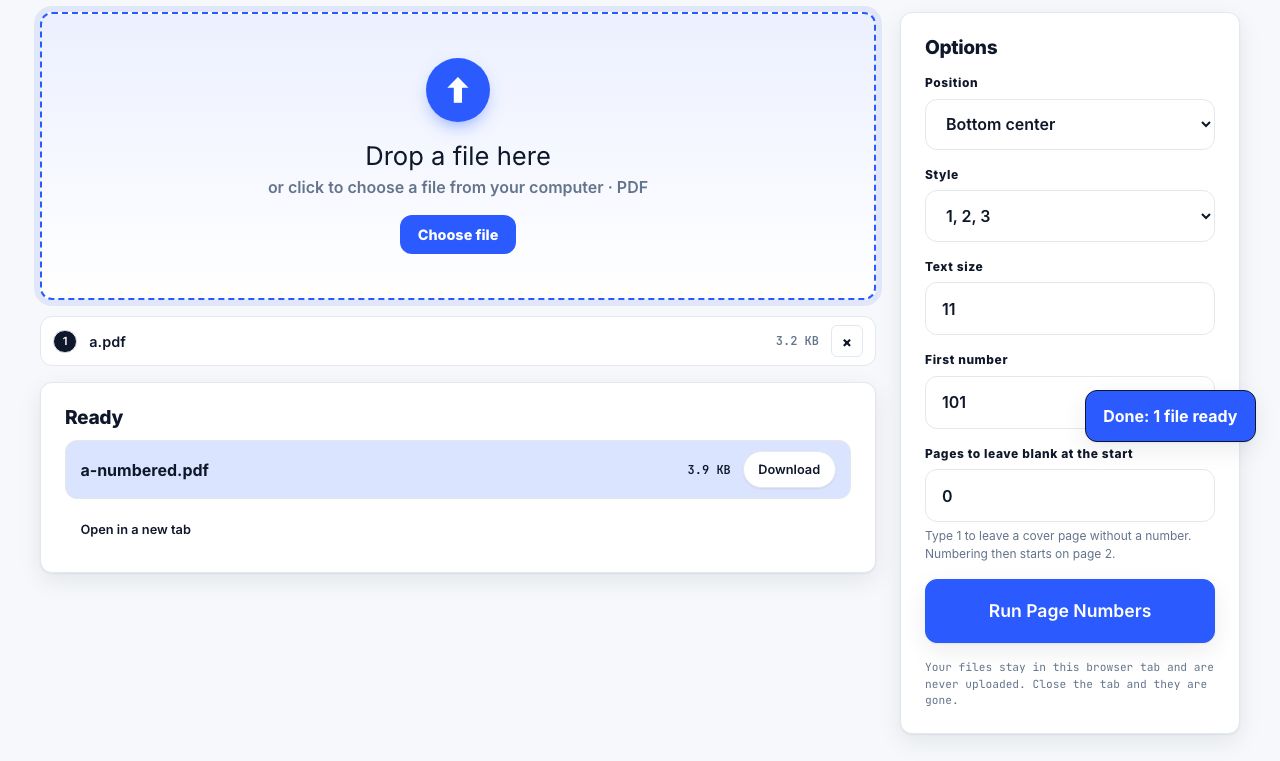
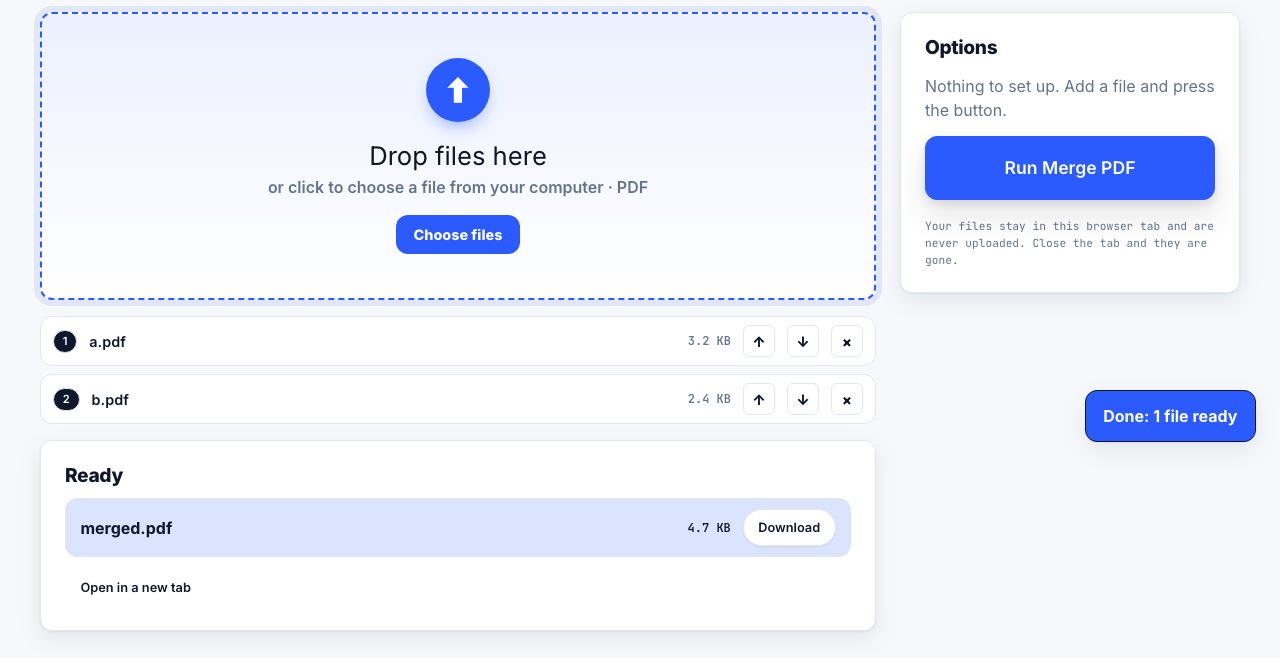
Page numbers in a PDF are not automatic. Unless the original document had them before it was exported, the file is just a stack of pages with no idea what order a human thinks they are in. Add them and three things get easier: printing double-sided without losing your place, referring to a page in an email, and putting a dropped stack back together.
Add numbers in your browser
- Open the numbering toolGo to Page numbers and drop the PDF in. Everything runs locally in the tab.
- Pick a positionBottom centre is the safe default. Bottom outer corner is the right choice for anything printed double-sided and bound.
- Choose a formatPlain
7,Page 7, or7 of 24. The last one tells a reader immediately whether the document is complete. - Skip the coverIf page 1 is a title page, set Leave first N pages unnumbered to 1. The cover stays clean and the next sheet becomes number 1.
- Set the starting numberSeparate from the above. If this PDF is chapter two of a longer document that ended on page 40, start at 41 so the combined set reads continuously.
- Check the marginThe number should sit inside the paper margin, not on top of your text. Around 36 points, which is half an inch, from the bottom edge works for most documents.
- Apply and downloadLook at pages 1, 2 and the last page before you print anything. Those three catch almost every mistake.
Number every page of a PDF, with a cover-page skip and a custom starting number.
Page Numbers →Where to put the number
| Position | Best for | Watch out for |
|---|---|---|
| Bottom centre | Reports, essays, anything single-sided | Collides with a centred footnote or a company footer |
| Bottom outer corner | Double-sided and bound documents | Needs a tool that alternates left and right by page parity |
| Bottom right | Contracts, submissions, filings | Can be clipped by a printer with a large unprintable margin |
| Top right | Manuscripts, legal exhibits | Fights with a running header, so pick one or the other |
| Top centre | Rarely a good choice | Reads as a title on the first glance at each page |
PDF measures in points: 72 points to an inch. A4 is 595 x 842 points, US Letter is 612 x 792 points. A 36 point margin is half an inch on both, which is why that number appears as a default everywhere. Most consumer printers cannot print within about 12 points of the paper edge, so never set the margin below 18.
The "1 of 12" format
A bare number tells a reader where they are. A "1 of 12" tells them whether anything is missing, which is why it is standard on faxed and posted documents, invoices, and anything handed across a desk. Use it whenever the document may be printed and separated from its file.
One trap: the total counts the pages in this file, not the pages in the logical document. If you number a 12-page file and then merge it with an 8-page appendix, every page still says "of 12" and now half of them are wrong. Merge first, number second. Always.
Skipping a cover page
Two different settings are involved and they are easy to confuse:
| Setting | What it controls | Example |
|---|---|---|
| First page to number | Which sheet gets the first printed number | Set to 2 so the cover is left blank |
| Starting number | What that first printed number says | Set to 1 so the second sheet reads "1" |
| Both together | Cover unnumbered, body starting at 1 | First page to number 2, starting number 1 |
| Continuation file | Numbering that carries on from an earlier PDF | First page to number 1, starting number 41 |
For a document with front matter, a title page, a contents page, an executive summary, the traditional convention is roman numerals (i, ii, iii) on the front matter and arabic numerals restarting at 1 on the first page of the body. In a PDF tool this means two passes: number pages 2-5 as roman, then number page 6 onward as arabic starting at 1.
Bates numbering for legal and discovery work
Bates numbering is page numbering with a fixed prefix and a fixed digit count, applied across a whole production set so that every page in a case has a unique identifier: SMITH-000001, SMITH-000002, and so on. The digit count is padded so the numbers sort correctly as text.
- Agree the prefix and the digit width with the other side before you produce anything. Six or seven digits is usual.
- Number the combined production, not each file separately, or you will have a hundred pages all claiming to be 000001.
- Place it bottom right, outside the text block, so it never covers evidence.
- Never renumber a set that has already been served. Add a new range instead.
When numbers land on top of your text
This happens when the source document has no bottom margin to spare, dense slides, scanned pages trimmed close, or a report that already has a footer. Three fixes, in order:
- Move the number to a corner that is empty. Bottom right is usually freer than bottom centre.
- Increase the margin to 45-54 points so the number sits lower, and check that your printer can reach it.
- Scale the page content down. Printing at 96 percent scale creates a clear band at the bottom of every page, and at that ratio nobody notices the difference in text size.
Numbering a scanned document works the same way, but the number is drawn as real text on top of an image. That means the number is searchable even when the rest of the page is not, a genuinely useful side effect when you are looking for a specific exhibit.
If you also need a document title or date on every page, add that as a header or footer in the same pass rather than numbering twice.
Frequently asked questions
How do I add page numbers to a PDF for free?
Use a browser-based page numbering tool: drop the file in, choose a position and format, set the starting number, and download the result. It runs on your own machine, so there is no upload, no account and no watermark on the output.
How do I start page numbering on page 2 of a PDF?
Set "Leave first N pages unnumbered" to 1 and "Start at" to 1. The cover is left blank and the second sheet prints as page 1, which is the standard convention for a report with a title page.
Can I use a "Page 1 of 10" format?
Yes. Choose the "X of Y" format and the tool fills in the total from the page count of the file you loaded. Merge every part of the document together before numbering, or the total will be wrong on every page.
Will page numbers cover my existing footer?
They can. Move the number to a free corner, increase the margin to 45 points, or scale the page content to about 96 percent to open a clear band along the bottom edge before numbering.
Can page numbers be removed from a PDF afterwards?
They can be deleted in a PDF editor if the file was not flattened, since the number is a separate drawing object. It is far simpler to keep the original unnumbered file and renumber a fresh copy when the document changes.