How to watermark, number and stamp a PDF properly
 By Nasir Uddin Shamim4 guides
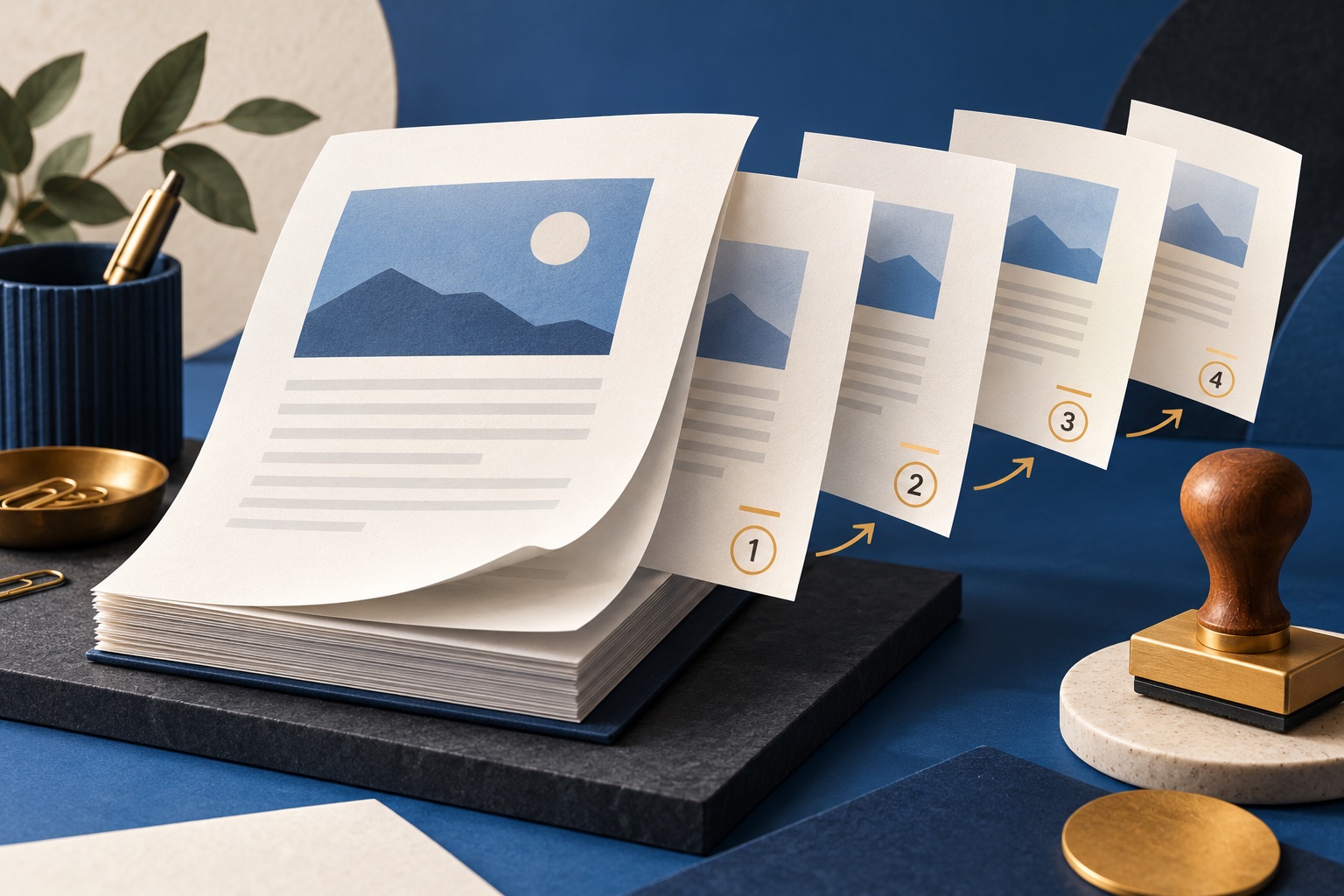
To mark a PDF, add a watermark for a visual warning, page numbers for navigation, and a header or footer for identifying details such as a company name or file reference. All three are drawn onto the existing pages, so they change how the file looks without changing the underlying text.
A mark on a page does one of three jobs: it warns a reader (DRAFT, CONFIDENTIAL), it helps a reader navigate (page numbers, headers, file references), or it records an action (received, approved, signed). These guides cover all three, with the exact opacity, rotation and margin numbers that make a mark readable without burying the text underneath. They also cover the thing most guides skip: what a watermark does not protect you from.
Every guide in this topic

How to add a watermark to a PDF
To add a watermark to a PDF, open the file in a watermark tool, type the text you want such as DRAFT or CONFIDENTIAL, set opacity to around 15 percent and rotation to 45 degrees, choose centred or tiled placement, then apply it to every page and save the result.
How to add page numbers to a PDF
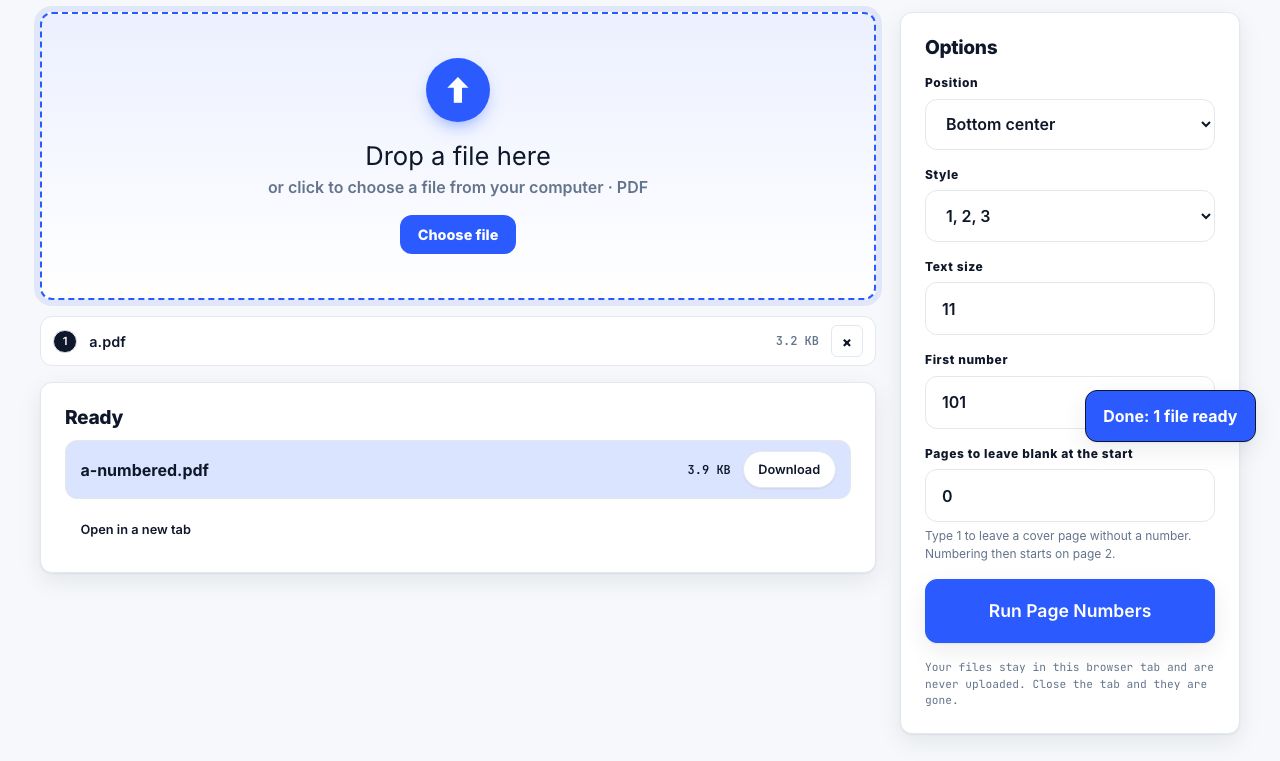
To add page numbers to a PDF, open it in a page numbering tool, pick a position such as bottom centre, choose a format such as "1 of 12", set the starting number, and say how many opening pages to leave unnumbered. The numbers are drawn onto each page and cannot shift later.

How to add a header or footer to a PDF
To add a header or footer to a PDF, open it in a header and footer tool, type the text for the left, centre and right positions, set a margin of about 36 points from the paper edge, then apply it to the pages you want. Headers and footers are drawn onto each page as real text.

Watermark, stamp, or redaction? Choosing the right mark
A watermark warns every reader about the whole document. A stamp records a specific action on a specific page, such as approved or received. Redaction removes content from the file permanently. Only redaction changes what the file contains; the other two only change how it looks.
Tools for this job
Add Watermark
Stamp text across pages
Page Numbers
Add page numbers
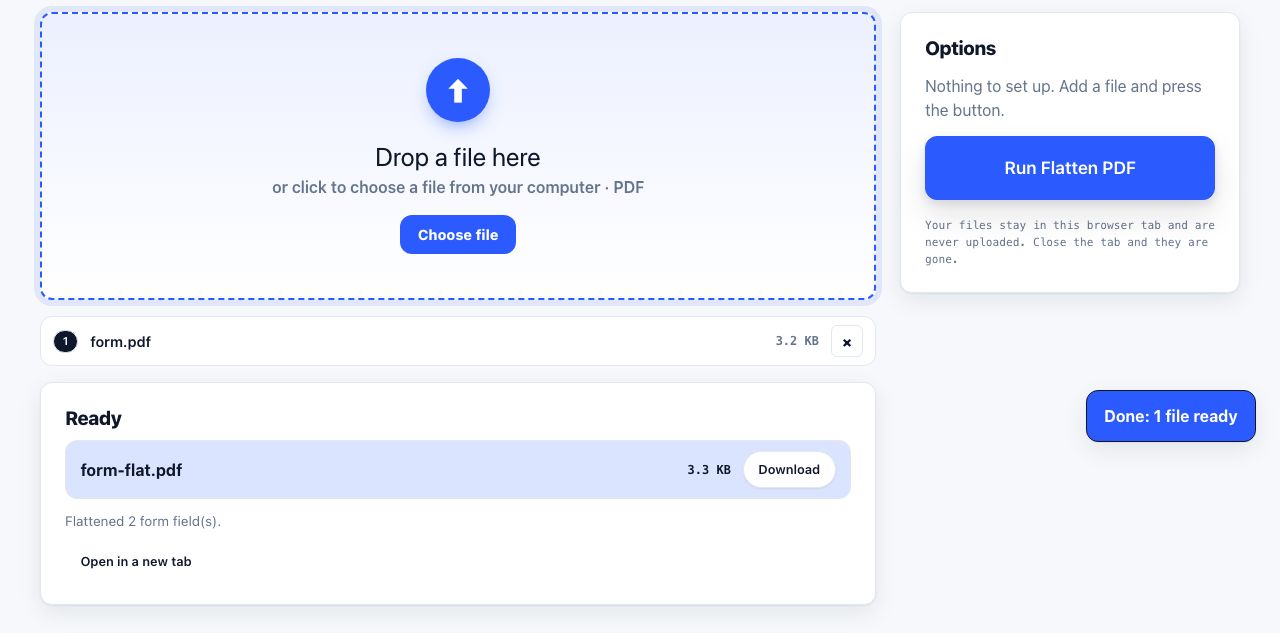
Flatten PDF
Lock form answers in place
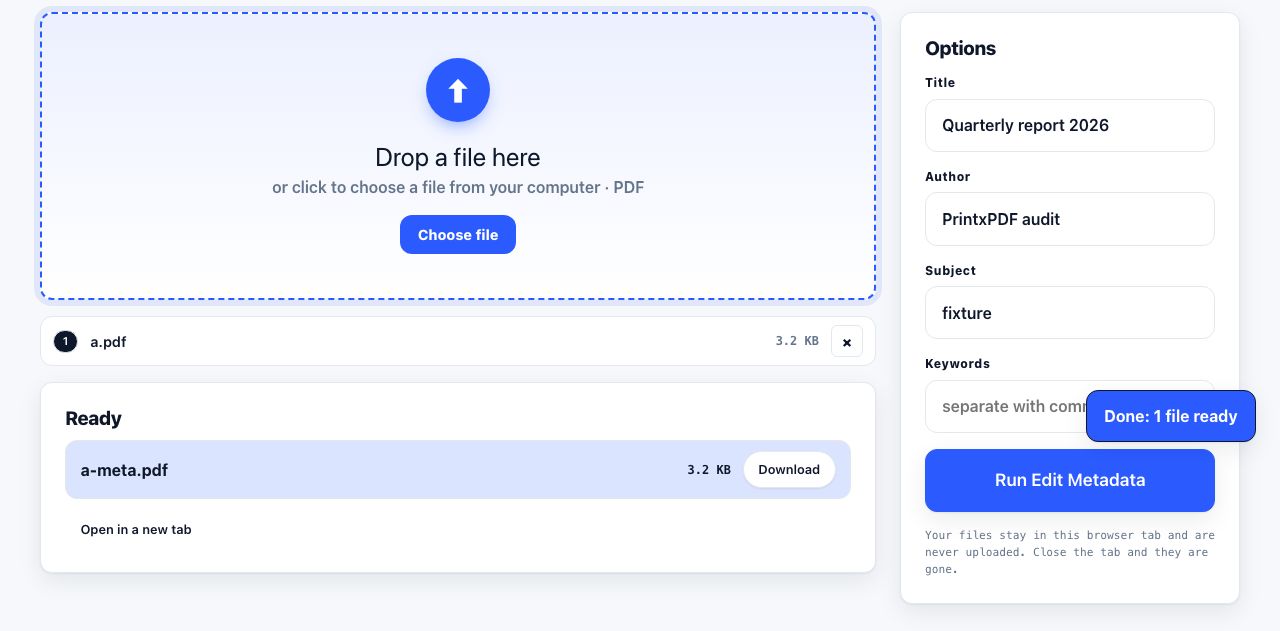
Edit Metadata
Change title, author, keywords
See the recommended tools in action

Other topics
Printing web pages
Print any web page without ads, sidebars or menus. Reader mode, print preview, browser settings and a free tool that cleans the page in your browser.
Saving web pages as PDF
Save any web page as a PDF in Chrome, Safari, Firefox, Edge, iPhone or Android. Print-to-PDF, full-page screenshots, and archiving that survives link rot.
Merging PDF files
Combine PDFs into one file for free. Drag to set the page order, mix in JPG and PNG images, keep bookmarks, and merge without Adobe Acrobat on Windows or Mac.
Splitting and extracting PDF pages
Split a PDF into single pages or custom ranges, extract only the pages you need, delete the rest, and cut a big file down to fit an email attachment limit.
Compressing PDF files
Compare three PDF compression presets, keep text searchable when needed, and learn when to split a large file or use a sharing link.
Converting PDF to other formats
How to get a PDF back into an editable format: Word, Excel, plain text and slides, what each conversion really preserves, and when the answer is to retype.