How to print for less: ink, paper and the settings that matter
 By Nasir Uddin Shamim4 guides
The four settings that matter most are duplex, greyscale, draft quality and pages per sheet. Applied together they typically cut the cost of a document by 70 to 90 percent. Set them as your printer defaults rather than per job, and use print preview and page ranges to avoid printing pages nobody reads.
Printing is one of the few household and office costs where the price per unit is almost entirely under your control and almost nobody looks at it. The same document can cost eighteen cents or two dollars ninety depending on four settings, none of which are hidden and all of which your printer remembers once you set them. These guides cover the ink side, the paper side, and the habits that stop pages being printed at all.
Every guide in this topic
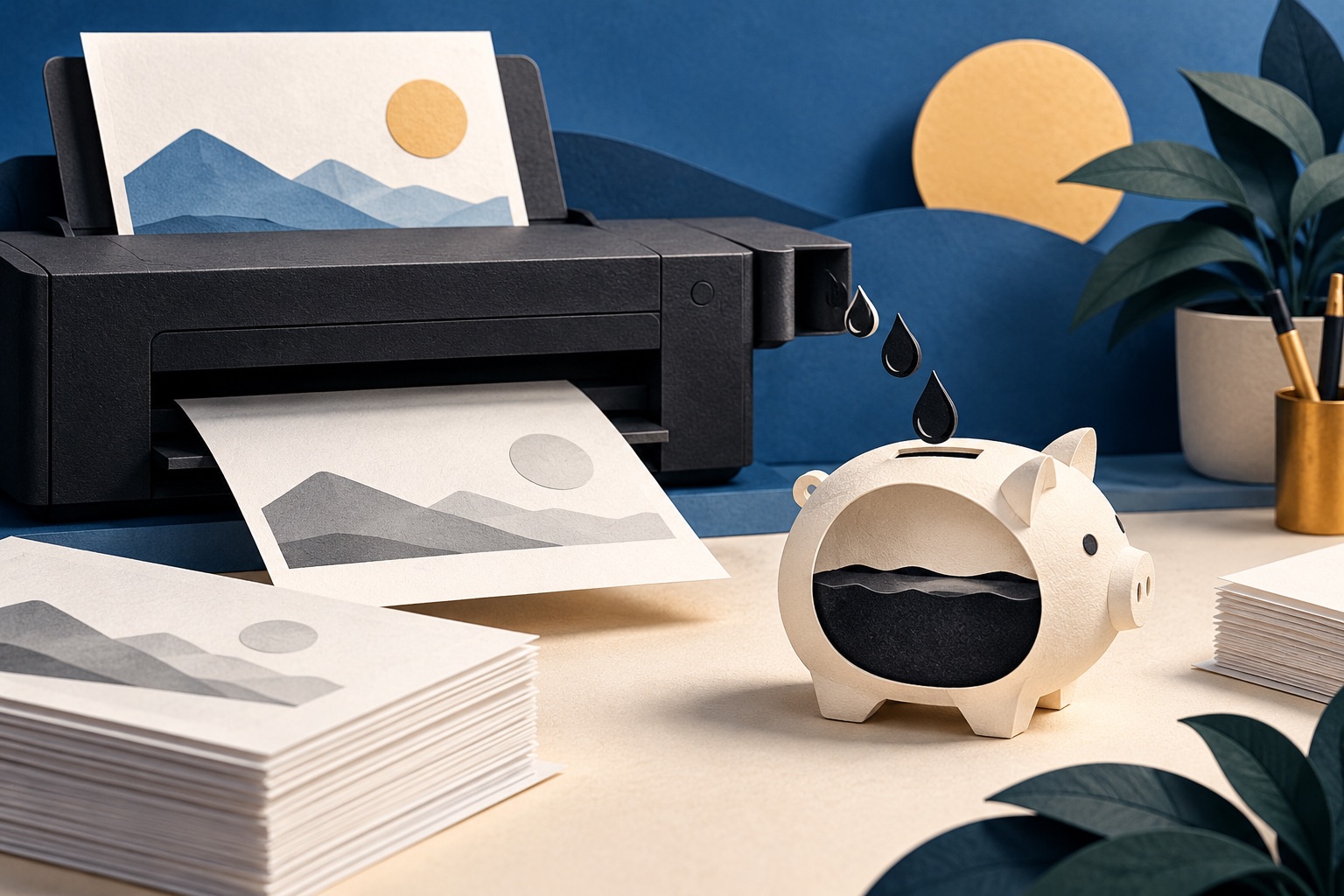
How to save ink when printing
Set draft quality and black ink only as your printer defaults, turn off background graphics, remove decorative images, and use a narrow serif font like Garamond at 11pt. Together these typically cut ink use by half or more on ordinary documents, without changing anything about how readable the page is.
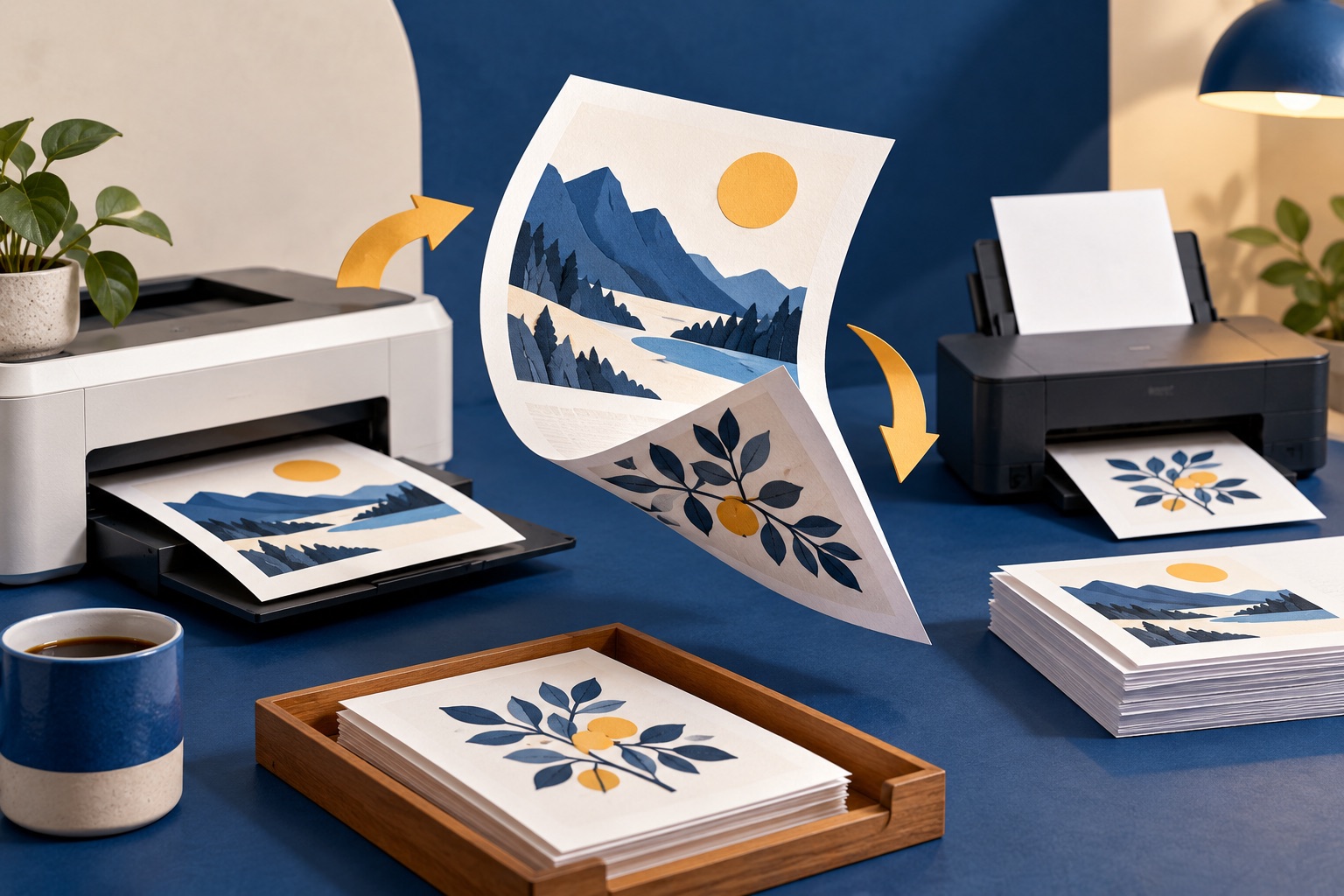
How to print double-sided, including without a duplex printer
If your printer has a duplex unit, tick "Print on both sides" and choose Flip on long edge for portrait documents. Without one, print the odd pages, put the stack back in the tray, then print the even pages in reverse order. Test on four pages before committing to a long document.
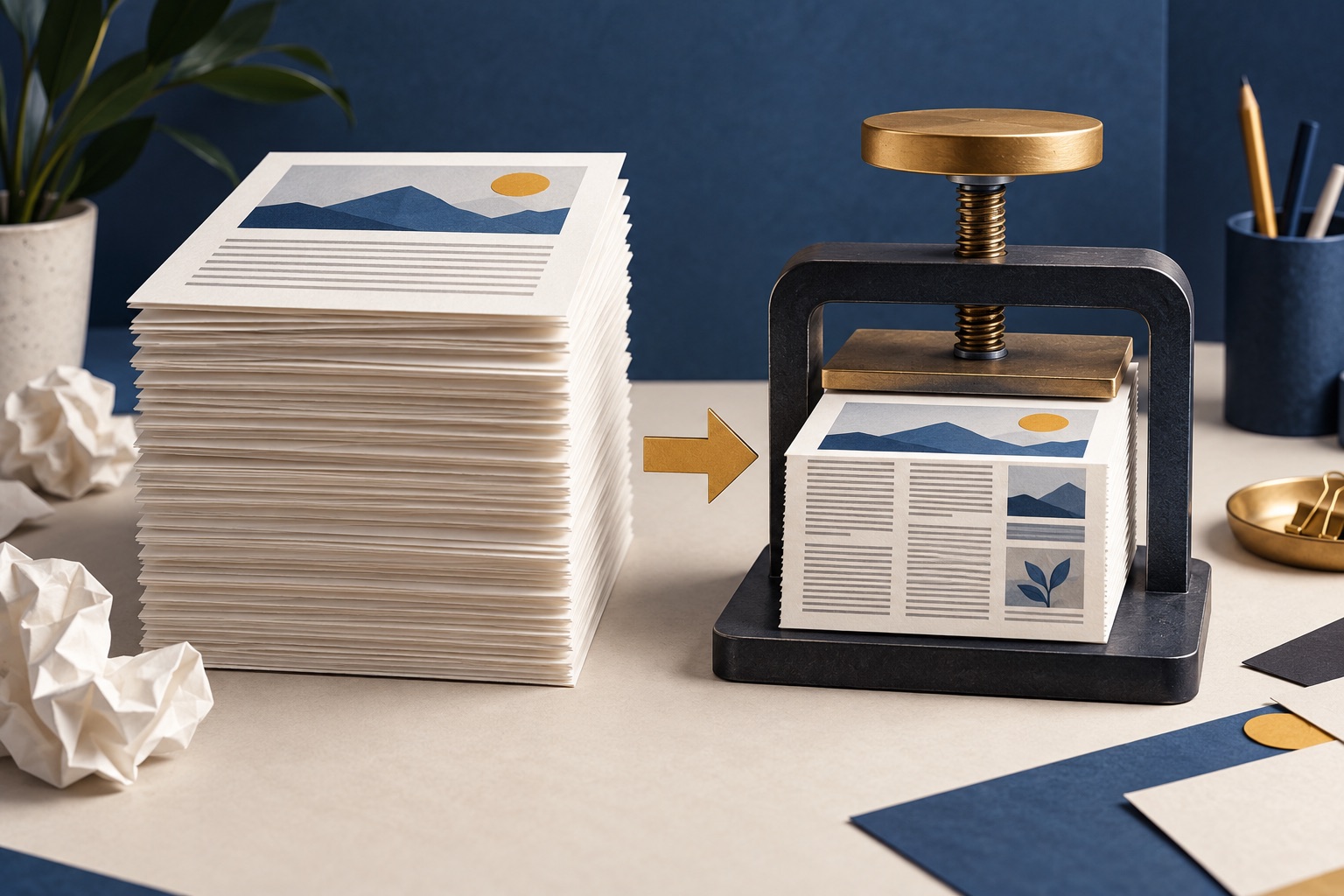
How to fit more on a printed page without making it unreadable
Cut the margins first, since it is free: moving from one inch to half an inch adds about 28 percent more text area on A4. Then drop the scale to 90 or 80 percent, and only then consider two pages per sheet. Keep body text at 9pt or larger for anything you will read continuously.
How to print less and waste less
The largest single win is changing your printer defaults to duplex and greyscale, because it applies to every job without anyone remembering. After that, look at print preview before every job, print page ranges rather than whole documents, and give yourself a PDF-first folder that you print from only after 24 hours.
Tools for this job
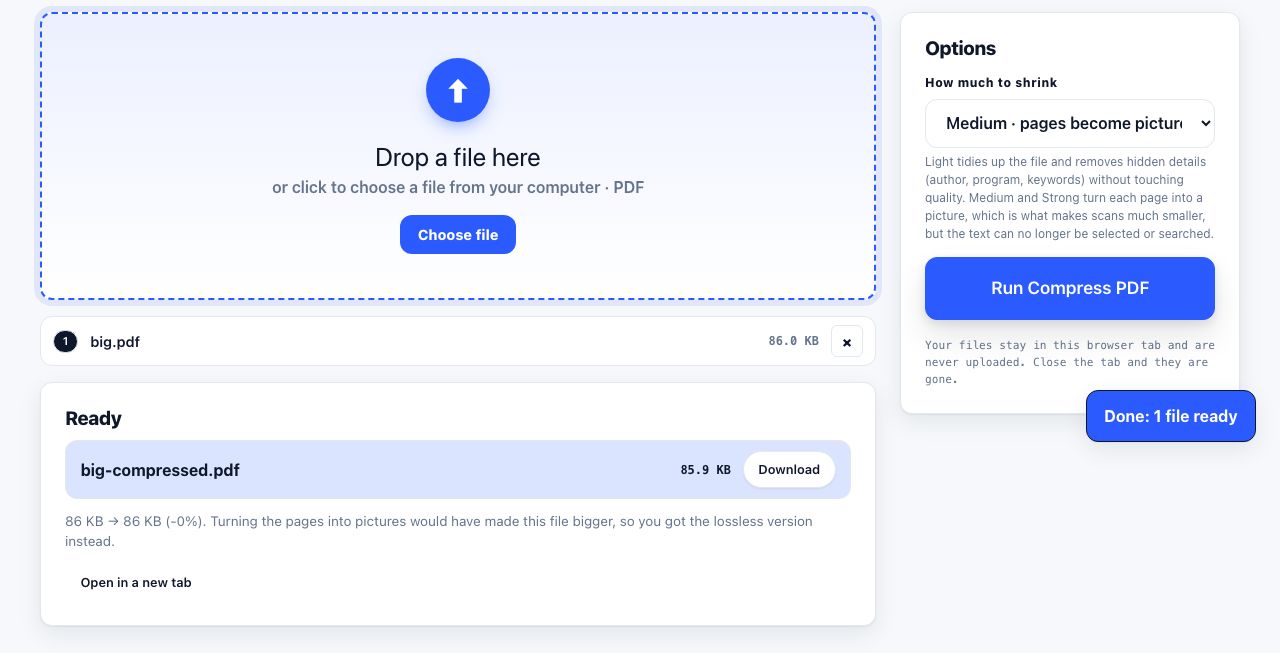
Compress PDF
Shrink the file size
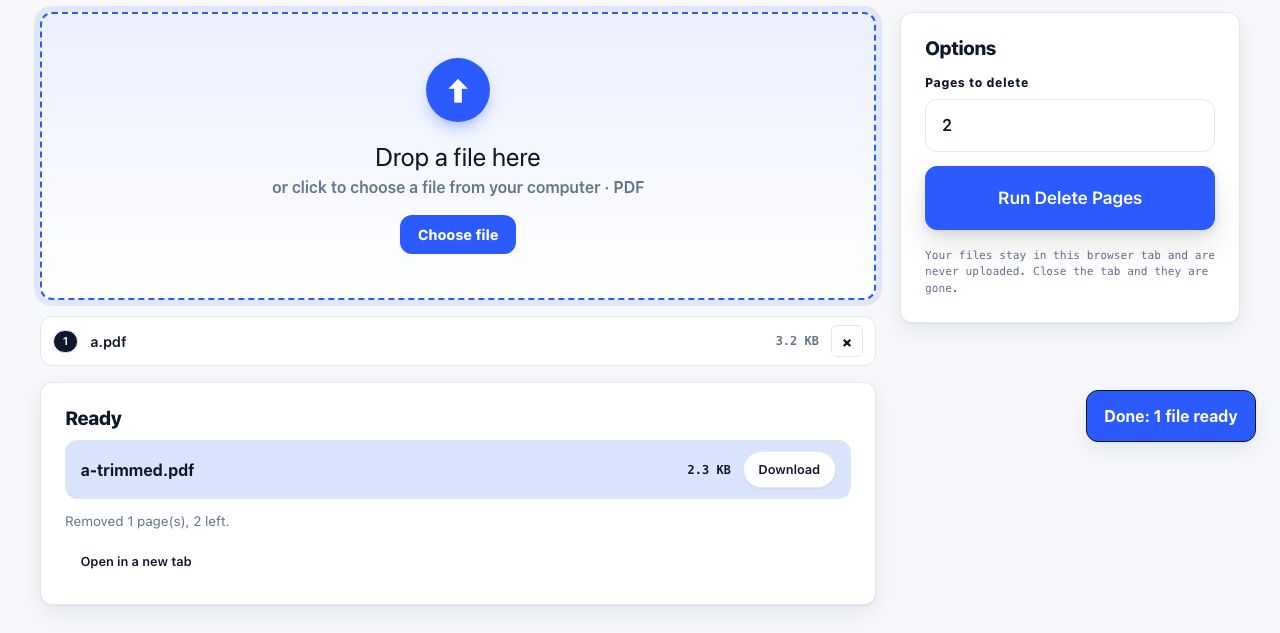
Delete Pages
Remove pages by number
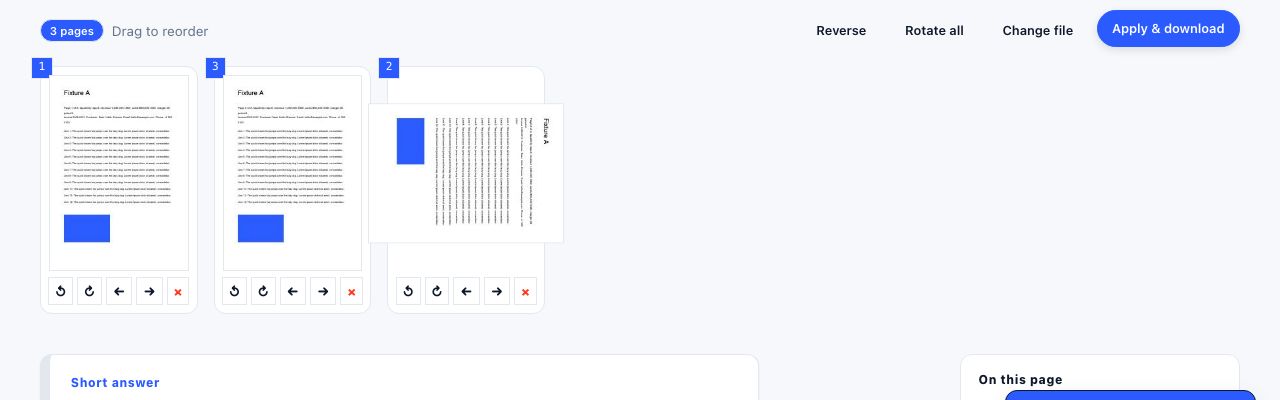
Organize Pages
Reorder, rotate, delete pages
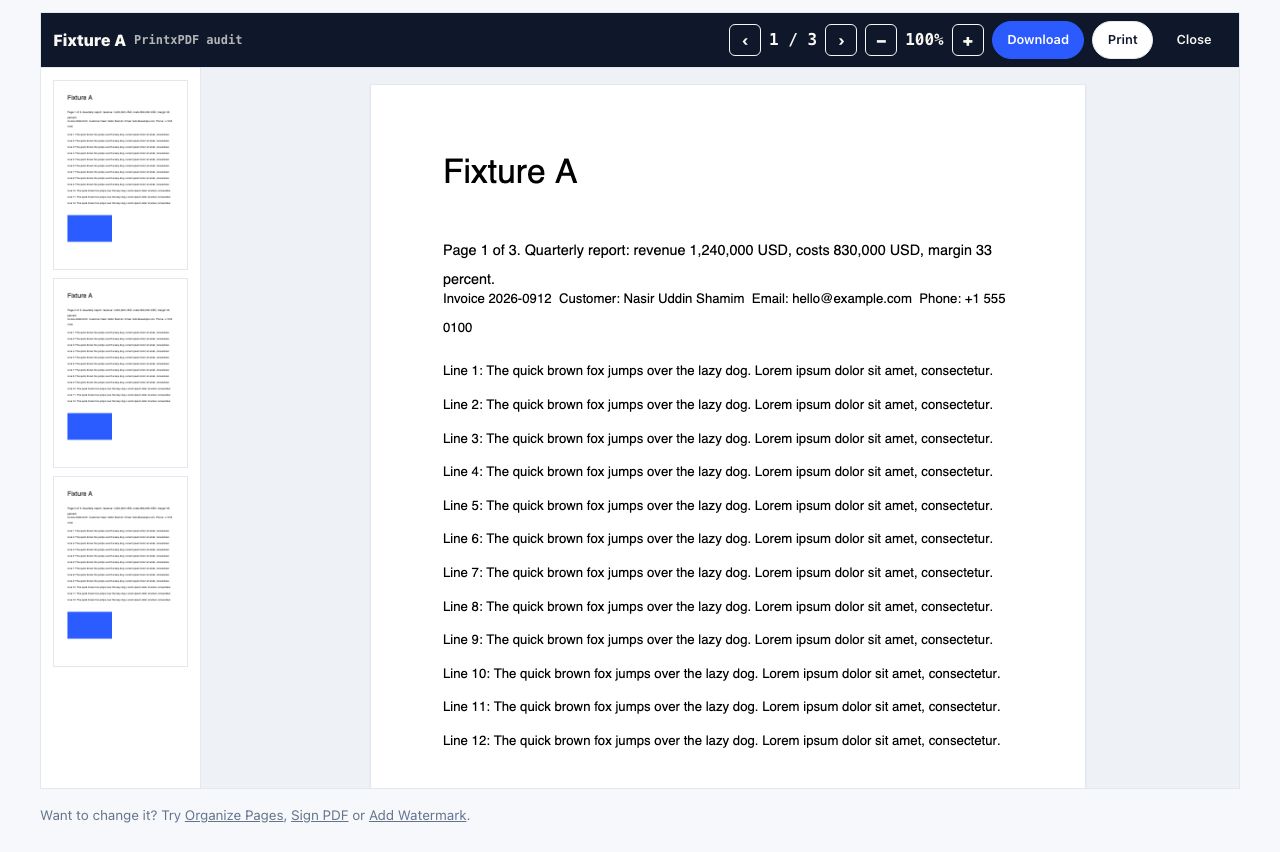
PDF Reader
Open and read a PDF online
See the recommended tools in action
Other topics
Printing web pages
Print any web page without ads, sidebars or menus. Reader mode, print preview, browser settings and a free tool that cleans the page in your browser.
Saving web pages as PDF
Save any web page as a PDF in Chrome, Safari, Firefox, Edge, iPhone or Android. Print-to-PDF, full-page screenshots, and archiving that survives link rot.
Merging PDF files
Combine PDFs into one file for free. Drag to set the page order, mix in JPG and PNG images, keep bookmarks, and merge without Adobe Acrobat on Windows or Mac.
Splitting and extracting PDF pages
Split a PDF into single pages or custom ranges, extract only the pages you need, delete the rest, and cut a big file down to fit an email attachment limit.
Compressing PDF files
Compare three PDF compression presets, keep text searchable when needed, and learn when to split a large file or use a sharing link.
Converting PDF to other formats
How to get a PDF back into an editable format: Word, Excel, plain text and slides, what each conversion really preserves, and when the answer is to retype.