How to save ink when printing

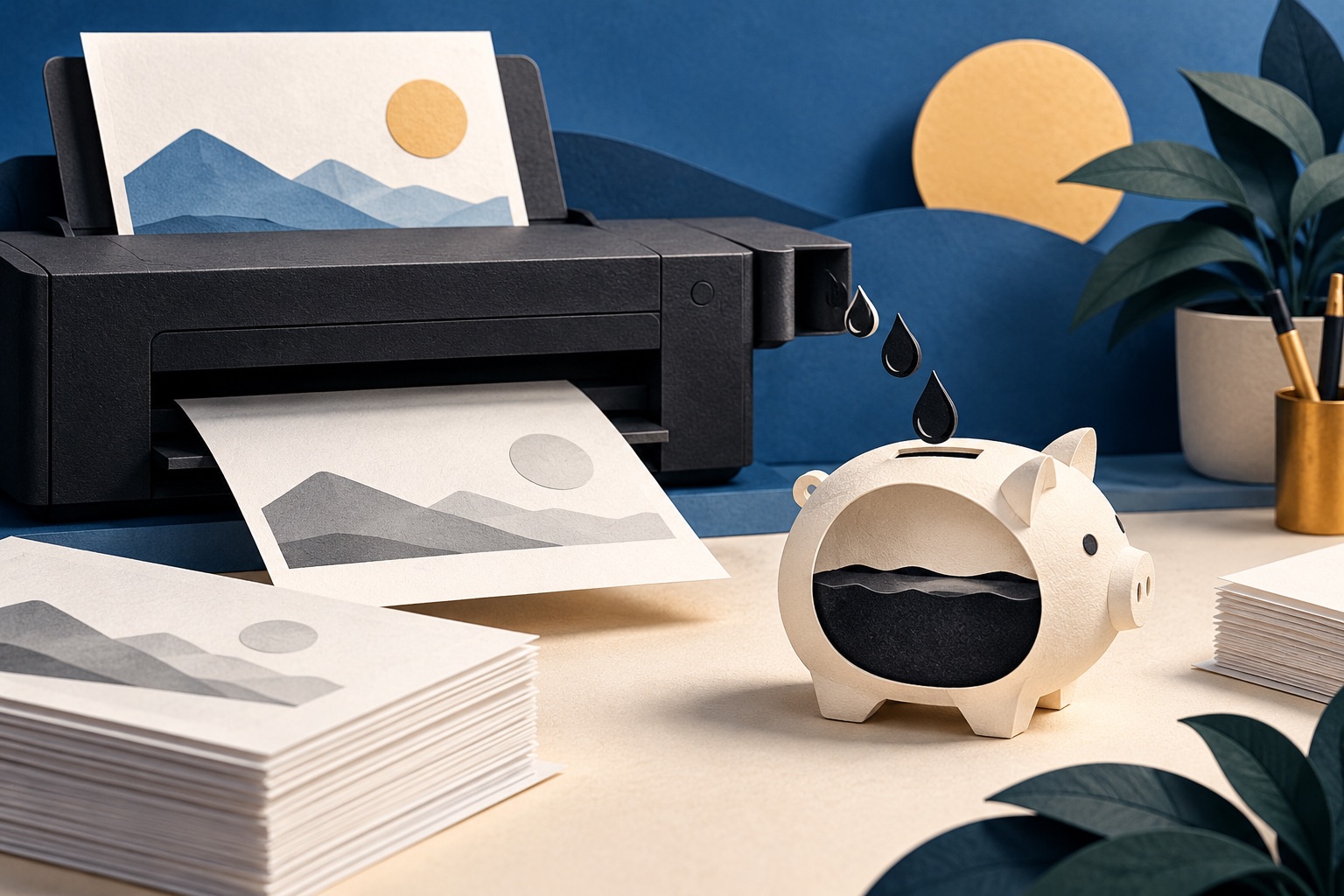
Set draft quality and black ink only as your printer defaults, turn off background graphics, remove decorative images, and use a narrow serif font like Garamond at 11pt. Together these typically cut ink use by half or more on ordinary documents, without changing anything about how readable the page is.
See the tools in action
Printer ink is famously expensive per millilitre, so the only defence is putting less of it on the paper. Nine changes below, in rough order of how much they save for how little you give up.
1. Draft quality for anything you are not handing to a stranger
Draft mode makes fewer passes with fewer nozzles, or lays down a thinner layer of toner. HP calls it EconoMode, Brother Toner Save, Epson and Canon Draft or Fast. Expect roughly a third less ink on an inkjet and around half on a laser.
It looks slightly lighter and softer, which for a reading copy or an internal report is an invisible cost. HP does caution against running EconoMode permanently on a laser, because the developer unit wears differently, so keep normal quality for the jobs that matter.
2. Black ink only, not just greyscale
The setting most people get wrong. On an inkjet, Grayscale often does not stop the printer using colour: it mixes cyan, magenta and yellow into a richer composite black, so a document that looks entirely black quietly drains three cartridges. You want Black ink only or Print using black cartridge only.
Many inkjets refuse to print at all when a colour cartridge is empty, even in black and white, because the maintenance routine needs every head present. Black-ink-only is what stops you reaching that point.
3. Turn off background graphics
In a browser print dialog, Background graphics is off by default and should stay off. It keeps solid colour blocks, dark hero panels, zebra striping and section tints off your paper, the difference between an article and a black rectangle on a dark-mode site.
4. Remove the images, or shrink them
A full-width photograph is worth ten pages of text in ink, and on most web pages the images are decorative. In the web page printer the Style menu has an image setting: choose half-size or None and the page count falls with the ink.
Want the words and nothing else? Extract the text from a PDF and print that instead.
PDF to Text →5. Choose a font that uses less ink
Fonts differ measurably in ink per page. The effect is real but smaller than headlines suggest, and there is a trap: some low-ink fonts are wide, so you save per letter and spend it on extra pages.
| Font | Ink per character | Set width | Verdict |
|---|---|---|---|
| Arial or Helvetica | Baseline | Baseline | The default on most documents, and the most expensive common choice |
| Times New Roman | About 15% less | Narrower | Fewer pages and less ink. A safe default |
| Garamond | About 20-25% less | Narrow; set it a point larger to match | The classic ink-saving pick, and it reads well |
| Century Gothic | About 30% less | Noticeably wider | Less ink per letter, more pages. Often a net loss |
| Ecofont Vera Sans | About 25% less | Similar to Arial | Punches tiny holes in each glyph. Invisible below about 11pt |
| Anything set in bold | 15-25% more | Wider | Reserve bold for headings, not for body text or tables |
The best-known claim here came from a 2014 school science project estimating that the United States federal government could save over a hundred million dollars a year by switching to Garamond. The methodology was fairly criticised, but the direction is right.
6. Drop a point size
Ink coverage scales roughly with the square of the type size. 12pt to 11pt is about 16 percent less ink for the same words, and nobody notices. 12pt to 10pt is 30 percent less, fine for reference material and too far for an older reader. Size table in fitting more on a page.
7. Set it once, as the default
- Open your printer settingsWindows: Settings → Printers & scanners → your printer → Printing preferences. macOS: set the options in any print dialog, then Save Current Settings as Preset and make it the default.
- Set the quality to Draft or EconoModeIt is usually on the first tab, labelled Quality, Print Quality or Paper/Quality.
- Set the colour mode to black onlyLook for Grayscale plus a Black ink only or Black cartridge only sub-option. Ticking greyscale alone is not enough on most inkjets.
- Turn on two-sided printingIf your printer has a duplex unit, make it the default here. It halves your paper for good. See printing double-sided.
- Apply, then confirm from a different appPrint one page from another program. Driver defaults are per printer, but some apps carry their own overrides.
These are defaults, not a cage. Every print dialog still offers high quality and colour for the one job in twenty that needs it. The point is that the cheap setting is the one you never have to remember.
8. Buy ink better
| Printer type | Mono page | Colour page | Notes |
|---|---|---|---|
| Mono laser | 1.5-4 cents | n/a | Cheapest for text. High-yield toner drops it further |
| Colour laser | 2-5 cents | 8-15 cents | Good for charts and diagrams, mediocre for photographs |
| Inkjet, standard cartridges | 4-8 cents | 15-25 cents | The XL cartridge is almost always cheaper per page |
| Inkjet, refillable tank | 0.2-0.5 cents | 1-2 cents | EcoTank, MegaTank, Smart Tank. Costly to buy, near-free to run |
| Ink subscription | A flat monthly fee | Same | Cheap only near your full page allowance |
- Ignore the first low ink warning. It fires early, and there is often 15 to 20 percent left.
- Buy XL or high-yield cartridges: more up front, much less per page.
- Above about a thousand pages a year, a refillable tank printer or mono laser repays its price quickly.
- Print something every week or two. An idle inkjet clogs, and the head-cleaning cycle uses more ink than the printing you skipped.
9. Print fewer pages in the first place
No setting beats not printing. Look at the preview, find the pages you need, and enter a range like 2-3. If a PDF carries ten pages of appendices you will never open, delete them once.
Strip the pages you will never read out of a PDF before it reaches the printer.
Delete Pages →What it adds up to
Take a twenty-page report with colour figures on an inkjet. As it arrives, full quality, colour, single-sided, images in, it is twenty sheets and roughly $2.40. In draft, black only, images out, duplexed, it is ten sheets and about 30 cents: same words, eight times the cost.
The next levers are structural: double-sided printing halves the sheets, fitting more on a page shrinks the count, and printing less overall covers the habits.
Frequently asked questions
Does printing in greyscale actually save colour ink?
Not always. Many inkjets mix cyan, magenta and yellow to make a richer composite black even in greyscale mode. You need the separate "black ink only" or "black cartridge only" option in the driver to genuinely stop colour ink being used.
Which font uses the least ink?
Narrow, light serif faces such as Garamond and Times New Roman use noticeably less than Arial. Century Gothic uses less ink per character but is wide enough that it often adds pages, cancelling out the saving. Avoid bold body text entirely.
Is draft mode bad for my printer?
No for inkjets. On lasers, HP advises against running EconoMode permanently because the developer unit wears unevenly, so keep normal quality available for jobs that matter. For everyday documents, draft is fine and saves roughly a third to a half of the ink.
How much ink is left when the printer says low?
Usually 15 to 20 percent, sometimes more. The warning is deliberately conservative. Keep printing until the output visibly fades or streaks, and have the replacement on the shelf rather than in the printer.
Why does my printer refuse to print in black when a colour cartridge is empty?
Most inkjets need every head present for their maintenance routine, and some drivers block printing entirely. Setting black-ink-only as the default reduces how often colour cartridges empty, which is the practical way to avoid the problem.