How to print recipes without the life story, the ads or the ink bill
 By Nasir Uddin Shamim5 guides
To print a recipe cleanly, use the site's own Print Recipe button if the recipe sits in a recipe card, since it opens a stripped-down version. If there is no button, paste the page address into a printer-friendly tool, delete the story and the photos, and print the result as one page.
A recipe is roughly 300 words of ingredients and method. The page it lives on is usually 2,000 words of memoir, eleven photographs, a video player, three ad slots and a comment section, printing as seven or eight sheets. These guides cover getting the recipe alone onto one page, deciding which pictures are worth the ink, and turning a pile of printouts into a binder and a weekly meal plan that survive a working kitchen.
Every guide in this topic
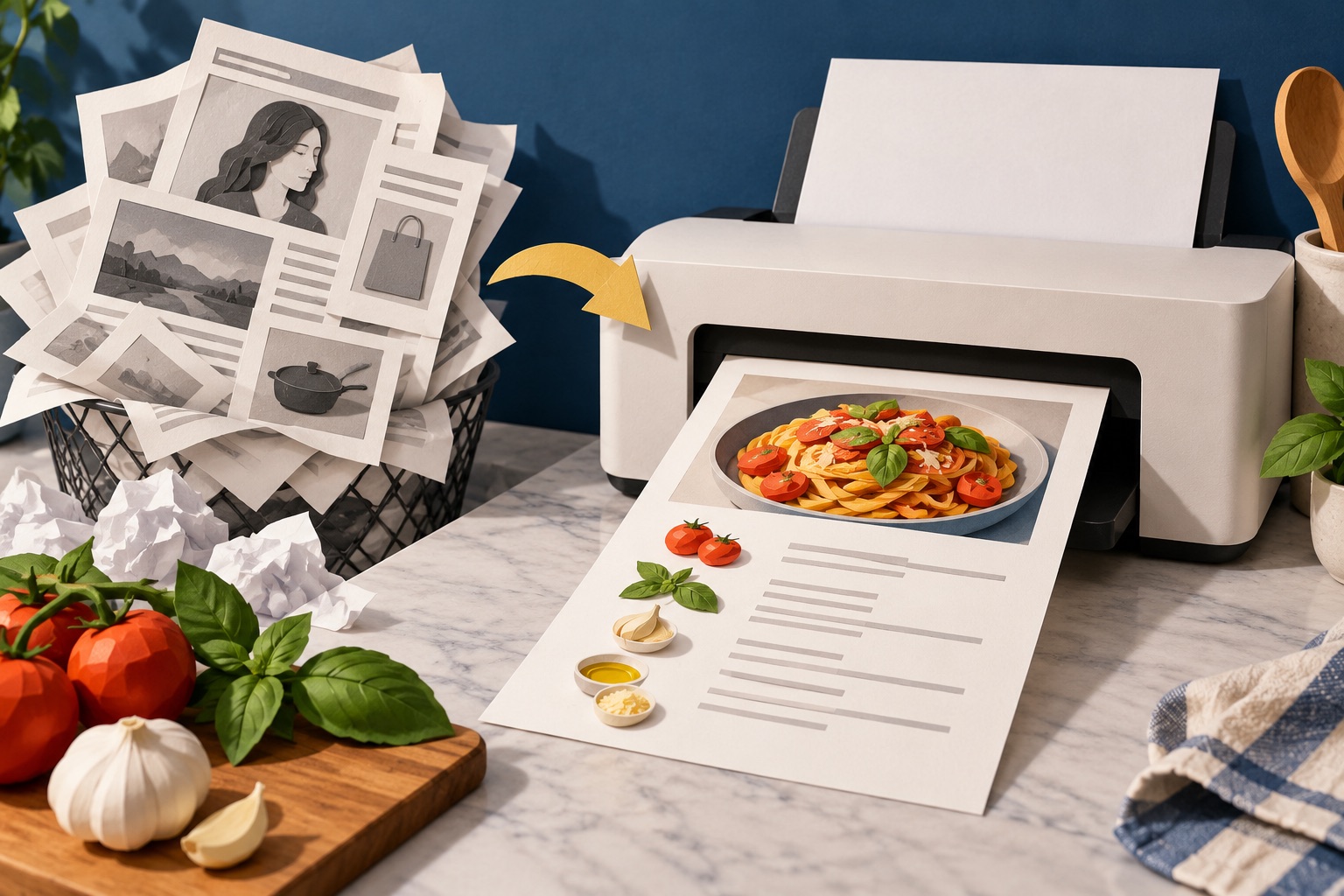
How to print a recipe without the life story and ads
Look for a Print Recipe button on the recipe card first, because it opens a stripped-down version with just the ingredients and method. If the site has no button, paste the page address into a printer-friendly tool, delete the story and photos, and print. Either way you get one page instead of eight.
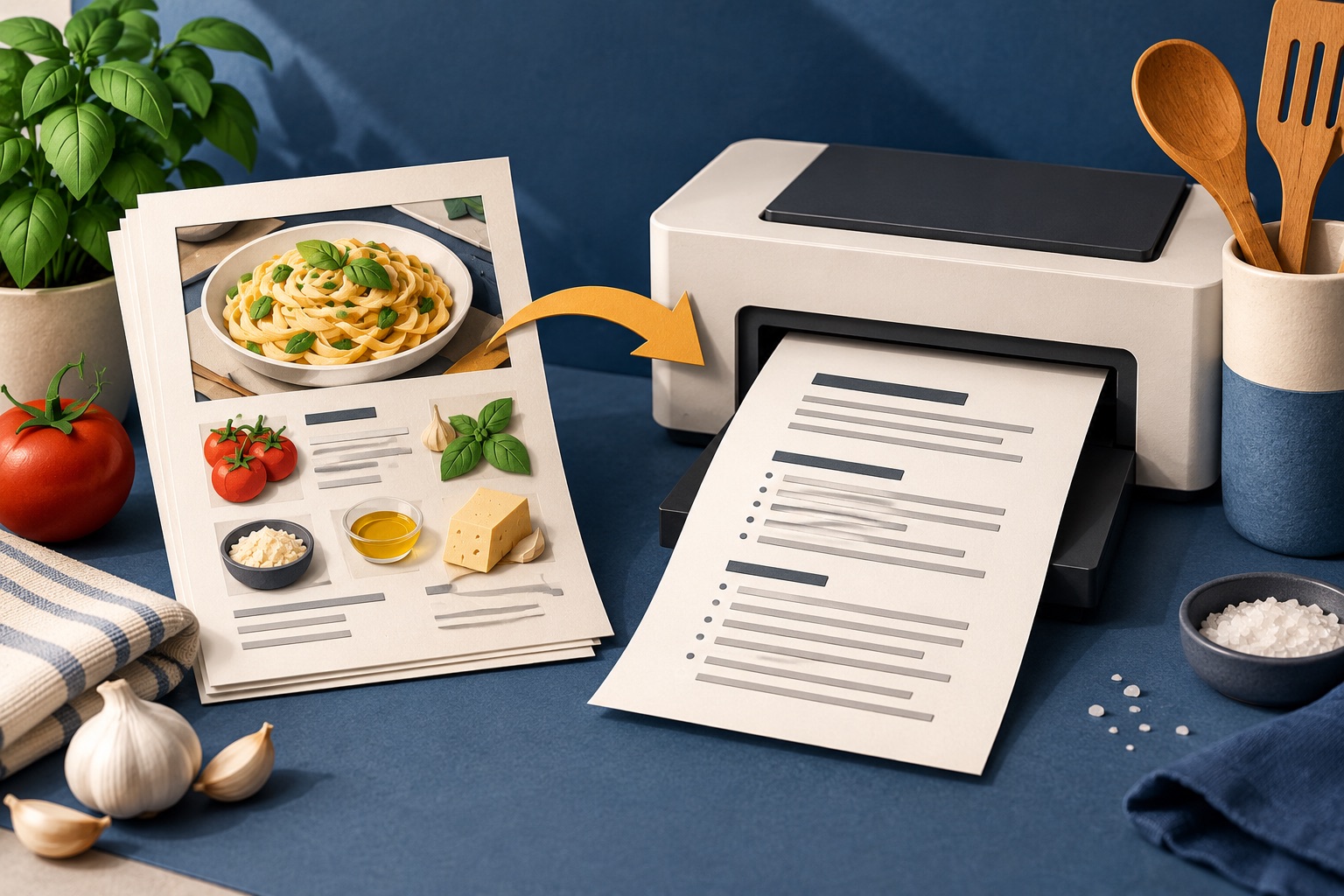
How to print a recipe without the pictures
To print a recipe without pictures, use a printer-friendly tool and set images to none, or open the site's own print view and untick "include images". Browsers have no images-off switch of their own, so turning off background graphics only removes decorative images, not the recipe photos.
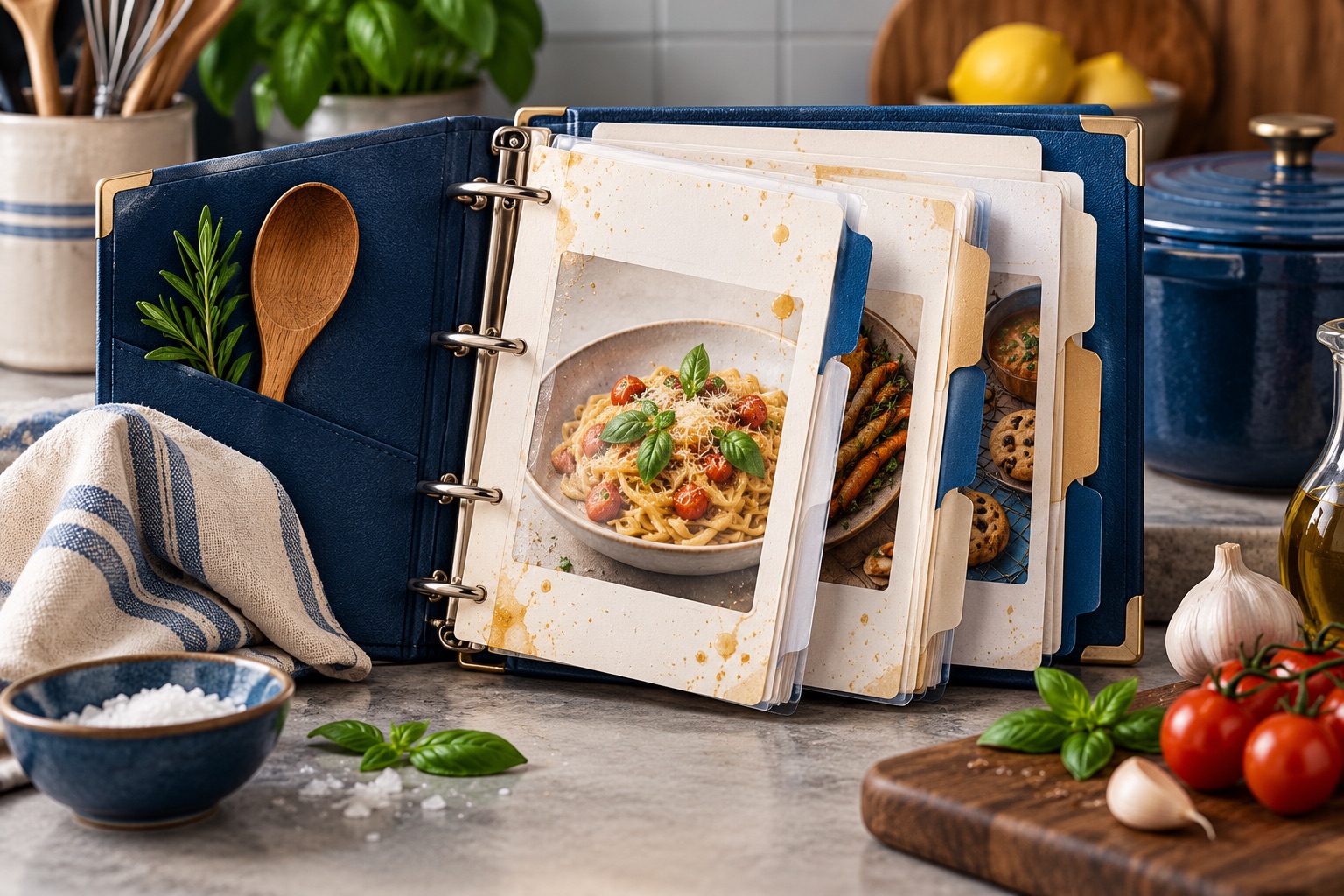
How to build a printed recipe binder that survives a kitchen
Build a recipe binder by printing every recipe to one consistent format on one side of a sheet, filing them in top-loading sheet protectors inside a two-inch D-ring binder, dividing by category, and keeping a printed index at the front that you update when you add a recipe.
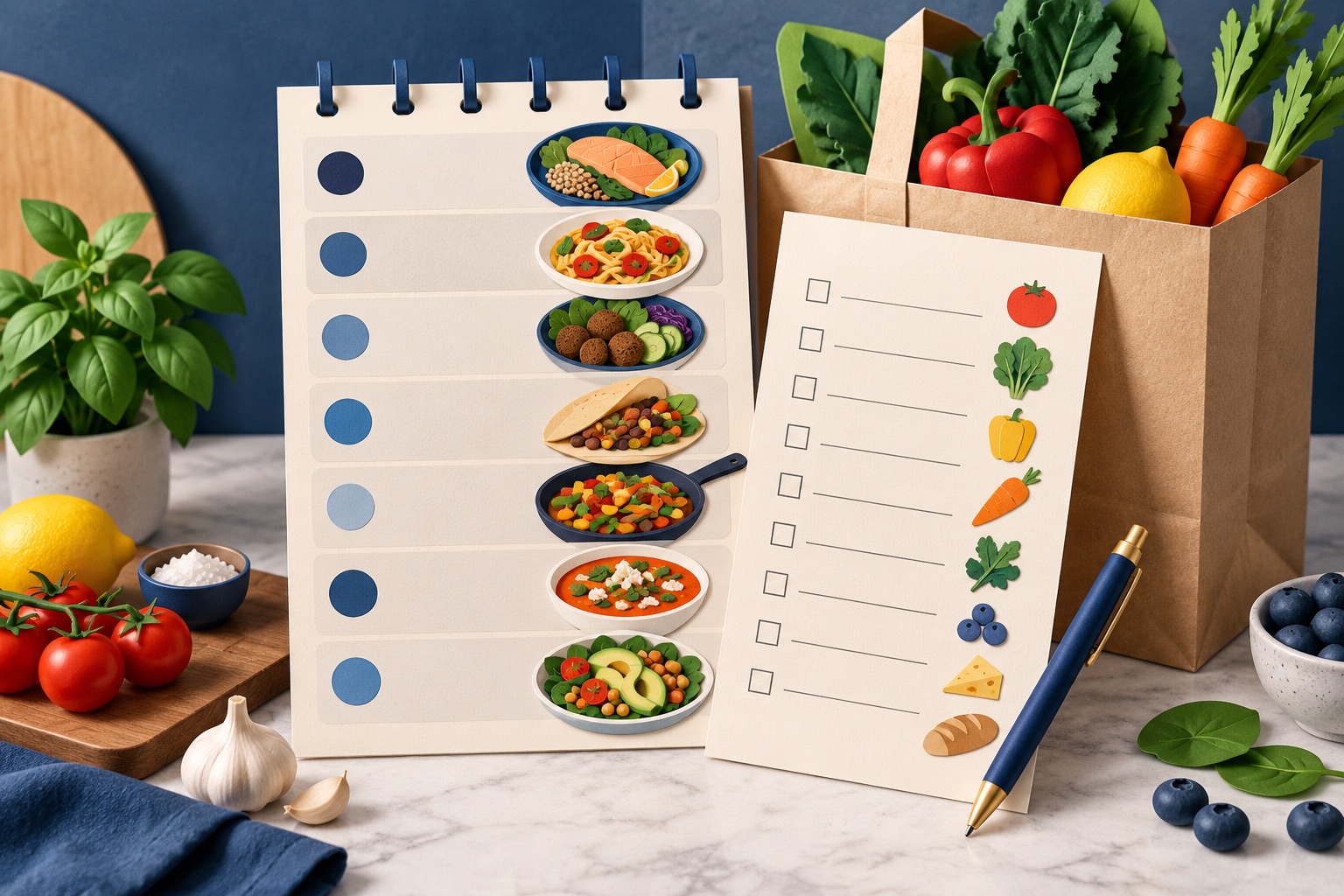
How to make a weekly meal plan and shopping list you can print
Build a one-page plan with seven day columns and rows for the meals you actually plan, put an aisle-grouped shopping list on the reverse, and merge the week's recipes into a single PDF behind it. Print one copy for the fridge and one for the shop.

How to make a PDF from Word, Excel, PowerPoint or an ebook
Choose a converter for the source format, create a separate PDF copy, then inspect page breaks, fonts, worksheets, images and links. Word and Excel conversions run in the browser; PowerPoint and ebook conversions upload files to the PrintxPDF server, so check privacy and account limits before using those routes.
Tools for this job
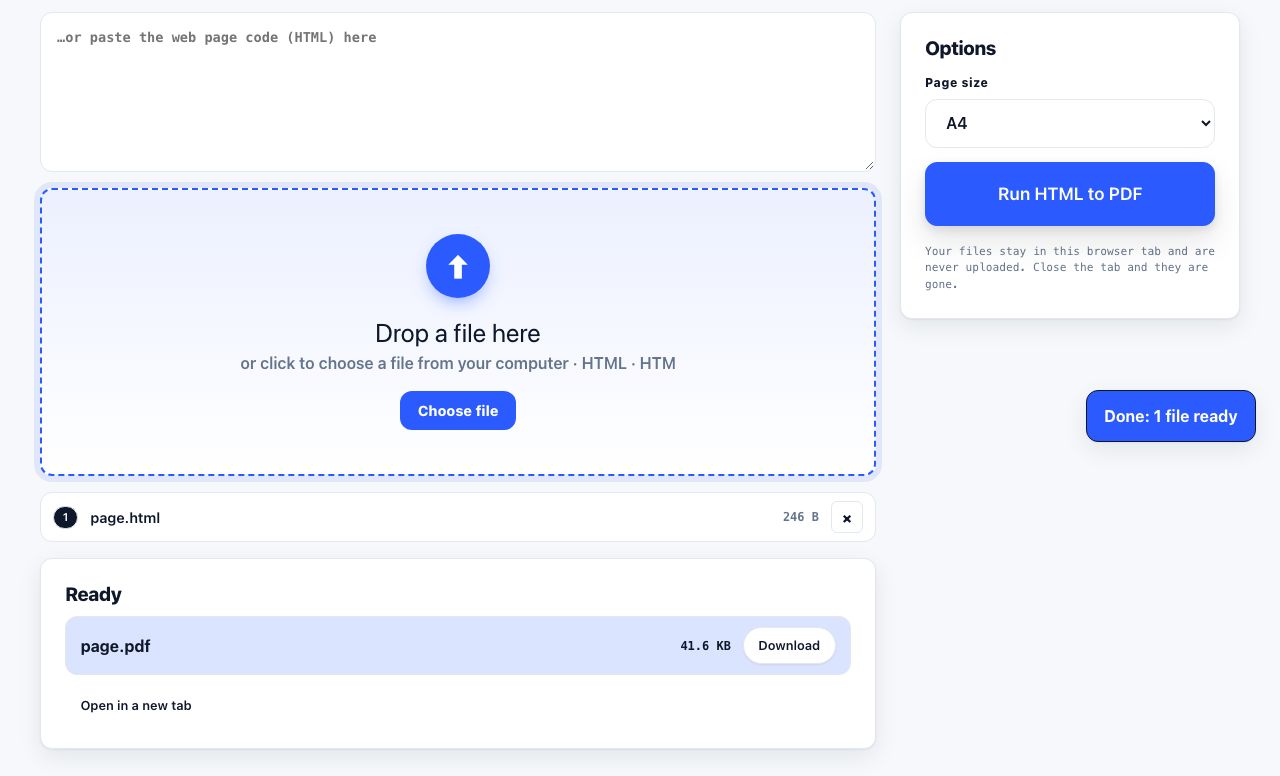
HTML to PDF
Web page file → PDF
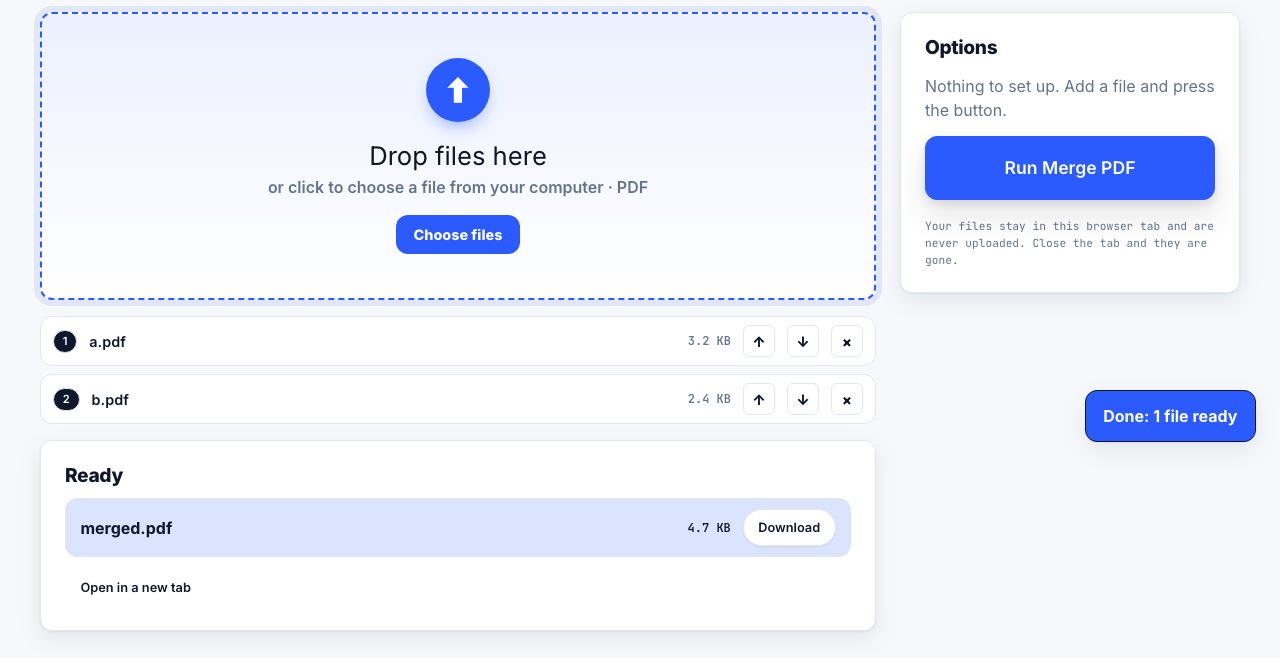
Merge PDF
Combine files into one
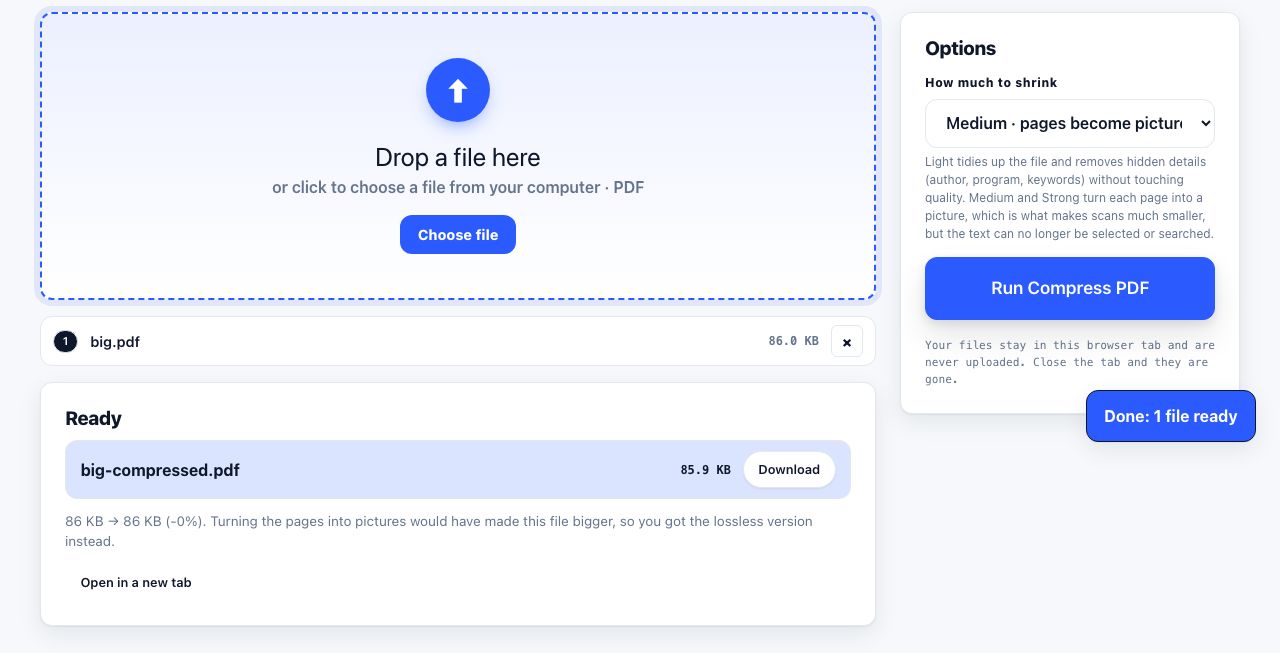
Compress PDF
Shrink the file size
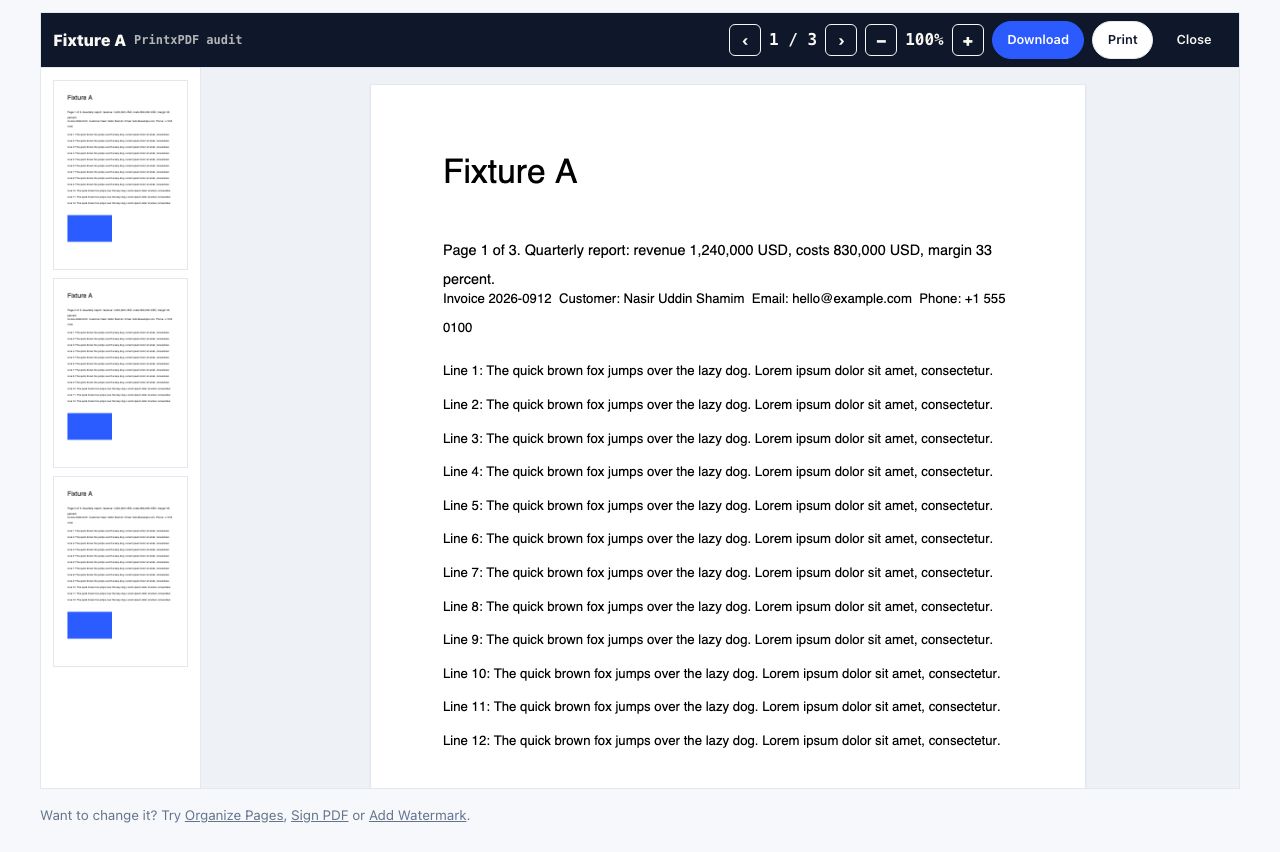
PDF Reader
Open and read a PDF online
See the recommended tools in action
Other topics
Printing web pages
Print any web page without ads, sidebars or menus. Reader mode, print preview, browser settings and a free tool that cleans the page in your browser.
Saving web pages as PDF
Save any web page as a PDF in Chrome, Safari, Firefox, Edge, iPhone or Android. Print-to-PDF, full-page screenshots, and archiving that survives link rot.
Merging PDF files
Combine PDFs into one file for free. Drag to set the page order, mix in JPG and PNG images, keep bookmarks, and merge without Adobe Acrobat on Windows or Mac.
Splitting and extracting PDF pages
Split a PDF into single pages or custom ranges, extract only the pages you need, delete the rest, and cut a big file down to fit an email attachment limit.
Compressing PDF files
Compare three PDF compression presets, keep text searchable when needed, and learn when to split a large file or use a sharing link.
Converting PDF to other formats
How to get a PDF back into an editable format: Word, Excel, plain text and slides, what each conversion really preserves, and when the answer is to retype.