How to print a recipe without the pictures

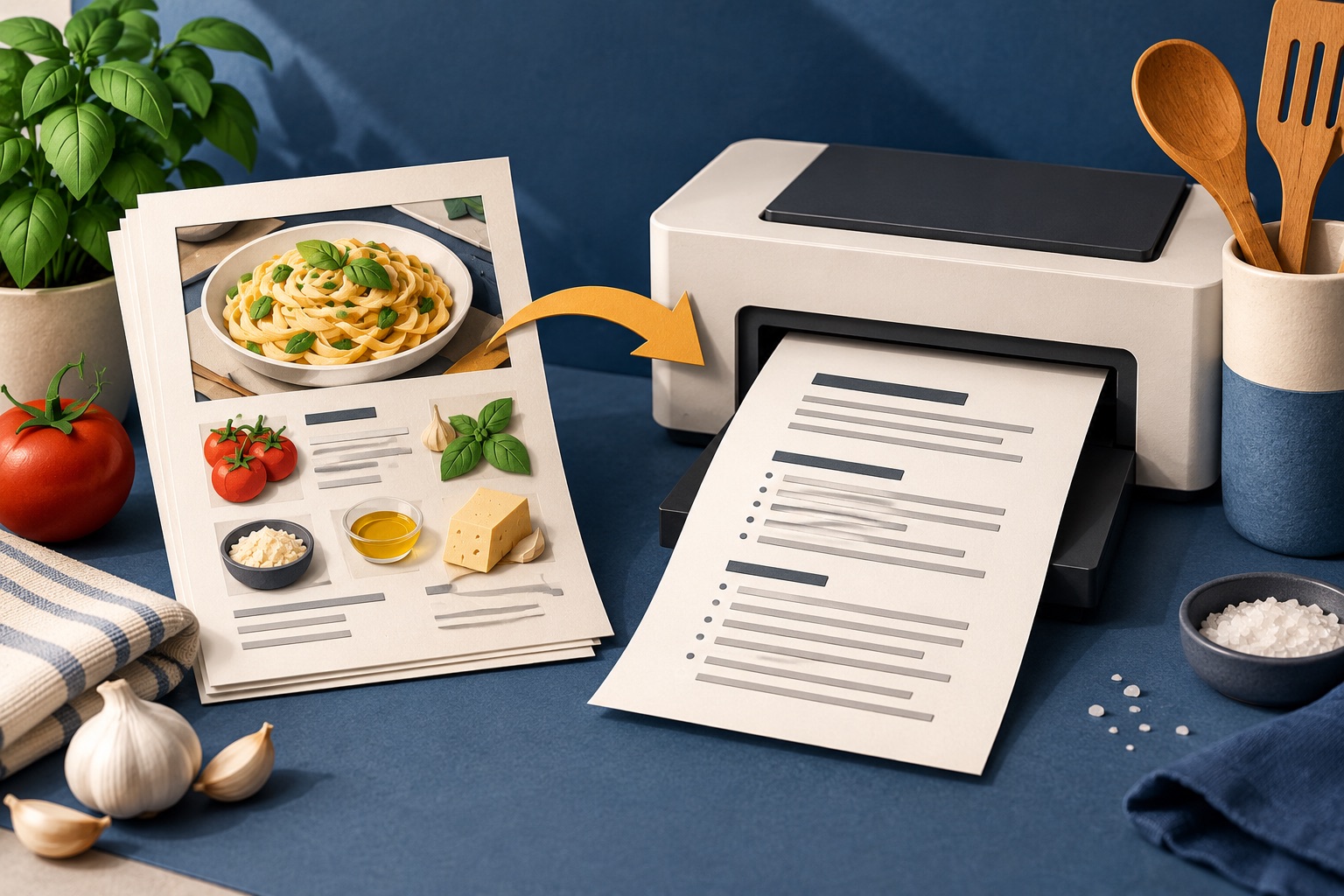
To print a recipe without pictures, use a printer-friendly tool and set images to none, or open the site's own print view and untick "include images". Browsers have no images-off switch of their own, so turning off background graphics only removes decorative images, not the recipe photos.
See the tools in action
Photographs are why a 300-word recipe becomes a four-page printout. A single full-width food photo can occupy half a sheet on its own, and a step-by-step sequence of eight process shots turns one page into four. On an inkjet, each of those pages is also the most expensive kind of page you can print.
What images actually cost
| Page type | Rough inkjet cost | Sheets for one recipe |
|---|---|---|
| Text only | 3-5 cents | 1 |
| Text plus one small photo | 6-9 cents | 1 |
| Text plus one full-width photo | 12-20 cents | 2 |
| Full step-by-step photo sequence | 15-25 cents per photo page | 4-6 |
| Same, on a colour laser | 8-12 cents | Same page count |
The figures vary widely by printer and cartridge, but the ratio holds everywhere: a colour photo page costs roughly three to five times a text page, and it is the page count that hurts most. Dropping the images is usually the difference between one sheet and four.
Turning images off, by method
- In a printer-friendly toolOpen the web page printer, paste the recipe URL, then open the Style menu and set images to None. This is the only method that reliably removes every image, including the ones inside the recipe card.
- In the site's own print viewRecipe card plugins usually offer an "include images" checkbox in their print window. Untick it before printing.
- In Reader modeFirefox Reader View and Safari Reader keep photos but drop everything decorative, so the page count falls even though the images remain. A partial fix.
- In the browser print dialogOpen More settings and untick Background graphics. Be clear about what this does: it removes CSS background images and colour blocks only, not the inline photos in the article.
- In the printer driverChoose greyscale or black-and-white, and draft or EconoMode quality. The photos still print and still take up the space, but they cost far less ink.
There is no "do not print images" switch in Chrome, Edge or Safari. Guides that tell you to untick Background graphics for this are half right at best: it removes decorative backgrounds and leaves every photo in the recipe untouched. Use a cleaner or the site print view instead.
Produce a text-only PDF of a recipe page and print it as many times as you like.
HTML to PDF →Keep exactly one photo
Stripping every image is not always right. One picture earns its place when the finished appearance is information rather than decoration:
- Shaping and assembly. Plaited bread, folded dumplings, a layered bake, you cannot tell from words whether you have done it correctly.
- A doneness cue. The colour of a caramel, the set of a custard, the crumb of a loaf when it is right.
- A cutting or portioning diagram. How a joint of meat divides, or how a tray bake is scored.
- Unfamiliar ingredients. A photo of the right kind of chilli or noodle saves a wrong purchase.
In a cleaner, that means setting images to small rather than none, then deleting the ones you do not need individually. A small reference photo occupies about a fifth of the page width and prints for a fraction of the cost of a full-width one.
Greyscale rather than nothing
Where a photo shows shape or texture, the plait, the fold, the cut, greyscale carries the information at a fraction of the ink cost. Where a photo shows a colour cue, such as how brown a caramel should be, greyscale destroys the point of including it. Decide per photo, then set the printer to greyscale for the whole job if none of them need colour.
| If the photo shows… | Print it as |
|---|---|
| A shaping or folding step | Greyscale, small |
| A colour or browning cue | Colour, small, or skip it and read the description |
| The finished dish, for reference | Greyscale, small, one only |
| The blogger's kitchen, hands, or table setting | Do not print it |
| An ingredient flat-lay | Do not print it, the list is on the page |
Print recipes in draft quality by default. Text stays perfectly readable at arm's length, pages come out faster, and cartridges last two to three times longer. On most drivers the setting is under Quality or Print Quality, and on many HP printers it is labelled EconoMode.
The one-page target
Aim to have every recipe in your kitchen on one side of one sheet. Images off, text at 14 point, scale at 90 percent if needed. That way a recipe is one thing you can hold, prop up or wipe down, and the binder you build from them has a consistent format. If you are also printing weekly, the same settings apply to a meal plan and shopping list.
Frequently asked questions
How do I print a web page without images?
Use a printer-friendly tool and set images to None in its style options. Browsers do not have an images-off switch, and unticking Background graphics in the print dialog only removes CSS backgrounds, not the photos inside the article.
Does turning off Background graphics remove recipe photos?
No. It removes CSS background images and colour blocks only. Inline photographs in the recipe still print at full size. To drop them you need a cleaner, the site's own print view, or a reader mode.
How much ink does a photo actually use?
A full-width colour photo page typically costs three to five times a text page on an inkjet, roughly 12 to 20 cents against 3 to 5. The bigger cost is usually paper: photos are what turn a one-page recipe into four sheets.
Should I keep any pictures at all?
Keep one when the picture is information rather than decoration: a shaping or folding step, a doneness cue such as caramel colour, a cutting diagram, or an unfamiliar ingredient. Print it small, and in greyscale unless the colour is the point.
What is the cheapest way to print recipes regularly?
Images off, draft or EconoMode quality, greyscale, 14 point text, single-sided, one recipe per sheet. That combination keeps recipes readable in a kitchen while using a fraction of the ink and a quarter of the paper.