How to print a recipe without the life story and ads

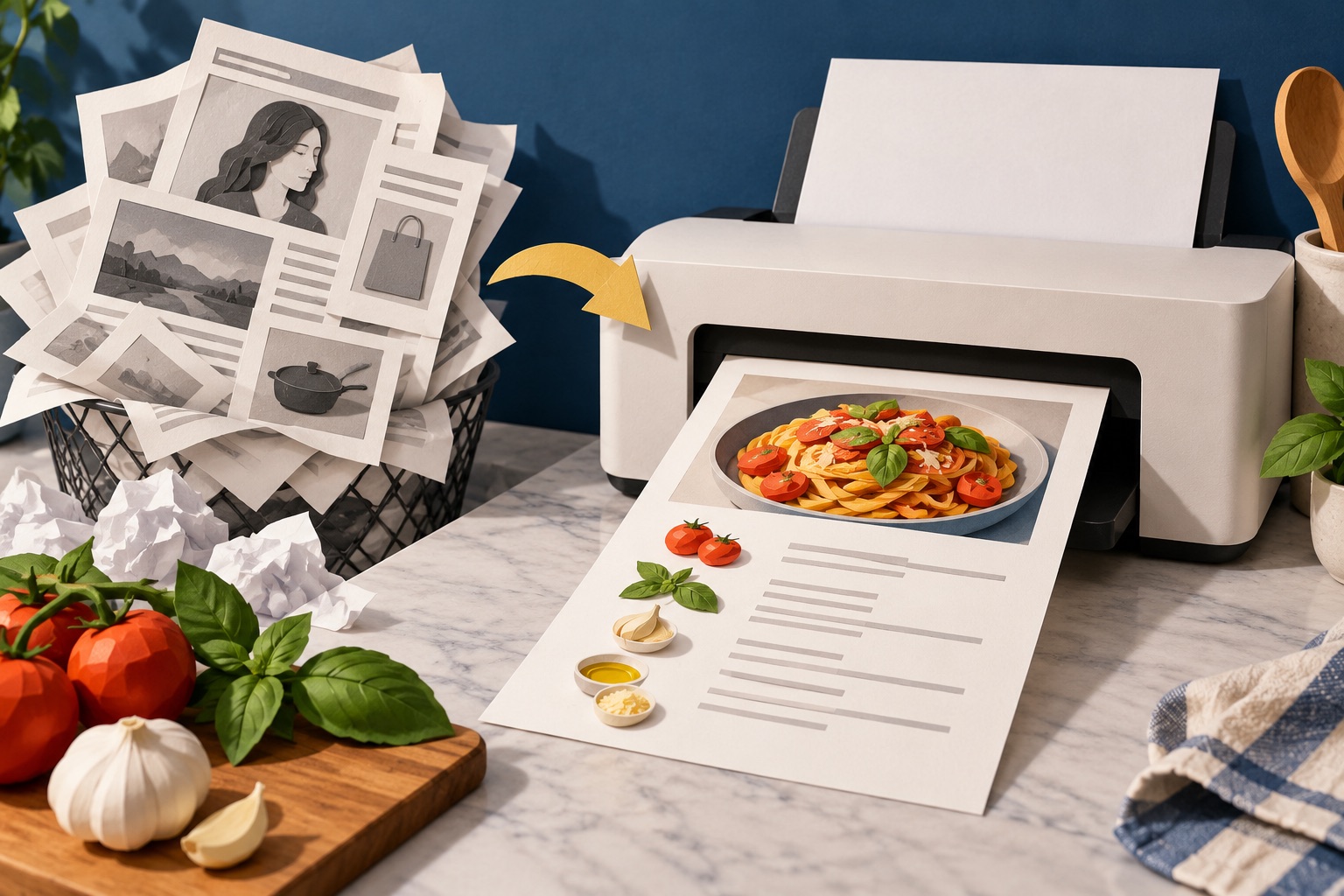
Look for a Print Recipe button on the recipe card first, because it opens a stripped-down version with just the ingredients and method. If the site has no button, paste the page address into a printer-friendly tool, delete the story and photos, and print. Either way you get one page instead of eight.
See the tools in action
You want 300 words: a list of ingredients and a numbered method. The page gives you a childhood memory about a grandmother, eleven photographs of the same bowl, an autoplaying video, three ad slots and 400 comments. Press Ctrl+P and the preview says nine pages.
Why food blogs are like this
It is not vanity. A list of ingredients is not protected by copyright in most countries, so anyone can lift it. The surrounding narrative is protected, and it is what gives the page something original to rank on. Longer pages also carry more advertising, and advertising is what pays for a free recipe. Knowing this makes it easier to be efficient rather than annoyed: the story is the price of the recipe, and you only have to pay it on screen.
Method 1: the site's own print button
Most food blogs run their recipes through a plugin, WP Recipe Maker, Tasty Recipes, Create by Mediavine and similar, which puts the recipe in a bordered card with its own small toolbar. That toolbar almost always has a Print or Print Recipe link, and it is the single best option when it exists.
- Find the recipe cardScroll to the bordered box holding the ingredients, or click Jump to Recipe at the top of the page, which the same plugins add automatically.
- Click Print or Print RecipeIt opens a new tab or window containing only the card: title, times, servings, ingredients, method.
- Set the options in that windowThese print views usually offer their own checkboxes, include images, include notes, adjust servings. Untick images to halve the ink.
- Scale the servings before printingMany cards let you change 4 servings to 6 and rewrite every quantity. Do it here rather than doing arithmetic at the counter.
- Press Ctrl+P in that windowCheck the preview says one page. If it says two, turn off images or drop the scale to 90 percent.
If a page has a Jump to Recipe link at the top, it almost certainly has a print button further down. The two arrive together in the same plugin. Look inside the bordered card for a small printer icon.
Method 2: a printer-friendly tool for everything else
Plenty of sites have no card and no button: personal blogs, newspaper food sections, forum posts, old pages from 2009 that hold the only good version of a dish. For those, clean the page yourself.
- Copy the page addressClick the address bar and copy the whole URL.
- Open the cleanerGo to the web page printer and paste the address in. It extracts the article and drops the navigation, sidebars and ad slots.
- Delete the storyDelete mode is on by default. Click the memoir paragraphs, the video embed and the "you might also like" grid to remove them. Click and drag to sweep several blocks at once, and Ctrl+Z to undo.
- Deal with the picturesOpen the Style menu and set images to small, or remove them entirely. Keep one photo of the finished dish if the shape or the colour matters.
- Print or savePress Print for paper, or Download PDF to keep it for a recipe binder.
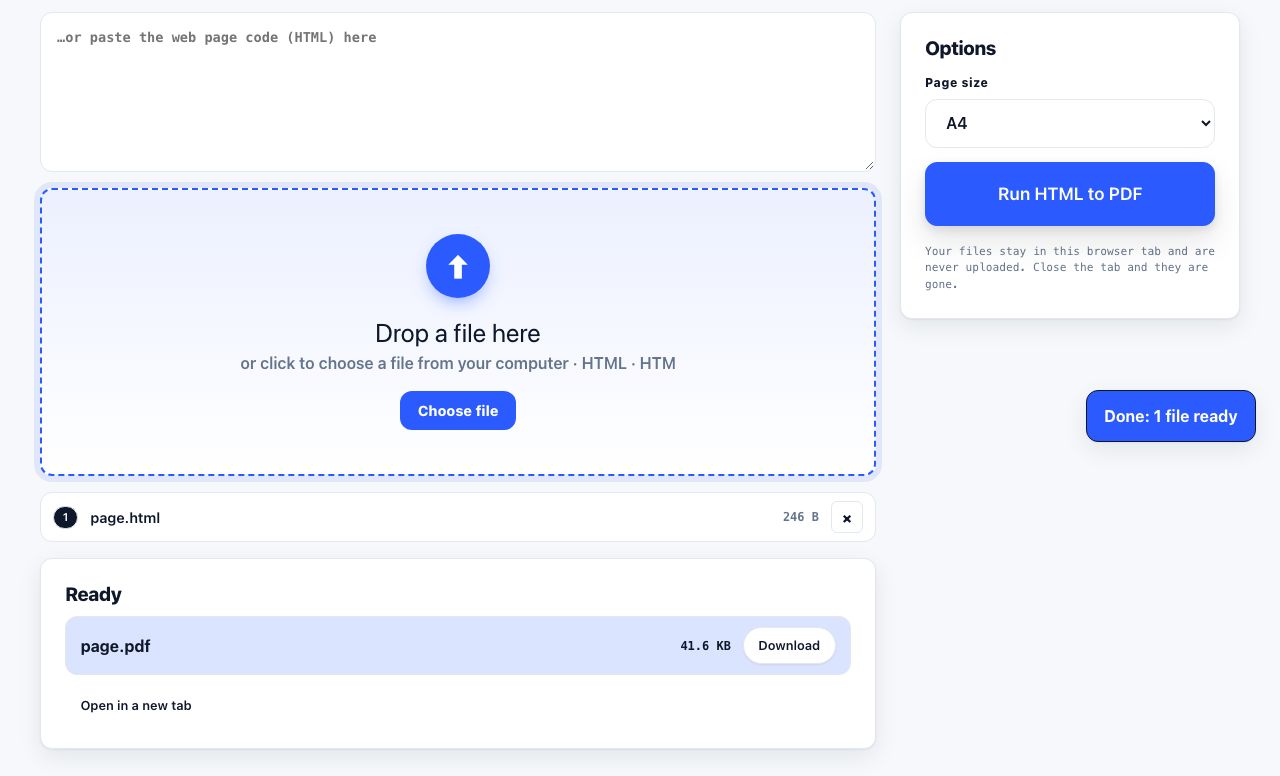
Turn a recipe page into a clean, one-page PDF you can file or print later.
HTML to PDF →Method 3: select the recipe and print the selection
The fastest trick of all when it works. Drag to select from the word "Ingredients" through the last step of the method, press Ctrl+P, and choose Selection only under Pages. Chrome, Firefox and Edge all support it; on Safari use File → Print Selected Text. Full detail in printing only what you selected.
It fails when the recipe card is inside an iframe, or when the site blocks text selection. In both cases fall back to Method 2.
Which method to use
| The page has… | Use | Typical result |
|---|---|---|
| A recipe card with a Print button | The site button | 1 page, correctly formatted, servings adjustable |
| A Jump to Recipe link but no visible button | Look inside the card again, then the site button | 1 page |
| No card, plain blog post | Paste the URL into a cleaner | 1-2 pages after deleting the story |
| A paywall or login | Reader mode, or select and print the selection | 1-2 pages |
| A recipe inside a video description | Copy the text into the cleaner paste box | 1 page |
| A photo of a handwritten card | OCR it first, then print the text | 1 page, searchable |
Make the printout usable in a kitchen
- Bump the text size. You are reading this from three feet away with wet hands. 14 to 16 point is right; the browser default of 12 point is not.
- Keep the times and the temperature at the top. Oven temperature, prep time and total time are what you need before you start, not buried after step four.
- Print single-sided. Turning a greasy page over mid-recipe is how pages get lost. One recipe, one sheet, one side.
- Add the source. A short line with the site name means you can find the original when you want the notes or the comments.
- Do not print the comments. The one useful comment is worth copying into the margin by hand; the other 399 are not worth four sheets.
If you cook from the same site often, keep the cleaner open in a pinned tab. Paste, delete, print, paste the next one, it removes the hunting-for-the-print-button step entirely.
Save the paper as well as the ads
A cleaned recipe usually lands between two-thirds and a full page. If it spills onto a second page by three lines, drop the print scale to 90 percent rather than accepting a sheet with four lines on it. Combined with turning images off, the difference over a year of cooking is substantial, see saving ink when printing and printing recipes without pictures.
Frequently asked questions
How do I print just the recipe and not the whole blog post?
Use the Print Recipe button inside the recipe card if the site has one, which opens a stripped version containing only the ingredients and method. If not, paste the page address into a printer-friendly tool and delete the story before printing.
Why do food blogs have such long stories before the recipe?
Ingredient lists are not protected by copyright, so the surrounding writing is what makes the page original and rankable, and longer pages carry more advertising, which pays for the free recipe. The story is the price, but only on screen.
How do I print a recipe from a site with no print button?
Select from the ingredients through the end of the method, press Ctrl+P and choose Selection only. If the site blocks selection, paste the URL into a browser-based cleaner, delete everything except the recipe, and print that.
Can I change the number of servings before printing?
Yes on sites using a recipe card plugin: the card usually has a servings control that rewrites every quantity. Change it before you open the print view, since the print window inherits whatever the card is showing.
How do I get a recipe onto exactly one page?
Turn images off, set the text to 14 point, and drop the print scale to 90 percent if it still spills. Those three adjustments fit almost any home recipe onto a single sheet without making it hard to read at arm's length.