How to make a PDF from Word, Excel, PowerPoint or an ebook

Choose a converter for the source format, create a separate PDF copy, then inspect page breaks, fonts, worksheets, images and links. Word and Excel conversions run in the browser; PowerPoint and ebook conversions upload files to the PrintxPDF server, so check privacy and account limits before using those routes.
See the tools in action
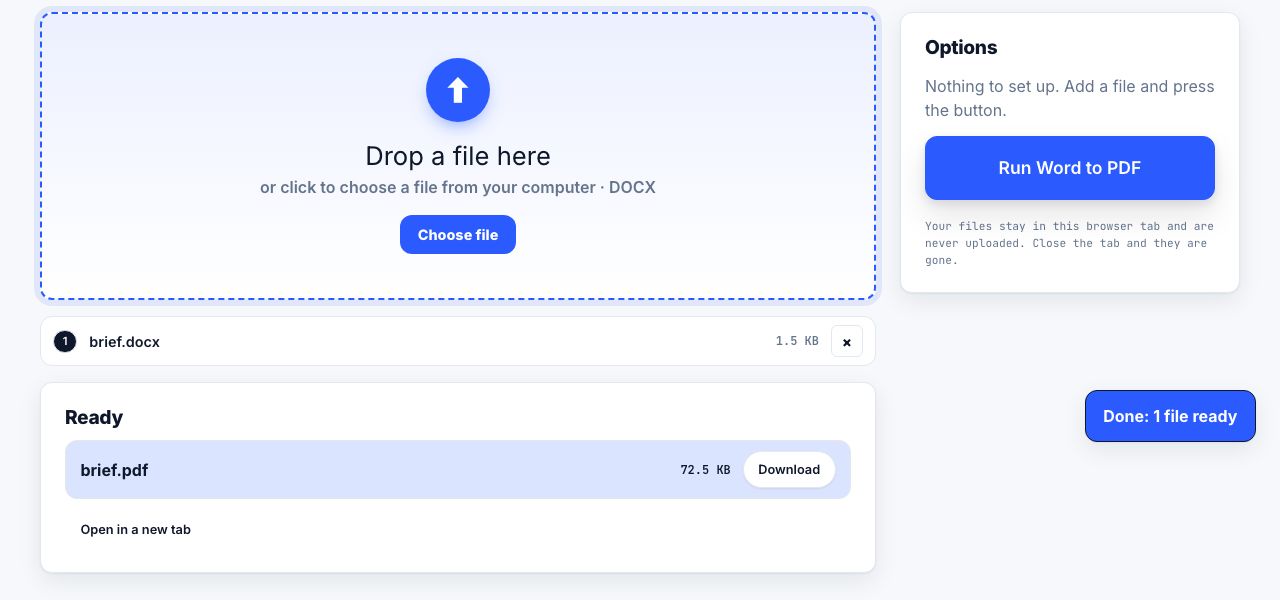
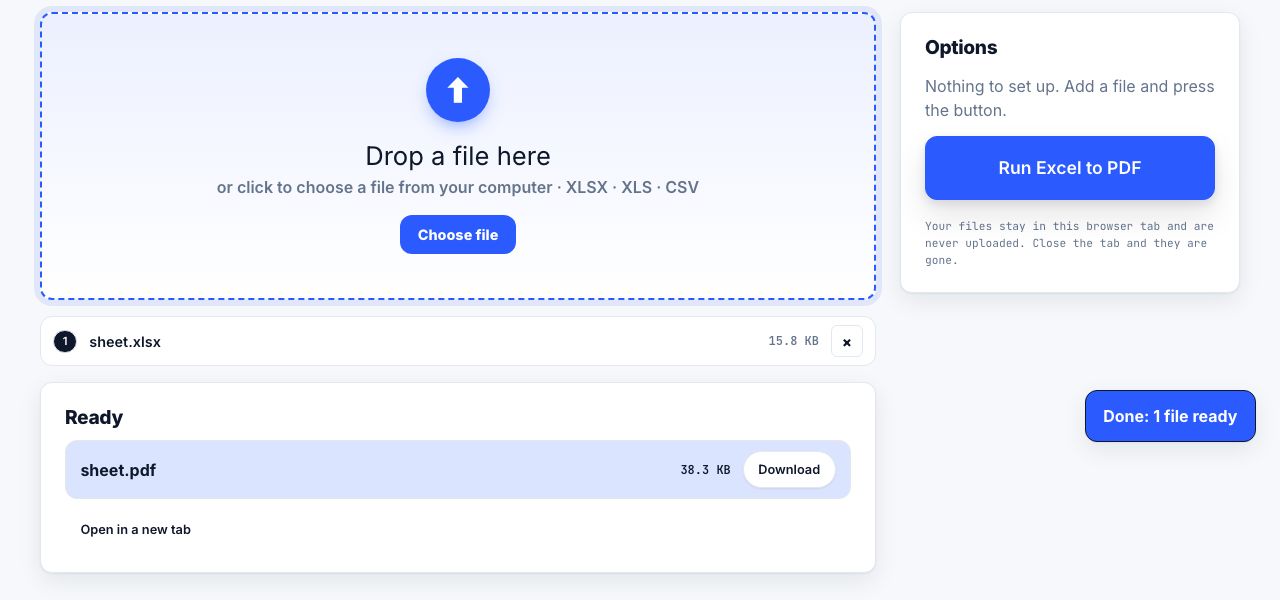


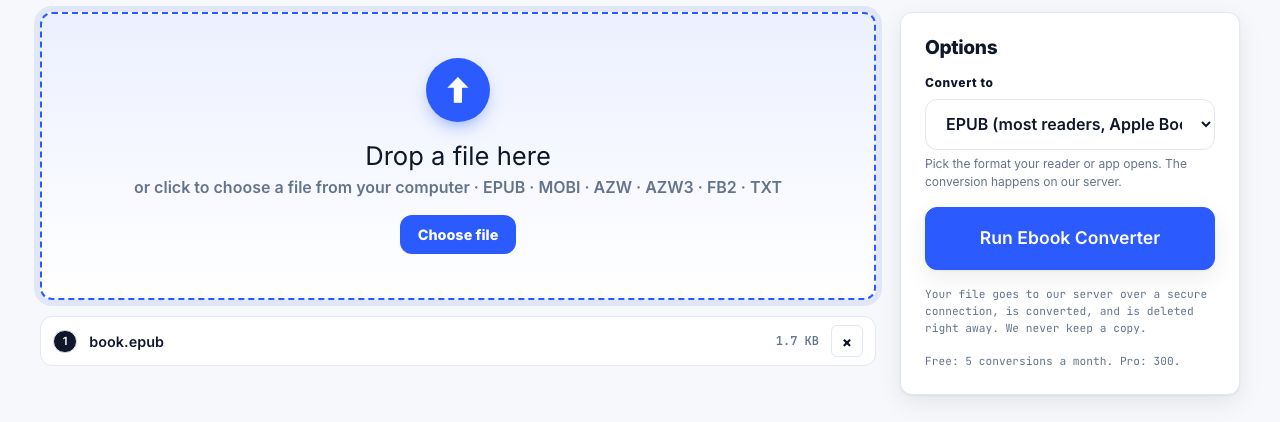
A PDF is useful when the recipient needs a stable layout rather than an editable source. The best route depends on what you start with: Word pages, spreadsheet sheets, presentation slides and ebook chapters each have different layout rules. Make a copy of the source first, and do not assume a successful download means that page breaks or fonts are correct.
Choose a converter for your source file
| Source | Tool | What to inspect |
|---|---|---|
| DOCX Word document | Word to PDF | Fonts, headings, page breaks, images and links. |
| XLSX workbook | Excel to PDF | Which sheets are included, print area, scaling and small cells. |
| PPTX slide deck | PowerPoint to PDF | Slide size, fonts, diagrams, notes and animations that become static. |
| EPUB ebook | EPUB to PDF | Chapter order, reflowed pages, links and image placement. |
- Keep the editable sourceDuplicate the original Word, Excel, PowerPoint or ebook file so conversion does not replace the version you can still edit.
- Use the matching conversion toolChoose the source-specific tool from the table. Avoid changing the file extension by renaming it; that does not convert its contents.
- Check the disclosure before uploadWord to PDF and Excel to PDF run in the browser. PowerPoint and ebook jobs are server conversions and upload the file over HTTPS for processing. Do not send confidential files unless your organization allows that service.
- Inspect every page or sheetCompare the result to the source. Look at the first and last pages, headings near page breaks, diagrams, selected workbook sheets and any narrow table columns.
- Save a clearly named copyUse a filename that identifies the version and purpose without exposing private information. Keep both the editable source and the verified PDF when your workflow requires them.
Convert a DOCX document to a PDF copy in your browser.
Word to PDF →Why spreadsheets need a separate check
A workbook may contain several sheets, hidden rows, formulas, charts and print areas. A PDF is a fixed page view, not a live spreadsheet. Before conversion, set the print area and scaling in the source application when possible, hide sheets that should not be distributed, and confirm the resulting page count. Tiny text caused by fitting a wide sheet onto one page is often worse than splitting the table across several readable pages.
Why presentations and ebooks can change
A presentation's transitions and animations cannot work in a static PDF. Decide whether you need one frame per slide, speaker notes or a handout layout before converting. EPUB text reflows to different screens, while a PDF fixes one page design, so a converted ebook may not preserve the original reading experience. For ebook formats and other source types, Ebook Converter handles several conversions; MOBI to PDF is another route for a compatible file.
Some document and ebook conversions are server processed. The PDF tools page labels these before use. Avoid uploading medical, financial, legal, student or client records to a service unless its handling meets your rules. Check the privacy policy and keep the original source.
If the resulting PDF must satisfy an archival standard, first confirm the receiving organization's exact requirement, then review PDF/A and long-term preservation. For PDFs made from scanned pages rather than office files, use OCR only when a searchable text layer is needed and verify the recognition.
Frequently asked questions
Can I make a PDF from Word without uploading the document?
The PrintxPDF Word to PDF tool processes DOCX in the browser. Other conversions, including PowerPoint and ebook formats, are server processed and do upload the file for conversion.
Will every Excel worksheet appear in the PDF?
Check the export and the source workbook's print settings. A workbook can contain hidden sheets or print areas that do not match what you expect.
Does converting an EPUB to PDF preserve reflow?
No. PDF pages have a fixed layout, while EPUB is designed to reflow to different screen sizes. Inspect the output and keep the original ebook.