QR codes for print: size, contrast and error correction that actually work
 By Nasir Uddin Shamim5 guides
A printed QR code scans reliably when it is exported as vector, printed at least 2 cm wide, surrounded by a four-module quiet zone, and set in dark ink on a light background. Use the 10:1 rule: the code must be at least one tenth of the scanning distance.
A QR code that works on your screen can fail completely on paper. Ink spreads, laminate reflects, the code gets scaled down to fit a corner of the card, and the quiet zone disappears into a photo. These guides cover the numbers that decide whether a printed code scans: minimum module size, the 10:1 distance rule, error correction levels L through H, contrast, and why you should always export vector rather than a small PNG.
Every guide in this topic
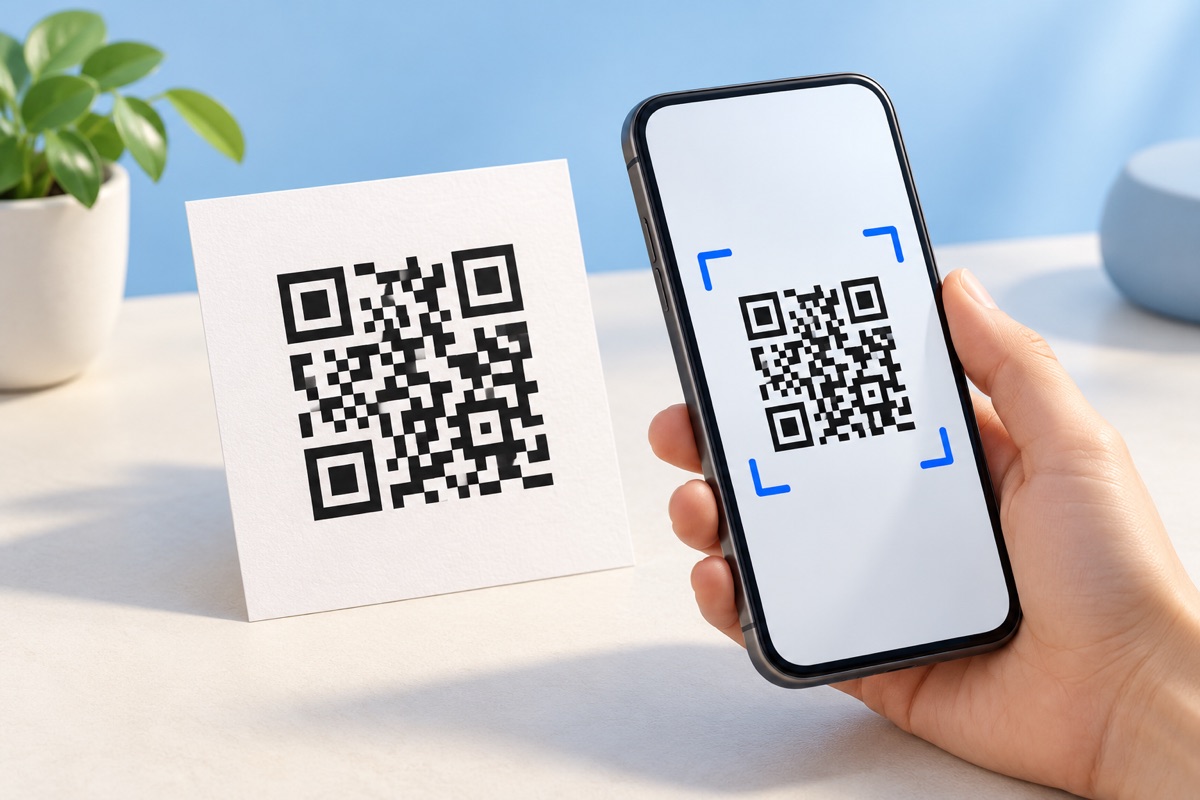
How to make a QR code that actually scans off paper
Export the QR code as vector SVG, print it at least 2 cm (0.8 in) wide, keep a quiet zone of four blank modules on every side, and use dark ink on a light background. Choose error correction level M for most jobs, then scan a real test print before running the full batch.
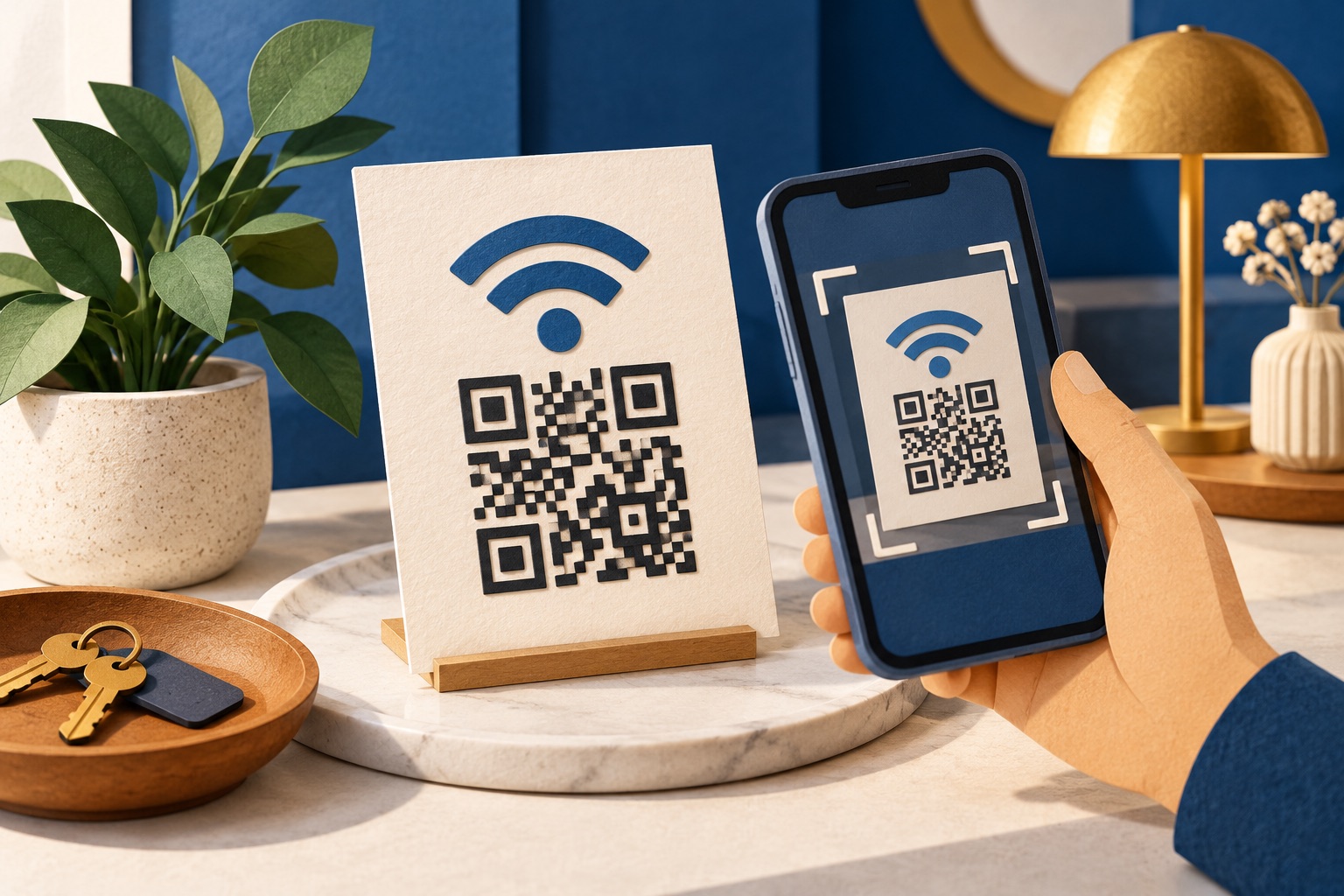
How to make a WiFi QR code guests can scan
To convert WiFi to a QR code, enter the network name, password and security type in a WiFi QR generator. It encodes the WIFI:T:WPA;S:NetworkName;P:Password;; format, which supported iPhones and Android phones scan with their built-in cameras. The code exposes the password as plain text, so use a guest network.
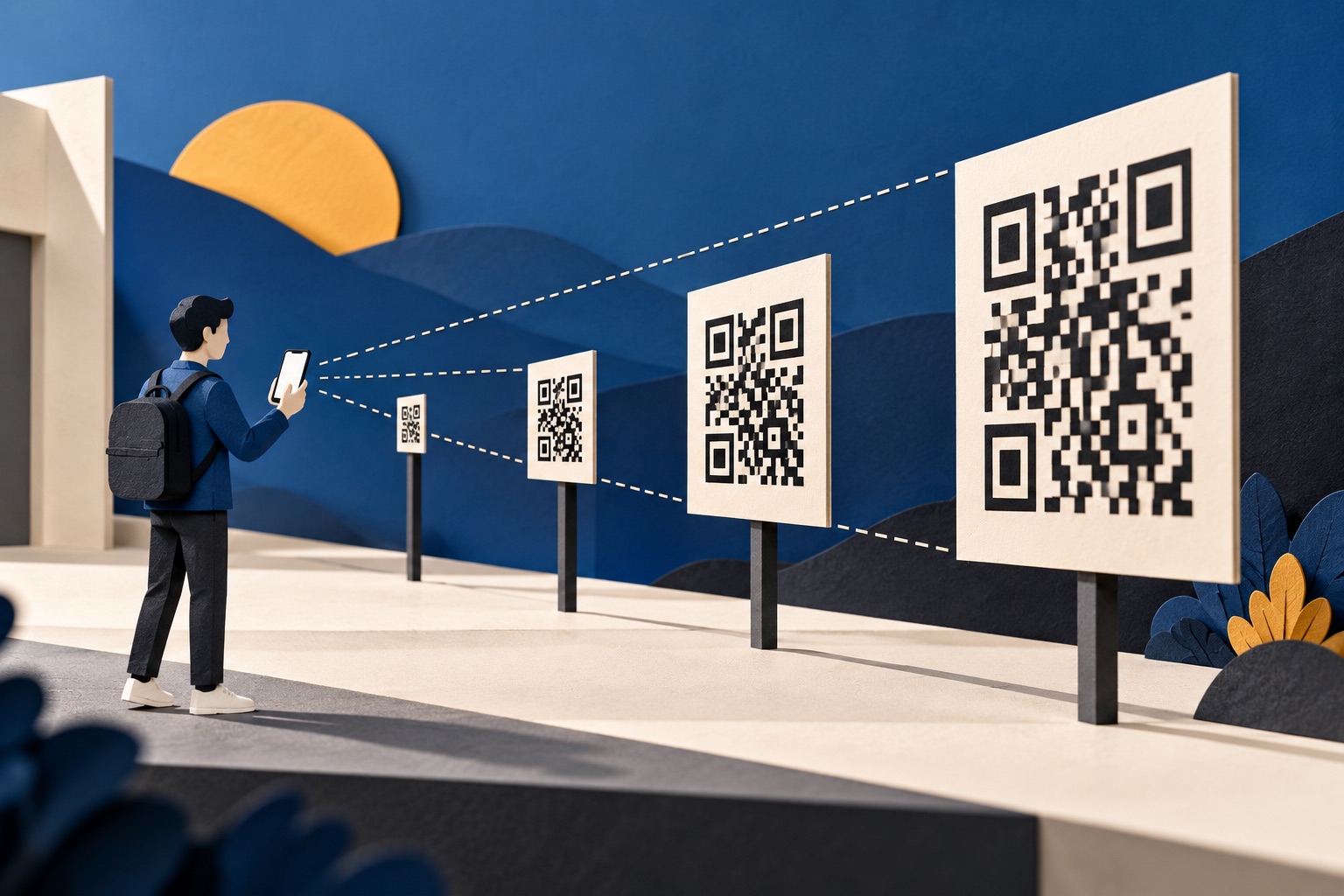
What size should a QR code be? The distance rule
Use the 10:1 rule: a QR code must be at least one tenth as wide as the distance it is scanned from. A code read at 30 cm needs to be 3 cm wide; one read from 3 metres needs 30 cm. The absolute floor for any printed code is 2 cm.
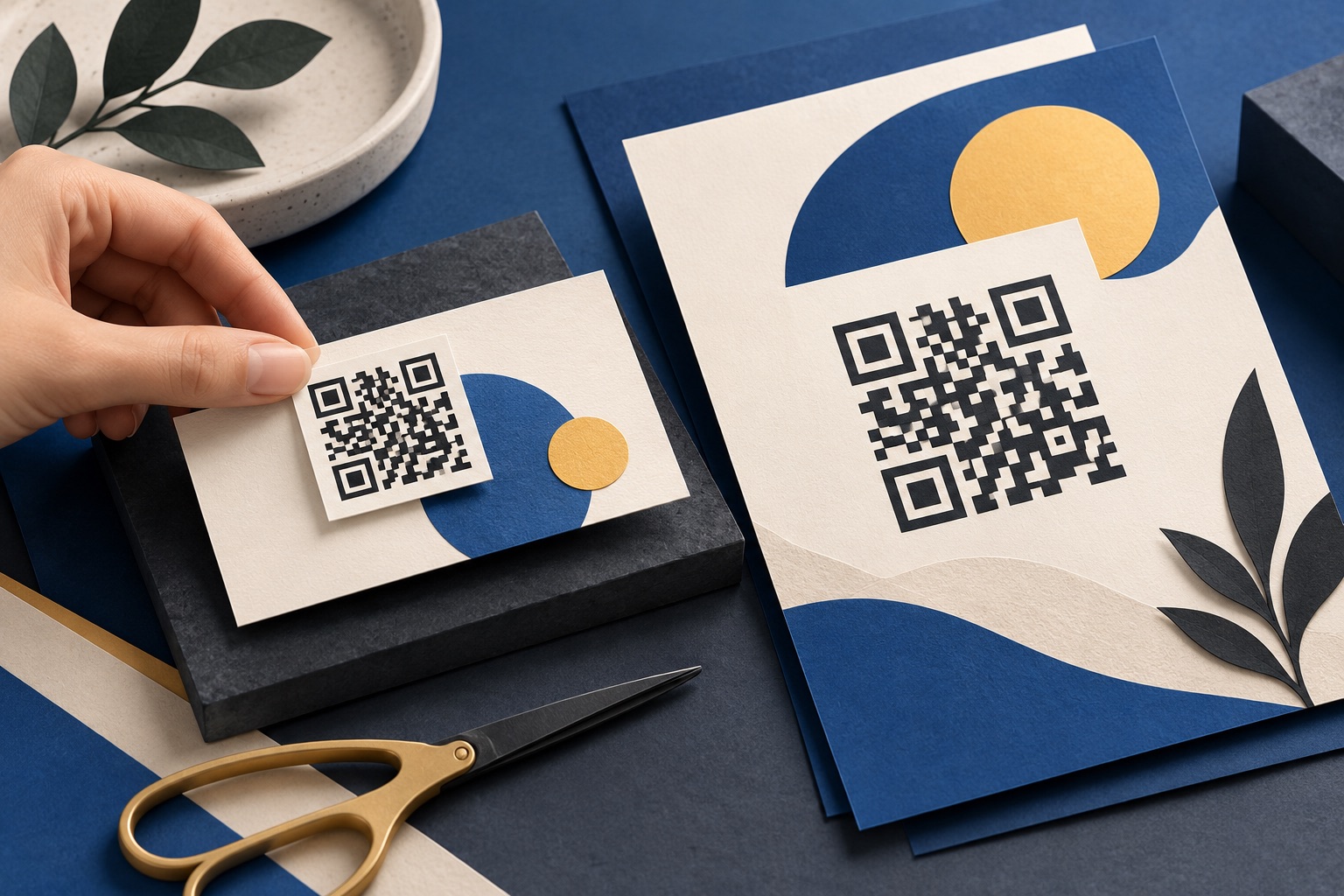
How to put a QR code on a business card or flyer
Encode a vCard for contact details or a short URL for a landing page, size the code at 20 to 25 mm, keep 5 mm of clear space around it and away from the trim edge, and supply vector artwork at 300 DPI with the modules in 100% black. Proof one card before ordering.
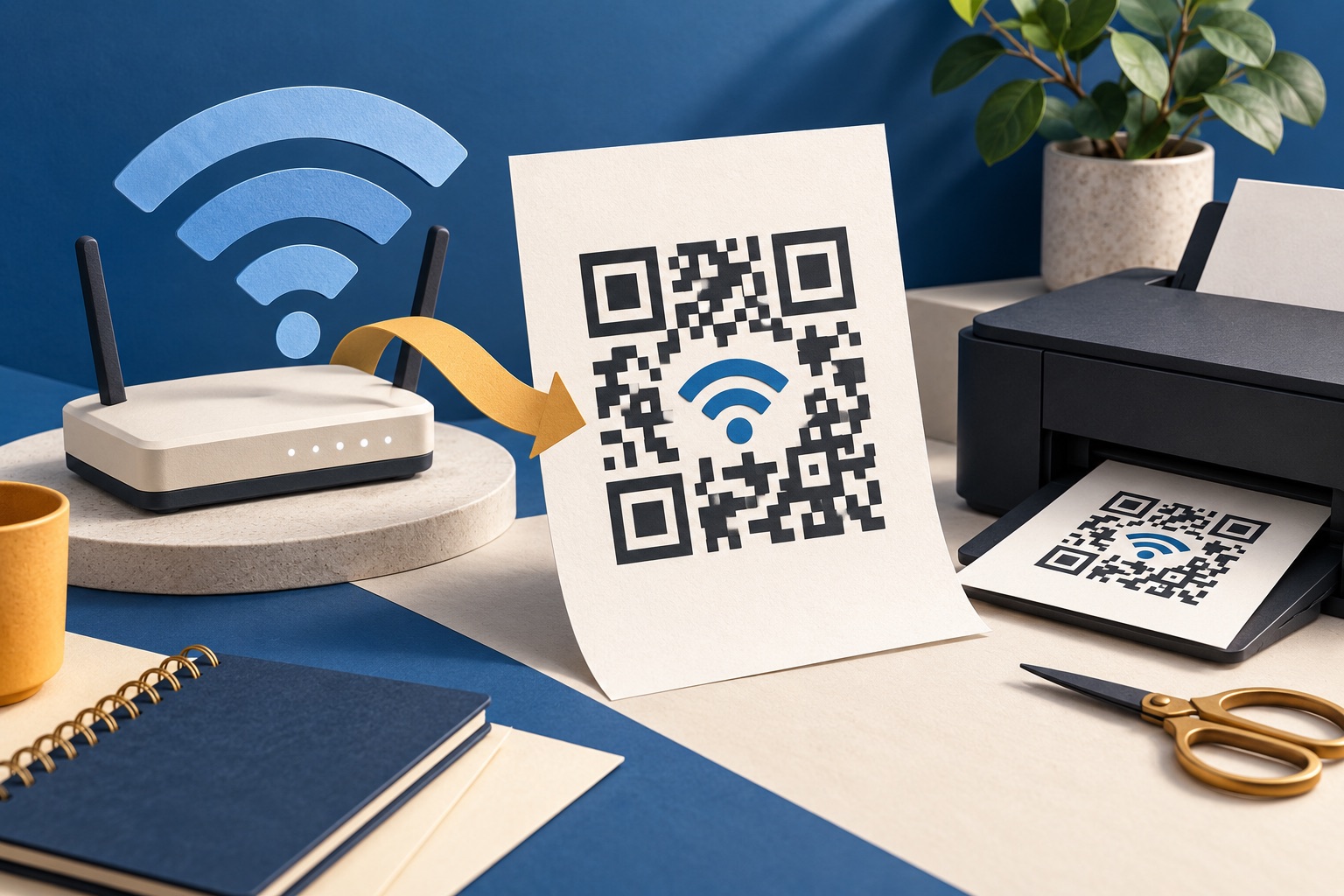
How to make a Wi-Fi QR code and add it to a printable PDF
Choose the Wi-Fi network name and security type, enter its password in a QR generator, and download the code. Add it to a one-page handout with a short manual connection fallback, then test the printed copy from several phones. Anyone who can scan the code may obtain the network credentials, so share it only where intended.
Tools for this job
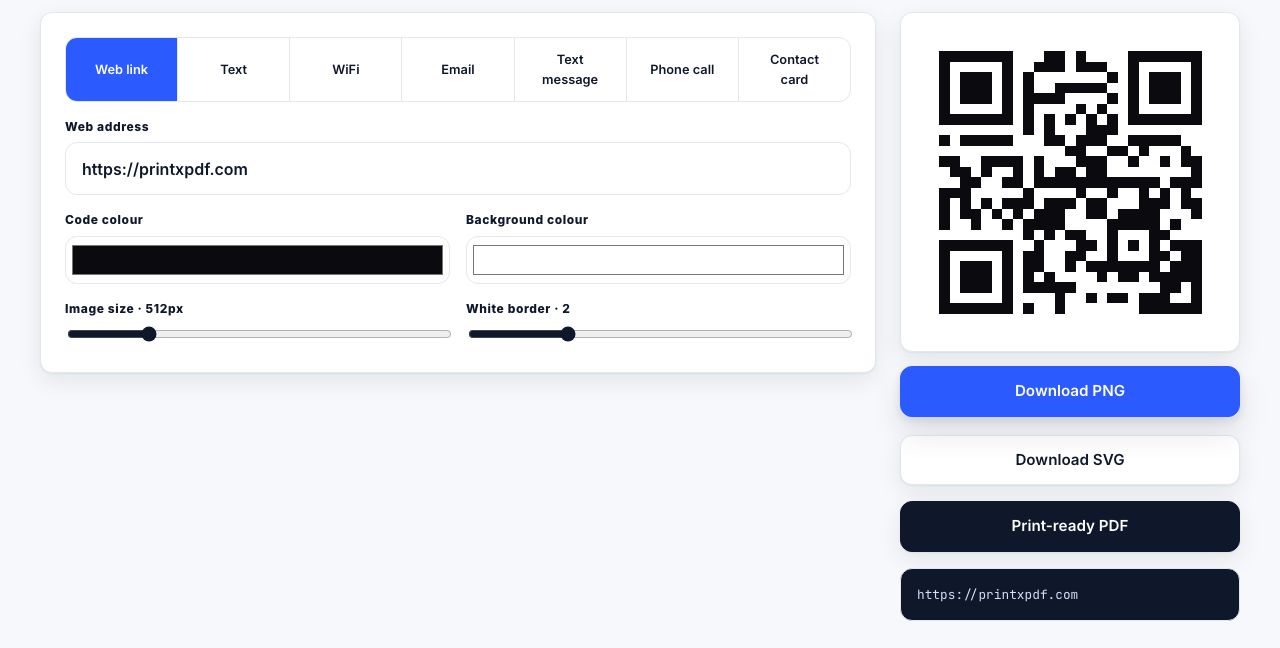
QR Code Generator
Print-ready QR codes
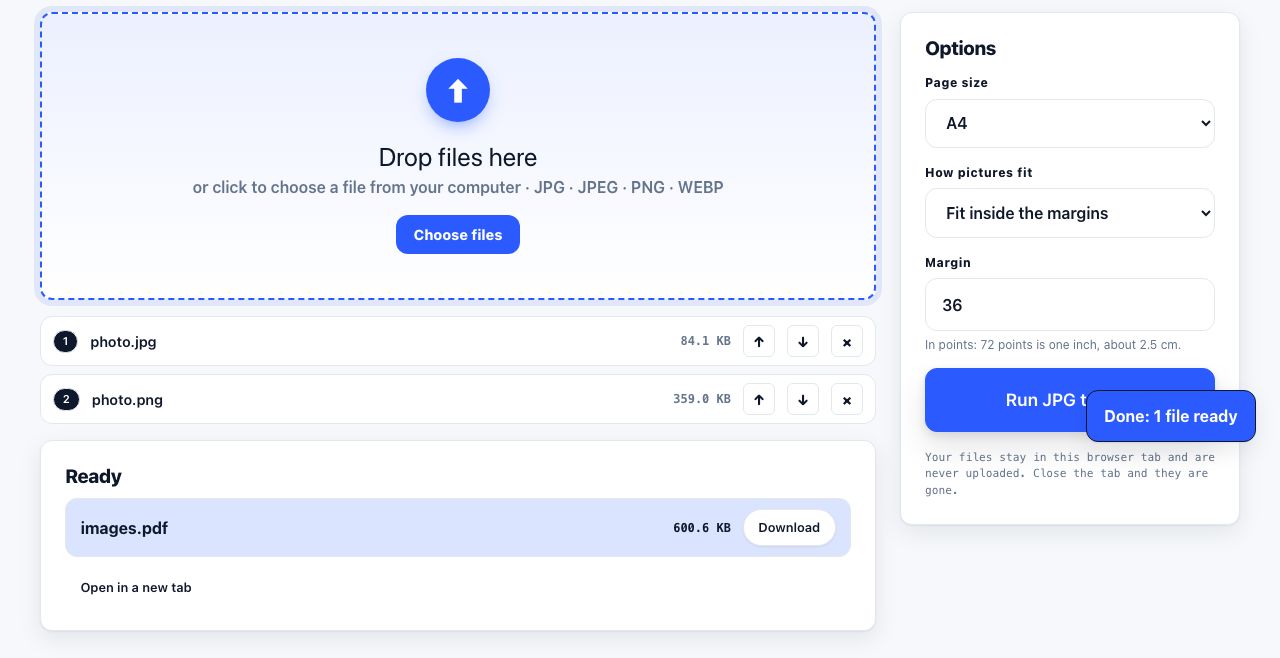
JPG to PDF
Turn pictures into one PDF
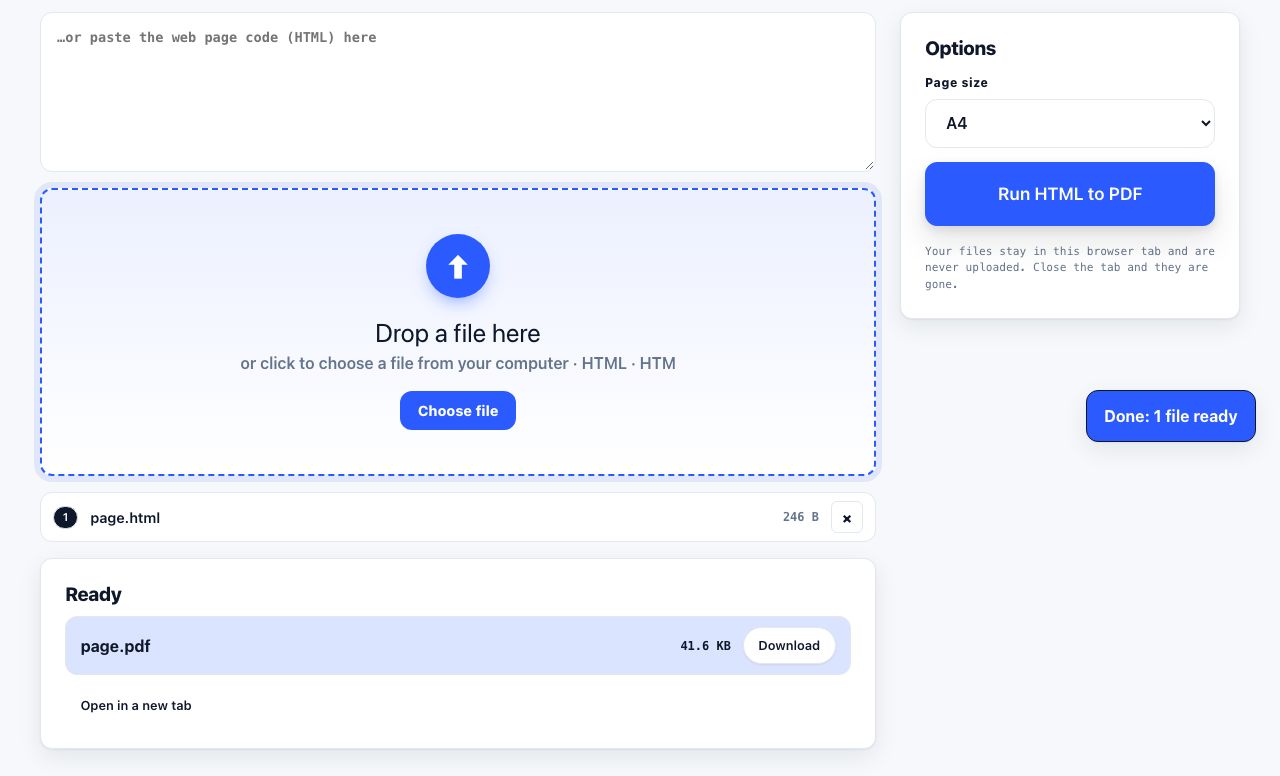
HTML to PDF
Web page file → PDF
Compress PDF
Shrink the file size
See the recommended tools in action
Other topics
Printing web pages
Print any web page without ads, sidebars or menus. Reader mode, print preview, browser settings and a free tool that cleans the page in your browser.
Saving web pages as PDF
Save any web page as a PDF in Chrome, Safari, Firefox, Edge, iPhone or Android. Print-to-PDF, full-page screenshots, and archiving that survives link rot.
Merging PDF files
Combine PDFs into one file for free. Drag to set the page order, mix in JPG and PNG images, keep bookmarks, and merge without Adobe Acrobat on Windows or Mac.
Splitting and extracting PDF pages
Split a PDF into single pages or custom ranges, extract only the pages you need, delete the rest, and cut a big file down to fit an email attachment limit.
Compressing PDF files
Compare three PDF compression presets, keep text searchable when needed, and learn when to split a large file or use a sharing link.
Converting PDF to other formats
How to get a PDF back into an editable format: Word, Excel, plain text and slides, what each conversion really preserves, and when the answer is to retype.