How to make a WiFi QR code guests can scan

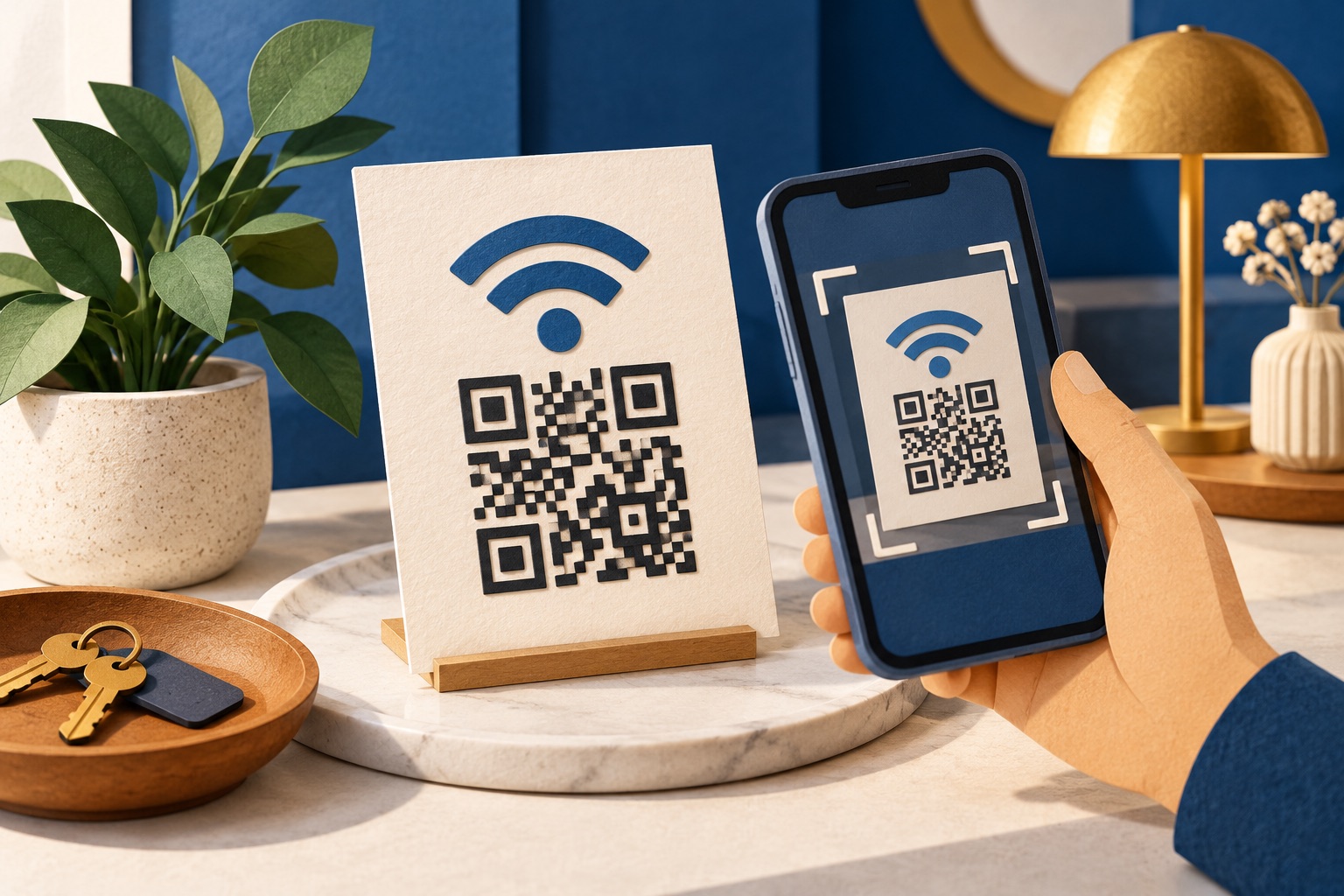
To convert WiFi to a QR code, enter the network name, password and security type in a WiFi QR generator. It encodes the WIFI:T:WPA;S:NetworkName;P:Password;; format, which supported iPhones and Android phones scan with their built-in cameras. The code exposes the password as plain text, so use a guest network.
See the tools in action
Reading a 22-character WPA2 password out loud to a guest is the worst part of hosting anyone. A WiFi QR code fixes it permanently: the guest points a camera at a card on the table, taps once, and is online. No app, no typing, no dictating capital letters.
The format, exactly
There is nothing magic inside the code. It is plain text in a convention that Android and iOS both recognise, originally published by ZXing and now supported everywhere:
WIFI:T:WPA;S:Cafe Guest;P:flatwhite2026;;
| Field | Meaning | Values |
|---|---|---|
| T | Security type | WPA for WPA, WPA2 and WPA3; WEP for ancient routers; nopass for an open network |
| S | Network name (SSID) | Exactly as broadcast, including capitals and spaces |
| P | Password | Omit entirely when T is nopass |
| H | Hidden network | H:true only if the SSID is not broadcast. Leave it out otherwise. |
| ;; | Terminator | Two semicolons close the payload. Some readers fail without them. |
There is no separate WPA3 keyword. Use T:WPA for WPA2 and WPA3 alike; phones negotiate the actual handshake with the router. A mixed WPA2/WPA3 network works from a single code.
Escaping special characters
If your SSID or password contains a semicolon, comma, colon, double quote or backslash, each one must be escaped with a backslash or the parser will cut the payload short. This is the most common reason a hand-written WiFi code half-works.
// Password is:  pa;ss,word"1
WIFI:T:WPA;S:Guest Room;P:pa\;ss\,word\"1;;
Making one in under a minute
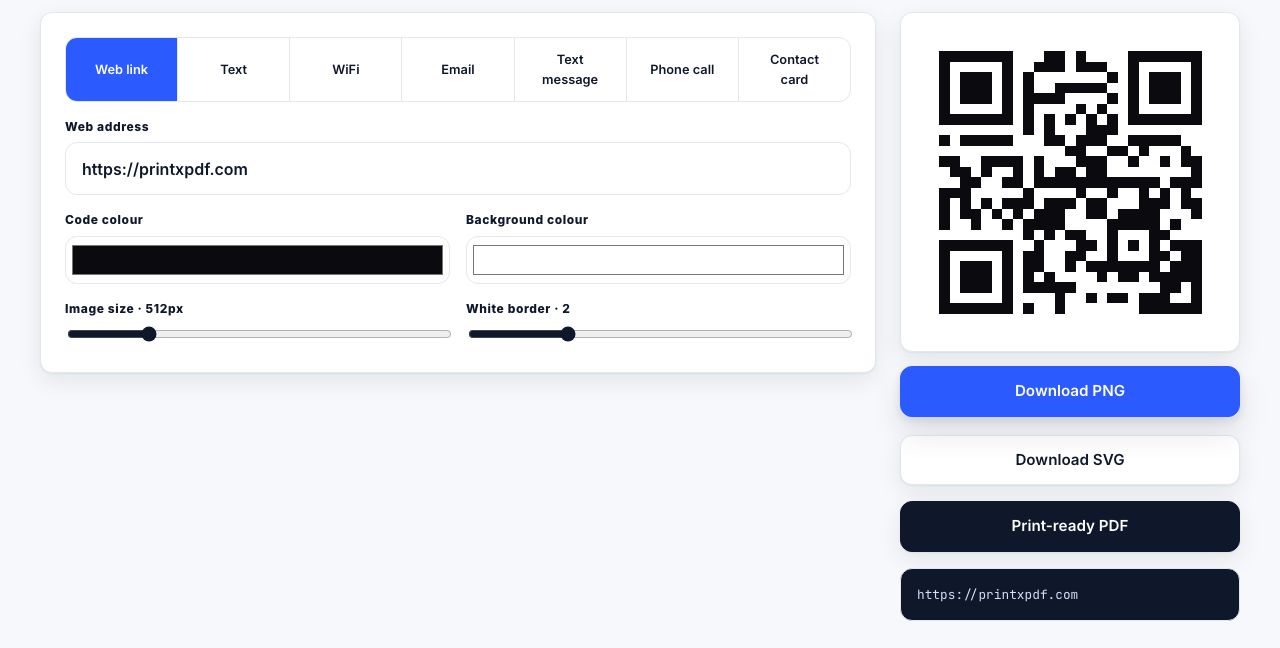
- Open the generatorGo to the QR code generator and choose the wifi tab.
- Type the network name exactlyCopy it from your router admin page or your phone rather than typing it from memory.
Guest_WiFiandGuest WiFiare different networks. - Enter the password and security typePick WPA / WPA2 unless you are running an open network, in which case choose Open and leave the password blank.
- Raise the quiet zone to 4The slider defaults to 2, which is enough on screen. Four modules of blank margin is what printed codes need.
- Check the payload previewThe raw
WIFI:string is shown under the preview. Read it once and confirm the password is character-for-character correct. - Download SVG for printingUse SVG if you are placing it in a design, or the print-ready PDF if you are sending it straight to a printer.
- Test with two phones before laminatingOne iPhone, one Android. Forget the network on your own phone first, or it will join from memory and tell you nothing.
Build a WiFi QR code in your browser. The password is never sent anywhere.
QR Code Generator →Which phones can scan it
| Device | How it works | Notes |
|---|---|---|
| iPhone / iPad, iOS 11+ | Open Camera, point at the code, tap the "Join Network" banner | No app needed. Works from the Control Centre code scanner too. |
| Android 10+ | Open Camera or Google Lens, point, tap the prompt | Android can also generate a code: Settings, Network, Wi-Fi, tap the network, Share. |
| Older Android (8-9) | Usually needs Google Lens or a scanner app | Same code, just an extra tap to get to a scanner. |
| Windows / macOS laptops | No native camera join | Print the network name and password as text alongside the code. |
Always print the SSID and password as readable text under the code. Laptops, older phones and anyone with a cracked camera lens will need them, and it costs you one line of type.
Printing it for a cafe, guest room or office
A WiFi code sits on a table tent, a wall card or a laminated door hanger, so it is read from roughly 30 to 60 cm. Applying the ten-to-one rule from QR code sizing, that means a symbol 30 to 60 mm wide. A 40 mm code on an A6 table tent is a safe, tested default.
- Matte laminate, not gloss. Gloss under a ceiling spotlight throws a highlight straight across the modules and kills the scan.
- Keep it off the fold. On a table tent, the code must sit entirely on one flat panel.
- Black on white. Brand colours are fine for the frame and text; leave the modules alone.
- Print at 300 DPI or place vector. A screenshot of the code pasted into a document is the usual culprit behind a fuzzy card.
- Reprint when the password changes. Old cards in circulation are a support problem, so date the card in small type on the back.
The security question nobody asks
A WiFi QR code is not encrypted. Anyone with a phone can decode it and read your password as plain text, and a photograph of the card taken from across the room decodes just as well as the card in your hand. Treat a printed WiFi code as publishing the password on the wall, because that is exactly what it is.
- Use the guest network, never your main SSID. Almost every router made since 2018 offers one.
- Turn on client isolation (sometimes called AP isolation or guest isolation) so guests cannot see each other or your printers, NAS and cameras.
- Never put the admin password on a card. The guest network password and the router login must be different.
- Rotate it. For a rented flat or a shop, changing the guest password and reprinting once a quarter is cheap.
- Do not post it publicly. A code in a shop window, or in a photo on social media, is readable by anyone who walks or scrolls past.
Once the card design is finished, save it as a PDF so you can reprint it identically, and keep the SVG next to it. If you are making several versions for different rooms, merge them into one file so the print shop gets a single job.
Frequently asked questions
Do WiFi QR codes work on iPhone?
Yes. Every iPhone running iOS 11 or later reads them with the stock Camera app. Point the camera at the code and a "Join Network" banner appears at the top of the screen; tap it and the phone connects without you typing anything.
Does a WiFi QR code work with WPA3?
Yes. Use T:WPA in the payload for WPA, WPA2 and WPA3 alike. There is no separate WPA3 keyword in the format, and phones negotiate the correct handshake with the router themselves.
Can someone steal my WiFi password from the printed code?
Yes, trivially. The password is stored as plain text and any QR scanner will display it. Only ever encode a guest network password, enable client isolation on the router, and never print the code where the public can photograph it.
What size should a WiFi QR code be on a table tent?
Between 30 and 60 mm wide. Guests scan from about 30 to 60 cm away, and the ten-to-one rule puts the minimum at one tenth of that distance. Forty millimetres is a reliable default for A6 cards.
Why does my WiFi QR code scan but fail to connect?
Usually the SSID or password does not match exactly, or a special character was not escaped. Semicolons, commas, colons, quotes and backslashes each need a preceding backslash. Check the raw payload text character by character against your router settings.