Print to paper or save as PDF? How to decide

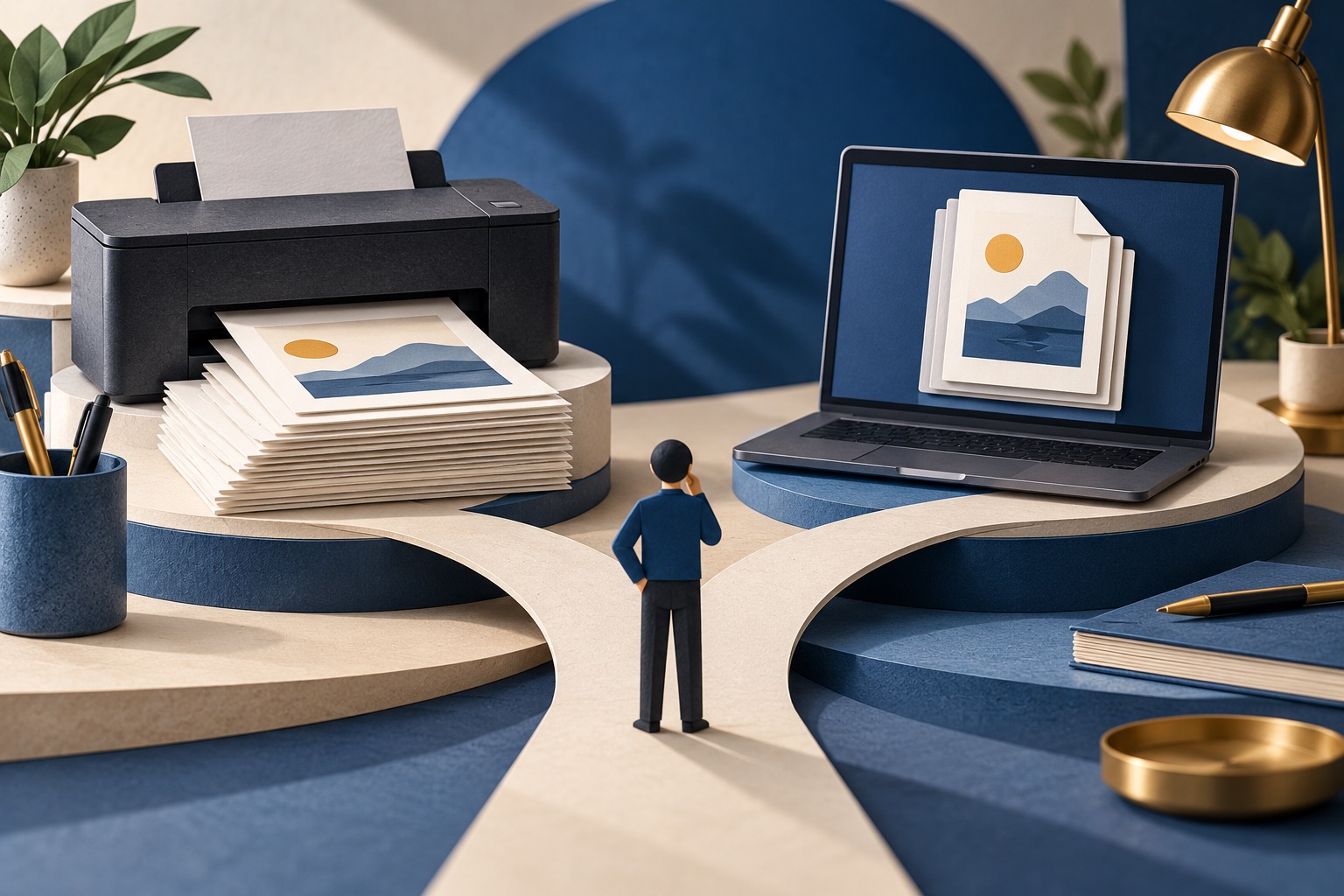
Save as PDF when you need to search, share, archive or keep a dated record. Print on paper when you need to annotate by hand, read away from a screen, or produce something for a physical file. A PDF costs nothing, is searchable, and can always be printed later.
See the tools in action
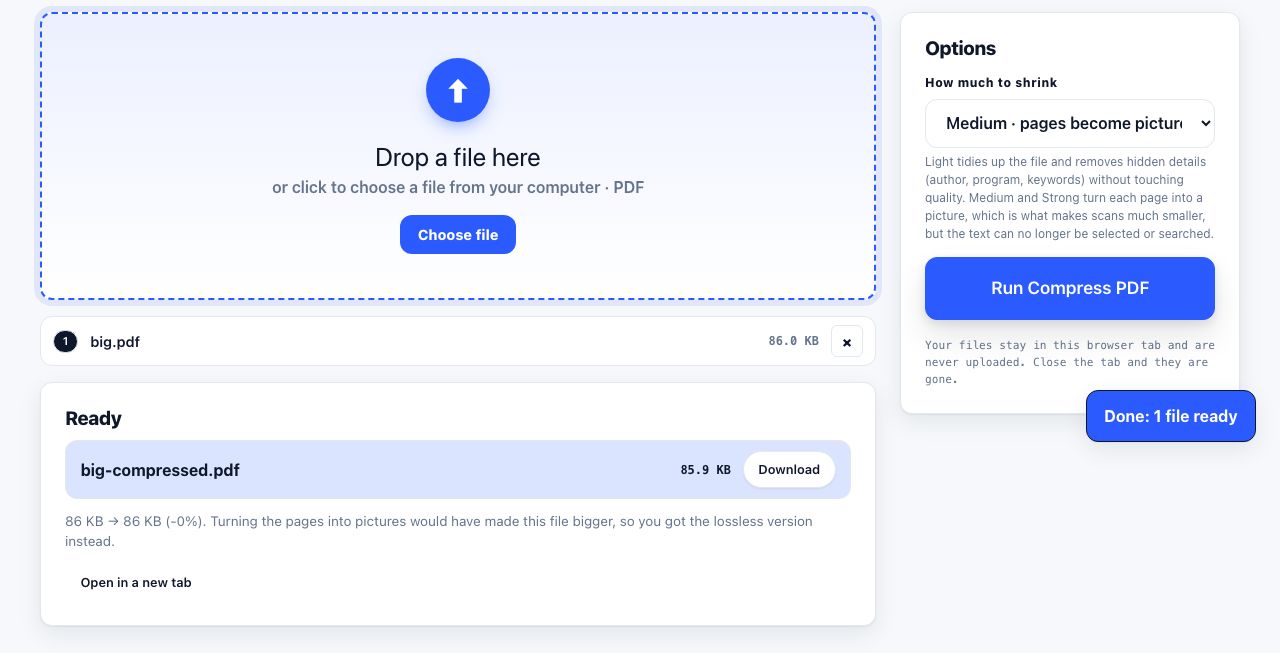
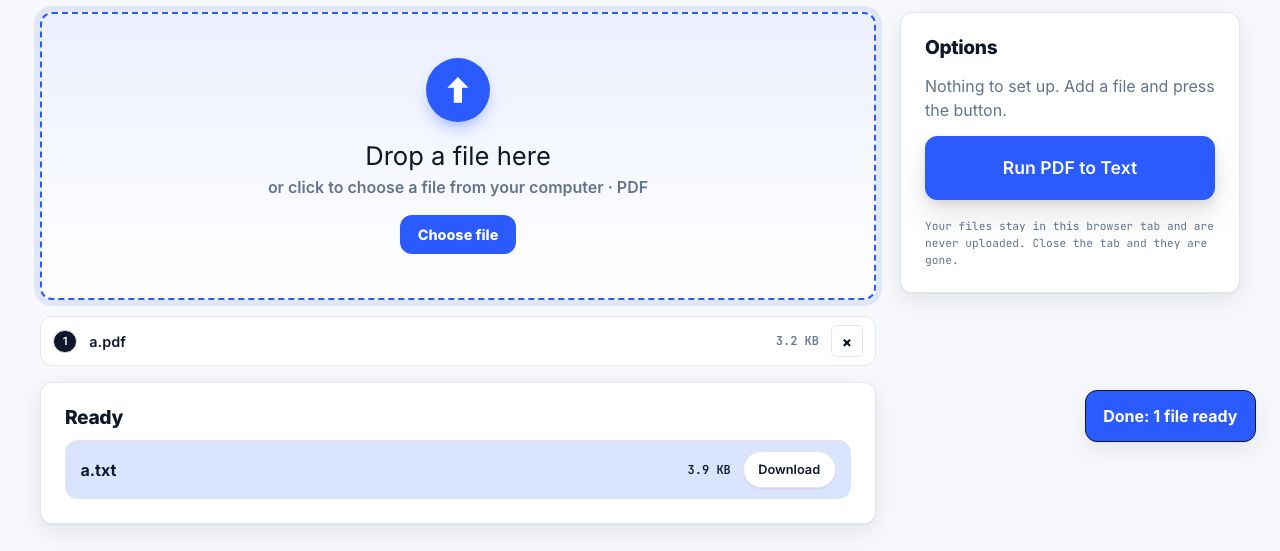
Both options come from the same print dialog, so the decision is really about what happens to the document afterwards.
| Need | Paper | |
|---|---|---|
| Cost per copy | Ink plus paper, roughly 3-8 cents a page | Free |
| Search the text later | No | Yes, if the text layer is intact |
| Prove when you saved it | Only by hand-dating it | File metadata carries a creation date |
| Annotate by hand | Excellent | Needs a tablet or a PDF annotator |
| Share with someone remote | Scan or post it | Attach and send |
| Survive twenty years | Fades, but needs no software | Very good, use PDF/A for archives |
| Read without a device | Yes | No |
| Bulk storage | Filing cabinets | Megabytes |
Save as PDF when…
- You are keeping a receipt, order confirmation or booking. You will want to search it later by order number.
- You are collecting research or references. A folder of PDFs is searchable; a stack of paper is not.
- You need a record of what a page said on a given date, a price, a policy, a listing. The file metadata carries the date.
- You are sharing with someone else. Email an attachment instead of scanning.
- You might need several copies later.
Print on paper when…
- You need to write on it: a recipe you follow at the counter, a form to fill by hand, a checklist for a site visit.
- You are reading something long. Comprehension and recall are measurably better on paper for dense material.
- Someone requires a physical copy: a boarding pass, a proof of address, a document for an office that will not take email.
- You want to step away from screens.
The best of both: clean once, output twice
The clutter problem is identical for both destinations. A nine-page printout is also a nine-page PDF with ads baked into it. Clean the page first, then decide the output:
- Clean the pagePaste the URL into the web page printer and delete anything you do not need.
- For paperPress Print. Text stays crisp and selectable because your browser renders the real text.
- For a filePress Download PDF, or choose "Save as PDF" as the destination in the print dialog for a smaller, searchable file.
- For a message or slidePress Screenshot to get a PNG of the cleaned page.
Printing to PDF through the browser print dialog keeps the text selectable and produces a small file. Exporting a rendered image of the page produces a picture of the text: it looks identical but cannot be searched. Prefer the print dialog when searchability matters, and use OCR if you end up with an image-only file.
A note on archiving
For documents you need to keep for years, PDF/A is the archival flavour: it embeds every font and forbids external dependencies, so the file renders the same in 2046 as it does today. Ordinary PDFs are usually fine, but if the document is legally or historically important, converting to PDF/A is cheap insurance. Either way, strip the metadata before sharing anything you did not author.
Archiving a lot of files? Compress them first so the folder stays manageable.
Compress PDF →Frequently asked questions
Is a PDF of a web page legally valid as proof?
It depends on the jurisdiction and the purpose. A self-saved PDF shows what you saw, but it is easy to edit, so it carries less weight than a notarised capture or a third-party archiving service. For anything contentious, use a timestamped archiving service as well.
Does saving as PDF keep the links clickable?
Yes, when you print to PDF through the browser dialog. Links become clickable annotations in the PDF. Image-based exports lose them.
Which uses less storage, PDF or a screenshot?
A text-based PDF is far smaller, often ten to fifty times smaller than a full-page PNG screenshot of the same article, because it stores characters rather than pixels.
Can I print a PDF later exactly as it looks now?
Yes, that is the format’s purpose. As long as the fonts are embedded, the PDF prints identically on any printer and any operating system.