OCR and scanned documents: turning pictures of words back into words
 By Nasir Uddin Shamim5 guides
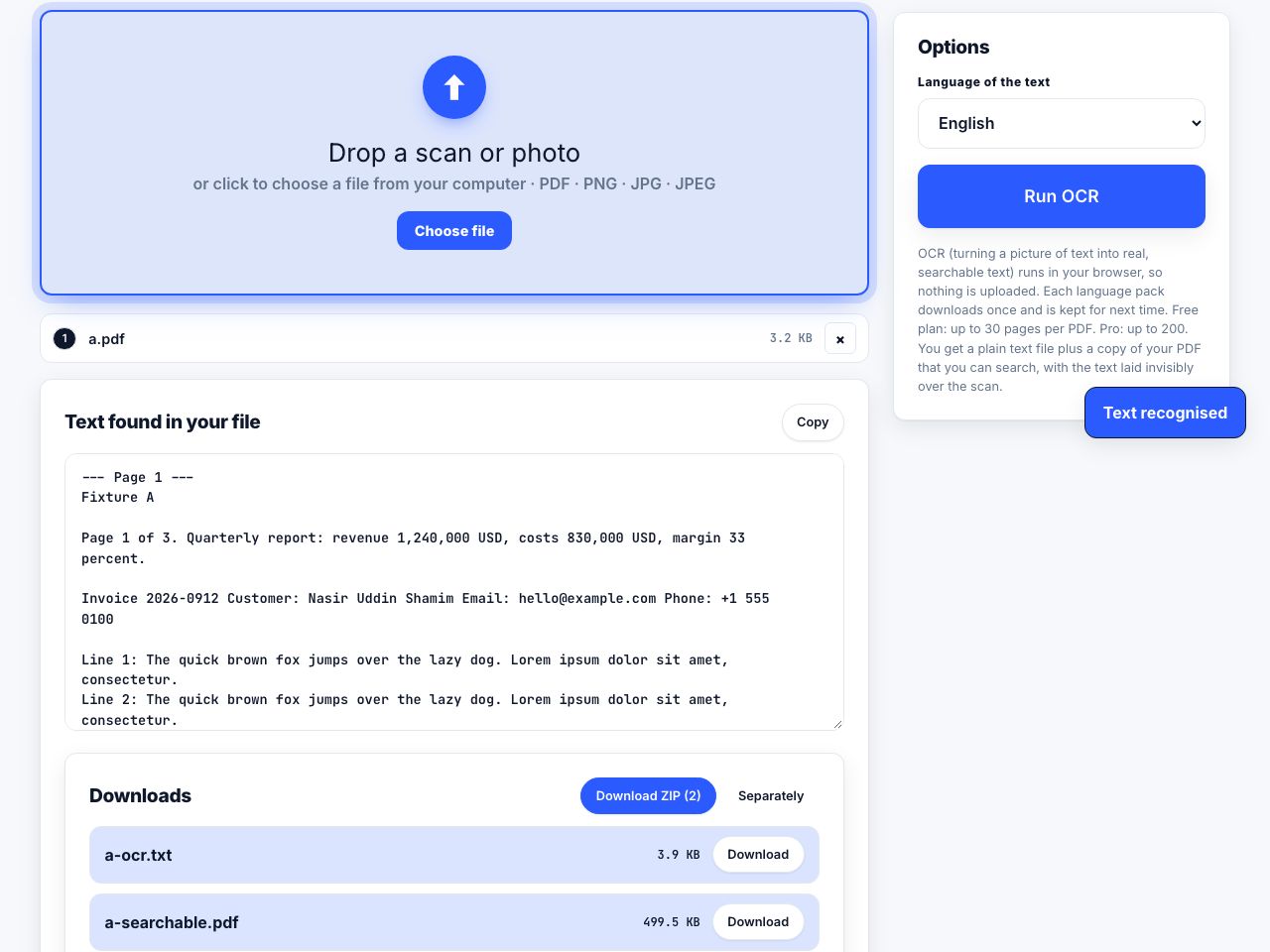
OCR converts the pixels of a scanned page into machine-readable characters and stores them as an invisible text layer aligned with the image. The page still looks identical, but it becomes searchable, selectable and copyable. Accuracy runs above 98 percent on clean 300 DPI print and far lower on handwriting.
A scanned page is a photograph. Your computer sees a grid of grey pixels where you see a sentence, which is why Ctrl+F finds nothing and copy-paste returns an empty clipboard. Optical character recognition reads those pixels and works out which letters they represent, then writes the result back into the file as an invisible text layer sitting exactly on top of the image. These guides cover running OCR on a PDF, pulling text out of photos and screenshots, testing whether a file is searchable, and rescuing bad scans.
Every guide in this topic
How to OCR a scanned PDF so you can search it
Run the PDF through an OCR tool, choose the language of the document, and export. The tool reads each page image, recognises the characters, and writes them back as an invisible text layer positioned over the picture. The page looks unchanged but becomes searchable, selectable and copyable.

How to extract text from an image or photo
On a Mac or iPhone, select the text directly in the image using Live Text. On Windows 11, open the screenshot in Snipping Tool and use Text actions. Anywhere else, right-click the image in Chrome and choose Search with Google Lens, then copy the text it detects.
How to tell if a PDF is searchable, and make it so
Press Ctrl+F and search for a word you can see on the page. If it is not found, try to select the text with your mouse. If the cursor only draws a rectangle instead of highlighting words, the PDF is image-only and needs OCR to become searchable.

How to get better OCR results from bad scans
Scan at 300 DPI, straighten the page to within half a degree, raise the contrast until the paper is white and the ink black, process one column at a time, and select only the language actually present. Input quality dominates every engine setting you can change afterwards.

Scan paper to searchable PDF: capture, OCR and verify
To make scanned paper searchable, capture clear pages, place them in a PDF, run OCR to add a text layer, and test search and copy on the output. OCR can misread small, skewed, faint or handwritten text, so compare important names, numbers and dates with the page image before using the recognized text.
Tools for this job
OCR PDF
Make scans searchable
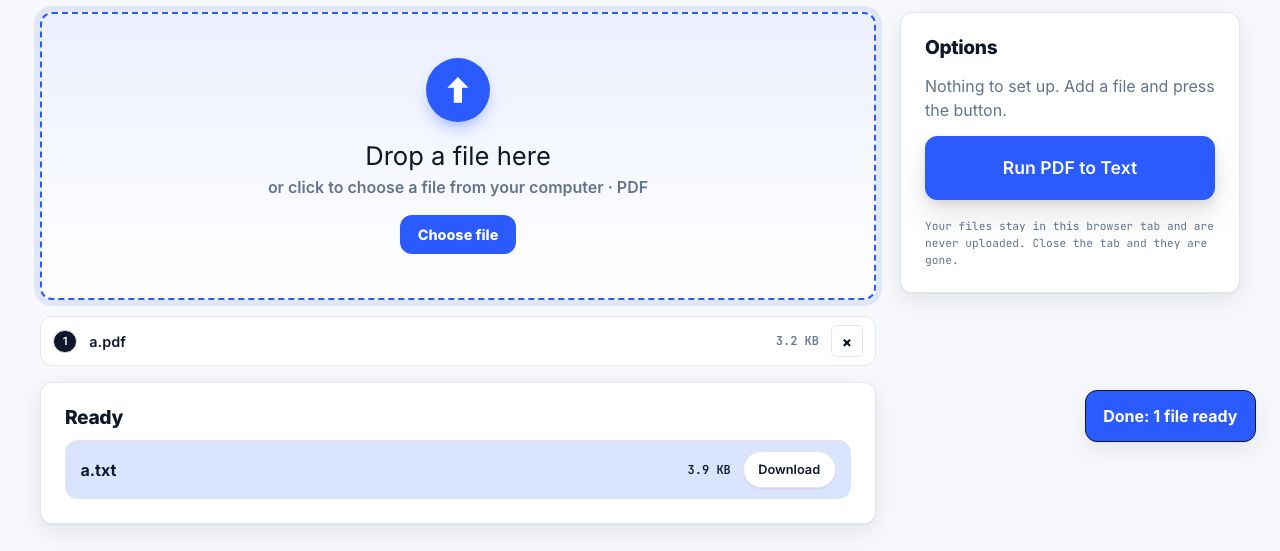
PDF to Text
Copy out all the text
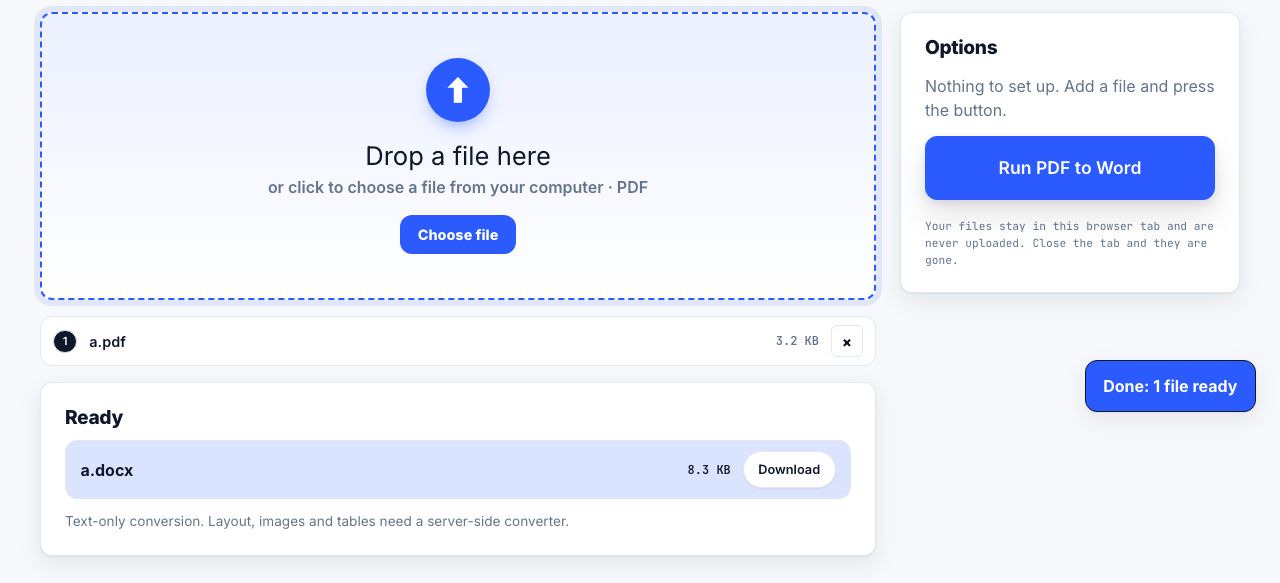
PDF to Word
PDF → Word
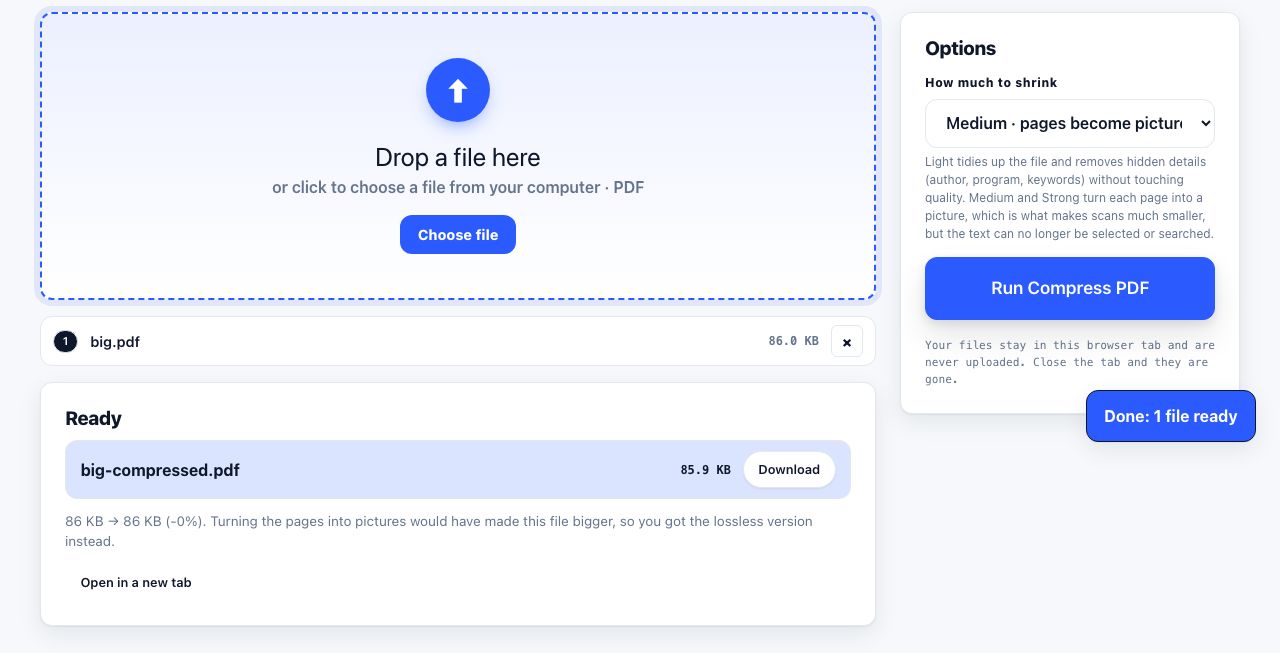
Compress PDF
Shrink the file size
See the recommended tools in action
Other topics
Printing web pages
Print any web page without ads, sidebars or menus. Reader mode, print preview, browser settings and a free tool that cleans the page in your browser.
Saving web pages as PDF
Save any web page as a PDF in Chrome, Safari, Firefox, Edge, iPhone or Android. Print-to-PDF, full-page screenshots, and archiving that survives link rot.
Merging PDF files
Combine PDFs into one file for free. Drag to set the page order, mix in JPG and PNG images, keep bookmarks, and merge without Adobe Acrobat on Windows or Mac.
Splitting and extracting PDF pages
Split a PDF into single pages or custom ranges, extract only the pages you need, delete the rest, and cut a big file down to fit an email attachment limit.
Compressing PDF files
Compare three PDF compression presets, keep text searchable when needed, and learn when to split a large file or use a sharing link.
Converting PDF to other formats
How to get a PDF back into an editable format: Word, Excel, plain text and slides, what each conversion really preserves, and when the answer is to retype.