How to make focused, safe PDF edits
 By Nasir Uddin Shamim6 guides
For focused PDF changes, keep the source, make the smallest necessary edit, download a separate copy, and inspect the affected pages. Use source documents for major rewrites and separate redaction tools for content that must be removed.
These guides explain how to make small, deliberate changes to a PDF while keeping the original intact and checking the results before delivery.
Every guide in this topic
How to edit a PDF without Adobe for free
You can edit a PDF without Adobe by using a browser-based editor for focused changes, then downloading and reviewing a separate copy. PrintxPDF lets you make standard PDF edits in your browser without signup or a watermark, then download and inspect a separate copy. PDF editing works best for targeted changes; use the original source document for major reflow or layout work.
How to change text in a PDF without changing layout
To change PDF text without disrupting layout, make only a short targeted correction and check the surrounding line, fonts, and page after export. PrintxPDF lets you make standard PDF edits in your browser without signup or a watermark, then download and inspect a separate copy. PDF editing works best for targeted changes; use the original source document for major reflow or layout work.
How to edit a PDF before sending it to a client
Before sending an edited PDF to a client, retain the original, make the smallest needed change, inspect the full result, and send only the approved version. PrintxPDF lets you make standard PDF edits in your browser without signup or a watermark, then download and inspect a separate copy. PDF editing works best for targeted changes; use the original source document for major reflow or layout work.
How to convert PDF to Word without losing text
To convert PDF text to Word, use a text-based source, create a DOCX, then compare important paragraphs with the PDF. A PDF to Word conversion preserves editable text more reliably than layout, tables, columns, and images.
How to convert a scanned PDF to editable Word
To make a scanned PDF editable in Word, OCR a working copy first, then convert the recognized text to DOCX and verify it against the scanned pages. Handwriting, small print, and complex layouts need careful checking.
How to change a PDF author, title, and keywords
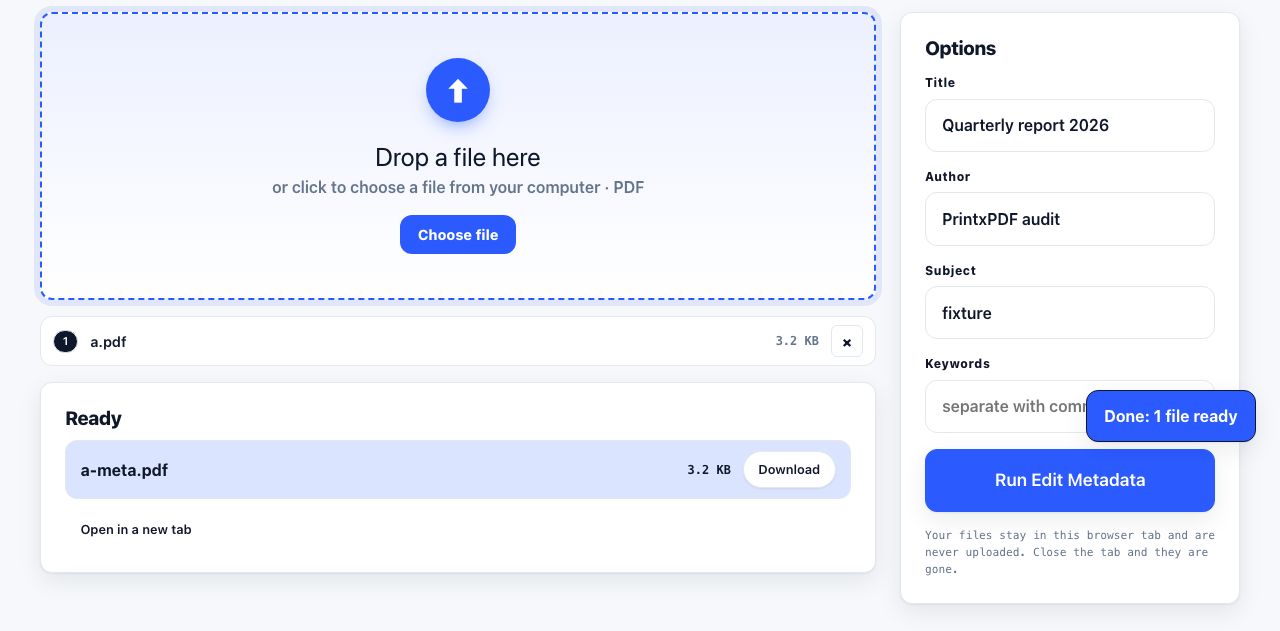
To change PDF metadata, open a copy in a metadata editor, replace the title, author, subject, or keywords, download the updated file, and verify the visible document remains correct. PrintxPDF edits standard PDF metadata locally in your browser without signup or a watermark.
Tools for this job
Edit PDF
Add text, pictures, shapes
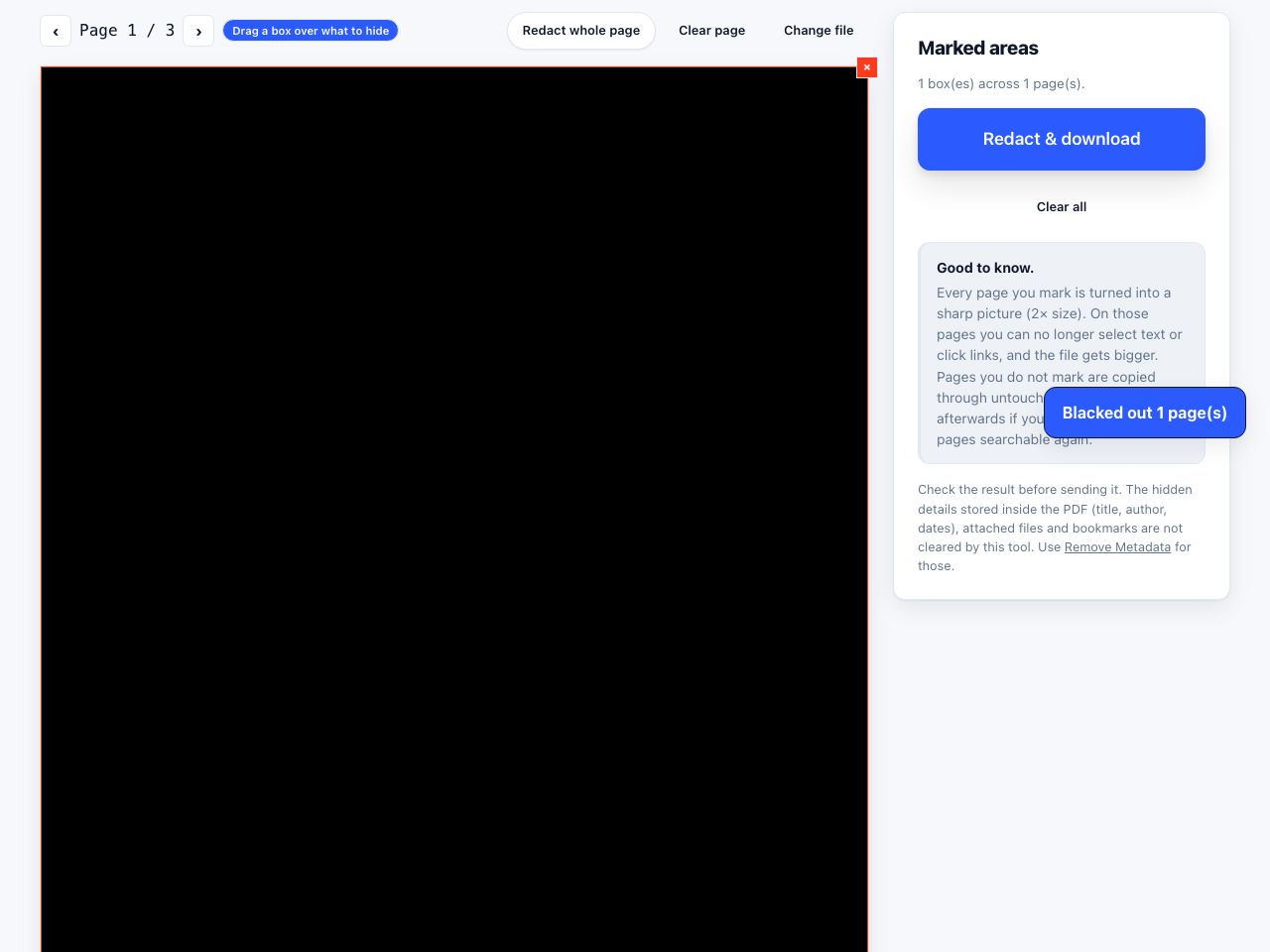
Redact PDF
Black out text for good
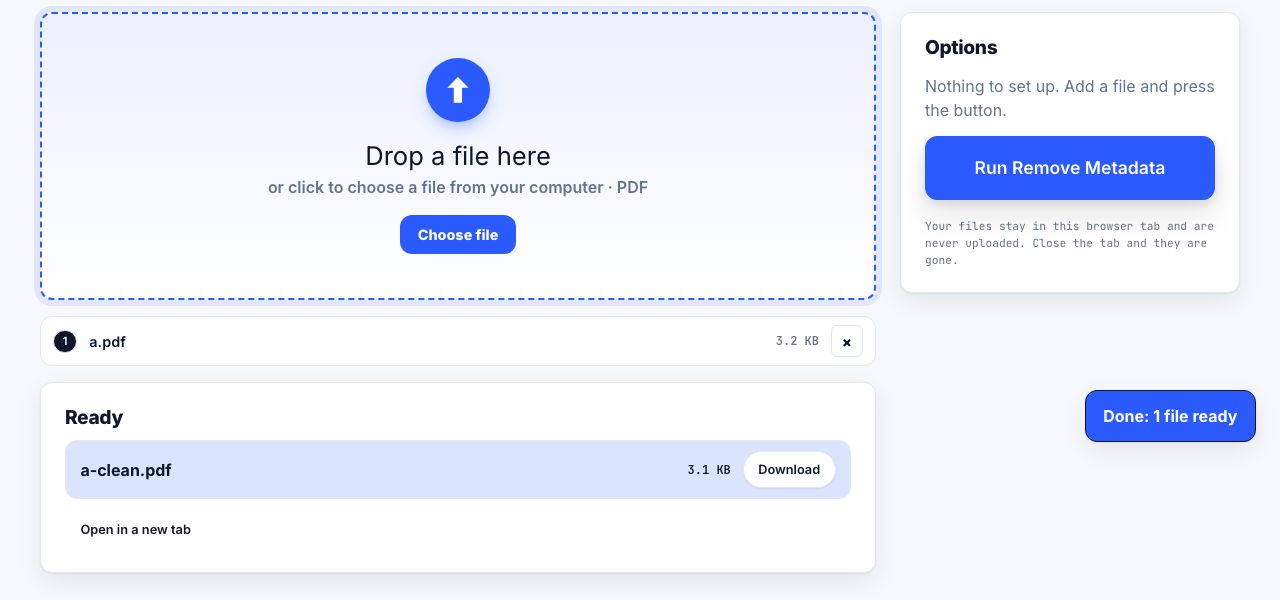
Remove Metadata
Clear PDF properties and document XMP
Compare PDFs
See what changed
Edit Metadata
Change title, author, keywords
See the recommended tools in action


Other topics
Printing web pages
Print any web page without ads, sidebars or menus. Reader mode, print preview, browser settings and a free tool that cleans the page in your browser.
Saving web pages as PDF
Save any web page as a PDF in Chrome, Safari, Firefox, Edge, iPhone or Android. Print-to-PDF, full-page screenshots, and archiving that survives link rot.
Merging PDF files
Combine PDFs into one file for free. Drag to set the page order, mix in JPG and PNG images, keep bookmarks, and merge without Adobe Acrobat on Windows or Mac.
Splitting and extracting PDF pages
Split a PDF into single pages or custom ranges, extract only the pages you need, delete the rest, and cut a big file down to fit an email attachment limit.
Compressing PDF files
Compare three PDF compression presets, keep text searchable when needed, and learn when to split a large file or use a sharing link.
Converting PDF to other formats
How to get a PDF back into an editable format: Word, Excel, plain text and slides, what each conversion really preserves, and when the answer is to retype.