Print buttons, print stylesheets and printer-friendly pages
 By Nasir Uddin Shamim5 guides
Give readers a print button and a print stylesheet. The button is a plain HTML anchor or a button calling window.print(), placed near the article title. The stylesheet hides navigation, resets the layout to a single column, sets @page margins, controls page breaks and prints link URLs so the paper copy stands on its own.
Readers still print. Recipes go on the counter, itineraries go in a pocket, order confirmations go in a folder, and documentation goes next to the keyboard. Almost none of that is designed for: most sites ship no print stylesheet at all, so the nav bar takes the first sheet and the article arrives in fragments. These four guides cover the two halves of the fix, a button people can find, and a stylesheet that makes the button worth pressing.
Every guide in this topic
How to add a print button to WordPress
The quickest route is a Custom HTML block containing a single anchor tag, which works on any theme with no plugin. For a button on every post, register a shortcode in a child theme or site-specific plugin and append it with the_content filter. WooCommerce order pages need window.print() instead, because they are login-gated.
How to write a print stylesheet that actually works
Wrap print rules in @media print, hide navigation and widgets, reset the article container to a single block-level column, set margins with @page, and control pagination with break-inside: avoid on figures and break-after: avoid on headings. Ship the legacy page-break-* aliases alongside the modern properties, because engines still disagree.
How to make your website printer-friendly
Open your own pages in print preview and fix what you see: hide navigation and widgets, override dark-mode colours, expand link URLs, keep tables and figures whole, load lazy images, and print the page title, URL and date. Most sites fail because nobody has ever looked at the preview.

How to add a print or PDF button to any website
Paste a single anchor tag that opens the current URL in a printer-friendly view, or a button element calling window.print(). Both are a few lines of plain HTML and work in any CMS or static site. Hide the button in @media print, and use the anchor form inside Wix, where embeds are iframes.

How to repurpose a PDF for accessible publishing formats
Start with a PDF you own or are licensed to adapt, decide which audience needs a spreadsheet, slide deck or reflowable ebook, and convert only the content that fits that format. Review reading order, tables and images, add accessibility structure in the destination format, and keep the source PDF. Some conversion tools upload files to the server.
Tools for this job
See the recommended tools in action
Other topics
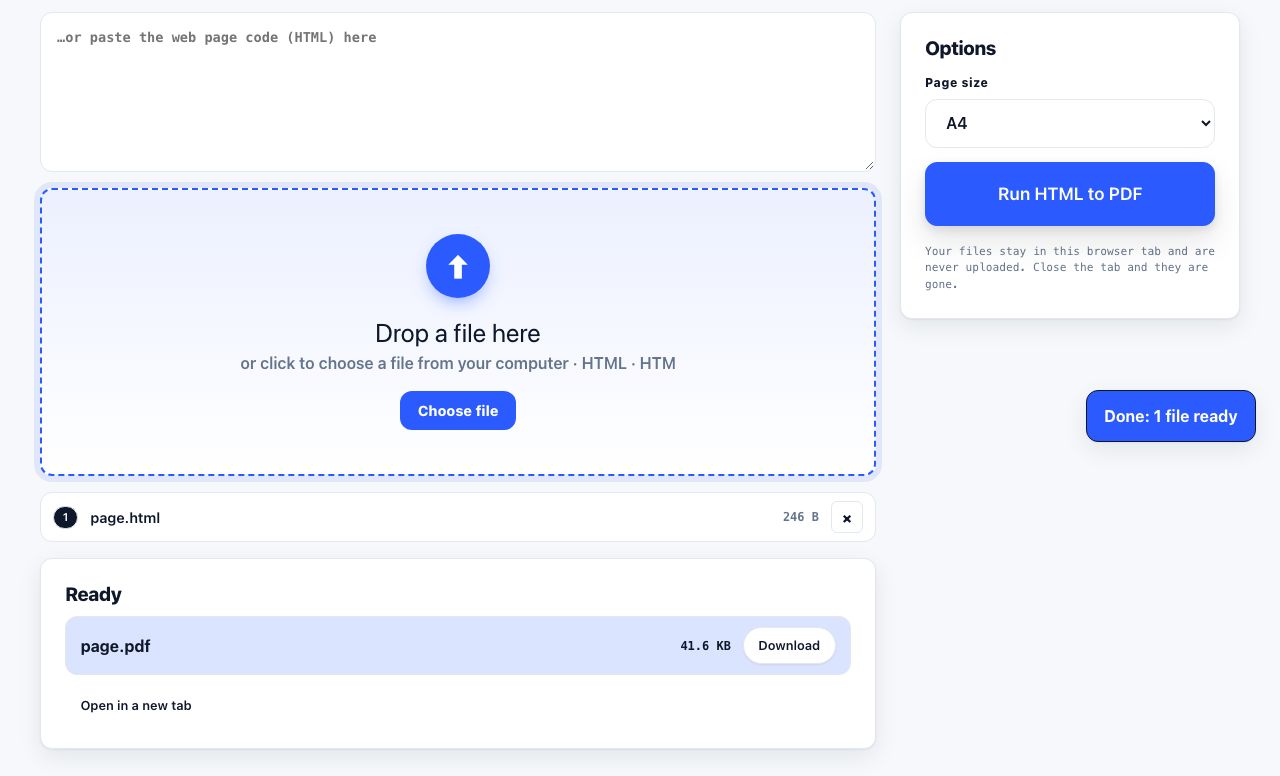
Printing web pages
Print any web page without ads, sidebars or menus. Reader mode, print preview, browser settings and a free tool that cleans the page in your browser.
Saving web pages as PDF
Save any web page as a PDF in Chrome, Safari, Firefox, Edge, iPhone or Android. Print-to-PDF, full-page screenshots, and archiving that survives link rot.
Merging PDF files
Combine PDFs into one file for free. Drag to set the page order, mix in JPG and PNG images, keep bookmarks, and merge without Adobe Acrobat on Windows or Mac.
Splitting and extracting PDF pages
Split a PDF into single pages or custom ranges, extract only the pages you need, delete the rest, and cut a big file down to fit an email attachment limit.
Compressing PDF files
Compare three PDF compression presets, keep text searchable when needed, and learn when to split a large file or use a sharing link.
Converting PDF to other formats
How to get a PDF back into an editable format: Word, Excel, plain text and slides, what each conversion really preserves, and when the answer is to retype.