Webpage won’t print? Fix blank pages, missing images and tiny text

Most web page printing problems come from three causes: the page is wider than the paper, background graphics are disabled, or the site has no print stylesheet. Fix them by switching to landscape, lowering the scale to 80 percent, enabling background graphics, or printing through a printer-friendly view.
See the tools in action
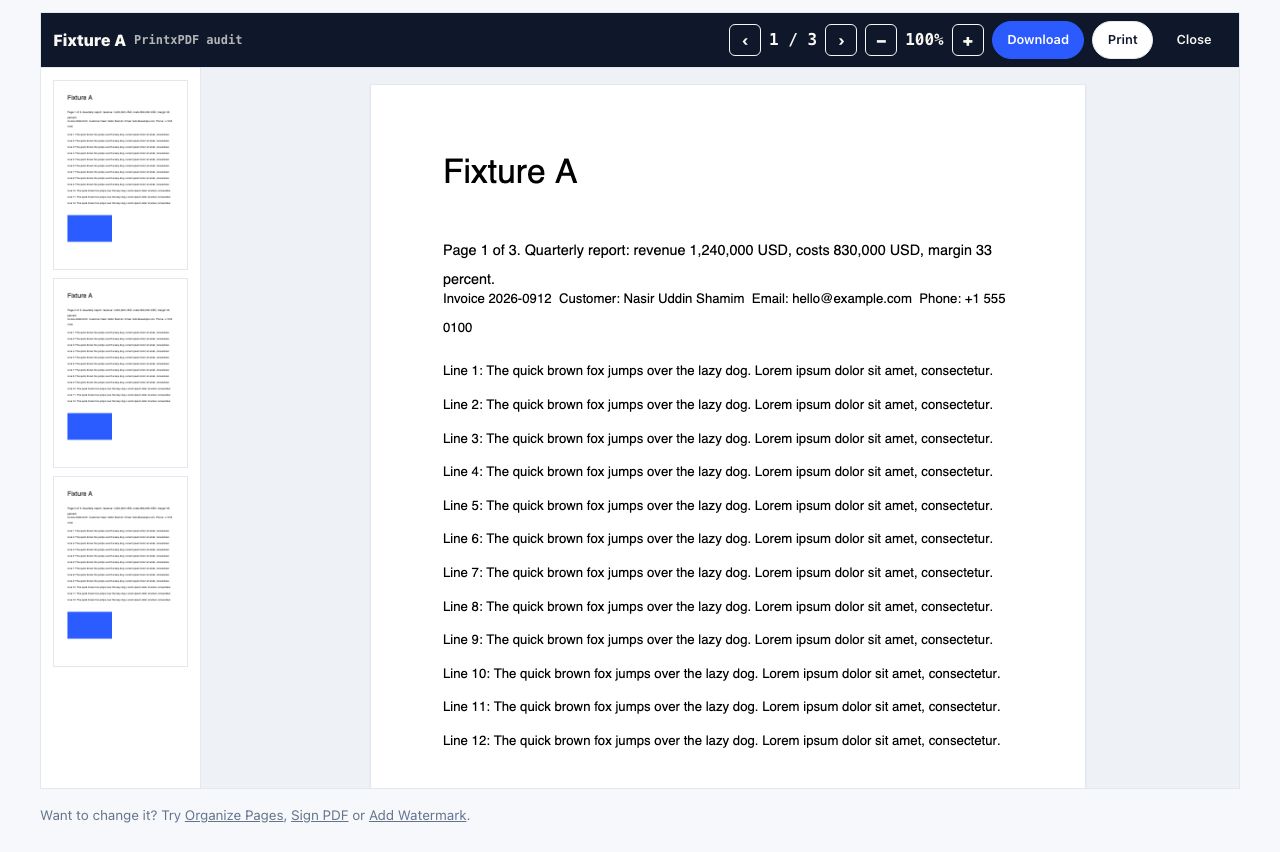
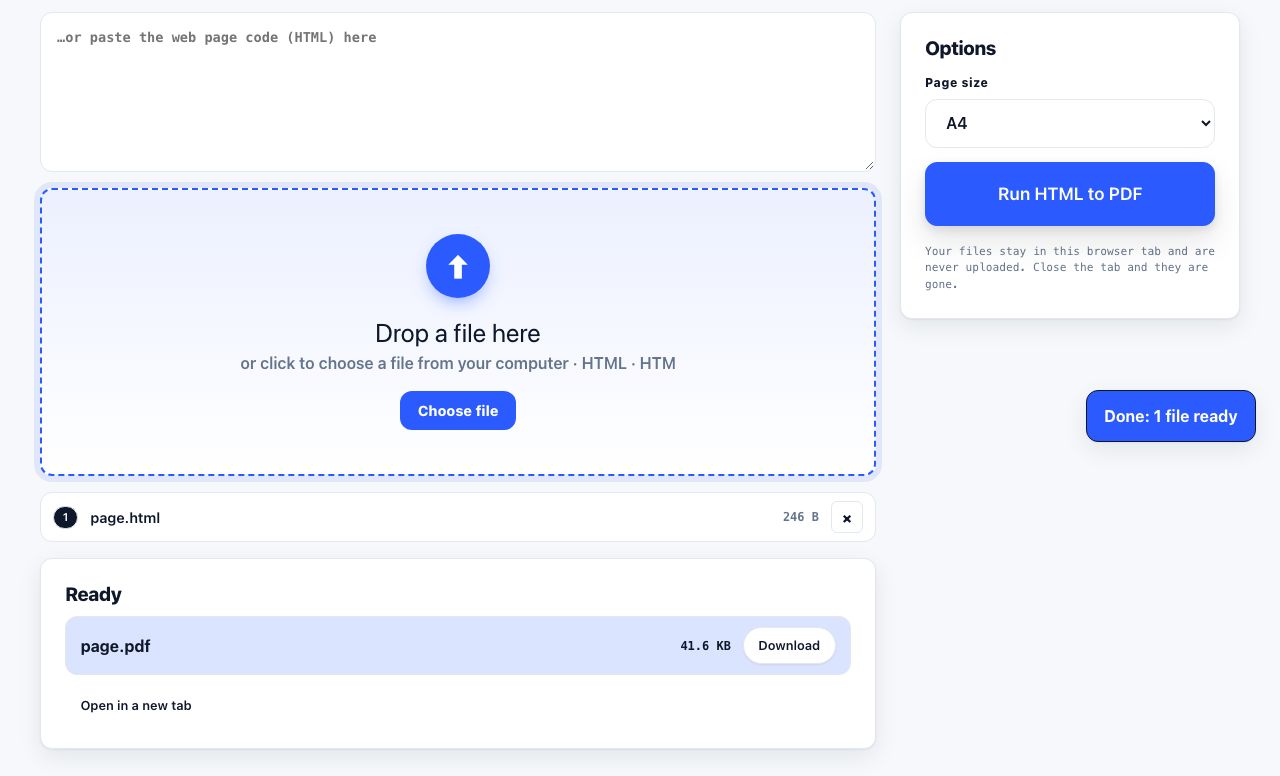
Print preview is the diagnostic tool here. Almost every problem below is visible before you waste a sheet, so always look at the preview first.
Text is cut off on the right side
The page layout is wider than your paper. Three fixes, in order of preference: switch Layout to Landscape; reduce Scale to 80 or 70 percent; or use a printer-friendly view, which reflows the text to the paper width instead of cropping it. Wide data tables almost always need landscape.
Pages print blank, or mostly blank
Usually the content is inside a scrolling container or an iframe that the browser does not paginate. It can also happen when a site hides its content behind a @media print { display: none } rule, which some publishers use to push you towards a paid print service. A cleaner extracts the text from the page source, so it prints regardless.
Images are missing from the printout
Two separate causes:
- Background graphics are off. If the image is a CSS background rather than an
<img>tag, it will not print until you tick "Background graphics" in More settings. This also brings back colour blocks, so expect more ink. - Lazy loading. Images below the fold never loaded because you never scrolled there. Scroll the whole page to the bottom before printing so every image is fetched.
Everything prints in a tiny font
The site set a small print font size, or your scale is stuck below 100 percent from a previous job. Reset Scale to Default, then use a printer-friendly view where you can set text to Large or XL explicitly.
Nine pages for a 600-word article
This is the classic complaint and it is what printer-friendly tools exist for. See how to print a web page without ads for the full method. In the browser alone, the quickest partial fix is to look at the preview, identify the two or three pages holding your content, and print only that range.
Links print as unreadable blue underlined text
On paper, a link is just decoration unless the URL is visible. In a printer-friendly view you can choose to strip link styling entirely, or to print each URL in brackets after the link text so a reader can type it in. The second option is useful for reference material and academic printouts.
Headers and footers add junk to every page
Your browser, not the site, adds the page title, URL, date and page numbers. Turn off Headers and footers in More settings. Note that this also removes page numbers, so for a long document you may prefer to keep them, or add proper page numbers to a PDF instead.
The print dialog opens then immediately closes
A script on the page is calling window.print() and then navigating. Save the page first (Ctrl+S, "Web page, HTML only"), open the saved file, and print from there. Or paste the URL into a cleaner, which never runs the page scripts.
A table splits awkwardly across pages
Rows break mid-cell because the browser has nowhere better to split. Landscape orientation plus a scale reduction usually fits the table on one page. If it is genuinely long, converting to a PDF and then splitting by page range gives you cleaner control.
Colours look wrong or too dark
Screens are backlit, paper is not, so mid-grey text on a white screen becomes muddy on paper. Print in black and white (greyscale) for text documents, which is also faster and cheaper. See saving ink.
A quick checklist
- Open print preview before anything else.
- Scroll the whole page first so lazy images load.
- Turn off headers and footers.
- Try landscape for anything with a table.
- Set scale to 80 percent as a first attempt at fitting more per page.
- If the preview is still a mess, stop and use a printer-friendly view.
Got a PDF that prints badly? Open it in the reader and check the page size first.
PDF Reader →Frequently asked questions
Why does my web page print differently than it looks on screen?
Browsers apply a separate print stylesheet, so colours, columns and sizes can all change. Print preview shows the real result. Sites that never tested their print stylesheet produce the worst mismatches.
How do I stop a web page from printing extra blank pages at the end?
A trailing element such as a tall footer or an empty container pushes an extra page. Set the print range to exclude the last page, or delete the footer in a printer-friendly view before printing.
Why is my printout missing the last few lines of text?
The content sits inside a fixed-height scrolling box, so only the visible portion prints. Extract the text with a printer-friendly tool, which ignores the container height.
Can I make a web page print in black and white only?
Yes. Choose greyscale or "Black and white" in your printer settings, not the browser. On some printers this is under "Color" in the system print dialog.