PDF page and editing workflows
 By Nasir Uddin Shamim12 guides
Use the correct focused tool, keep the source, review the output, and share only the approved copy.
Question-led guides for pdf page and editing workflows, with clear actions, privacy context, and review steps.
Every guide in this topic

How to insert pages into a PDF
How to insert pages into a PDF starts by keeping the source file, using the right focused tool, checking the resulting copy, and sharing only the reviewed version. PrintxPDF provides this standard workflow with free core tools, no signup, no watermark, and local browser processing where the tool is labelled browser-local.

How to reorder scanned PDF pages
How to reorder scanned PDF pages starts by keeping the source file, using the right focused tool, checking the resulting copy, and sharing only the reviewed version. PrintxPDF provides this standard workflow with free core tools, no signup, no watermark, and local browser processing where the tool is labelled browser-local.

How to add a cover page to a PDF
How to add a cover page to a PDF starts by keeping the source file, using the right focused tool, checking the resulting copy, and sharing only the reviewed version. PrintxPDF provides this standard workflow with free core tools, no signup, no watermark, and local browser processing where the tool is labelled browser-local.

How to remove blank PDF pages
How to remove blank PDF pages starts by keeping the source file, using the right focused tool, checking the resulting copy, and sharing only the reviewed version. PrintxPDF provides this standard workflow with free core tools, no signup, no watermark, and local browser processing where the tool is labelled browser-local.

How to rotate a scanned PDF correctly
How to rotate a scanned PDF correctly starts by keeping the source file, using the right focused tool, checking the resulting copy, and sharing only the reviewed version. PrintxPDF provides this standard workflow with free core tools, no signup, no watermark, and local browser processing where the tool is labelled browser-local.

How to crop a PDF for binding
How to crop a PDF for binding starts by keeping the source file, using the right focused tool, checking the resulting copy, and sharing only the reviewed version. PrintxPDF provides this standard workflow with free core tools, no signup, no watermark, and local browser processing where the tool is labelled browser-local.

How to compare final PDF contract versions
How to compare final PDF contract versions starts by keeping the source file, using the right focused tool, checking the resulting copy, and sharing only the reviewed version. PrintxPDF provides this standard workflow with free core tools, no signup, no watermark, and local browser processing where the tool is labelled browser-local.

How to extract an appendix from a PDF
How to extract an appendix from a PDF starts by keeping the source file, using the right focused tool, checking the resulting copy, and sharing only the reviewed version. PrintxPDF provides this standard workflow with free core tools, no signup, no watermark, and local browser processing where the tool is labelled browser-local.

How to combine PDF exhibits
How to combine PDF exhibits starts by keeping the source file, using the right focused tool, checking the resulting copy, and sharing only the reviewed version. PrintxPDF provides this standard workflow with free core tools, no signup, no watermark, and local browser processing where the tool is labelled browser-local.

How to add a revision label to a PDF
How to add a revision label to a PDF starts by keeping the source file, using the right focused tool, checking the resulting copy, and sharing only the reviewed version. PrintxPDF provides this standard workflow with free core tools, no signup, no watermark, and local browser processing where the tool is labelled browser-local.

How to page-number PDF exhibits
How to page-number PDF exhibits starts by keeping the source file, using the right focused tool, checking the resulting copy, and sharing only the reviewed version. PrintxPDF provides this standard workflow with free core tools, no signup, no watermark, and local browser processing where the tool is labelled browser-local.

How to split a PDF by chapters
How to split a PDF by chapters starts by keeping the source file, using the right focused tool, checking the resulting copy, and sharing only the reviewed version. PrintxPDF provides this standard workflow with free core tools, no signup, no watermark, and local browser processing where the tool is labelled browser-local.
Tools for this job
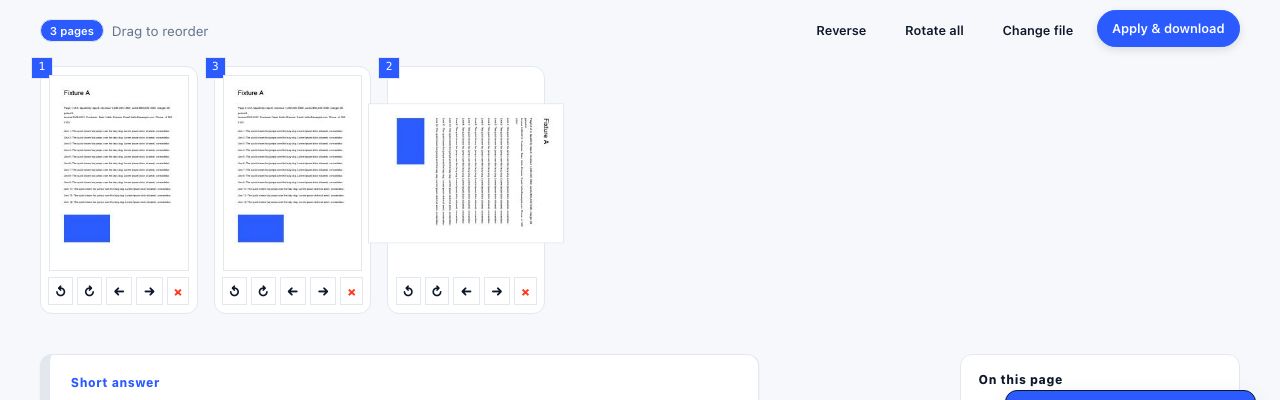
Organize Pages
Reorder, rotate, delete pages
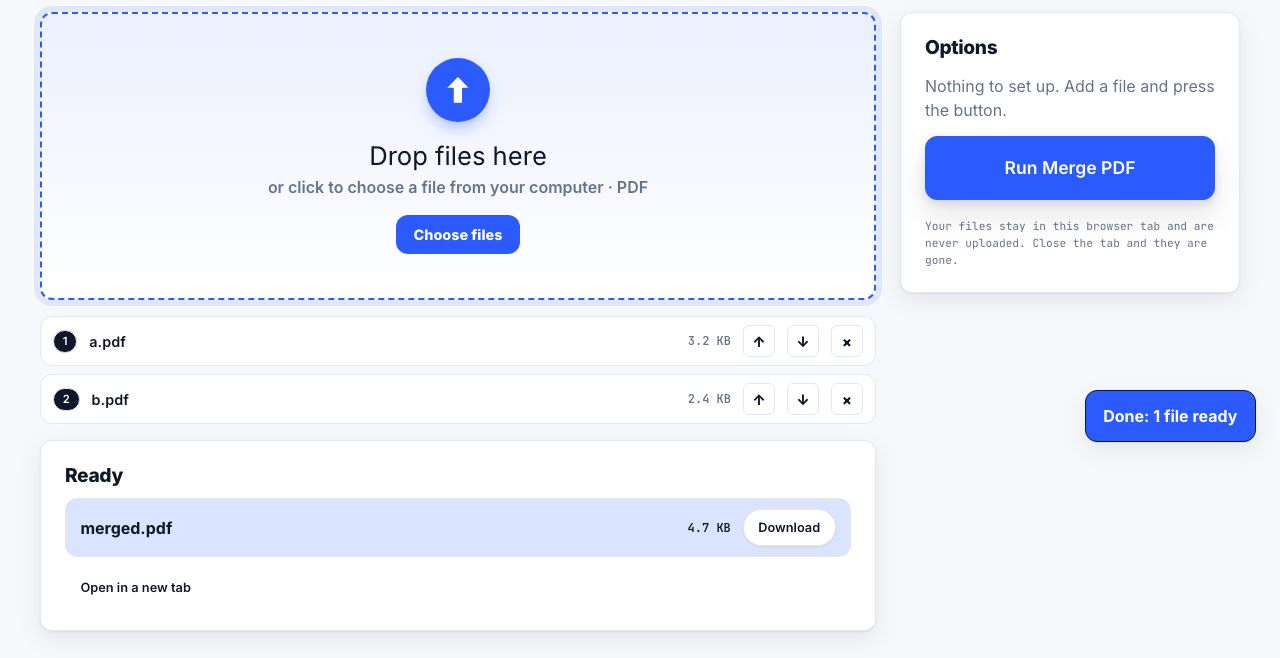
Merge PDF
Combine files into one
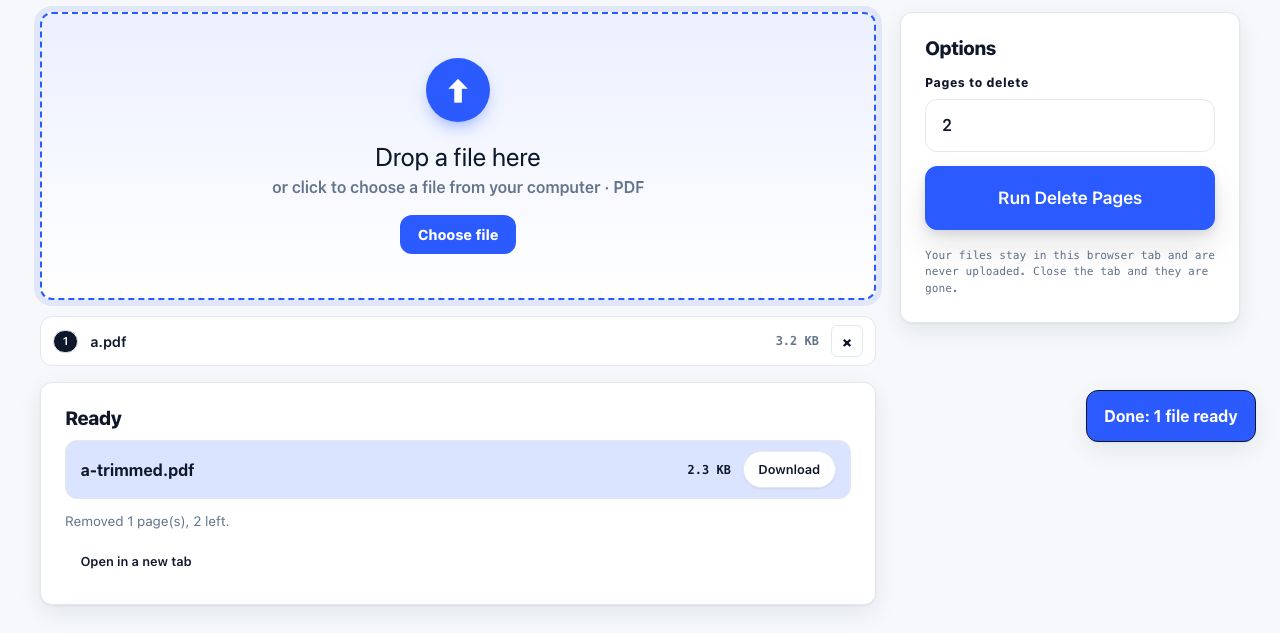
Delete Pages
Remove pages by number
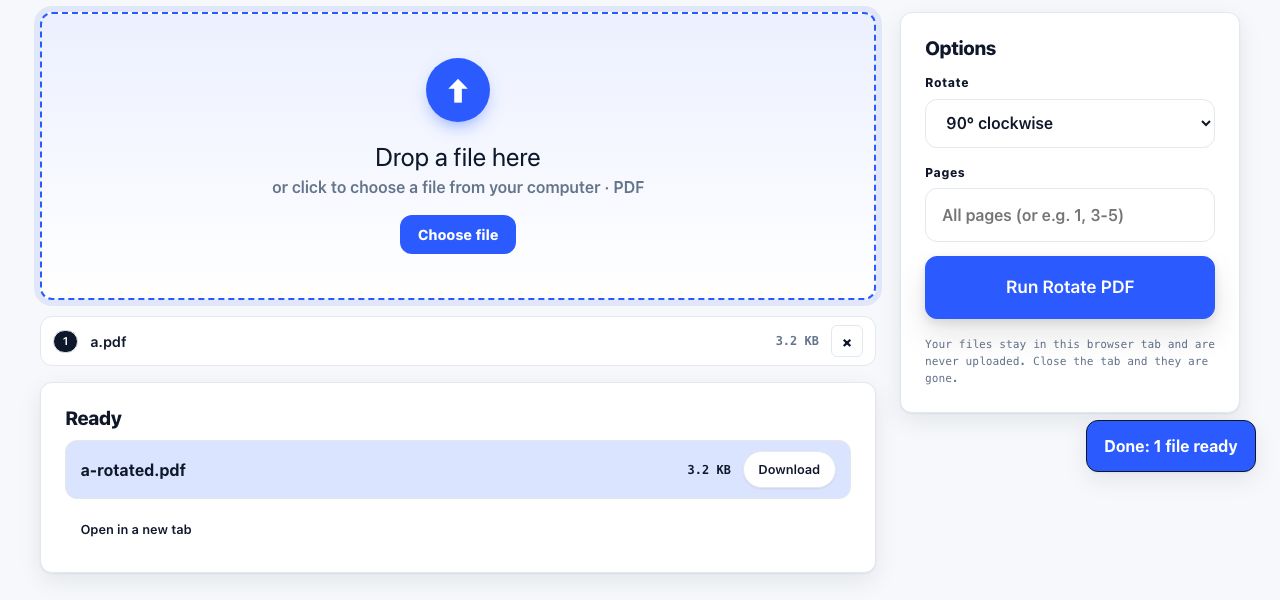
Rotate PDF
Turn pages the right way up
Crop PDF
Trim the margins
Compare PDFs
See what changed
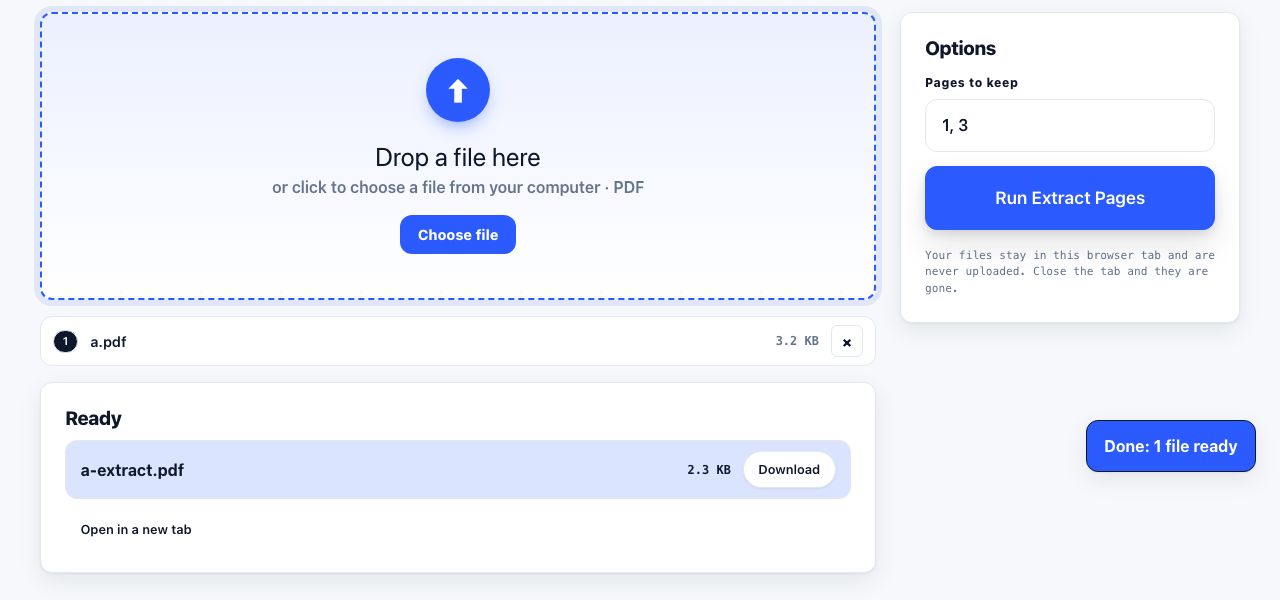
Extract Pages
Keep only the pages you need
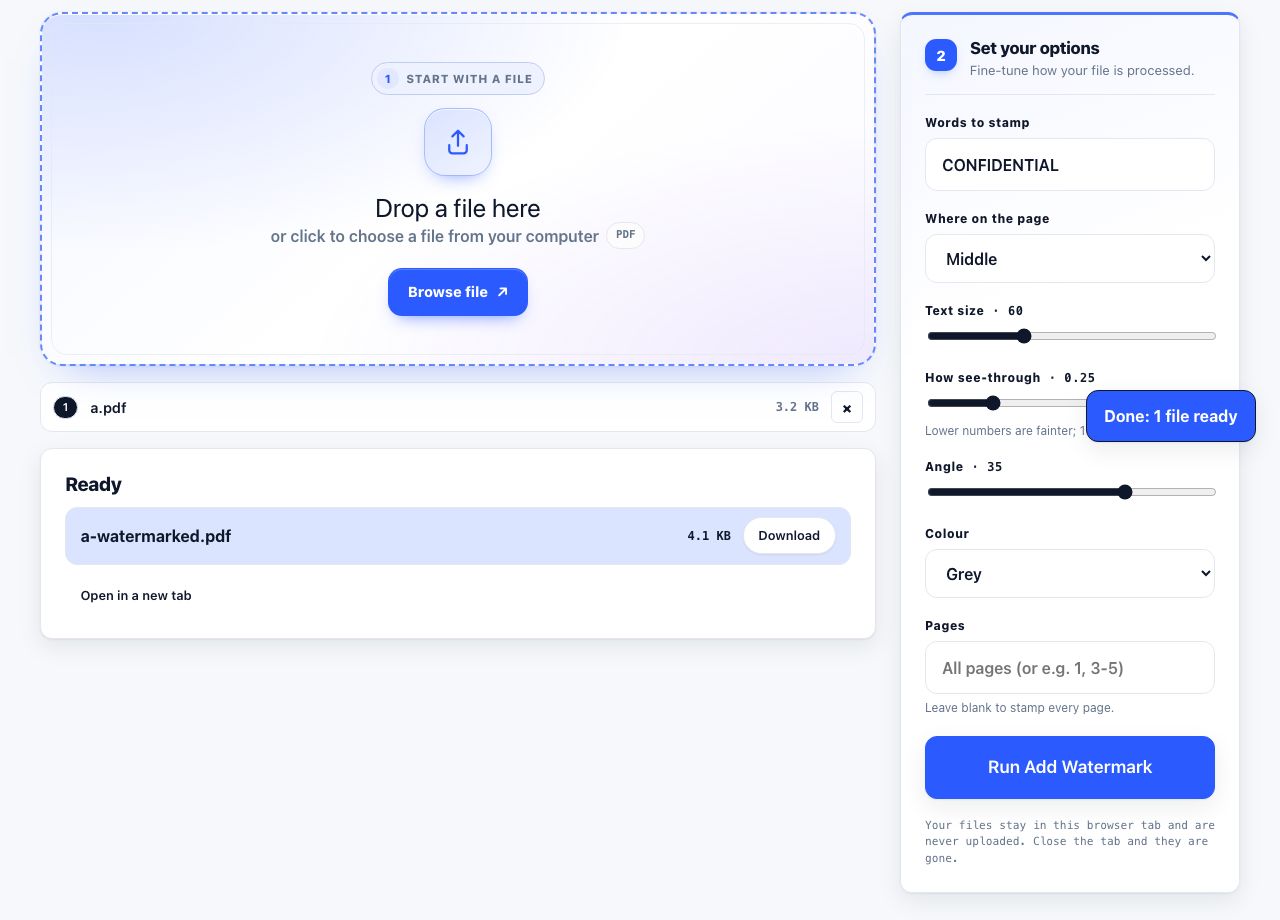
Add Watermark
Stamp text across pages
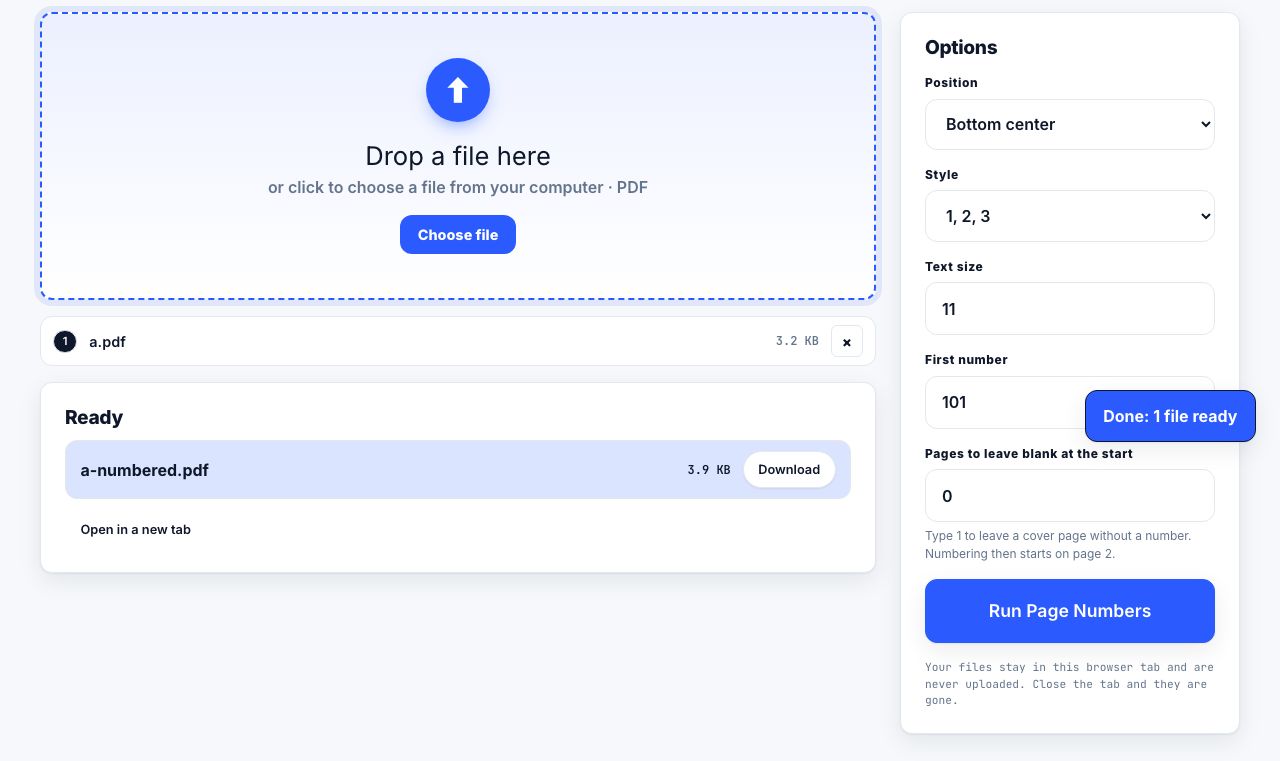
Page Numbers
Add page numbers
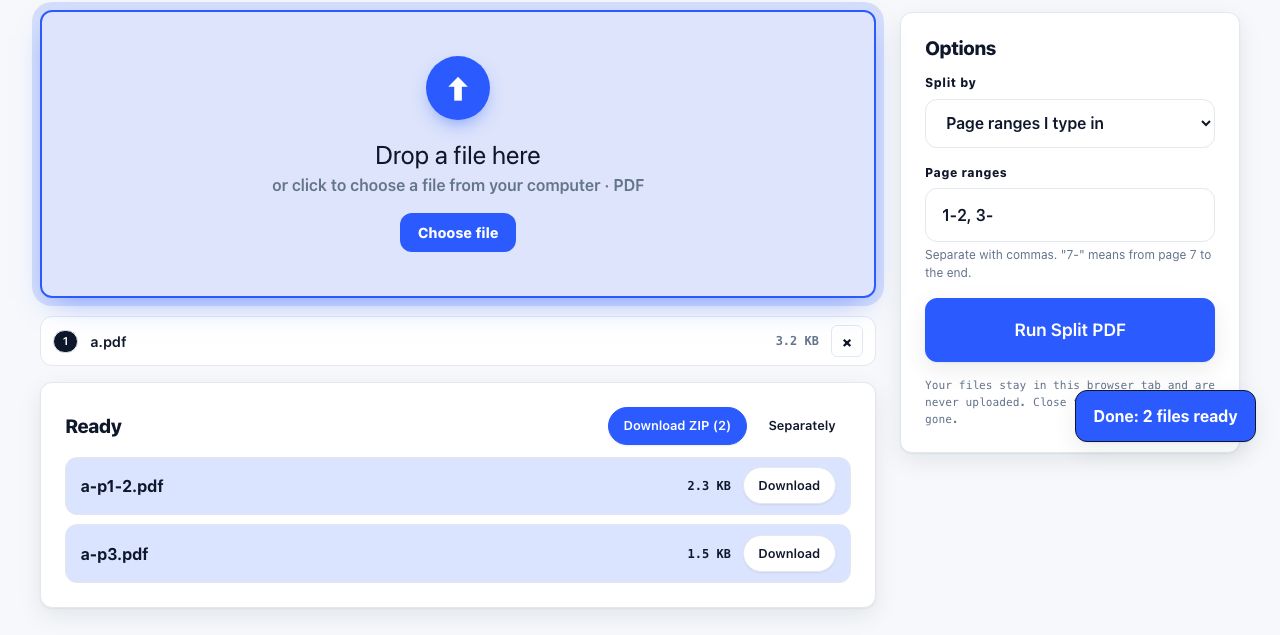
Split PDF
Break one PDF into several
See the recommended tools in action


Other topics
Printing web pages
Print any web page without ads, sidebars or menus. Reader mode, print preview, browser settings and a free tool that cleans the page in your browser.
Saving web pages as PDF
Save any web page as a PDF in Chrome, Safari, Firefox, Edge, iPhone or Android. Print-to-PDF, full-page screenshots, and archiving that survives link rot.
Merging PDF files
Combine PDFs into one file for free. Drag to set the page order, mix in JPG and PNG images, keep bookmarks, and merge without Adobe Acrobat on Windows or Mac.
Splitting and extracting PDF pages
Split a PDF into single pages or custom ranges, extract only the pages you need, delete the rest, and cut a big file down to fit an email attachment limit.
Compressing PDF files
Compare three PDF compression presets, keep text searchable when needed, and learn when to split a large file or use a sharing link.
Converting PDF to other formats
How to get a PDF back into an editable format: Word, Excel, plain text and slides, what each conversion really preserves, and when the answer is to retype.