How to remove a password from a PDF you own

If you own the PDF or have permission and know its password, open it with the password and use a PDF tool that supports unlocking to save an unprotected copy. An open password is different from restrictions on printing or editing. Do not try to bypass protection on files you are not authorized to access, and store the unlocked copy carefully.
See the tools in action
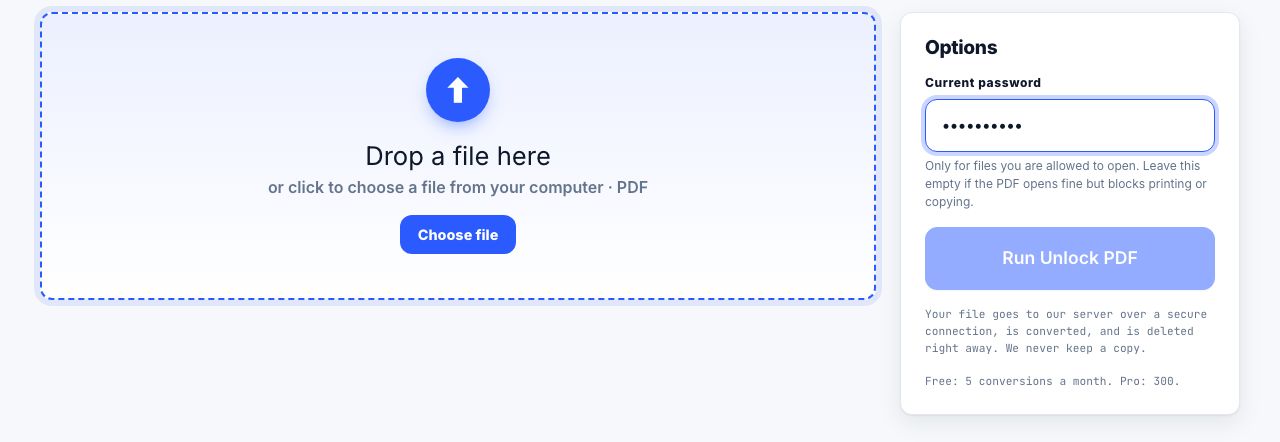
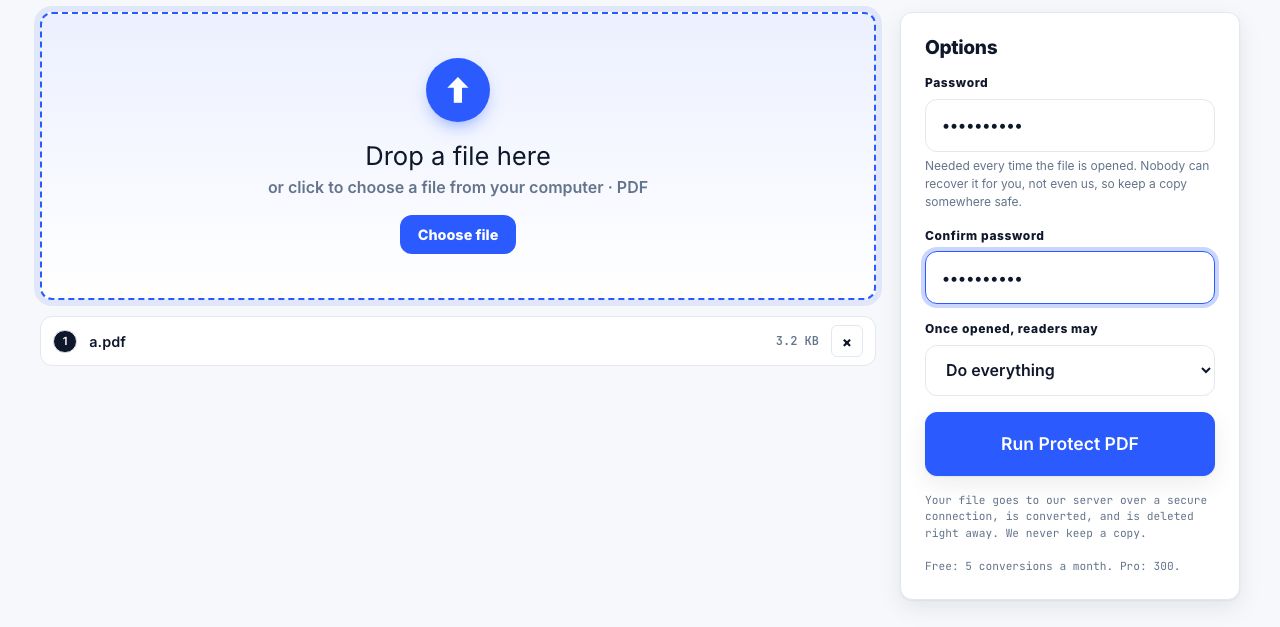
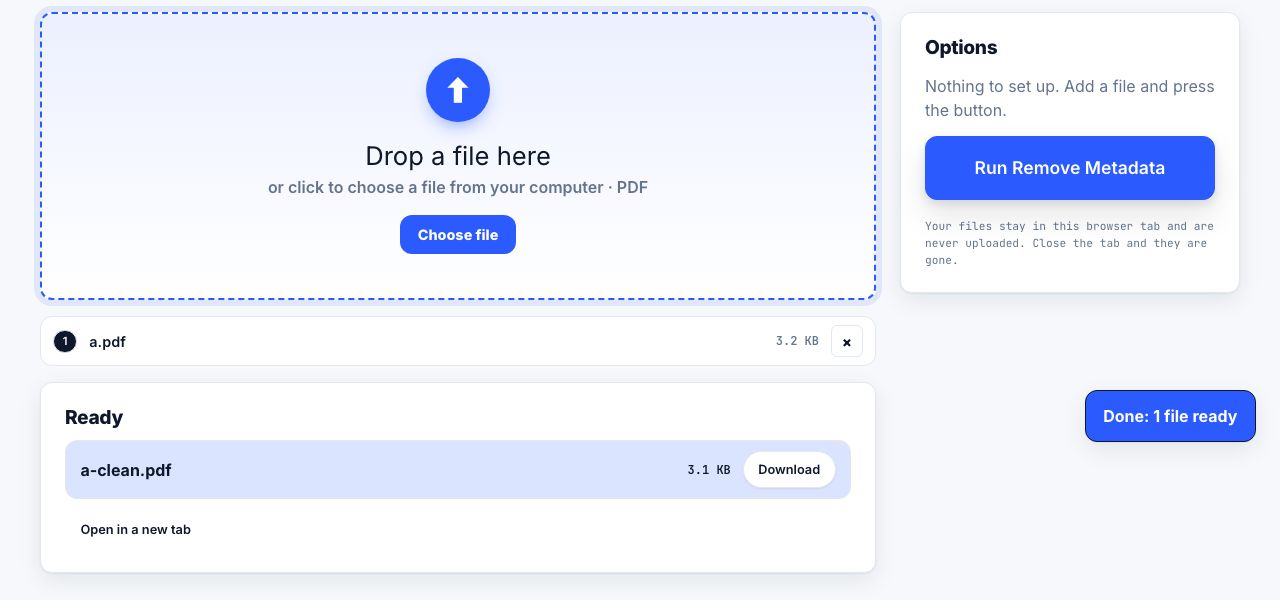
PDF security can require a password to open a file or apply restrictions after it opens. Those are different controls. This guide covers authorized removal when you know the password and have the right to make an unlocked copy.
Unlock a PDF when you know the password
- Confirm authorizationMake sure you own the file or the document owner has allowed you to remove its protection.
- Keep a protected originalDuplicate the file before changing security so you can return to the source if the copy is damaged or needed for records.
- Enter the current passwordOpen Unlock PDF, choose the file and enter the password you were given. The protected conversion runs on the server, so the file is uploaded for processing.
- Save and verify the unlocked copyDownload the output, reopen it and confirm the pages render. Store it in an access-controlled location and remove extra copies when they are no longer needed.
- Apply new protection if neededIf the file still needs confidentiality, create a new password-protected copy and share the password through a separate channel.
Unlock a PDF when you know its password and are authorized to change the file.
Unlock PDF →Open password and permissions are not the same
| Protection | What it does | What to do |
|---|---|---|
| Open password | Prevents opening without a secret | Ask the owner for the password; then make an authorized copy |
| Owner or permissions password | May restrict printing, copying or editing in compatible readers | Ask the owner for an unrestricted copy or the permissions password |
| Digital signature | Detects changes to the signed document | Do not modify the authoritative signed copy |
| DRM or managed document | May rely on an account, service or organization policy | Use the approved account or request access from the owner |
What if you do not know the password?
Ask the sender or document owner to provide the password or an authorized accessible copy. Check your password manager and the original message. A tool cannot legitimately recover a strong encryption secret from the PDF, and attempts to bypass controls may violate law, policy or someone else’s rights.
Removing protection creates a less restricted file. Avoid uploading confidential, regulated or client documents to a server unless your organization permits that service. This particular conversion is one of the site tools that sends the file to the PrintxPDF conversion service for processing.
For files you still intend to protect, see how PDF password protection works. Password protection is not a substitute for careful sharing or access controls.
After unlocking, confirm what protection was removed by closing the file and opening the downloaded copy again. Check whether printing or copying is now allowed only if you are authorized to change those permissions. A successful download does not make the document safe to share: the new copy may be readable by anyone who receives it. Use a clear filename that does not expose confidential details, store it only where intended, and delete temporary copies according to your organization rules. If the PDF is a signed record, preserve the signed original because an unlocked or otherwise modified copy can no longer prove the same signature state.
Frequently asked questions
Can I remove a PDF password without knowing it?
Do not bypass a password on a file unless you are authorized. Ask the owner for the password or an unrestricted copy. Strong encryption is designed so the secret cannot simply be read from the PDF.
Why does my PDF open but still block printing or copying?
It may have owner or permissions restrictions rather than an open password. Ask the owner for the permissions password or a version with the access you need.
Will removing a password invalidate a digital signature?
Changes to a signed document can invalidate or alter signature status. Preserve the original signed PDF and do not treat an unlocked copy as the authoritative signed record.
Is an unlocked PDF safe to email?
It no longer requires the removed password to open, so anyone who gets the file may read it. Use an approved secure sharing method for sensitive documents, or protect the new copy and send its password separately.