How to convert a PDF to PDF/A for an archive

To make a PDF/A archive copy, preserve the original, confirm the required PDF/A profile, convert an approved working copy, then compare the result against the source. PrintxPDF’s PDF/A conversion is server processed and clearly labelled, so use it only when that processing is approved.
See the tools in action
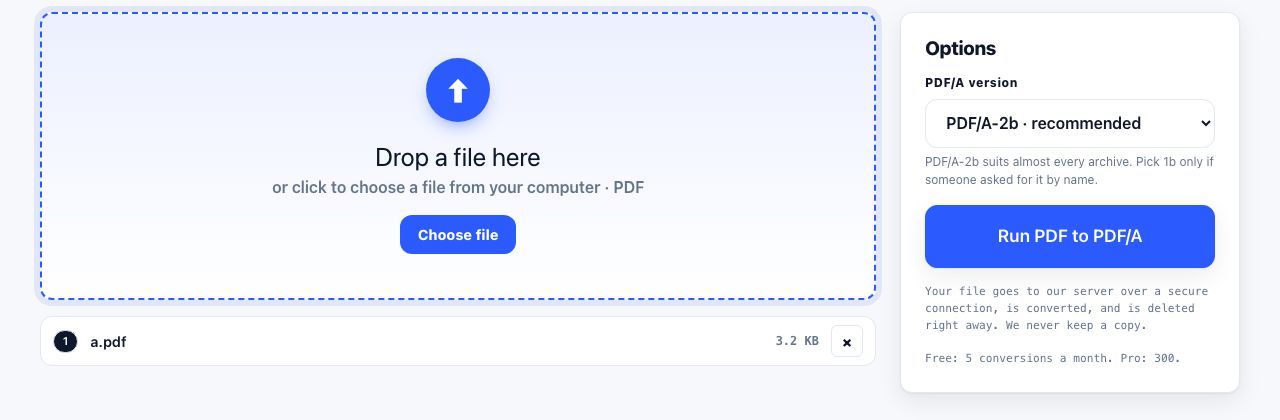
PDF/A is a preservation-oriented PDF profile, not a magic guarantee that a document will remain correct or accessible forever. Use it when an archive, court, university, or records policy asks for it. Preserve the original first, confirm the exact profile required, and compare the converted result before filing it. PrintxPDF labels PDF/A conversion as server processed: the file is sent over a secure connection, converted, and deleted after completion.
How to create a PDF/A archive copy
- Preserve the original recordKeep the source PDF unchanged, especially if it is signed, regulated, or needed as evidence.
- Confirm the PDF/A requirementAsk whether the receiving archive requires PDF/A-1b, PDF/A-2b, or another specific profile.
- Use an approved working copyOpen PDF to PDF/A only when server processing is allowed for the document.
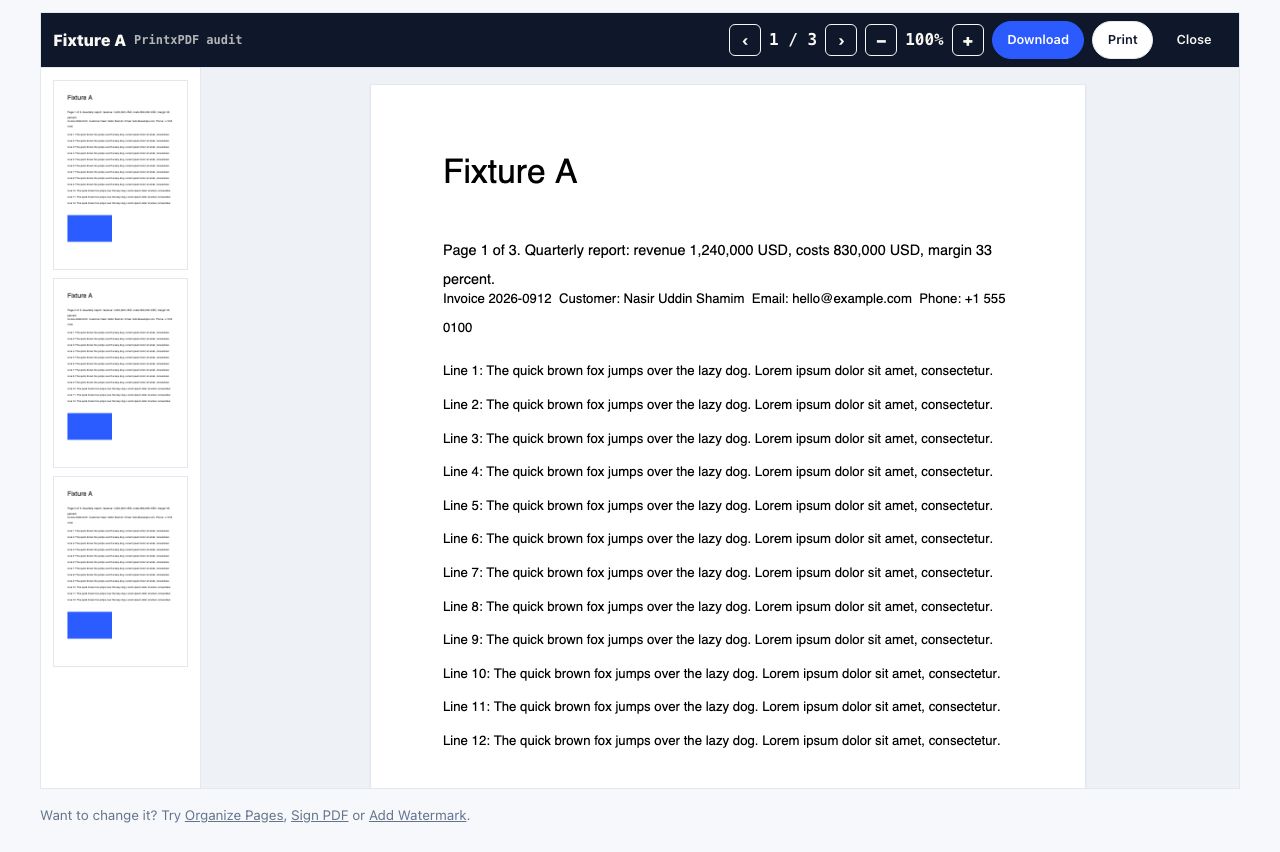
- Compare the converted PDFCheck page count, fonts, images, forms, signatures, and searchable text against the source.
- Store conversion notesRecord the profile, date, source identifier, and any changes required by your archive process.
Create an archive-ready PDF/A copy with clear server-processing notice. Free core access, no watermark.
PDF to PDF/A →Original PDF versus PDF/A archive copy
| Copy | Purpose | What to keep |
|---|---|---|
| Original PDF | Provenance and source evidence | Keep unchanged when policy or signatures matter. |
| Working copy | Conversion and review | Document the changes made. |
| PDF/A copy | Long-term layout preservation | Record the required profile and validation check. |
| Access copy | Routine distribution | Apply approved privacy and access controls. |
PDF/A conversion can change features
PDF/A restricts features such as encryption and external dependencies so a file is more self-contained. That can affect interactive forms, JavaScript, media, transparency, fonts, or signatures. A successful conversion does not prove that every feature is preserved or that the archive will accept the file. Inspect the output at normal zoom and use the receiving organization’s validator or submission process when one is specified.
Use server processing deliberately
Most PrintxPDF tools work locally in the browser, but PDF/A conversion needs a server-side font and color engine. The site states this before use. Do not upload confidential, restricted, or regulated records unless the processing is approved for your situation. The upload is deleted after conversion, but your organization’s rules still determine whether this method is suitable.
Keep preservation and privacy separate
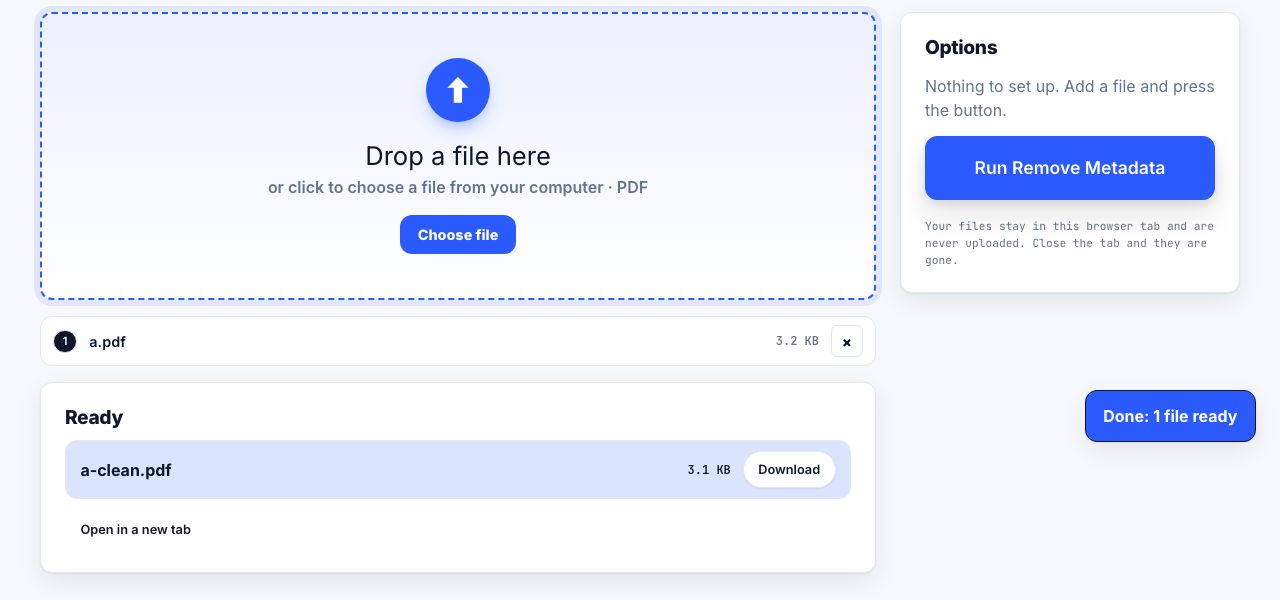
PDF/A focuses on long-term rendering, not on removing confidential material. A converted file can still contain visible sensitive text, document properties, attachments, or other information. Use Remove Metadata for a separate distribution-copy metadata step when policy requires it, and use verified redaction for content that must not be visible. Preserve the original record separately.
Review before filing
Open the PDF/A output, compare representative pages with the source, and verify the receiving system accepts the profile. Check names, dates, totals, images, signatures, and page order. Store the original, the archive copy, and the conversion notes according to the retention policy. This makes a later review possible even when a future viewer or archive system changes.
Frequently asked questions
Is PDF/A better than PDF for archives?
PDF/A is designed for long-term preservation requirements, but it is not automatically required or better for every document. Follow the receiving archive’s stated profile.
Does PDF/A conversion change the original file?
No. Convert a working copy and retain the original source, especially when signatures, evidence, or provenance matter.
Is PDF to PDF/A processed in the browser?
No. PDF/A conversion is server processed and clearly labelled because it requires a font and color engine. Files are deleted after conversion.
Does PDF/A remove metadata or private text?
No. PDF/A is about preservation constraints. Use separate metadata-removal or redaction steps when needed.