How to save a dynamic web page for records

To save a dynamic web page as a record, first set the state you need to preserve, such as a date, price, or search result. Use the site’s download or print option when available; save a PDF from your browser and check the visible data. Web Page Cleaner can help with public pages, but script-loaded content may be missing. Keep the URL and access time.
See the tools in action
A dynamic page may change after loading or show different data in each session. Before saving a copy, set the state you need and note when you viewed it. For cluttered public pages, Web Page Cleaner can make a cleaner reading view, but it cannot guarantee interactive controls or later-loaded data.
How to save a dynamic page for records
- Set the relevant stateOpen the filters, tabs, or sections you need and wait for them to finish loading. Record the date and time.
- Use the original downloadDownload the site’s invoice, report, or CSV when available. For an open page, choose Print and Save as PDF.
- Clean a public page if usefulWeb Page Cleaner can remove menus and clutter from public pages. It does not use your login session or guarantee later-loaded content.
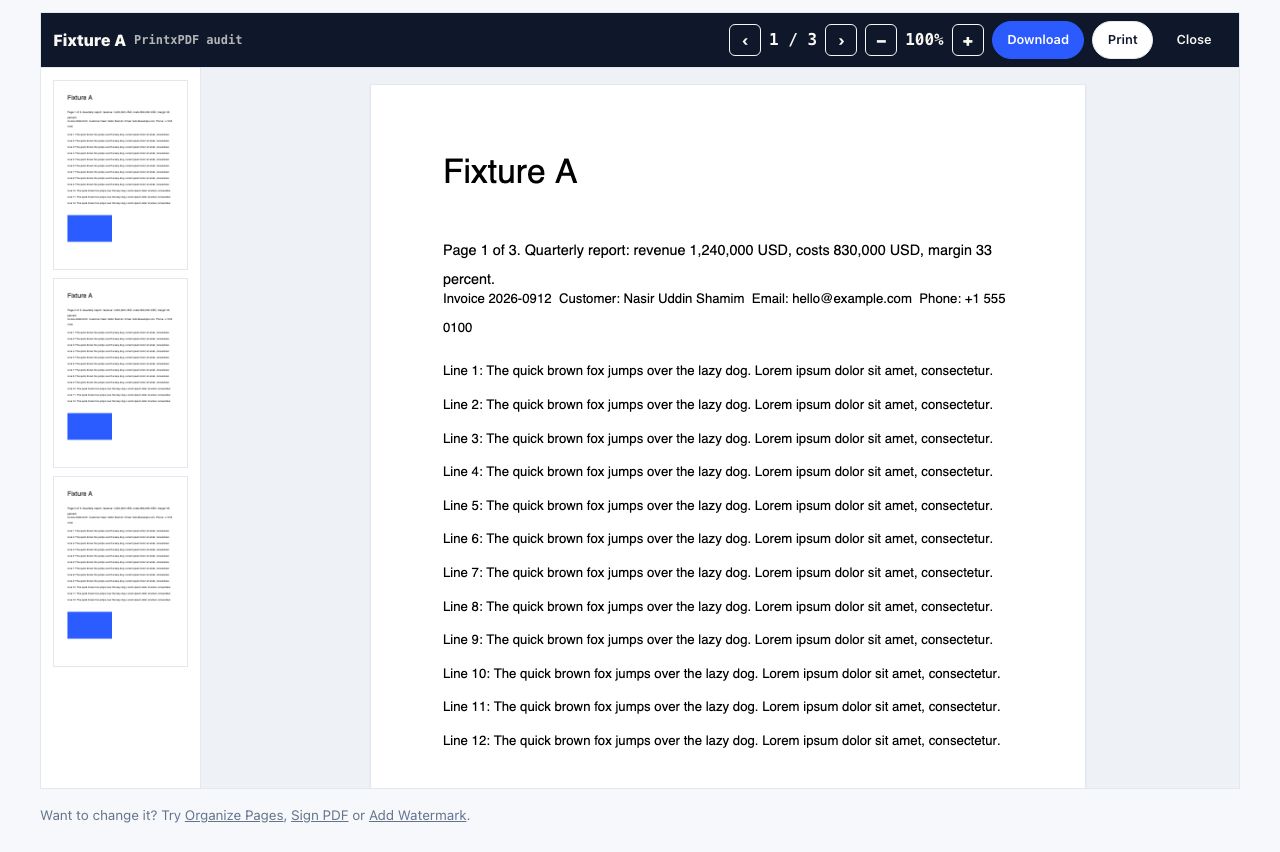
- Verify and file the copyOpen the PDF and check values, date, charts, page breaks, and URL. Keep a screenshot too if visual context matters.
Save a web page as a PDF. Free, no signup, no watermark.
Web Page Cleaner →Compare ways to preserve the page
| Method | Best for | Limit |
|---|---|---|
| Site download | Official data or reports | Best at preserving the source format. |
| Print to PDF | A page already open and visible | Static copy; controls are not interactive. |
| Web Page Cleaner | Public pages with clutter | May miss dynamic or protected content. |
Keep context and protect privacy
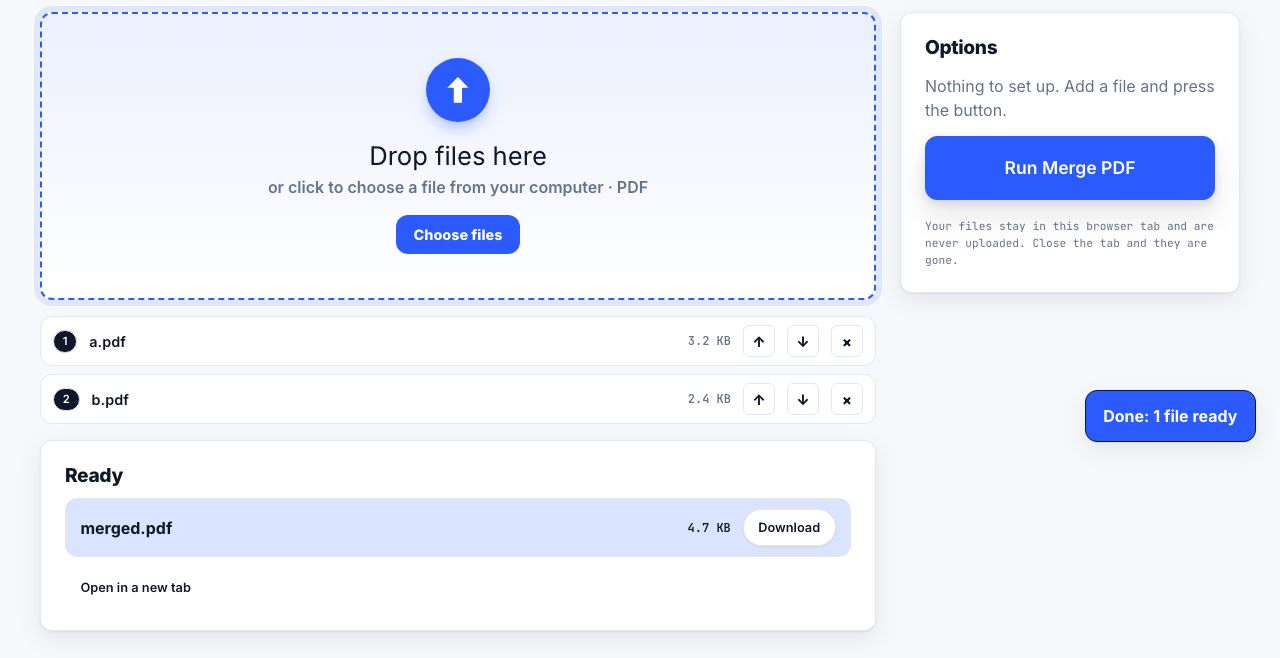
Browser printing saves a view of what is visible, not the interactive page or a verified change history. For important records, keep the site’s original file, URL, access date and time, and a screenshot if needed. Do not paste private or login URLs into a remote reader. If you combine reports, check the order before using Merge PDF.
Frequently asked questions
How do I save a page that changes over time?
Open the state and data you need, wait for it to load, and record when you viewed it. Then download the official report or print the page to PDF and verify the saved values.
Does a PDF keep interactive features?
No. A printed PDF captures a static view, not filters, buttons, or live updates. Download the source report if you need structured data.
Does Web Page Cleaner work with dynamic pages?
It can clean public pages, but script-loaded, login-protected, or delayed content may be missing. Review the copy or print the already-open page from your browser.
What details should I keep with a record?
Keep the file, URL, access date and time, and a screenshot if visual context matters. Follow your organization’s official process for audit or legal records.