How to print a recipe without ads

To print a recipe without ads, first use the website’s print button. If you only have a cluttered public page, Web Page Cleaner can remove menus and distractions before you print or save a PDF. Check ingredients, amounts, temperature, and steps because recipe sites may hide content in expandable sections. For private pages, print from your browser; do not paste login URLs.
See the tools in action
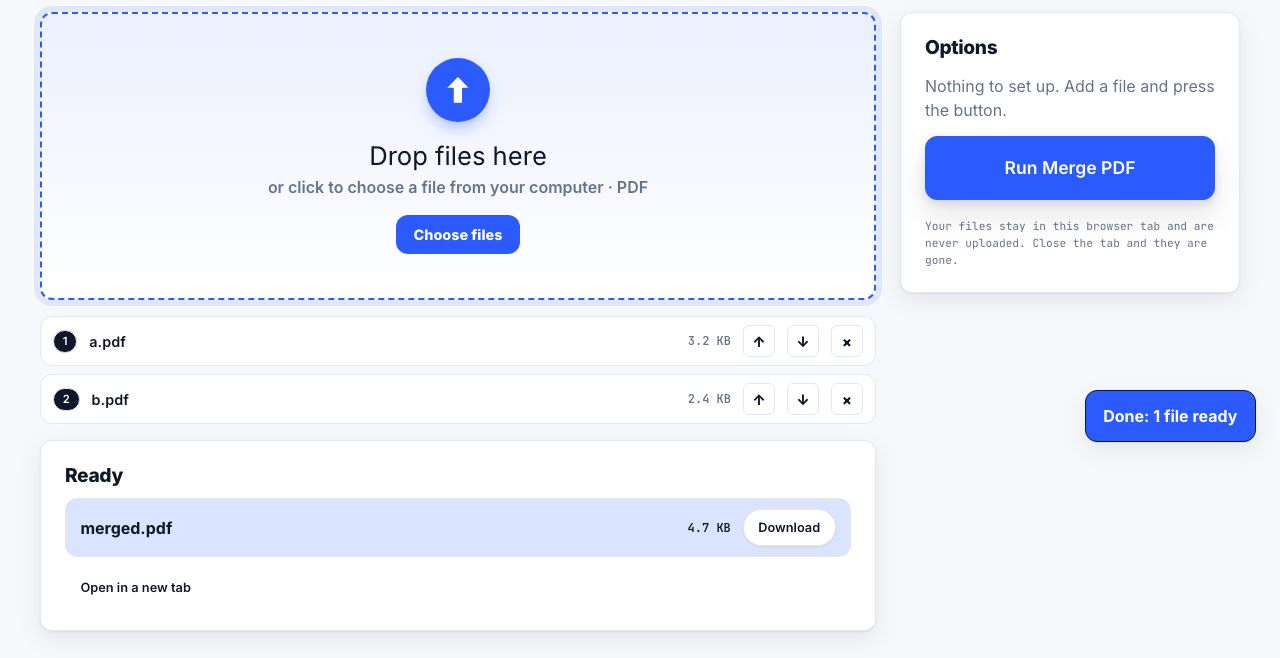
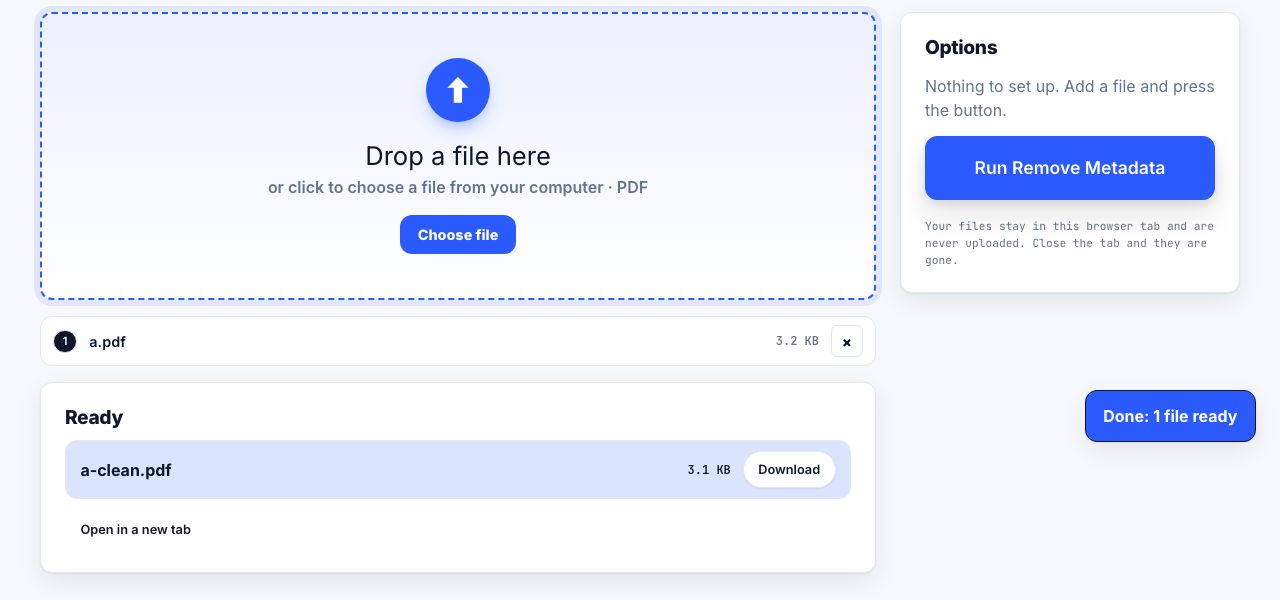
A recipe page often includes a story, photos, and buttons you do not need while cooking. Look for “Print recipe” or “Jump to recipe” first. If those controls are missing on a public page, Web Page Cleaner can create a cleaner view. Check that no ingredients or steps disappeared.
How to print a recipe without ads
- Find the recipe controlsUse “Print recipe” or “Jump to recipe” when the website provides them.
- Print from your browserChoose Save as PDF for a digital copy and check the preview before saving.
- Use Web Page Cleaner only when suitableFor a cluttered public page, open Web Page Cleaner. It cannot access pages that require a login.
- Check the full recipeReview ingredients, amounts, temperature, and every step before cooking or filing the copy.
Clean and print a web page. Free, no signup, no watermark.
Web Page Cleaner →Compare ways to print a recipe
| Method | Use when | Limit |
|---|---|---|
| Website print button | A dedicated recipe layout is available | The site controls the result. |
| Browser print | The page is already open | Check margins and page breaks. |
| Web Page Cleaner | A public page has ads or menus | It does not keep your site login session. |
Keep a useful, complete copy
A printed recipe should keep units, servings, substitutions, and oven temperature. If you do not need photos, adjust browser print settings; the cleaner does not select each image precisely. Save pages only for permitted use. Do not paste private links or share account details.
Frequently asked questions
How do I print a recipe without ads?
Look for the website’s print button first. For a cluttered public page, use Web Page Cleaner and check that all ingredients and steps remain before printing or saving as PDF.
Does Web Page Cleaner remove recipe photos?
It removes many page elements, such as menus and distractions, but does not choose each image precisely. Review the result and use browser print settings if you want to omit specific photos.
Can I save a recipe as a PDF?
Yes. Choose Save as PDF in your browser’s print preview. Check amounts, units, and every step in the final file.
Can I paste a private recipe URL?
No. The remote reader does not use your cookies, and a failed fetch may send the URL to public readers. Print the page already open or paste a copy of its content.