Accessible publishing format-এর জন্য PDF পুনর্ব্যবহার

PDF থেকে অন্য format তৈরি করলেই accessibility নিশ্চিত হয় না। Screen reader-এর reading order, heading hierarchy, link text, table header, image alternative text এবং keyboard access আলাদাভাবে পরীক্ষা করতে হয়। PDF tagged থাকলে কিছু structure পাওয়া যেতে পারে, কিন্তু export tool তা সবসময় ধরে রাখতে পারে না। Source document সম্ভব হলে semantic HTML বা properly structured Word-এ পুনর্গঠন করুন।
PDF থেকে অন্য format তৈরি করলেই accessibility নিশ্চিত হয় না। Screen reader-এর reading order, heading hierarchy, link text, table header, image alternative text এবং keyboard access আলাদাভাবে পরীক্ষা করতে হয়। PDF tagged থাকলে কিছু structure পাওয়া যেতে পারে, কিন্তু export tool তা সবসময় ধরে রাখতে পারে না। Source document সম্ভব হলে semantic HTML বা properly structured Word-এ পুনর্গঠন করুন।
PDF structure পরীক্ষা
Heading tag, reading order, document language, table semantics ও alt text আছে কি না দেখুন। Scanned page হলে OCR text layer লাগতে পারে। OCR output-এ বাংলা character, number ও punctuation যাচাই করুন। Image-based chart-এর text summary আলাদাভাবে লিখুন।
Target format নির্বাচন
Web publishing-এর জন্য semantic HTML responsive এবং screen reader friendly হতে পারে। Editable collaboration-এ structured DOCX সুবিধা দেয়। Data table হলে spreadsheet ব্যবহার করুন, তবে header ও data type ঠিক রাখুন। Print layout অপরিহার্য হলে tagged PDF বজায় রেখে accessibility checker চালান।
User test ও version control
Keyboard navigation, zoom এবং screen reader দিয়ে target format পরীক্ষা করুন। Image-only text, colour-only meaning ও ambiguous link label সংশোধন করুন। Original PDF, converted source এবং accessible output-এর version আলাদা রাখুন। প্রতিষ্ঠানের accessibility standard ও স্থানীয় বিধি অনুসরণ করুন; automated checker একাই compliance নিশ্চিত করে না।
Alt text সংক্ষিপ্ত কিন্তু অর্থবহ রাখুন, এবং decorative image screen reader থেকে hide করুন। Converted output-এর contrast ও zoom behaviour পরীক্ষা করুন। Disability accommodation-এর formal requirement থাকলে accessibility specialist বা organization policy-এর সঙ্গে ফল যাচাই করুন। Final format-এ keyboard-only user task complete করতে পারে কি না দেখুন। কাজ শেষে একটি কপি রাখুন এবং ফলাফলটি আপনার উদ্দেশ্য পূরণ করছে কি না যাচাই করুন।
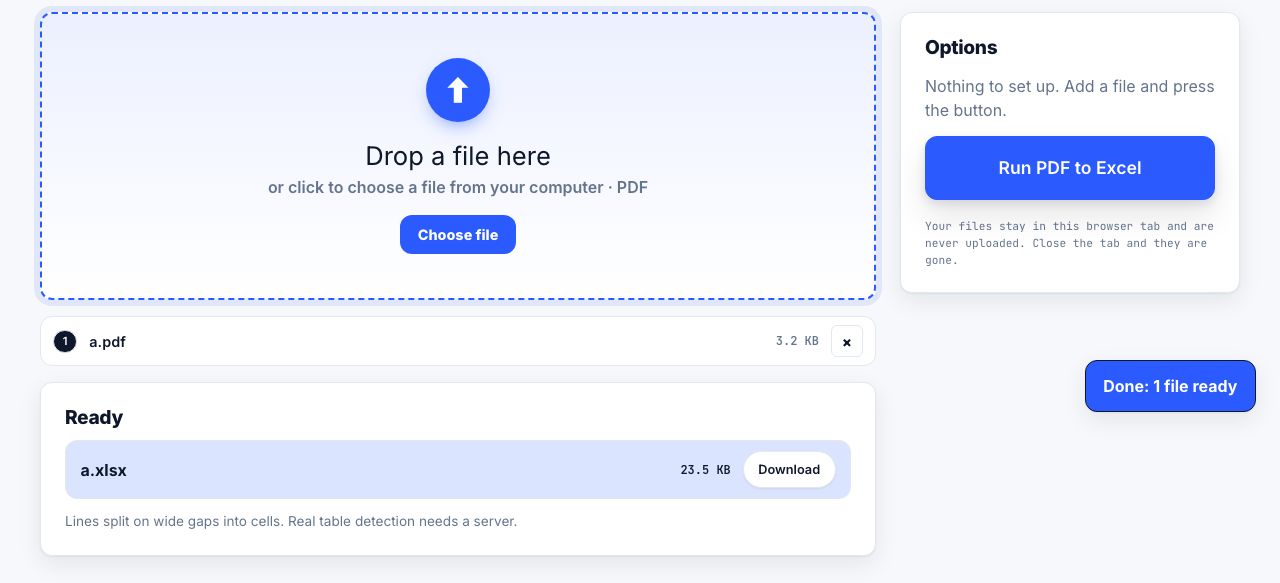
Data table PDF থেকে export করে structure ও reading order যাচাই করুন। pdf-to-excel
Data table PDF থেকে export করে structure ও reading order যাচাই করুন।
Data table PDF থেকে export করে structure ও reading order যাচাই করুন। →PDF to Excelএই গাইডটি বাংলায়। লিংক থেকে খোলা টুলের ইন্টারফেস এখনো ইংরেজিতে।
সাধারণ প্রশ্ন
PDF conversion করলে document accessible হয়?
না। Conversion-এর পরে structure, heading, reading order ও alternative text পরীক্ষা করতে হয়।
Scan করা PDF কীভাবে accessible করব?
OCR text তৈরি করতে পারে, তবে manual correction ও semantic structure যোগ করতে হয়।
Accessible source format কোনটি?
প্রয়োজন অনুযায়ী semantic HTML, structured DOCX বা properly tagged PDF বেছে নিন।