Why PDF to Excel numbers are text


PDF to Excel numbers often arrive as text because a PDF does not store spreadsheet cell types. Convert the relevant columns to numbers in Excel, then check decimals, dates, negative signs, and totals against the original document.
See the tools in action
A spreadsheet needs to know whether a value is a number, date, or label. A PDF frequently does not carry that information.
How to convert a PDF to an Excel workbook
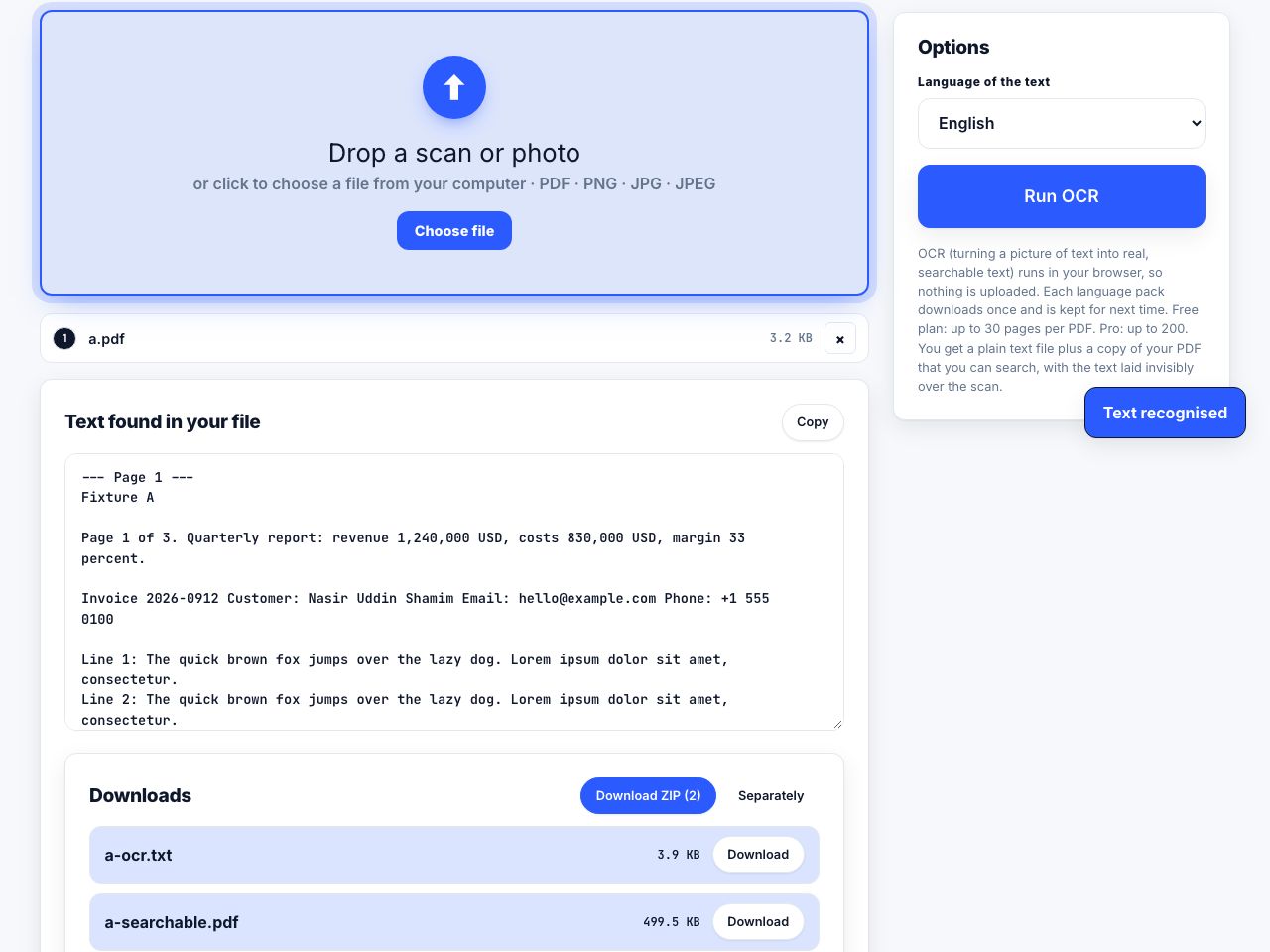
- Check whether the PDF has selectable textTry selecting a word. If it is a scan, run OCR PDF on a copy first.
- Open PDF to ExcelAdd the PDF to PDF to Excel in your browser. Standard conversion stays on your device.
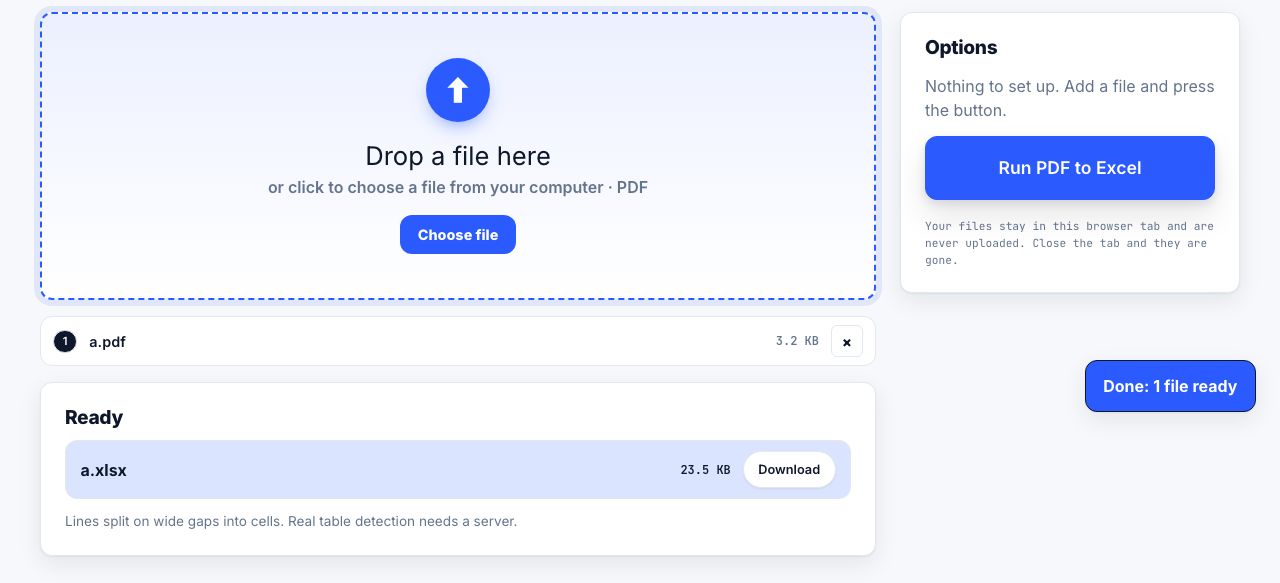
- Create the workbookRun the conversion. Each PDF page becomes a worksheet, each line becomes a row, and wide gaps split text into cells.
- Download and inspectOpen the XLSX in Excel, Sheets, or Numbers and check headings, dates, and figures.
- Clean values for analysisConvert numeric-looking text to numbers and remove repeated page headers before sorting or totaling.
Convert PDF text to an Excel workbook in your tab. Free, no signup, no watermark.
PDF to Excel →What to expect from a PDF to Excel conversion
| PDF content | Likely result | Next step |
|---|---|---|
| Spaced text columns | Useful cells and rows | Check totals and headers. |
| Table with drawn borders | Rows based on text spacing | Repair tight or merged columns. |
| Scanned page image | Little or no text to convert | Run OCR on a working copy first. |
| Complex form or chart | Partial text extraction | Review manually against the PDF. |
PDF tables are not real spreadsheet tables
A PDF stores text at fixed positions. A drawn table line does not tell a converter which words belong in a cell, and a merged heading has no universal spreadsheet meaning. PrintxPDF splits text using wide gaps or tabs, which is transparent and useful for clean statements or reports. It also means that tight columns, wrapped lines, and irregular layouts need manual review.
Check numbers before making decisions
The workbook is a starting point, not an accounting result. Excel may treat values as text, dates may need local formatting, and a minus sign or decimal can move when the source layout is unusual. Compare totals, account numbers, dates, and high-value rows against the original PDF. For financial, tax, medical, or legal decisions, retain the source document and follow the required review process.
Why browser-local conversion helps
Statements, invoices, and payroll reports often contain personal or financial data. PDF to Excel reads the PDF and builds the XLSX in your browser, avoiding a routine upload to a third-party conversion server. You still decide where the file is saved and shared, so verify the output filename and worksheet contents before attaching it to an email or storing it in a shared drive.
Prepare the PDF when needed
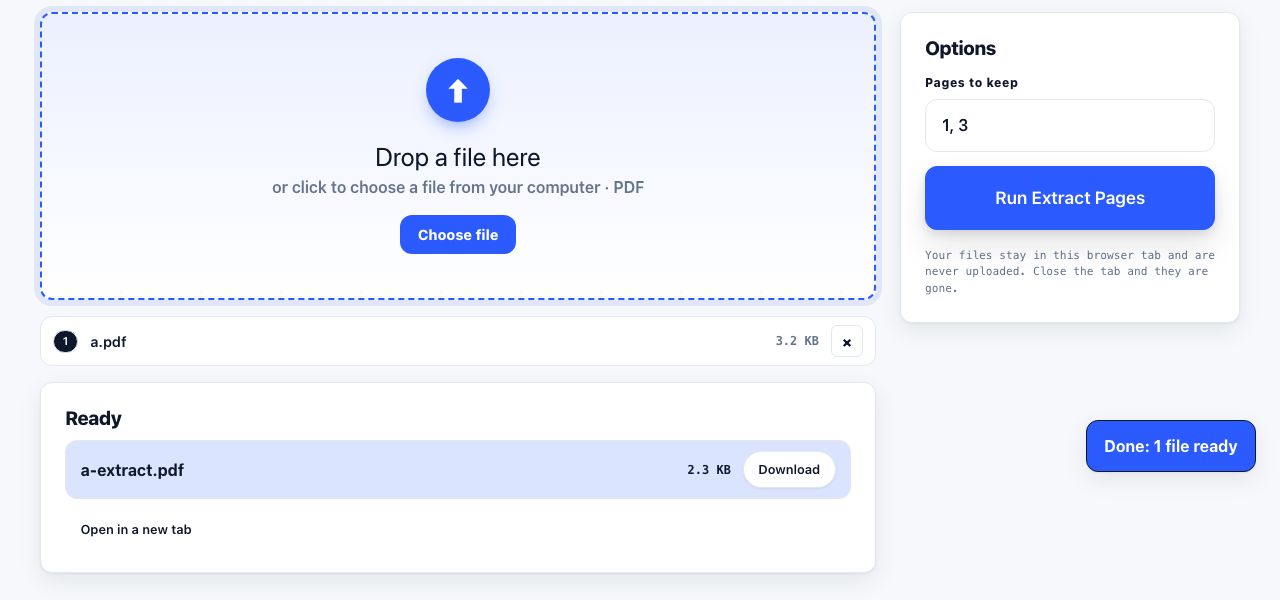
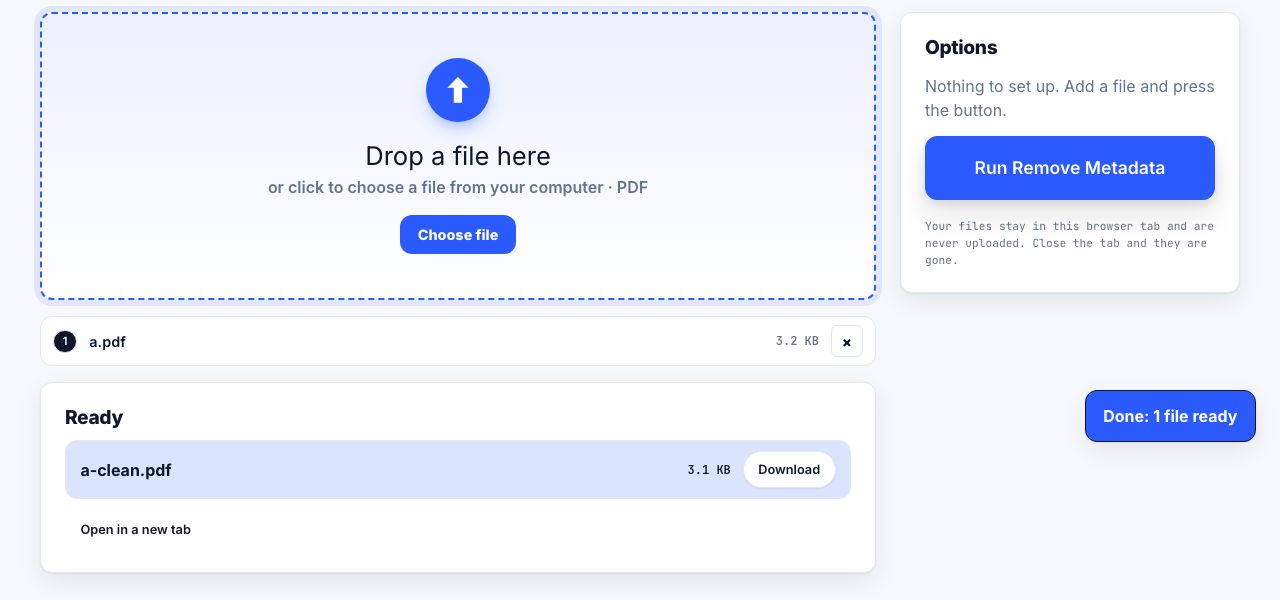
For only a few relevant pages, use Extract Pages before conversion. For a scanned document, use OCR first and verify recognition. If the source has sensitive document properties, Remove Metadata can create a cleaner sharing copy, but it does not replace access controls or a review of the visible data.
Frequently asked questions
Can I convert a PDF table to Excel for free?
Yes. The converter makes one worksheet per PDF page and splits text into cells at wide gaps. Review the workbook because drawn table borders are not semantic data.
Why are values text in my converted Excel file?
PDF text has no dependable spreadsheet data type. Use Excel’s Convert to Number or Text to Columns, then check totals and date formats.
Can I convert scanned PDFs to Excel?
Run OCR on a working copy first. OCR creates selectable text, but recognition errors and complex tables still require review.
Is PDF to Excel private?
For standard conversion, PrintxPDF processes the text and creates the workbook inside the browser tab, so the file is not routinely uploaded.