PDF A validation checklist before filing

PDF A validation checklist before filing starts by keeping the source file, using the right focused tool, checking the resulting copy, and sharing only the reviewed version. PrintxPDF provides this standard workflow with free core tools, no signup, no watermark, and local browser processing where the tool is labelled browser-local.
See the tools in action
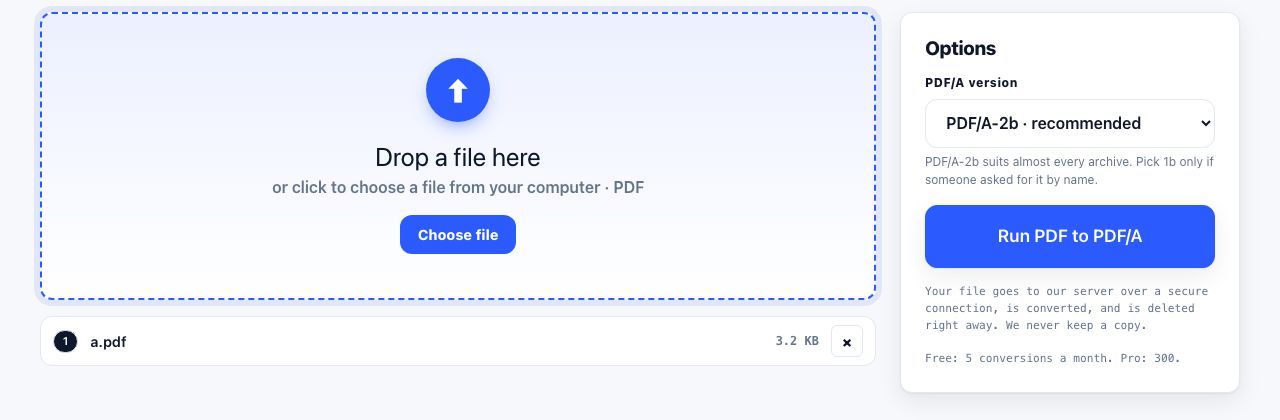
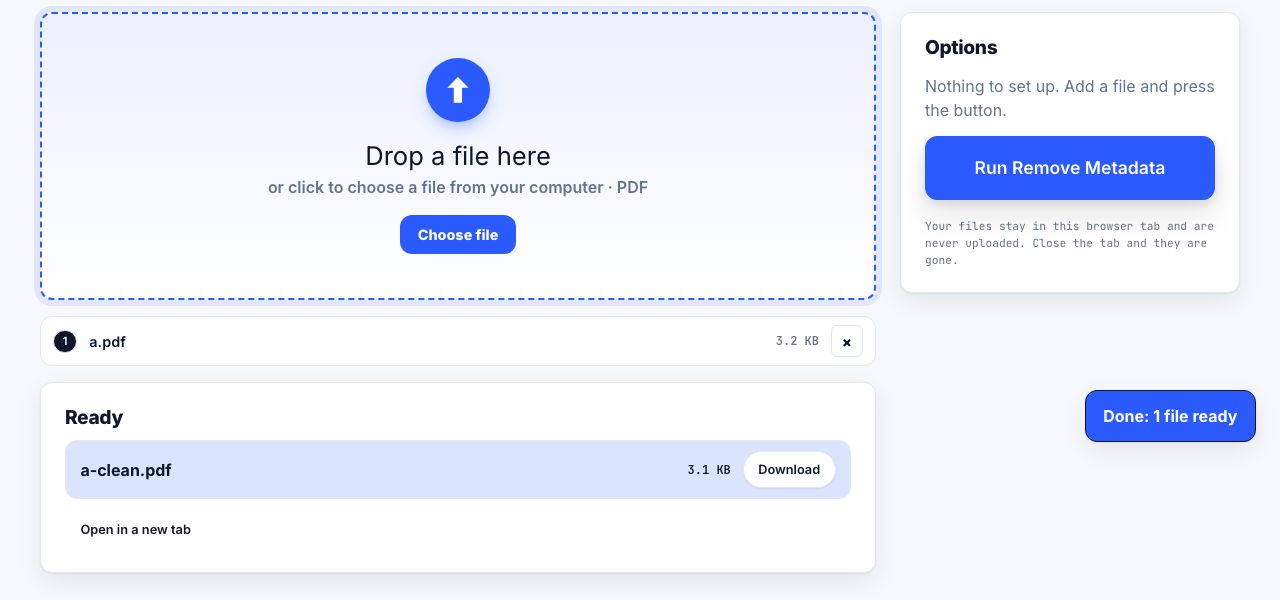
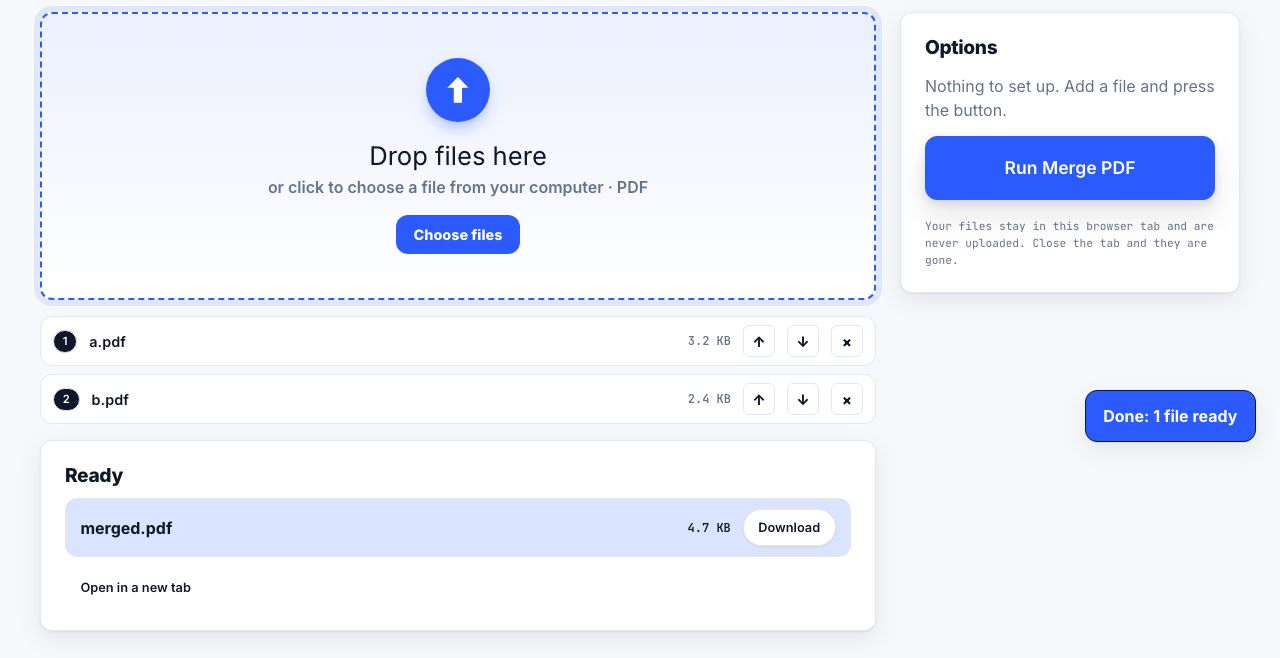
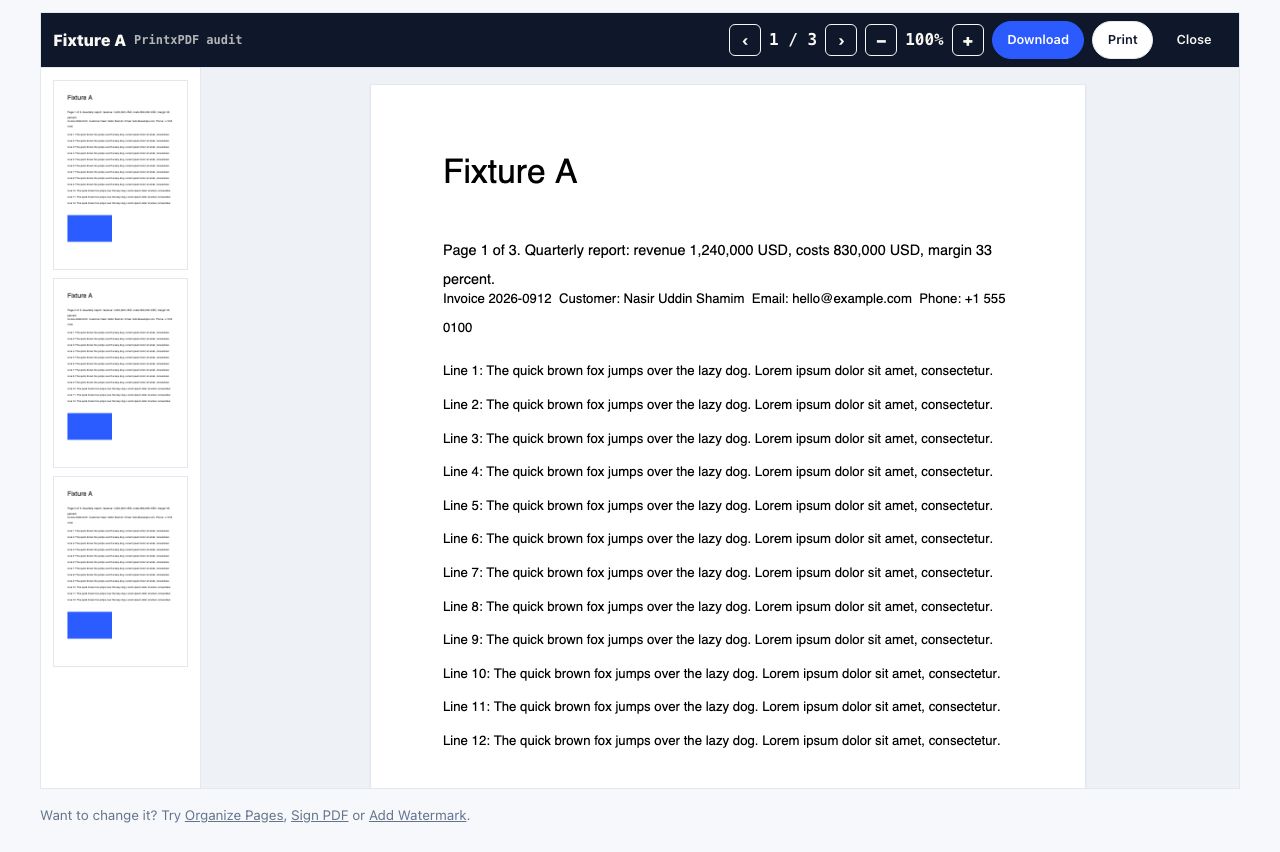
PDF A validation checklist before filing is easier when you separate the source document from the copy you will share, print, or file. Start with a clear purpose, make one focused change, then review the output before it leaves your device. PrintxPDF keeps standard browser-local work in the tab, with no account, card, watermark, or routine upload. Keep the original until the final copy is accepted.
How to handle pdf a validation checklist before filing
- Keep the sourceSave an unchanged copy before changing, packaging, or converting anything.
- Open PDF to PDF/AUse PDF to PDF/A for the focused task and review the tool notice before adding a sensitive file.
- Make the smallest necessary changeUse clear names and only the options needed for the requested result.
- Download a separate copySave the output with a version name that makes its purpose obvious.
- Review before deliveryOpen the first, middle, and final pages or files, then confirm the recipient and sharing method.
Complete this task in your tab. Free, no signup, no watermark.
PDF to PDF/A →Choose the right document action
| Need | Best action | Why |
|---|---|---|
| Keep a source record | Retain the original | It preserves context and a rollback option. |
| Prepare a shareable copy | PDF to PDF/A | Creates the focused output for this task. |
| Remove private content | Redact or remove metadata | Visible edits and hidden properties need different steps. |
| Check a final version | Open and review | A download is not proof the result is ready. |
Review the output in context
A file can look fine at first glance yet contain a missing page, clipped footer, altered layout, incorrect value, or unintended attachment. Check the details that matter for the document: names, dates, amounts, page order, signatures, and small text. When the source is scanned or image-heavy, inspect it at normal zoom rather than relying only on search or extracted text.
Protect privacy without overpromising
A local workflow reduces unnecessary file transfers, but it does not decide who may receive a document or make sensitive content safe to share. Use an approved destination, check the visible content, and apply the right privacy measure. Redaction removes content through a dedicated workflow; metadata removal addresses standard file properties; a visible watermark is only a label.
Keep versions understandable
Use descriptive filenames and retain the original until the review or delivery is complete. If a recipient asks for a change, return to the source and create a new output rather than editing a previously distributed copy without a record. This simple habit prevents confusion when several versions of a document are circulating.
Finish with an approval check
Open the final output before sharing, printing, or filing it. Confirm that the result matches the requested task and that the source remains available if something needs correction. For a packet with multiple PDFs, review each component before merging or distributing it. A short final check is usually faster than recovering from an incorrect delivery.
Frequently asked questions
Can I use PDF to PDF/A for free?
Yes. PrintxPDF provides free core access for this workflow without signup or a watermark. Review the tool notice for any processing limits.
Will this change the original file?
No. Keep the source and download a separate output copy. This makes review and correction easier.
Is this workflow private?
Standard browser-local tools process files in the tab. Check the tool notice and use an approved process for restricted documents.
What should I check before sharing?
Check page order, visible content, names, dates, totals, and the intended recipient. Keep the original until delivery is confirmed.