WordPress সাইটে print button যোগ করার নিয়ম
WordPress article, recipe বা resource page-এ print button visitor-কে browser print dialog খুলতে সাহায্য করে। Button নিজে page clean করে না; print layout theme-এর CSS এবং browser-এর ওপর নির্ভর করে। Button placement, accessible label ও print stylesheet একসঙ্গে পরিকল্পনা করুন। Staging site-এ test করুন, কারণ plugin বা theme update production site-এ conflict তৈরি করতে পারে।
WordPress article, recipe বা resource page-এ print button visitor-কে browser print dialog খুলতে সাহায্য করে। Button নিজে page clean করে না; print layout theme-এর CSS এবং browser-এর ওপর নির্ভর করে। Button placement, accessible label ও print stylesheet একসঙ্গে পরিকল্পনা করুন। Staging site-এ test করুন, কারণ plugin বা theme update production site-এ conflict তৈরি করতে পারে।
Button কোথায় ও কী করবে
Button article title-এর কাছে বা share control-এর পাশে রাখুন। Keyboard দিয়ে focus করা যায় এবং screen reader-এ অর্থপূর্ণ label শোনা যায় কি না দেখুন। Button standard browser print dialog চালাবে, নাকি PDF generation service call করবে তা স্পষ্ট করুন। Server conversion থাকলে privacy notice ও data flow লিখুন।
Print stylesheet তৈরি
Print media CSS-এ navigation, ad, sticky header ও interactive control hide করা যায়। Main article, caption, source link এবং author detail রাখুন। Page break heading ও table-এর মাঝখানে ঠেকানোর চেষ্টা করুন। Color background বাদ পড়লেও information বোঝা যায় কি না contrast পরীক্ষা করুন।
Plugin নিরাপত্তা ও test
Plugin update, support, permission ও changelog পরীক্ষা করুন। Production-এর আগে mobile, desktop, keyboard navigation এবং browser variation test করুন। WordPress backup রাখুন এবং plugin conflict হলে rollback plan রাখুন। Site visitor login বা account content print করলে sensitive page cache বা public expose হচ্ছে কি না security review করুন।
Button-এর analytics দরকার হলে privacy notice ও consent requirement বিবেচনা করুন। Print event collect করা user-এর content collect করার সমান নয়, তবুও data minimization মানুন। Release-এর পরে production page ও cache plugin-এর সঙ্গে function ঠিক আছে কি না আবার test করুন। কাজ শেষে একটি কপি রাখুন এবং ফলাফলটি আপনার উদ্দেশ্য পূরণ করছে কি না যাচাই করুন।
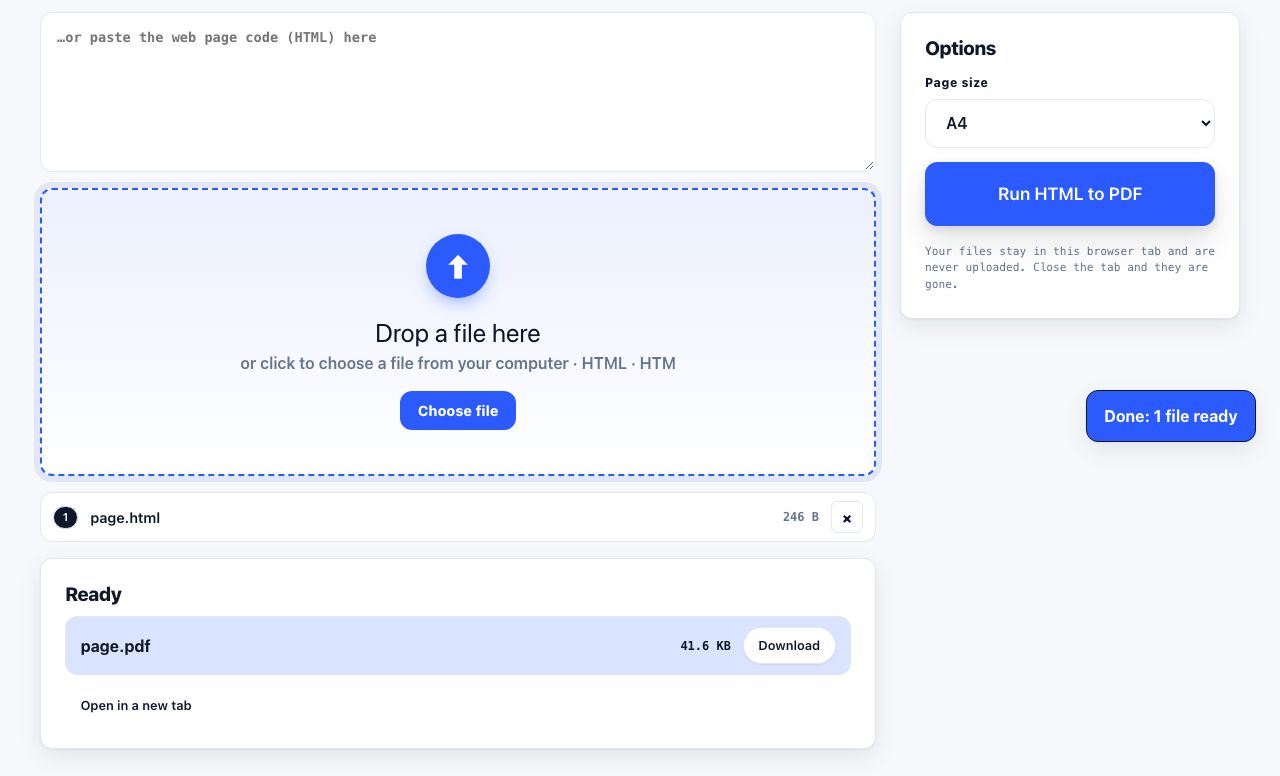
WordPress-এর print action staging-এ test করে preview যাচাই করুন। html-to-pdf
WordPress-এর print action staging-এ test করে preview যাচাই করুন।
WordPress-এর print action staging-এ test করে preview যাচাই করুন। →HTML to PDFএই গাইডটি বাংলায়। লিংক থেকে খোলা টুলের ইন্টারফেস এখনো ইংরেজিতে।
সাধারণ প্রশ্ন
WordPress-এ print button plugin দরকার?
সবসময় নয়। Theme বা ছোট, নিরাপদ script দিয়ে browser print action যুক্ত করা যেতে পারে।
Print button কি clean page বানাবে?
না, button সাধারণত print dialog খোলে। Layout নিয়ন্ত্রণে print stylesheet দরকার।
Plugin বাছার আগে কী দেখব?
Update history, permission, compatibility, accessibility ও privacy disclosure দেখুন।