How to convert a PDF back into an editable deck


Upload the PDF to a PDF to PowerPoint converter and you get a .pptx with one slide per page, where each block of text has become a real text box positioned where it sat on the page. It is a reconstruction, not a recovery: fonts, grouped graphics and multi-column layouts need tidying. Worth it for text-heavy decks, rarely worth it for design-heavy ones.
See the tools in action

A PDF does not contain slides. It contains pages, and a page is a list of drawing instructions: put this glyph at this coordinate in this font at this size, draw this line here, paint this image into that rectangle. Nothing in the file says "this is a title" or "these six lines are one bullet list". A converter reads the coordinates and infers the structure backwards, which is why the honest description of the output is a good first draft rather than your original deck.
What comes back, and in what condition
| In the PDF | In the converted .pptx | Cleanup needed |
|---|---|---|
| A heading on one line | A text box holding that text | Rarely, sometimes a nudge |
| A bullet list | A text box, often one box per bullet | Merge them and re-apply the list style |
| Body text in two columns | Two or more boxes, occasionally split mid-sentence | Usually, and this is the tedious part |
| A photograph | The image, at its embedded resolution and position | None |
| A chart built in PowerPoint | A picture, or a pile of loose lines and shapes | It is no longer a chart. Rebuild it to change the data |
| A logo drawn as vectors | Grouped shapes, or one flat image | Ungroup and check nothing has shifted |
| A table | Text boxes plus separate lines for the rules | Yes, rebuild it as a real table |
| A scanned page | One image per slide, with no text at all | Run OCR on the PDF before converting |
Converting, step by step
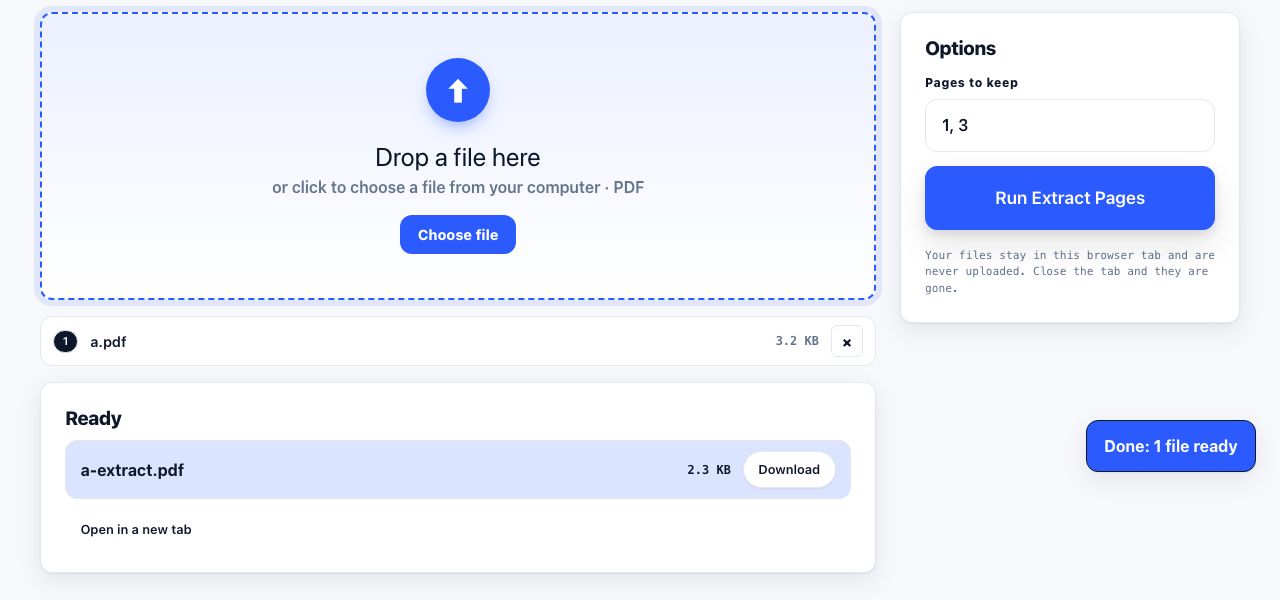
- Trim the PDF firstDo not convert 80 pages to rescue 6. Extract the pages you actually need into a small PDF. It converts faster, it costs one job instead of one huge one, and there is far less to tidy afterwards.
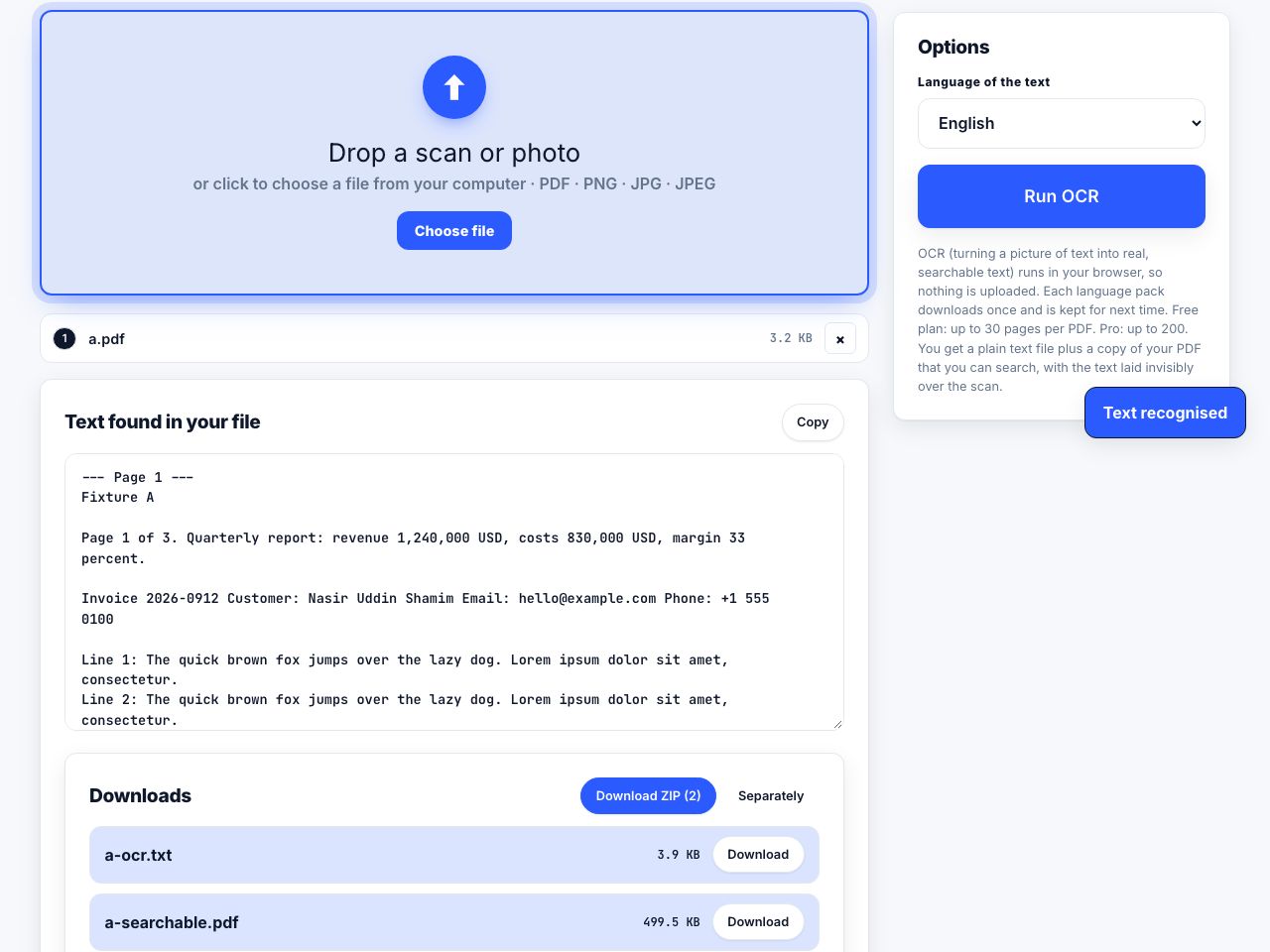
- Check the PDF has real textTry selecting a sentence in any reader. If the cursor will not grab it, the page is a photograph of text and the converter has nothing to rebuild. Run OCR over it first, then convert the searchable version.
- Upload itOpen PDF to PowerPoint and drop the file in. This is a server tool: the file is uploaded over a secure connection, converted on our server, and deleted the moment it finishes. Free accounts get 5 server conversions a month, Pro and Lifetime 300, and API keys 5,000, with a 100 MB ceiling per file.
- Set the slide size before you touch anythingA PDF page is measured in points and a deck in inches at a fixed ratio, so an A4 page arrives as a portrait slide rather than a 16:9 one. Fix it in Design → Slide Size now, because doing it later rescales everything you have just tidied.
- Judge it in slide sorter viewView → Slide Sorter, then thirty seconds of looking. You are counting how many slides need real work, not reading them.
- Fix the master, not the slidesIf every slide has the same problem, a wrong background or a title in the wrong place, correct it once in View → Slide Master rather than forty times by hand.
- Repair the textMerge split bullets, re-apply your own text styles, and delete the empty boxes the converter left behind for page furniture such as running headers and page numbers.
Rebuild an editable deck from a PDF, one slide per page.
PDF to PowerPoint →When converting wins, and when rebuilding wins
The decision rule is about where the value in the deck actually sits. If the value is in the words, convert, because you are recovering typing and typing is what takes the hours. If the value is in the design, rebuild, because you will spend longer undoing the converter's guesses than you would placing the elements yourself in a template you already own.
- Convert a 40-slide text-heavy training deck whose source left the building with the person who wrote it.
- Convert someone else's slides when you need three of them, want the text selectable, and intend to restyle it anyway.
- Rebuild a 10-slide pitch deck. Ten slides in your own template takes roughly as long as cleaning up ten converted ones and looks considerably better at the end.
- Rebuild anything where a chart needs new numbers. A converted chart is a picture, and you cannot change the data behind a picture.
- Neither, if you only need to show the PDF. Present it full screen, or place one page image per slide, which turning a PDF into slides covers in detail.
Ask for the original before you convert anything. Decks are exported to PDF far more often than they are genuinely lost, and the .pptx is usually sitting in a shared drive or an old email thread. Two minutes of asking beats an hour of tidying, and people forget to try.
Fonts, the part that surprises everyone
The PDF carries its fonts inside it, often as a subset containing only the glyphs the document actually used. A .pptx does not embed fonts by default, it names them. So the converted deck asks your copy of PowerPoint for a typeface you may not have, PowerPoint substitutes the nearest thing it can find, line lengths change, and boxes that fitted stop fitting. Nothing has gone wrong; the file format simply stores fonts a different way.
The fix is not to hunt down the exact font. Choose the closest one you do have, apply it through the slide master so it lands everywhere at once, then check the three slides with the tightest text. Chasing an exact match is usually a licensing problem you cannot solve, in service of a difference the audience will not see.
A converted deck inherits the source document's metadata, including the original author's name and their organisation. Check File → Info before you present it as your own work, and clear anything that should not travel with it.
What no converter can invent
- Animations and transitions. They were never written into the PDF, so there is nothing to bring back.
- Speaker notes. Unless the PDF was exported as notes pages, in which case the notes arrive as ordinary body text sitting on the slide, which is worse than useless and needs cutting out.
- Chart data. The numbers were turned into shapes at export time and the shapes do not remember them.
- Layer and grouping structure. What was a neat group of eight shapes in the original is eight loose shapes now, in roughly the right places.
- Anything that was hidden. Hidden slides were not exported to the PDF, so they do not come back either.
A sensible finishing pass
Work in this order and you will not redo anything: slide size, then slide master, then per-slide text, then graphics, then a read-through. Text first and graphics second matters, because fixing a text box often moves the picture beside it, whereas moving a picture rarely disturbs the text.
Then make the call honestly. If more than roughly a third of the slides still need real work after ten minutes, start again in your own template with the converted deck open alongside as a source of text to copy. That is still much faster than retyping, which was the entire point of converting.
Frequently asked questions
Can I convert a PDF into an editable PowerPoint?
Yes, with a server-side converter. Text becomes real text boxes positioned where the words sat on the page, and images come across as images. It is a reconstruction, so multi-column layouts, tables and charts need tidying before the deck is presentable.
Why is my converted chart not editable?
Because it is not a chart any more. When the original deck was exported to PDF, the chart was rendered into lines, shapes and text at fixed positions, and the underlying numbers were left behind. To change the data you have to rebuild the chart from the values.
Does the converted deck keep the original fonts?
It keeps the font names, not the fonts. PDFs embed typefaces, .pptx files reference them, so PowerPoint substitutes anything you do not have installed. Apply a font you do have through the slide master, then check the slides with the tightest text boxes.
Can I convert a scanned PDF to PowerPoint?
Not usefully, not as it stands. A scan is a photograph of a page, so the converter finds no text and gives you one picture per slide. Run OCR over the PDF first to add a real text layer, then convert the searchable copy.
How many conversions can I run?
Free accounts get 5 server conversions a month, Pro and Lifetime 300, and API keys 5,000. Files up to 100 MB are accepted and each job runs for up to two minutes. Browser tools such as compressing a PDF do not use any of that allowance.