Remove AI image metadata for client delivery


For client delivery, keep your original asset, create a clean distribution copy, inspect the visible image and file name, then send only the approved version. PrintxPDF’s AI Metadata Remover handles common metadata containers locally in your browser, but it does not change visible labels or replace a client’s disclosure and licensing requirements.
See the tools in action
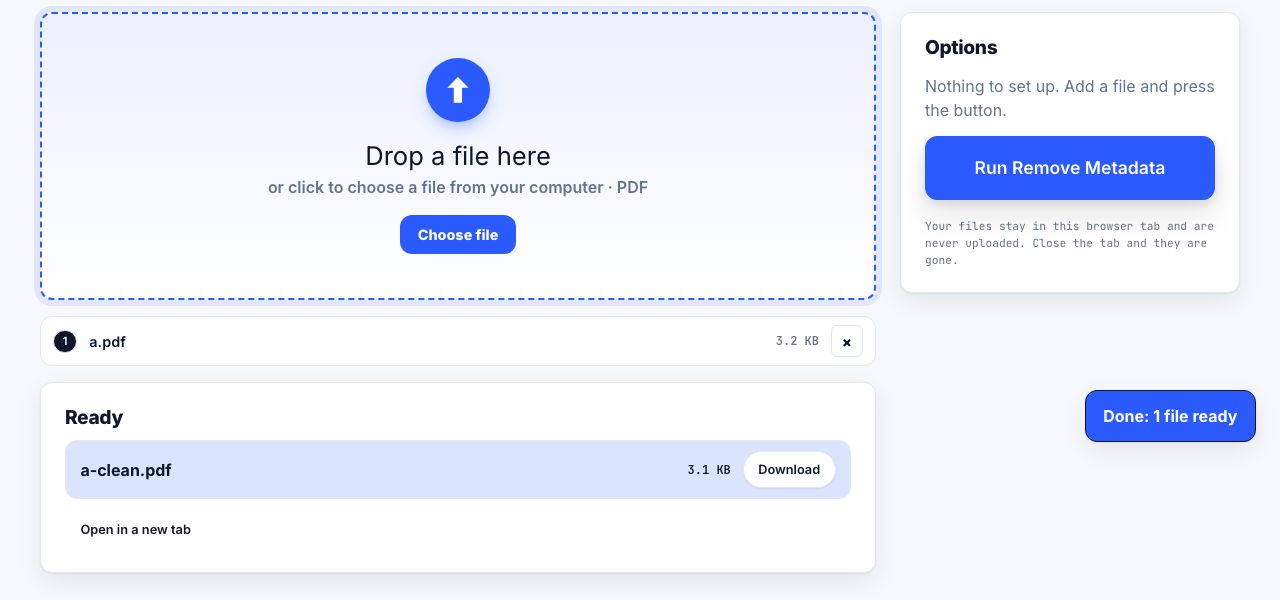

Client delivery is a good reason to separate the master asset from the file you send. The master may contain export details, workflow context, or provenance information that the recipient does not need. PrintxPDF’s AI Metadata Remover creates a separate sharing copy in your browser, giving you a simple privacy step without signup, hidden trial terms, or a watermark.
How to prepare a clean image delivery copy
- Save a copy firstKeep the original in case you need its provenance, edit history, or source record later.
- Open AI Metadata RemoverAdd the image to AI Metadata Remover in a current browser tab.
- Create a clean copyChoose the output where offered, process the file, and download the new image. The original is not overwritten.
- Check the resultOpen the output, compare the visible pixels, and inspect the intended sharing destination before posting or sending.
Create a metadata-clean image copy in your tab. Free, no signup, no watermark.
AI Metadata Remover →Master asset or delivery asset?
| Approach | What it changes | When it fits |
|---|---|---|
| Re-save through AI Metadata Remover | Creates a new image without common metadata containers | Share a clean copy when the image itself is safe to share. |
| Edit metadata fields | Changes selected properties | Correct author or caption details without a full clean copy. |
| Blur or crop visible content | Changes pixels | Hide visible labels, faces, or sensitive surroundings. |
| Keep the original | Changes nothing | Retain provenance, workflow, or evidentiary details. |
Metadata removal is not image anonymization
A clean metadata copy can still reveal information through its pixels. A visible watermark, caption, location sign, reflected screen, filename shown in a screenshot, or recognizable person is not metadata. Removing EXIF, XMP, or common AI provenance data does not alter those visible clues. Review the image at full size and use a separate editing process when the picture itself needs changes.
Why local browser processing matters
Images can include private interiors, client work, IDs, or unreleased campaign assets. For this standard workflow, PrintxPDF processes the file locally in the browser instead of routinely sending it to a server. That reduces an unnecessary copy outside your device. It does not replace your organization’s privacy policy, and it does not make an image appropriate to share with an untrusted recipient.
Know what the output can and cannot prove
Metadata removal should be part of a delivery checklist, not the whole checklist. It does not remove an embedded visible credit, change usage rights, or satisfy a contract that requires disclosure of AI assistance. Agree on file format, color profile, naming, rights, and delivery method before sending the finished asset.
A practical sharing checklist
Before publishing, confirm the recipient needs the image, the visible content is acceptable, and the downloaded copy is the one you selected. Keep the original separately if you may need to show its source or edit history later. If the file is too large for a platform, use Image Converter on a copy and check quality before posting.
Frequently asked questions
Should I remove metadata from every client image?
Only when it fits the delivery agreement and your recordkeeping needs. Keep a master copy with workflow context when it may be useful later.
Does metadata removal reduce image quality?
The output is intended as a normal shareable image copy, but inspect the downloaded file at the needed size before delivery.
Can I remove visible watermarks with this tool?
No. Visible watermarks are pixels, not metadata. Removing or altering them may require permission and a separate editing workflow.
What else should I check before client delivery?
Check the visible content, dimensions, format, color, filename, license, disclosure requirements, and the recipient’s preferred secure delivery channel.